Skip to content
DMZ CODEX · HAJIN EXCLUSION ZONE UPDATED 27 OCT 2026

Language

Sign in
Codex / DMZ Orders / Massive Damage Updated 26 Oct 2026
Order

Massive Damage

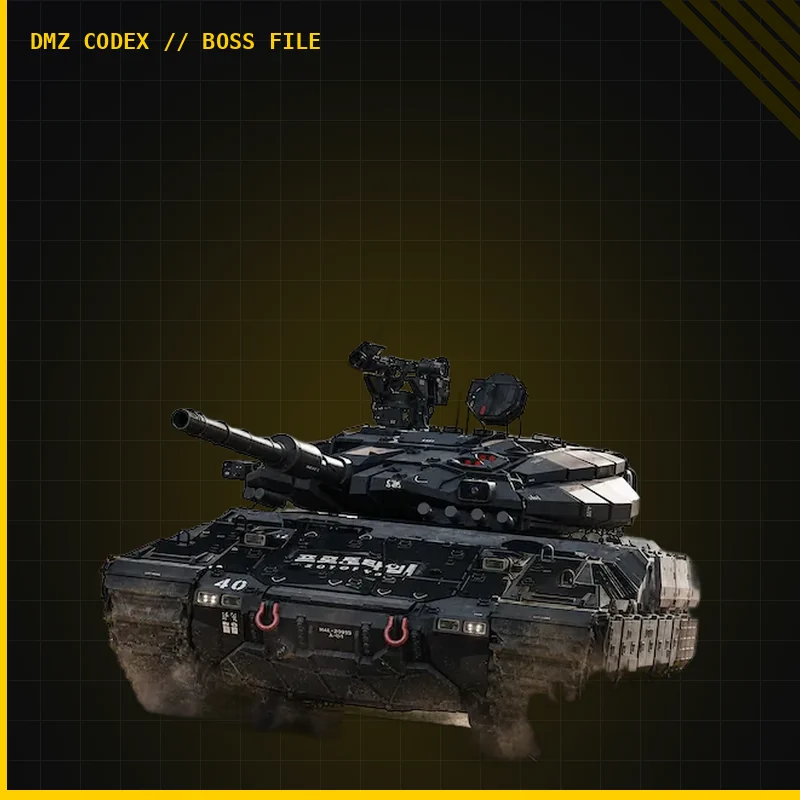
Disable a Tank’s reactive armor with DDoS, hit it with a rocket and destroy it.

Massive Damage
DMZ Orders

Your objectives

Browse orders →
  1. 1Disable the Tank’s reactive armor with DDoS.
  2. 2Hit the Tank with a rocket.
  3. 3Destroy the Tank.

Places & items in these objectives
What to do

  • Bring DDoS, a rocket launcher and enough ammunition to finish a Tank fight. Locate solid cover and an escape route before engaging; do not start the sequence in an open road.
  • Disable the reactive armor with DDoS, land the rocket hit and destroy the Tank. Return to cover to reload and check the separate objective stages instead of treating the final explosion as proof of every step.

Guides that cover this
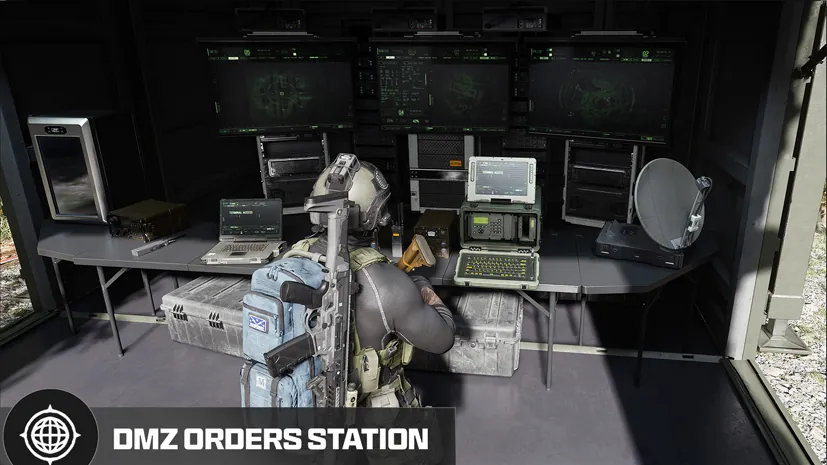
GuideMW4 DMZ later Orders: objectives and preparation

Something wrong or missing? Send a correction.

Report a problem on this page

Prepare the next run

My deployment

Check off goals during your run. Saved on this device.

DMZ CODEX · IPHONE & IPAD

Add to your Home Screen

Installation won’t start automatically. Follow these steps in Safari.

  1. 1. Open this site in Safari

    Already in Safari? Continue below. In another app, choose Open in browser, then open Safari.

    dmzcodex.com/install/
  2. 2. Tap Share

    Look for the square with an arrow pointing up. It may be inside Safari’s More (…) menu.

  3. 3. Add to Home Screen → Add

    Scroll through the Share menu; tap View More if needed. Keep Open as Web App on if shown, then tap Add.

Look for the yellow DMZ Codex icon on your Home Screen.