
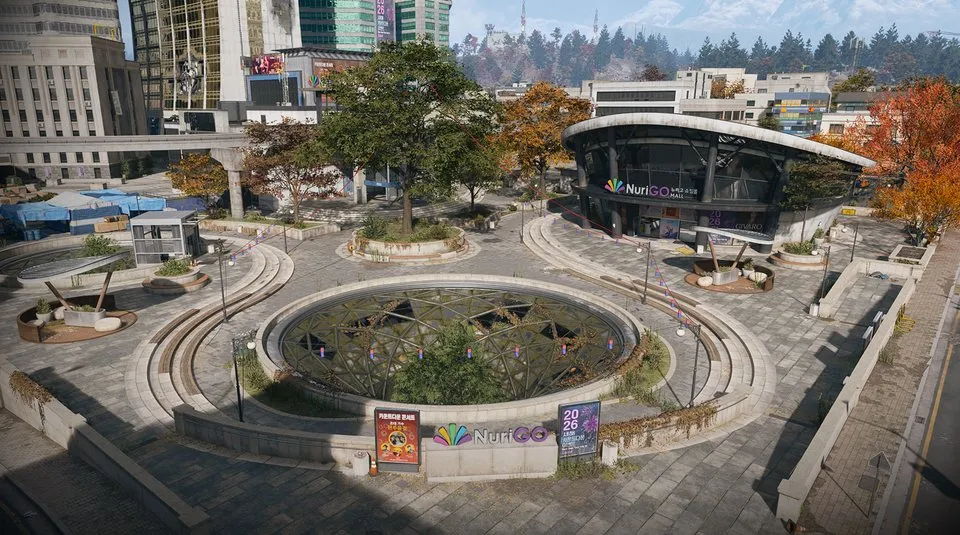
Shopping DRC Locker: key, extra cores and lab route
The key and the core-gated room are separate requirements. Plan the extra loot stop around Shopping Hacks' laboratory defence.
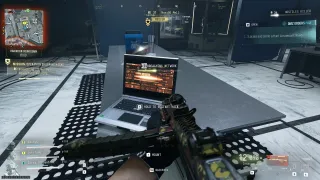
Bring the Shopping DRC Locker key and follow Operation Shopping Hacks into the laboratory beneath NuriGO Mall. After the lab breach, the recorded route uses an additional core-gated side room and opens the named locker inside. Eight working cores are reported for that extra gate; check its current terminal. The mission's earlier lab door uses four working cores.
- Bring the named Shopping DRC Locker key
- Earlier mission lab gate: four working cores
- Extra side-room gate: eight cores reported
- Observed loot includes Manual: APOC-338
Bring the Shopping DRC Locker key before starting this detour. The demonstrated route reaches its locker while playing Operation Shopping Hacks beneath NuriGO Mall. Completing the mission’s computer breach gets you close; it does not replace the extra room’s access requirement or the locker key.
If you still need the key, the Cheonwang Peak Array safe route includes an observed pickup. Safe contents vary. Owning the key also does not prove that you have enough working cores for the room around its destination.
Pack for the mission and the detour
Take armor, healing, ammunition and a backpack with space for useful finds. Keep the key in your deployment inventory and check that it is the Shopping DRC Locker key. The Coin Mining Den key is a different item associated with the mission’s rewards.
The mission briefing recommends NVGs. The recorded locker run collects a pair during the approach, but an available pair in one run is not a reason to assume every route will supply them. Prepare for a dark underground area.
Squadmates can help cover the laboratory and collect cores. Agree who carries the key and who takes any Manual before opening the locker.
Follow Shopping Hacks into the laboratory
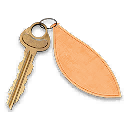
Select Story Missions → Operation Shopping Hacks. Hack the encampment laptop, wait for its analysis and use the security code displayed in your current objective tracker. Then follow the Security Annex and laboratory objectives.
At the first lab door, collect four working K9 Battery Cores. Check the item name: a Destroyed K9 Battery Core is not a replacement. Follow the full Shopping Hacks walkthrough if the generator, code or core stage is holding you up.
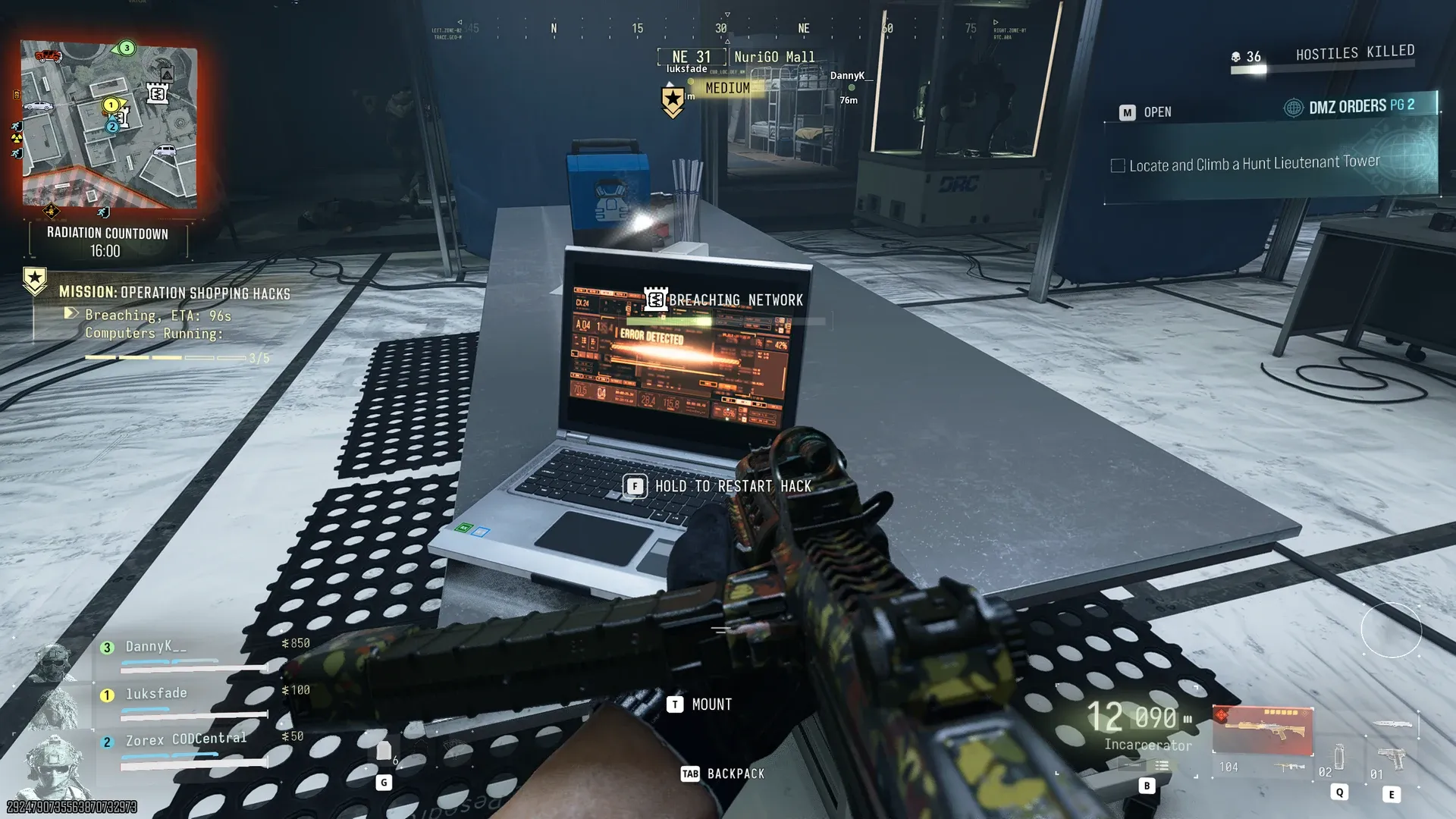
Inside the lab, hack the five computers and restart any failed machine. Finish the breach while dealing with the incoming enemies.
Keep the two core gates separate
| Gate | What to prepare |
|---|---|
| Shopping Hacks’ earlier laboratory door | Four working K9 Battery Cores for the mission step |
| Additional side room on the locker route | Eight working cores are reported; read this terminal’s current counter |
| Shopping DRC Locker inside | The named key; cores do not substitute for it |
The recorded route collects additional working cores during the laboratory defence, then searches for more after the breach. Pick up usable cores when it is practical to do so, while keeping the computers running. Do not assume that cores already spent on the earlier gate cover the later room.
The eight-core figure is a reported requirement for the extra room, rather than an independently verified universal cost. Read the actual terminal before committing to more collection. If its counter differs, follow your current game instead of forcing the mission’s four-core requirement onto this gate.
Find the side room and match the locker prompt
The reported approach uses the back-left side of the laboratory event area after the computer section. Treat that as a room-search direction from the lab approach, not a compass bearing for every entrance. Find the additional core terminal and inspect the room it opens.
Inside, look for the tall metal locker and confirm SHOPPING DRC LOCKER — UNLOCK before spending the key. The named interaction is visible in the recorded route with the rooftop-exfil objective active.
The card lists H6, while the current approximate mall map reference uses H5. The map gets you to the broader area; it does not yet identify a surveyed locker door. The named prompt is the useful final check.
Check the contents, then finish extraction
One opening shows weapons and Manual: APOC-338 in the container labelled Elite Weapons Locker. These are observed rewards, not a guaranteed loot table. Read the Manual’s name and distinguish its Gunsmith purchase unlock from a finished gun or cosmetic Blueprint.
Use an available Secure Slot for an eligible valuable item. Keep enough supplies for the remaining mission and check that you collected the required Bio-agent Sample. Follow Shopping Hacks’ rooftop Fulton extraction prompts.
The source run ends with a host timeout and a complaint about lost progress. It demonstrates opening the locker, not dependable retention of the sampled loot. After returning, check the Gunsmith unlock, your inventory and mission completion separately; a disconnect does not establish that all three succeeded.
Quick questions
Is the Shopping DRC Locker key a Shopping Hacks reward?
The demonstrated run brings the locker key into Shopping Hacks. A separate run finds it in a Cheonwang Peak Array safe. Do not confuse it with the mission's listed Coin Mining Den key reward.
Does Shopping Hacks need eight cores at its first lab door?
The documented mission door needs four working cores. Eight is reported for a separate later side-room gate on the locker route. Check which terminal you are using.
Does the locker guarantee an APOC-338 Manual?
An APOC-338 Weapon Manual and weapons are visible in one opening. That does not establish guaranteed contents or a fixed Manual for every visit.
Mentioned in this guide
Spotted something wrong? Send a correction.
Keep reading
 Guide · Gear & craftingCheonwang Peak Array loot route: three safes and electronics
  Guide · Gear & craftingMW4 DMZ Secure Slots: what survives death and disconnects?
  Guide · MissionsMW4 DMZ Shopping Hacks: K9 cores, lab computers and extraction
  Guide · Gear & craftingCompound Echo loot route: garage safe and Apartment B key