MW4 DMZ Crashed Crate: Lost Supply Drops and Loot Radio Tower
Find the right world drops, then climb the separate loot tower and confirm both counters.
Crashed Crate on Orders page 10 asks you to retrieve three Lost Supply Drops and complete one Loot Radio Tower Side Op. Players describe red smoke and world drops, including hanging crates; availability varies. The tower has its own named activity and exterior climb. Do not assume a SAM-generated crate, a UAV activation or a Triangulation transmitter counts for these objectives.
- Crashed Crate: three Lost Supply Drops
- Also complete one Loot Radio Tower Side Op
- Check credit after each interaction
- Reported locations are search leads, not fixed spawns
Crashed Crate has two separate counters: three Lost Supply Drops and one Loot Radio Tower Side Op. A supply crate or radio mast that looks plausible is not enough. Identify the activity and check progress after completing it.

Track the two objectives before deploying
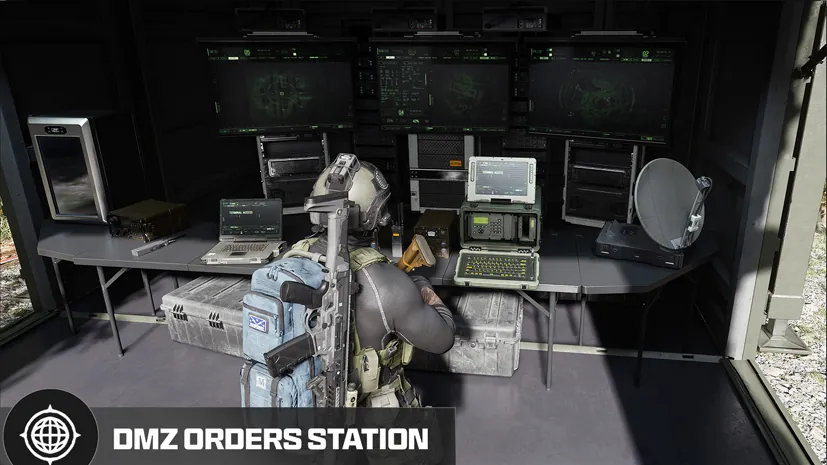
Open page 10 in DMZ Orders and check which part remains. If your three drops are complete, spend the run looking for the tower rather than opening unrelated crates. If the tower is complete, stop repeating the climb and search for the remaining drops.
The listed 20,000 DMZ Cash, Large Backpack and Basic Triage Kit belong to completing all three Orders on page 10, not to each drop or to Crashed Crate alone. Use the page’s own completion state to understand why the chapter reward has not appeared.
Recognize a Lost Supply Drop
Player reports describe red smoke, nearby radio or Side Op discovery and a world supply crate that may be hanging from scenery. Reported encounters include the Hospital area, bridges and the Reactor side of the map. These are search leads, not a complete set of surveyed pins or guaranteed deployment spawns.
TroubleChute Basics’ original page-10 walkthrough separates the Lost Supply Drop section at 2:25 from the tower section at 5:02. That distinction matters: the Order does not ask you to activate any radio tower and open any three boxes.
- Approach the reported activity and read the current objective.
- Identify the crate and the actual interaction. Look above ground level if the marker or smoke points to a hanging drop.
- Complete the available action and inspect the container when reachable.
- Check the Lost Supply Drop counter immediately. Record whether it advanced before leaving for the next encounter.
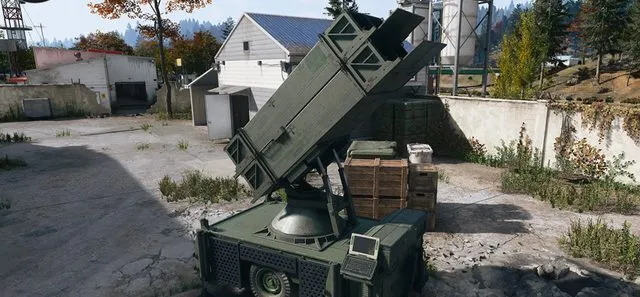
Do not build the route around SAM Site crates. Player discussion contains conflicting advice, including a specific reply that SAM-generated drops did not count. A different crate source is not proof of compatibility with this Order.
Find the active Loot Radio Tower
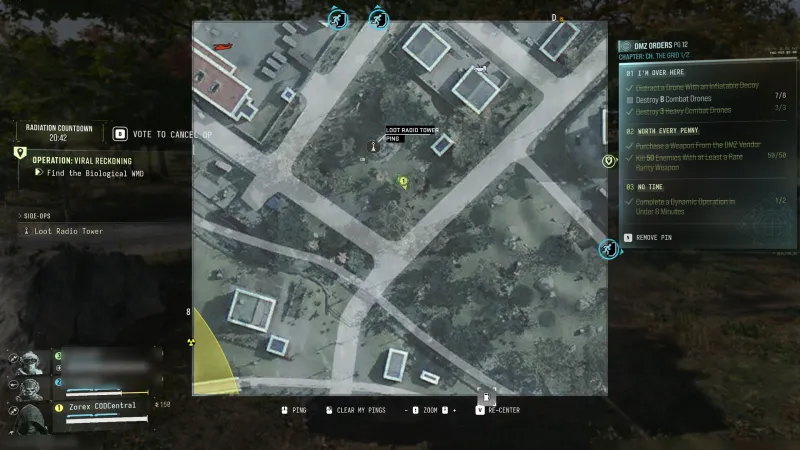
For Loot Radio Tower, look for the named Side Op and inspect the active tower. Players report C6 near a fire station, Deadtown encounters and D8 near Imjin Farmland. Those reports do not guarantee that the activity is present at a particular location in your run.
Nearby discovery and red smoke are reported clues. If a mast has neither the relevant objective nor the expected interaction, check another activity rather than assuming the game has failed. A UAV Tower scans an area; Triangulation involves its own transmitter objectives. Neither task name is interchangeable with Loot Radio Tower.
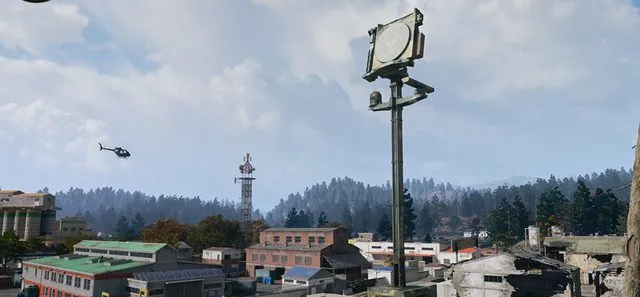
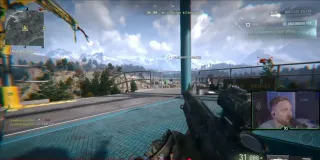
Climb the exterior route and finish the interaction
The reported climb starts with a gap in the perimeter fence and the first ladder. Look left for the next ledge after that ladder; the remaining route uses exterior platforms and hazard-striped sections rather than one uninterrupted climb.
Move one section at a time and clear threats before exposing yourself on a platform. At the top, read and complete the current container or objective interaction. Lower the teammate rappel where that prompt is offered, but do not mistake that convenience action for proof that your own objective is complete. Check the Order and Side Op completion state.
If a crate is stuck or progress does not count
Hospital reports disagree about shooting or using explosives to release a stuck drop; one player also reports no credit after freeing it. No guaranteed repair is established. Avoid spending your entire ammunition supply repeating an unproven fix.
Confirm the active Order, exact activity and counter. If the encounter remains unusable, move to another eligible event or a later deployment. Once your remaining objective is complete, use the exfil guide to finish the run with any useful loot rather than extending it for a reward the page has already recorded.
Quick questions
What does Crashed Crate require?
Retrieve three Lost Supply Drops and complete a Loot Radio Tower Side Op. These are two separate objectives on Orders page 10.
Do SAM Site supply crates count?
Do not rely on them. A player reply specifically reports no Crashed Crate credit from SAM-generated crates. Check the active counter after interacting with the named lost-drop activity.
Where is the Loot Radio Tower?
Reported encounters include C6 and D8 near Imjin Farmland, but no fixed guaranteed spawn is established. Confirm the named nearby Side Op and its active tower.
How do I climb past the first tower ladder?
The reported route looks left for a ledge after the first ladder, then follows exterior platforms and hazard-striped sections toward the top. Match the actual geometry and interaction prompt.
Mentioned in this guide
Spotted something wrong? Send a correction.