
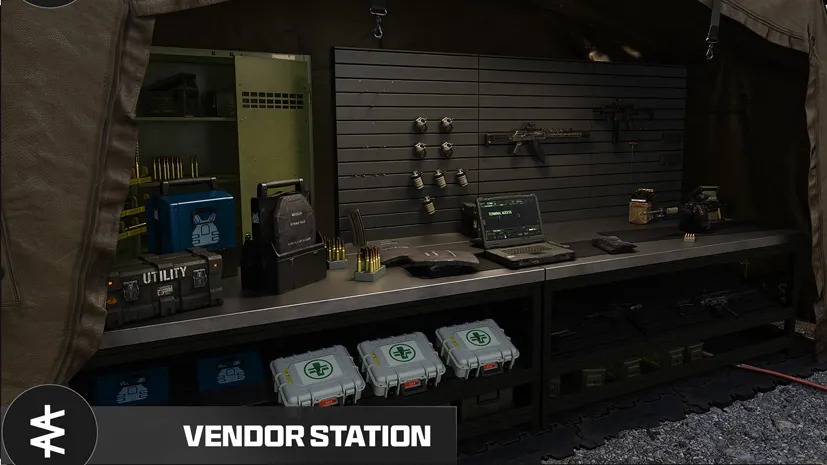
MW4 DMZ Vendor guide: reset timer, upgrades and what to buy
Use the Vendor to fill a specific loadout gap without spending the ingredients reserved for your next upgrade.
The Vendor unlocks at DMZ Level 5 and sells weapons and equipment for DMZ Cash at the FOB. Its offers rotate; a firsthand launch guide reports a daily refresh with a countdown on the Vendor screen. Check the current timer, stock and price, then compare the purchase with a recipe you can actually print. Buying gear does not unlock its reusable Printer recipe.
- Vendor unlock: DMZ Level 5
- Check the on-screen stock-refresh countdown
- Level rewards and Printer upgrades expand offers
- Buying an item is separate from unlocking its recipe
Open the Vendor when you know what your next loadout is missing. It can supply ready-to-use equipment without a material-gathering trip, but a useful purchase still needs to fit your budget and the run you intend to make.
Where to find the Vendor and when it unlocks
The station opens at DMZ Level 5. Access it in the Forward Operating Base or through the station menu. If it is locked, check your DMZ level rather than your Multiplayer level; the progression guide separates the systems.
The Vendor sells an item from its available offers. The Gunsmith handles weapon purchases and customization, while the 3D Printer uses unlocked recipes and materials. Check the right station before assuming an item is unavailable throughout the FOB.
Vendor reset timer: check your current screen
Official information describes rotating offers. A firsthand launch-week guide reports a daily reset and a countdown at the top of the Vendor screen. Use that countdown for your next refresh; a universal reset hour or timezone is not verified here.
Do not build a deployment plan around yesterday’s stock. Before buying, check the exact item name, price and any purchase limit shown. If your desired item is absent, choose between waiting, printing it if eligible, or changing the loadout.
How to get more Vendor offers
| Progression route | Listed change | Where to check |
|---|---|---|
| DMZ Level 18 | An additional weapon offer | Level 18 reward |
| DMZ Level 32 | Four additional item offers | Level 32 reward |
| Vendor Item Upgrade | Further purchase options | Current upgrade requirements |

More offers mean more choices, not proof that a particular rare item will appear. Confirm the current upgrade tier and its price before spending resources. Compare it with the FOB upgrade priorities if storage or ingredient printing is also competing for your materials.
What should you buy first?
Treat these as shopping priorities, not a permanent best-items ranking:
| Your immediate problem | Useful purchase to consider | Stop and compare |
|---|---|---|
| You lack essential protection | A suitable vest or protection item in stock | An unlocked recipe and the actual risk of the destination |
| Your planned escape needs a tool | A parachute or Fulton option, if offered | Correct equipment slot, item limits and your extraction route |
| One room key is missing | A Door Breacher Charge, if offered | Supported use and replacement cost |
| You need a low-cost restart | Only the gaps left after checking stored equipment | Free Loadout and regain options |
An observed level-61 Vendor offered a 3-Plate Armor Vest and a Door Breacher Charge at 50,000 Cash each. Those are examples from one stock screen, not permanent prices or guaranteed offers. Read your own purchase panel before budgeting around them.
Buy or craft? Make the comparison before selling ingredients
- Check the unlock. If the recipe is still locked, a complete ingredient bill is not a printing option yet.
- Count spare inputs. A material reserved for a Bank, Stash or Printer upgrade is not surplus simply because the Vendor can replace today’s vest.
- Compare the full cost. Buying spends the listed Cash; printing consumes the complete recipe bill. Neither option is automatically better for your inventory.
- Keep a reserve. Choose how much Cash you need for recovery, purchases and the next deployment before buying optional equipment.
The keep, sell and craft guide explains why some valuables are worth saving for upgrades. Avoid selling every valuable to fund a purchase without checking those uses.
Before leaving the FOB
Buying a finished item does not unlock its recipe. After purchasing, inspect your Stash, Loadout and Backpack and equip what the next run needs. At Ready Up, confirm the selected Operator is carrying the intended kit.
If the missing item is a reusable unlock rather than equipment for this run, use the Recipe and Weapon Manual route comparison. That is a different objective from buying a replacement gun or vest.
Quick questions
When does the Vendor unlock in MW4 DMZ?
At DMZ Level 5. Open the Vendor at the FOB or through its station menu entry.
What time does the DMZ Vendor reset?
A firsthand guide reports a daily refresh. Use the countdown on your current Vendor screen; a fixed worldwide clock time is not verified here.
Does buying a vest or Breacher unlock its recipe?
No. You receive the item you buy. Check its separate recipe requirement before expecting to print replacements.
Is buying always cheaper than crafting?
No universal cash-to-ingredient exchange rate is established. Compare your actual offer, recipe unlock and spare inputs, keeping cash for the next deployment.
Mentioned in this guide
Spotted something wrong? Send a correction.
Keep reading
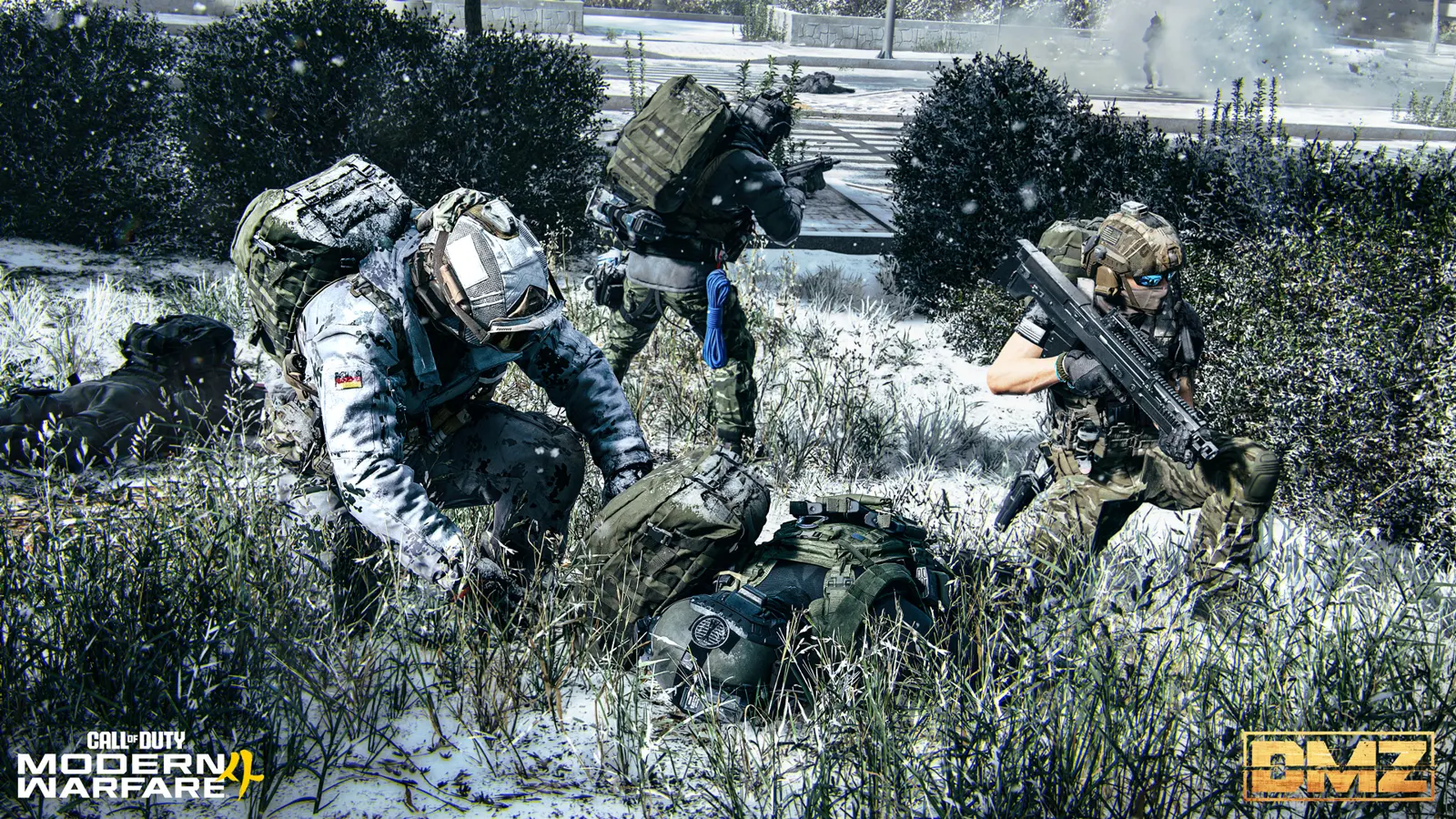 Guide · Getting startedMW4 DMZ Free Loadout guide: rebuild after losing your gear
 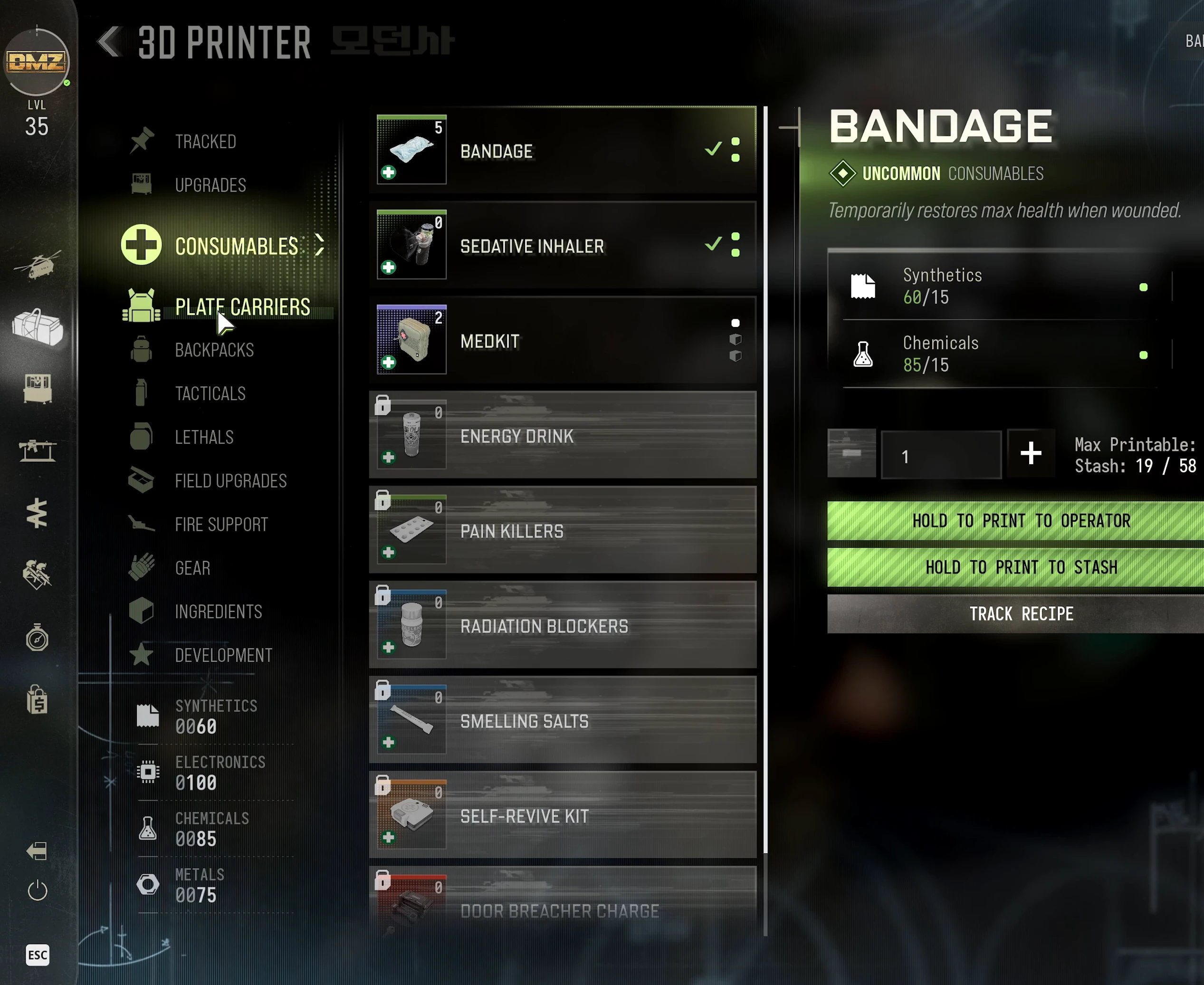 Guide · Gear & craftingMW4 DMZ Door Breacher Charge: how to get and use it
  Guide · Gear & craftingMW4 DMZ FOB upgrades: what to work toward first
  Guide · Gear & craftingMW4 DMZ Recipe and Weapon Manual loot routes: choose your run