
MW4 DMZ Deathstalker guide: SAM Sites, wreck loot and RF Modules
Prepare cover before contact, keep your SAM Site controlled and inspect the wreck before leaving.
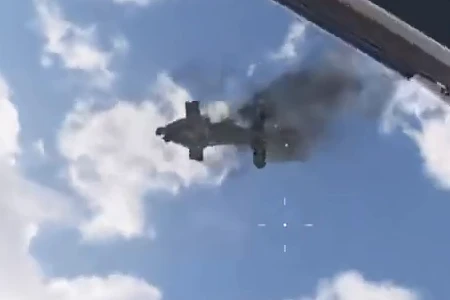
Deathstalker is the large autonomous aircraft Commander, identified by its encounter banner and nearby Tac Map marker. A captured SAM Site automatically targets hostile aircraft, while original DBN Headquarters footage also records a rifle takedown. One wreck contains a Prototype RF Module and Biomaterials; that is an observed result, not a guaranteed quantity or drop rate.
- Commander intel cannot be purchased
- Keep a captured SAM Site under control
- Rifle takedown observed at DBN Headquarters
- Prototype RF Module seen in one wreck
Identify Deathstalker before committing your ammunition. The large autonomous aircraft is a Commander encounter. Your immediate job is to find overhead protection and a firing position; your crafting reward only becomes useful if you can reach the wreck and carry it home.
Find the encounter without buying Lieutenant intel
Commanders differ from Lieutenants: you cannot buy Commander intel to force a particular next-deployment hunt. Watch the nearby Tac Map marker and listen for the encounter warning. Confirm COMMANDER / DEATHSTALKER on the banner rather than treating every hostile aircraft as the same target.
Original Incredilags footage records the encounter at DBN Headquarters. A separate firsthand report describes seeing it at NuriGO Mall. These observations do not establish a fixed patrol timetable or permanent spawn. Plan around the aircraft in your current deployment, not a promise that a previous encounter will repeat.


Decide between a captured SAM Site and direct fire
| Approach | Why consider it | What still needs planning |
|---|---|---|
| Captured SAM Site | The battery automatically targets hostile aircraft | Capture, defend control and remain close enough to retain it |
| Rifle fire | A takedown is recorded in original launch footage | Ammunition, protection between passes and a safe wreck approach |
The official SAM description supports automatic anti-aircraft fire, not a measured time-to-kill against every Commander. The rifle example establishes that direct fire can work; it does not prove that standing in the open is safe or that a small magazine is enough.
Use the SAM Site without abandoning control
Find a SAM Site you can reach without crossing an exposed stretch beneath the aircraft. Clear the immediate defenders, interact with its control computer and defend the capture. Once controlled, the battery handles its own anti-aircraft targeting.
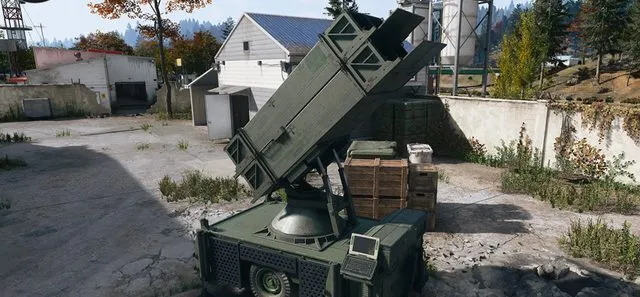
Stay alert to the site’s ownership. Enemy forces can reacquire it if you move too far away. Chasing the aircraft or running early toward an expected crash site can remove the support you captured. Keep cover and the battery within a workable defensive position, and verify that the aircraft is actually being engaged before assuming the plan is succeeding.
Direct-fire alternative: cover first, damage second
The DBN Headquarters sequence shows rifle fire bringing Deathstalker down. For a similar attempt, choose solid cover with overhead protection and a route back inside. Reposition between firing opportunities, reload under protection and check your remaining ammunition before committing to another pass.
That is a practical approach based on the observed fight, not a tested damage formula. No universal weak point, fixed ammunition count or immunity to return fire is established here. If your supplies are failing, breaking contact can be the better choice; a Commander ingredient is not worth assuming your current kit can finish an unmeasured fight.
Inspect the Helicopter Piece loot prompts
Do not leave immediately after the aircraft falls. First clear nearby threats and assess whether another squad can see the wreck. Then inspect its Helicopter Piece interactions and read the item names.
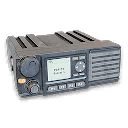
At approximately 1:40 in the original video, one recorded loot result contains Prototype RF Module ×1 and Biomaterials ×1. This proves those items appeared in that wreck; it does not provide an exhaustive table or a guaranteed module per kill. Check the available prompts rather than assuming one empty panel represents every loot interaction.
Give the module a purpose before spending it
The current module record lists crafting uses including Large Secure Backpack and Fulton Drop Marker. Compare the recipe you have unlocked and the other missing ingredients at the 3D Printer before spending a scarce module on the first available craft.
Keep collected ingredients and follow an extraction plan. Commander first-takedown cash, repeat rewards and the ingredients carried in your backpack are different forms of progress. Do not turn a reported first-kill cash figure into a promised payment for every repeat hunt.
Quick questions
Where does Deathstalker spawn?
DBN Headquarters and NuriGO Mall are documented or reported encounters, not permanent spawns. Follow the nearby Commander marker and encounter warning instead of assuming one fixed location.
Can a SAM Site fight Deathstalker?
Captured SAM batteries automatically target hostile aircraft. Keep the site controlled; enemies can retake it if you move too far away. This does not establish a fixed kill time or guaranteed encounter.
Can I kill Deathstalker with a rifle?
Yes, a rifle takedown is recorded in the linked DBN Headquarters footage. That proves an alternative exists, not that every rifle, ammunition supply or exposed position is adequate.
Does Deathstalker always drop a Prototype RF Module?
One recorded Helicopter Piece loot interaction contains Prototype RF Module x1 and Biomaterials x1. No guaranteed drop rate, quantity or complete loot table is established.
Mentioned in this guide
Spotted something wrong? Send a correction.
Keep reading
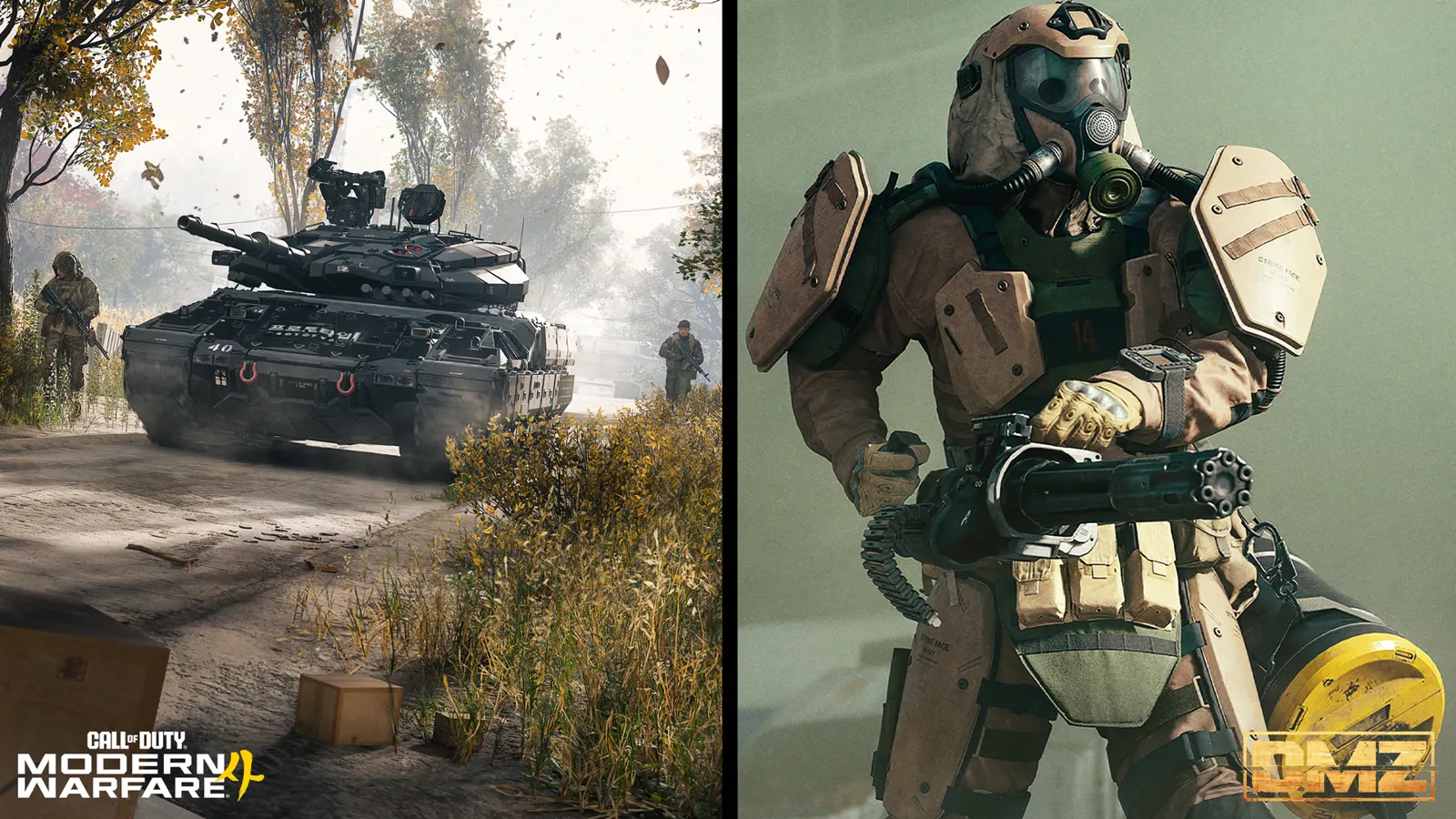 Guide · Bosses & PvPMW4 DMZ bosses: Lieutenants, Commanders and the Boss Board
  Guide · Getting startedMW4 DMZ exfil guide: helicopters, flares and Fulton
 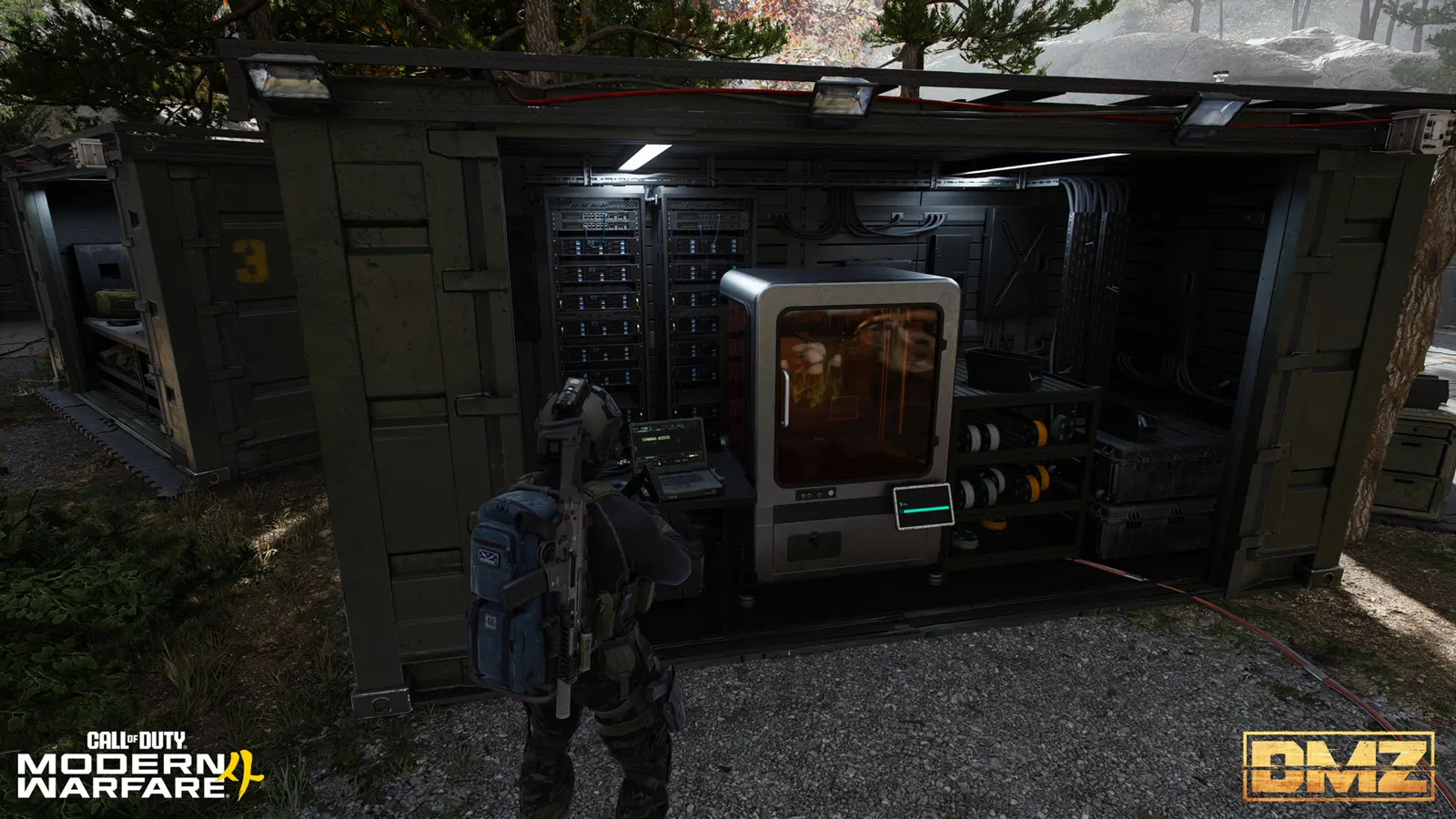 Guide · Gear & craftingMW4 DMZ 3D Printer guide: resources, ingredients and recipes
 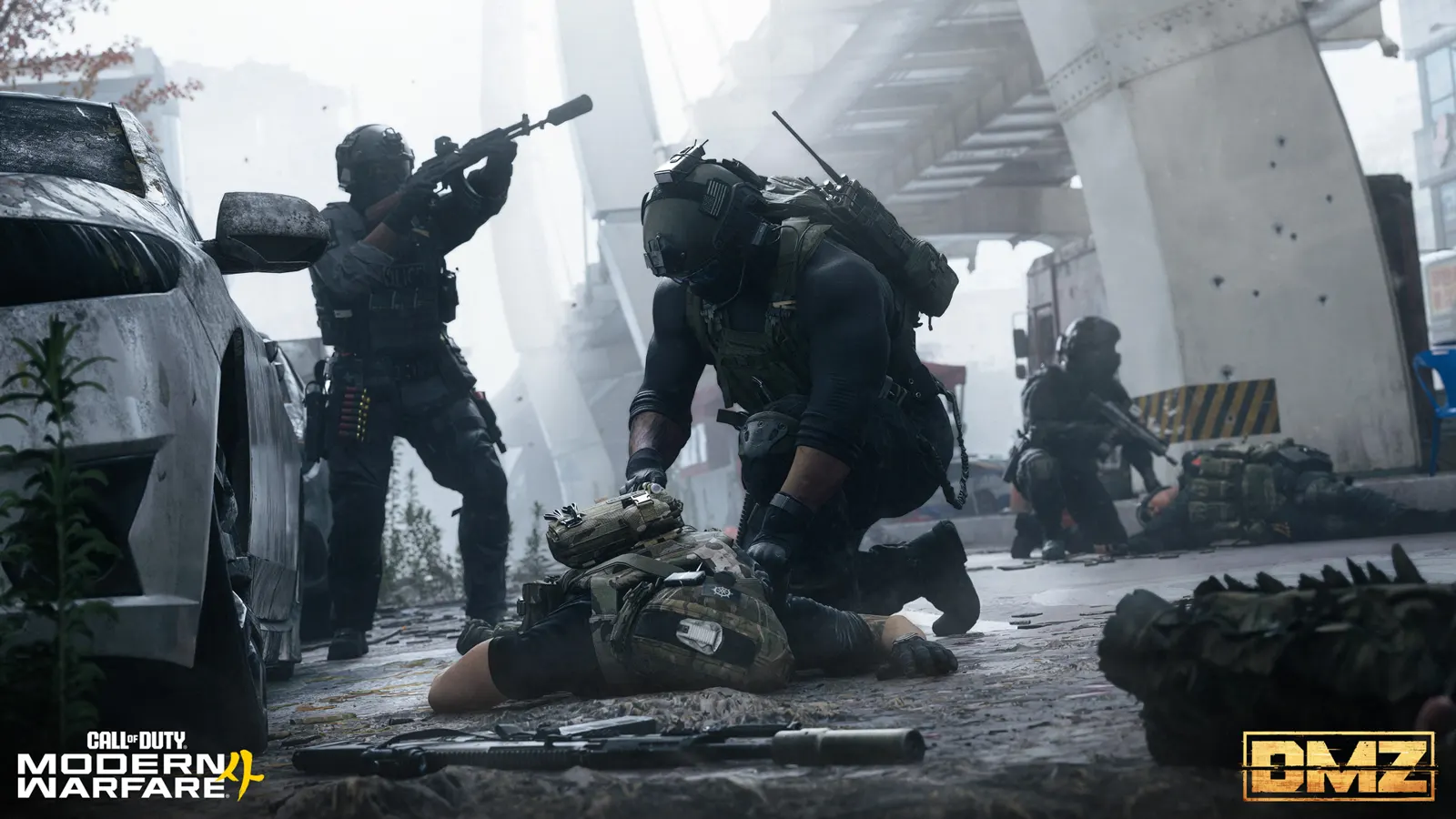 Guide · Bosses & PvPMW4 DMZ bounties: how the Wanted system works