
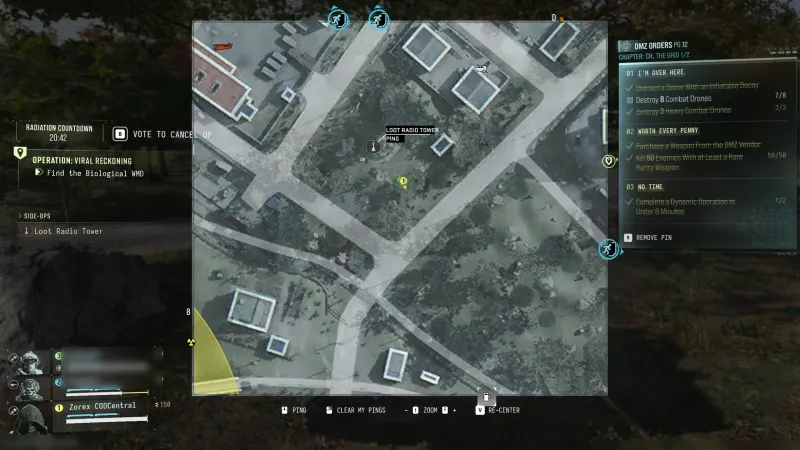
No Time
No Time Order: objectives and related resources for The Grid 1/2.
- Order
- 3
- Page
- 12
- Chapter
- The Grid
- Part
- 1/2
DMZ Orders
Browse orders →Your objectives
- 1Finish a Dynamic Operation in less than eight minutes.
Reward details to check
- The page is reported to reward a 3-Plate Armor Vest recipe, 20,000 Cash and a Triage Kit. Another community listing links the vest item instead. Confirm the recipe or item on your reward panel.
Walkthrough
- 01Start a Dynamic Operation and follow its current objectives promptly, with a vehicle ready for travel.
- 02Complete it in less than eight minutes and check the Order result. Broken Resupply and Special Delivery are suggested routes, not guaranteed short runs.
Good to know
- Community-reported objectives. Match the Order name and chapter to your current tracker.
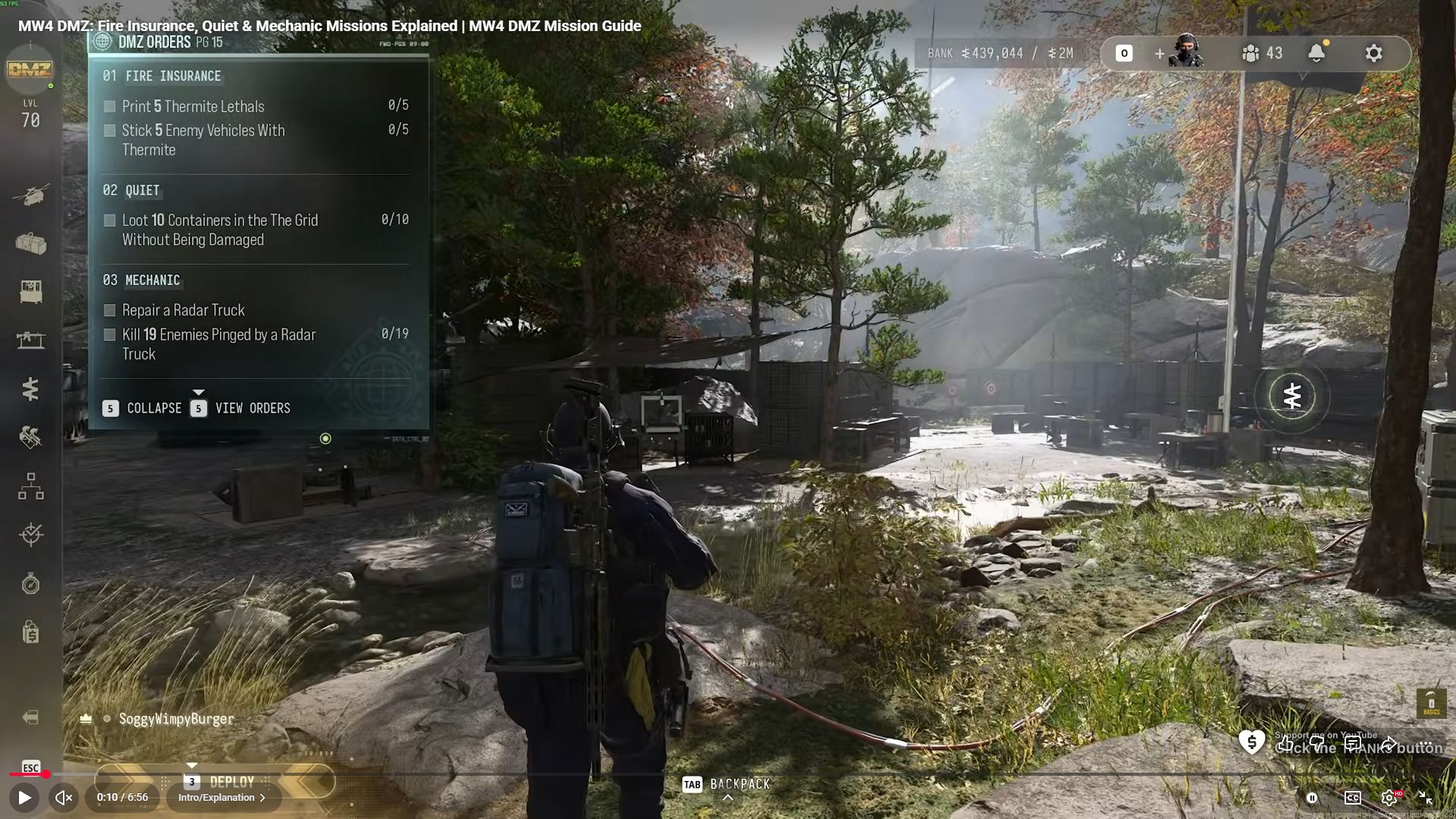
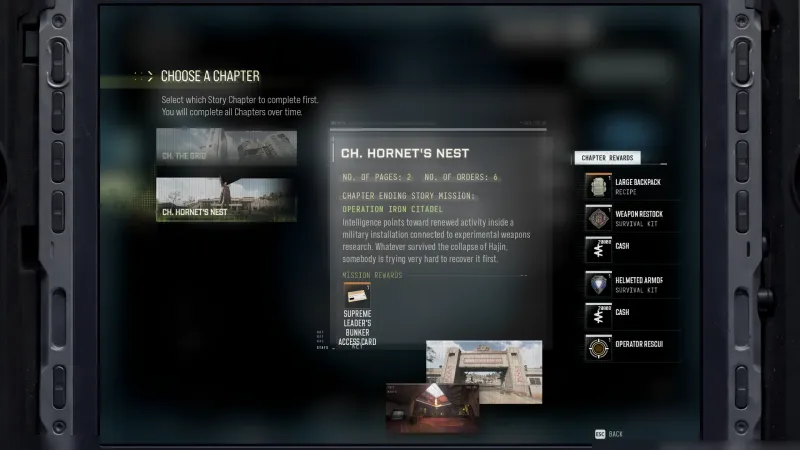
- Page number reflects a sequence that chose The Grid first; chapter selection can change placement.
Guides that cover this

More dmz orders
See all 51 →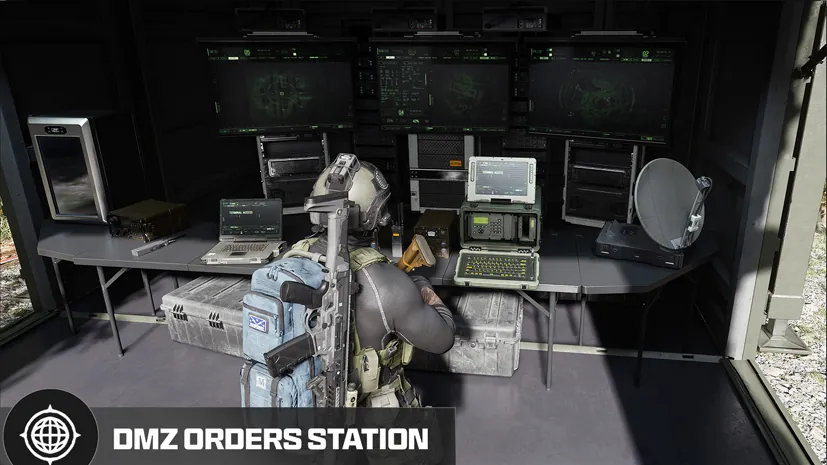



Also in Missions
Something wrong or missing? Send a correction.