
MW4 DMZ Jin-Tae’s Private Lounge key: casino penthouse route
A separate Legendary casino key, with a generator and elevator approach.
Jump to a section
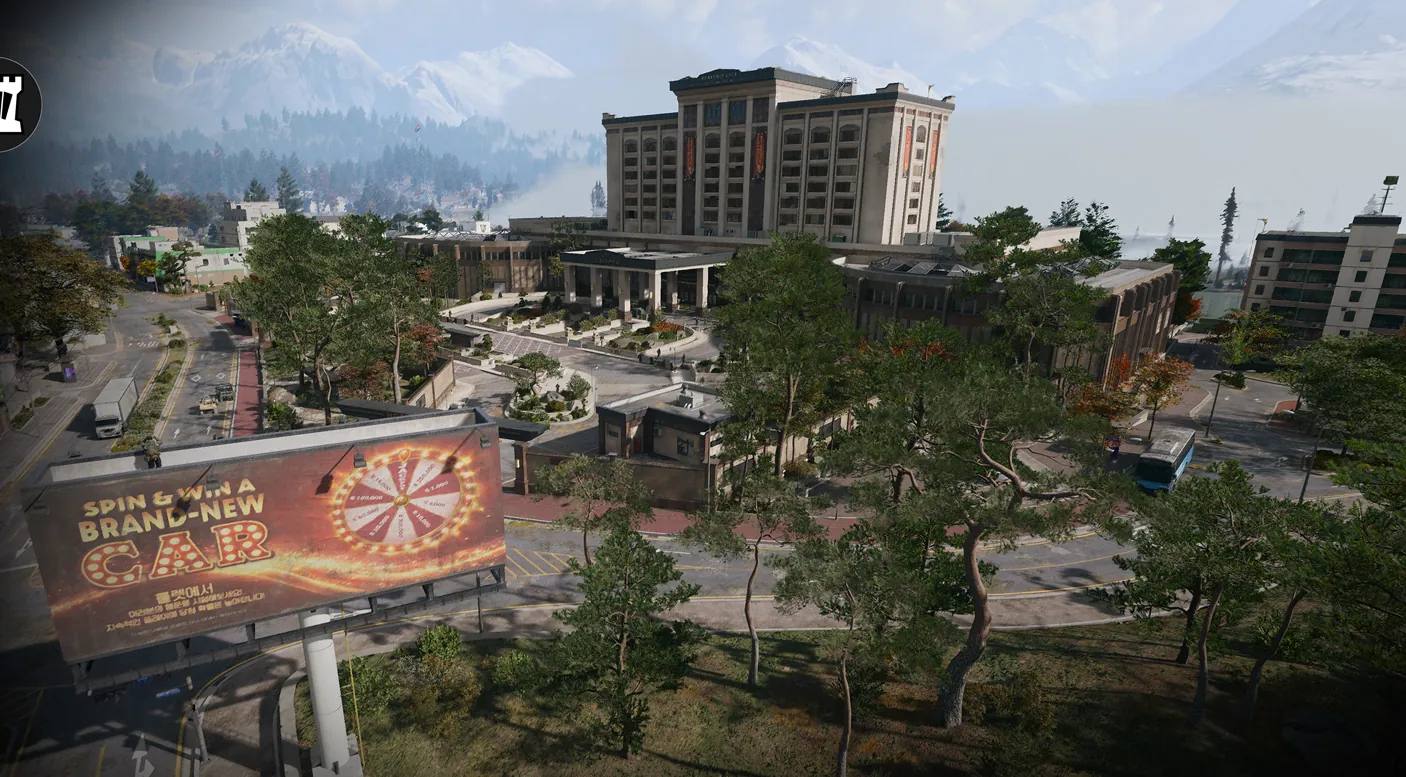
Jin-Tae’s Private Lounge key opens an upper-floor room at Heavenly Luck Casino, F4. If the lobby elevator has no power, activate the underground-parking generator. Ride to the penthouse, go upstairs and left, follow the passage to its end, then turn right and immediately right/behind to the named lounge doors.
- Legendary key, displayed value 100
- Heavenly Luck Casino, F4
- Generator power may be required
- Separate from the two casino vault keys
Take the named lounge key to the casino penthouse. Recorded gameplay shows Jin-Tae’s Private Lounge as a Legendary key, displayed value 100, with an F4 description for an upper-floor room at Heavenly Luck Casino.

This is a third named casino destination alongside Counting Room Vault and Vault Armory. Their keys open different locks.
Restore power if the lift is off
- Enter the casino’s main lobby from the southern entrance. From that front-entry view, the walkthrough uses the elevator on the left to reach the penthouse.
- If it reports no usable power, take the far-end wing stairs down to underground parking. The creator describes stairs at the outer ends of both wings.
- Locate the generator in the back room. Complete its timing interaction to restore power, then return to the lobby. The original video shows the generator at approximately 1:18 and the powered lift at 1:46.
The map view marks the casino search area. It does not pinpoint an interior generator or lounge door.
Follow the penthouse passage
Ride up and clear the guards. The recorded run includes rocket troops, so replenish armor before moving through the upper floor.
From approximately 2:00 in the original walkthrough:
- Go upstairs and left.
- Follow the passage all the way to its end.
- Turn right, then immediately right/behind toward the lounge doors.
- Confirm JIN-TAE’S PRIVATE LOUNGE on the lock and use the matching key.
These directions follow one narrated approach. Read the named prompt rather than assuming another penthouse door is equivalent.
Loot and departure
One opening shows an armor box, two weapons lockers, an LT crate, another locker, a rifle case, a supply crate and loose loot. The creator reports a Signal 50 and High Roller’s Fortune from the LT crate, while explicitly leaving repeated contents uncertain. These are examples, not guaranteed drops.
Reinforcements continue arriving during the opening. Keep your return route clear. If you choose a jump escape, equip a usable parachute first; the guide does not establish a guaranteed parachute in the room.
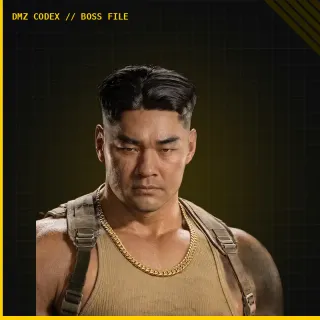
The creator’s description identifies the key as a Lieutenant boss drop, but the inspected footage does not show acquiring it. Check Jin-Tae’s boss page for the separate encounter information; a guaranteed key drop, consumption per unlock and stack limit remain unverified.
Quick questions
Does Counting Room Vault open Jin-Tae’s Private Lounge?
These are separate named keys and rooms. The lounge is upstairs in the casino; Counting Room Vault follows the main-floor Cashier route, while Vault Armory is underground.
How do I get Jin-Tae’s Private Lounge key?
The original creator’s description calls it a Lieutenant boss drop. The inspected walkthrough does not show the pickup, so a guaranteed Jin-Tae drop or exact pickup location is not verified.
Mentioned in this guide
Spotted something wrong? Send a correction.
Keep reading
Guide · Loot & craftingMW4 DMZ Counting Room Vault key: find the casino's main-floor door  Guide · Loot & craftingMW4 DMZ Hazard Storehouse key: I5 cooling-tower route
  Guide · Loot & craftingMW4 DMZ Rail Depot Storage key: E5 basement route
  Guide · Loot & craftingMW4 DMZ Gun Store and Black Market Weapons Locker keys