DMZ CODEX · IN-GAME OVERLAY Stay in game.
Keep your edge.
Check the Hajin map, look up loot and find your next objective right over your game. No Alt-Tab. No browser search. No phone or tablet to reach for.
Get the Windows app ↗ Windows PC · Opens the app store
See what’s inside ↓ 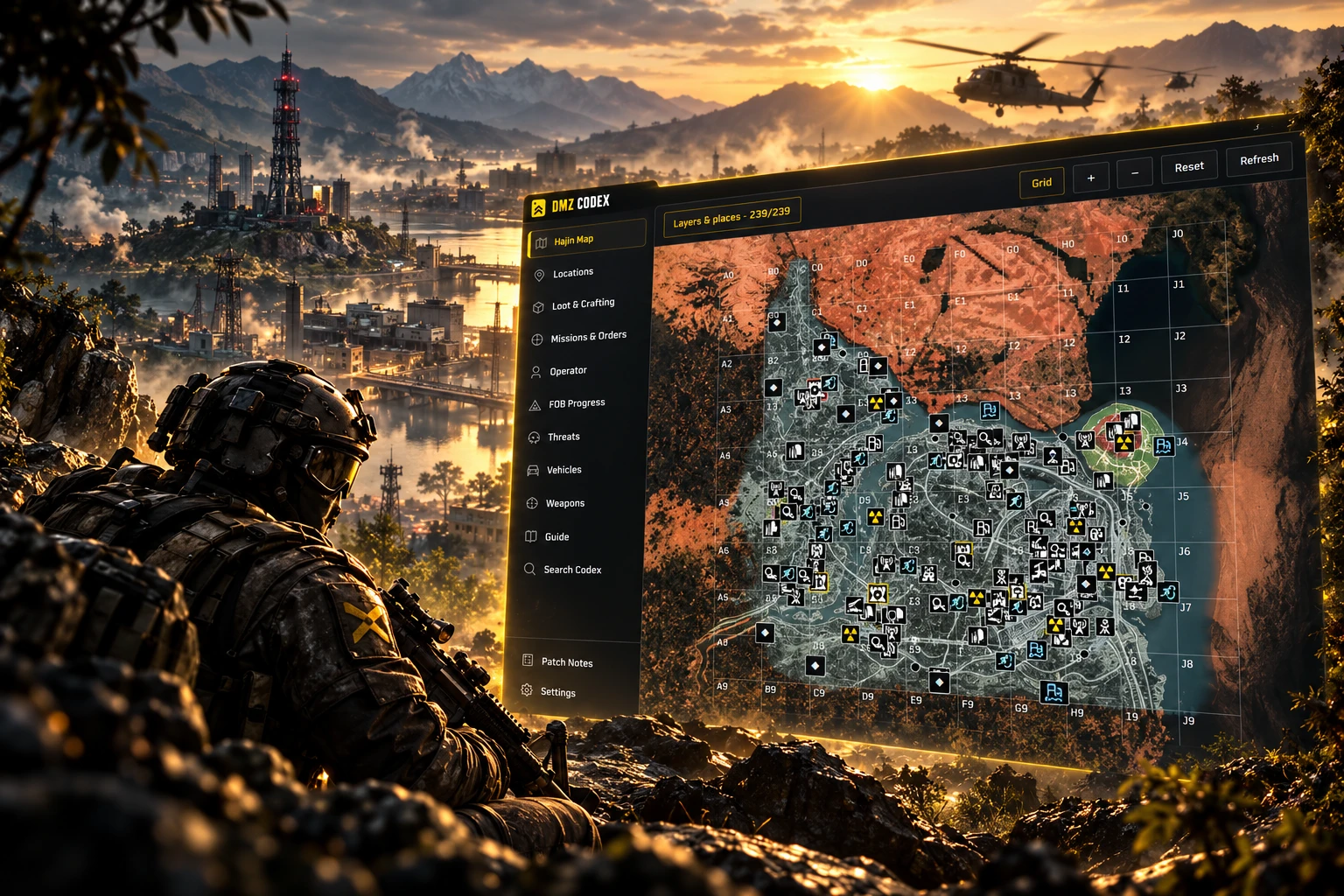
MW4 DMZ companionYour map. Your answers. On the screen you’re playing on.
KEEP YOUR FOCUS ON HAJIN
One screen.
Everything closer.
Stop switching between your game, browser tabs and another device. Open the Codex, check what you need, then return to your run.
Hajin mapFind your next move.
Check locations, map layers and grid coordinates over your game. Plan where to head next without opening a browser tab.
Loot & craftingKnow what to keep.
Unsure whether to keep an item? Look up loot and crafting information in the overlay, with FOB progress close at hand.
Missions & moreKeep the Codex close.
Check missions, Orders, weapons and threats from one sidebar. Keep your phone on the desk and your reference on the game screen.
FROM DESKTOP TO DEPLOYMENTReady for
your next run.
Install the Windows companion once. Bring up your DMZ map and reference when you need them, without switching out to your browser.
View the app listing ↗ - 01
Get DMZ Codex
Open the app listing and follow the Windows installation instructions.
- 02
Launch your companion
Open DMZ Codex and check the app’s settings before you play.
- 03
Bring up the Codex
Use the in-game overlay when you need the map or a quick reference.
BEFORE YOU DEPLOY
A few things
to know.
