Skip to content
DMZ CODEX · HAJIN EXCLUSION ZONE UPDATED 24 OCT 2026 MW4 DMZ IS LIVE Sign in
Codex / DMZ Orders / Jail Break Updated 24 Oct 2026
Order

Jail Break

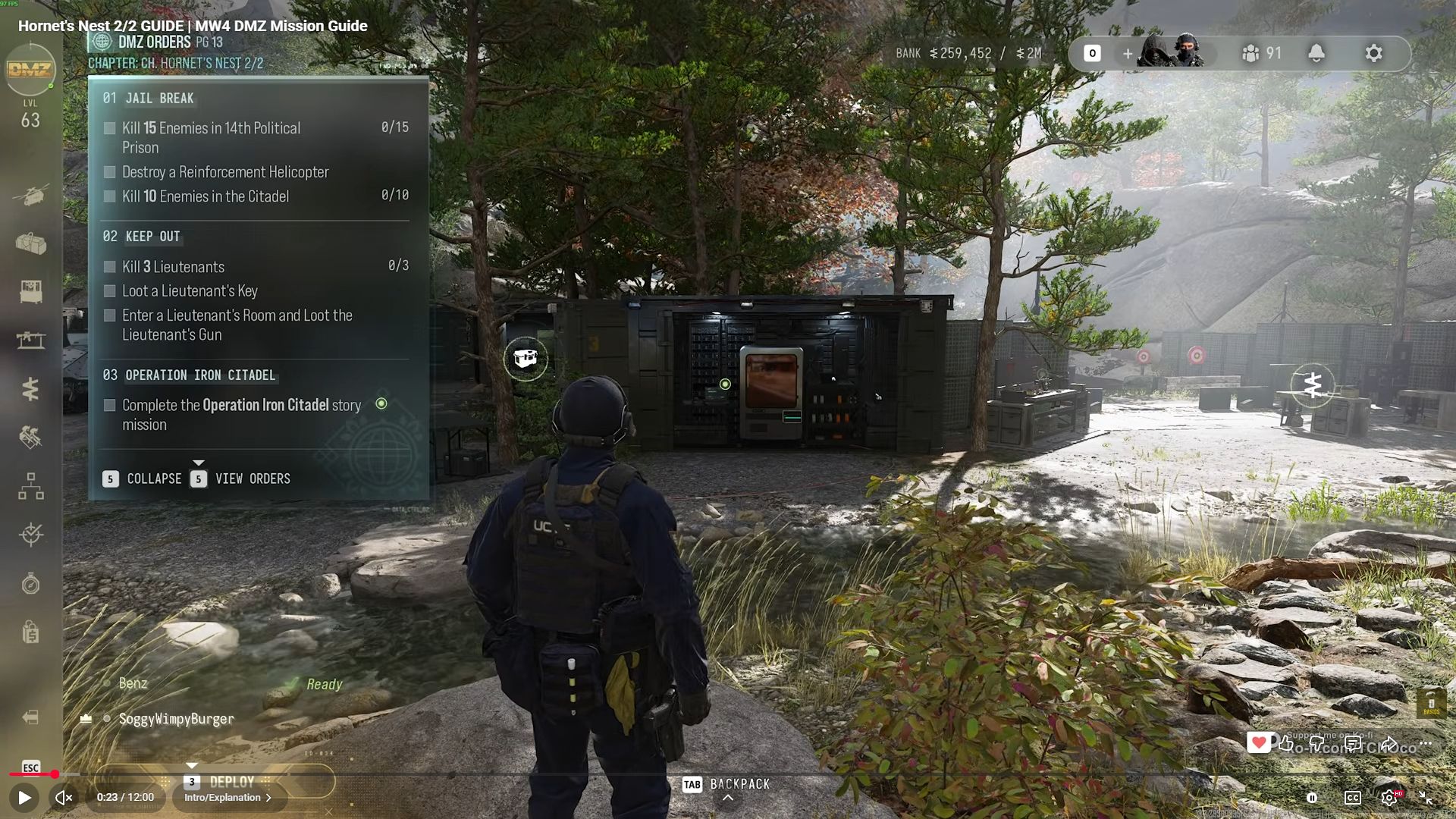
Kill 15 enemies in the 14th Political Prison. Destroy a reinforcement helicopter. Kill ten enemies in the Citadel.

Order
1
Page shown
14
Chapter
Hornet's Nest
Part
2/2
DMZ Orders

Your objectives

Browse orders →
  1. 1Kill 15 enemies in the 14th Political Prison.
  2. 2Destroy a reinforcement helicopter.
  3. 3Kill ten enemies in the Citadel.
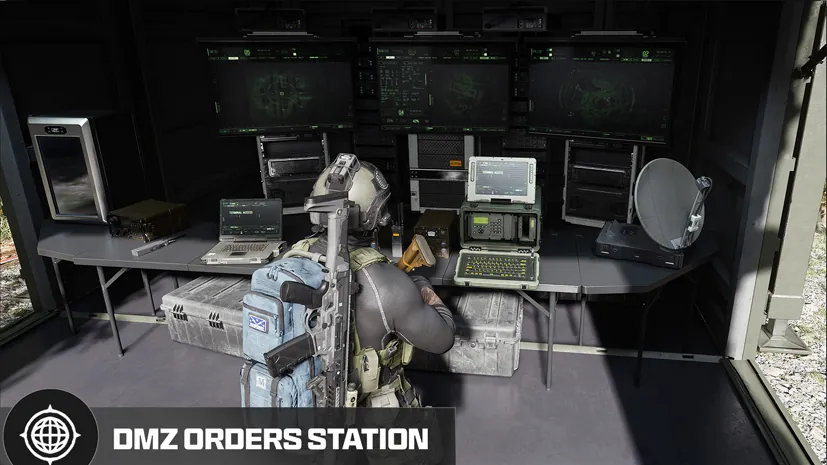
Part ofthe DMZ Orders boardBrowse the chapter and other Orders on the DMZ Orders board. →

Walkthrough

  1. 01Travel to the 14th Political Prison and complete the outer-area kill counter.
  2. 02Enter the main central prison building, called the Citadel in this task, and check the separate ten-kill counter.
  3. 03Destroy a reinforcement helicopter and confirm credit. A captured SAM is suggested by the creator, who could not isolate which of two helicopter fights credited his counter.

Good to know

  • Page number follows the demonstrated chapter sequence; match the Order name and chapter to your tracker.

Images
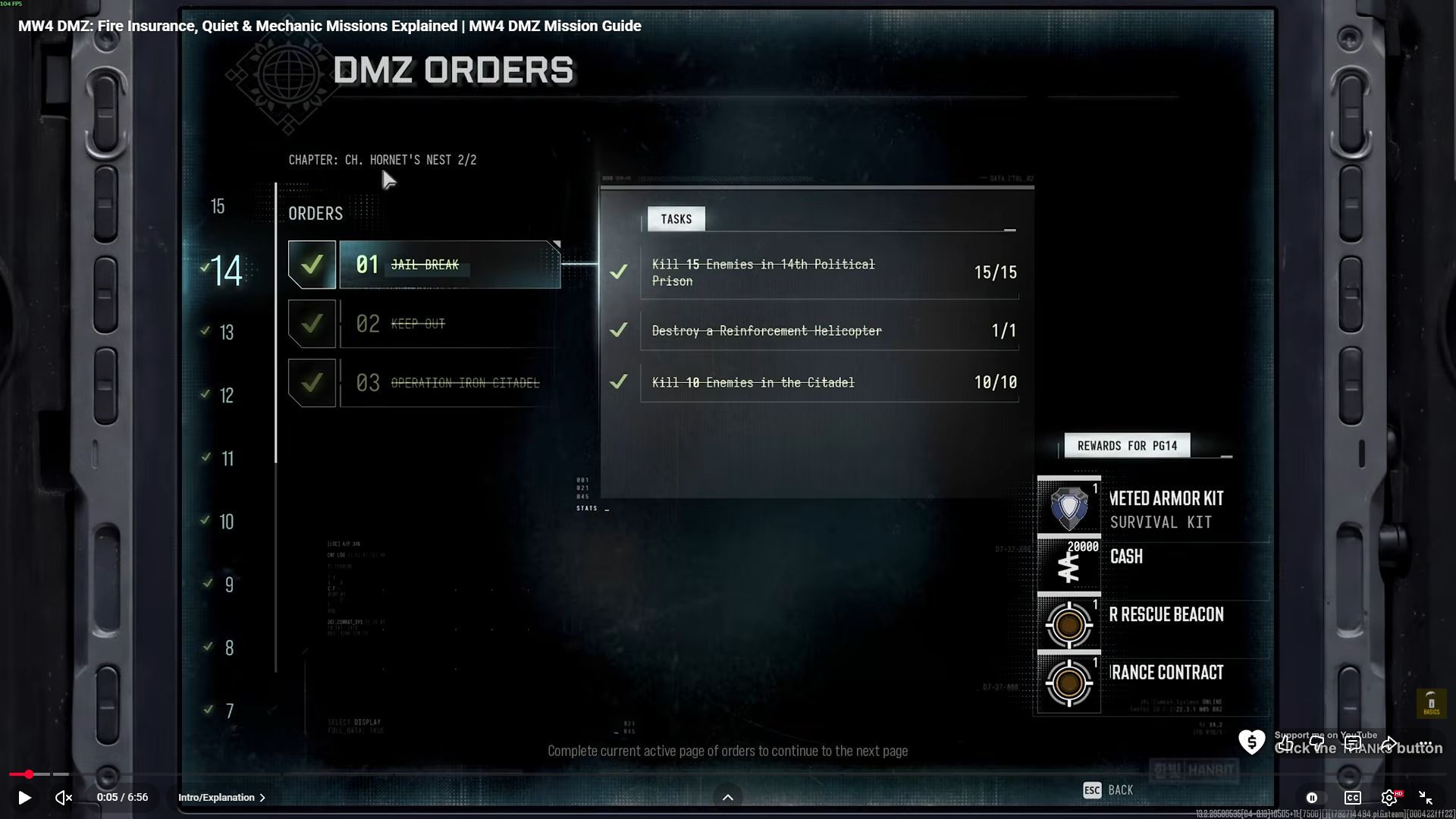
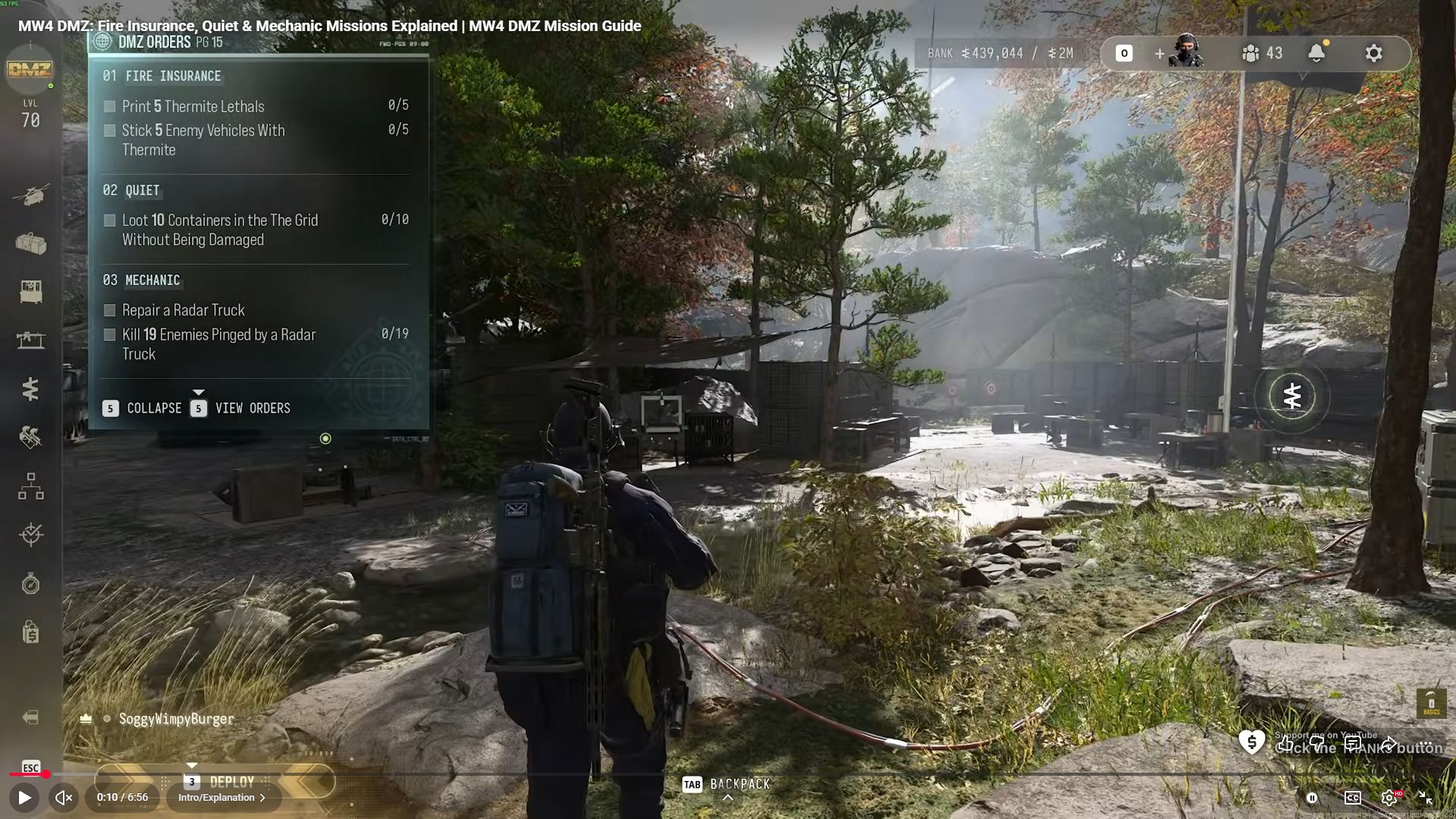
Jail Break's selected panel separates prison kills, the reinforcement helicopter and Citadel kills into three counters.Jail Break's selected panel separates prison kills, the reinforcement helicopter and Citadel kills into three counters. · Open full size ↗

Related

Useful for this Order

Guides that cover this
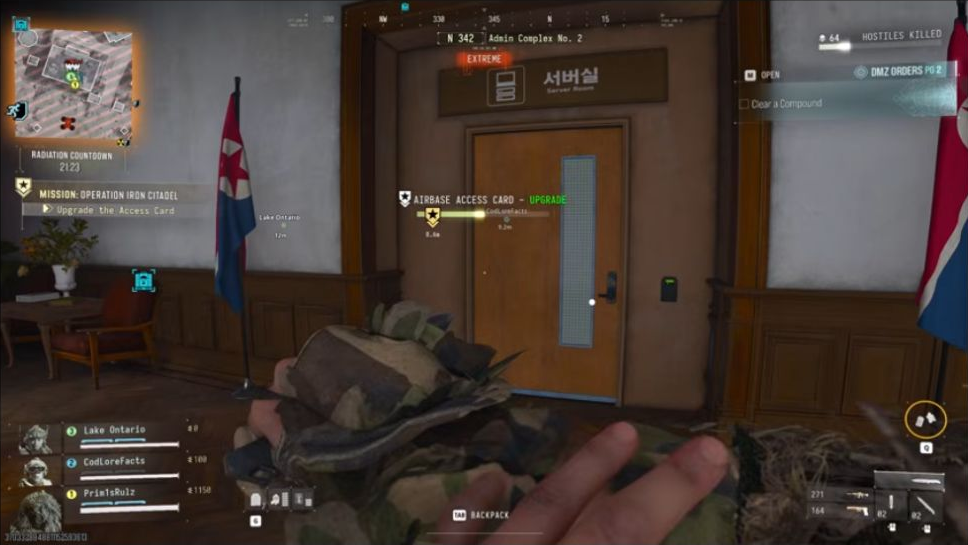
GuideMW4 DMZ Iron Citadel walkthrough: access card, armory and LTV GuideMW4 DMZ Orders guide: objectives and page rewards

Something wrong or missing? Send a correction.

DMZ CODEX · IPHONE & IPAD

Add to your Home Screen

Installation won’t start automatically. Follow these steps in Safari.

  1. 1. Open this site in Safari

    Already in Safari? Continue below. In another app, choose Open in browser, then open Safari.

    dmzcodex.com/install/
  2. 2. Tap Share

    Look for the square with an arrow pointing up. It may be inside Safari’s More (…) menu.

  3. 3. Add to Home Screen → Add

    Scroll through the Share menu; tap View More if needed. Keep Open as Web App on if shown, then tap Add.

Look for the yellow DMZ Codex icon on your Home Screen.