
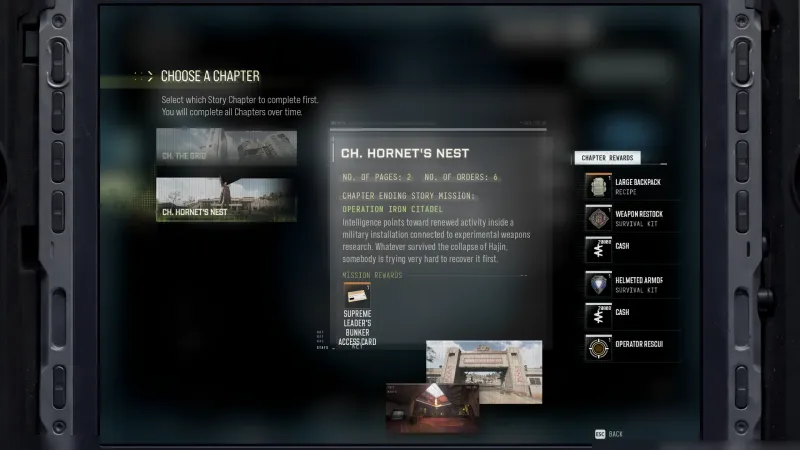
Navigate With Care
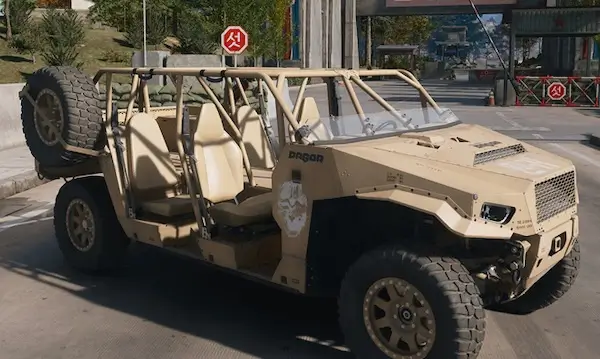
Pay for a Polaris DAGOR A1 infil. Clear a North Korean convoy. Loot and extract Chemical Components found after clearing a North Korean convoy.
- Order
- 3
- Page shown
- 16
- Chapter
- Hornet's Nest
- Part
- 1/2
DMZ Orders
Browse orders →Your objectives
- 1Pay for a Polaris DAGOR A1 infil.
- 2Clear a North Korean convoy.
- 3Loot and extract Chemical Components found after clearing a North Korean convoy.
Walkthrough
- 01Complete Silent Ledger to unlock Polaris DAGOR A1, then select its paid infil at Deploy. The current menu determines the price.
- 02Locate and clear the required North Korean convoy, then search for the named Chemical Components.
- 03Extract with the objective components and check all counters. Ordinary Chemicals are not established as a substitute.
Good to know
- Page number follows the demonstrated chapter sequence; match the Order name and chapter to your tracker.
Related
Useful for this Order
Guides that cover this

More dmz orders
See all 51 →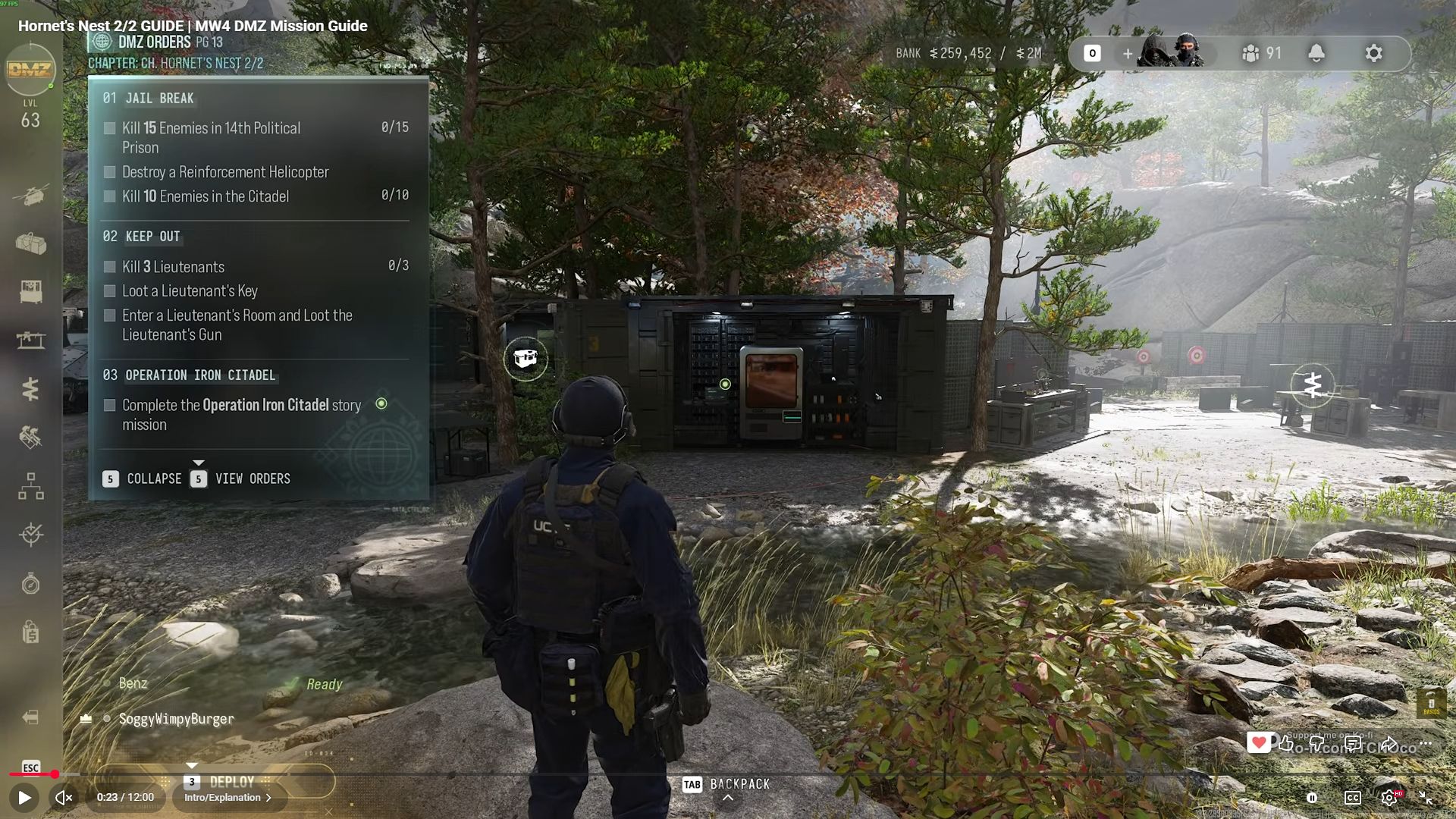
Also in Missions
Something wrong or missing? Send a correction.