
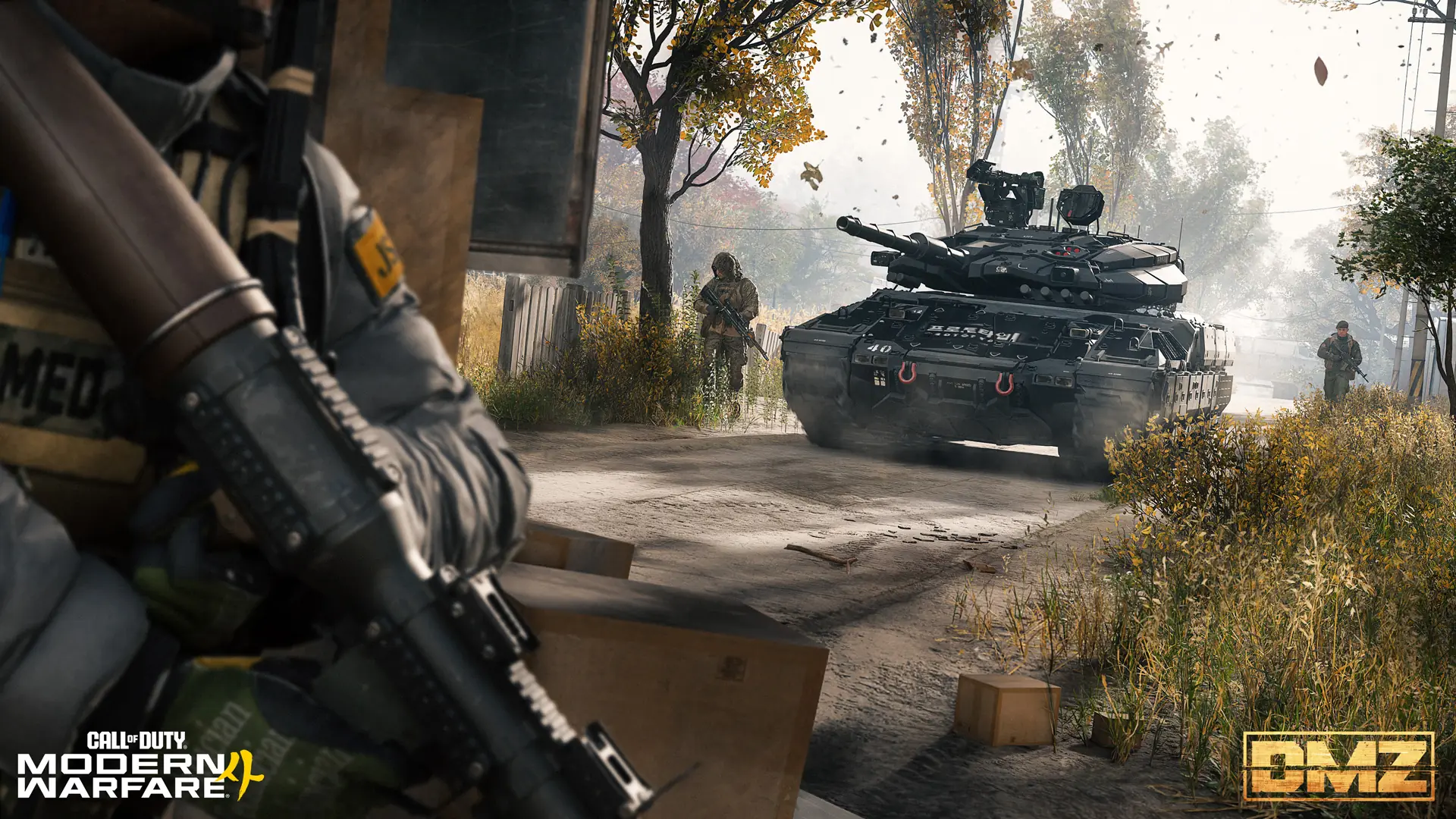
MW4 DMZ solo guide: how to play alone and survive
Squads are built for three, but you can go in alone. Here is how to stay quiet, pick your fights and get out.
Jump to a section
Pre-release information. Some details come from pre-release information and have not all been checked in live play. Check the current in-game requirements.
You can play DMZ solo. Matchmaking prefers lobbies with similar squad sizes, but it doesn't promise a solo-only lobby, so expect full squads. Turn on Squad Fill if you want teammates. Alone, stay quiet: the Stealth Meter warns you before AI spots you, stealth kills keep the threat level down, and you can ask a rival squad for a truce with the Ping Wheel.
- Matchmaking prefers similar squad sizes, not solo-only
- Squad Fill adds two other players
- The Stealth Meter warns before AI detects you
- Ask a rival squad for a truce with the Ping Wheel
DMZ squads are made for three players, but going in alone works if you play smart. You move quieter, you choose your fights, and every item you find is yours.
Rebuilding after a loss? The Free Loadout recovery guide covers preparing a cheap run and checking the kit before deployment.
How solo matchmaking works
- Each match holds up to 20 squads and 60 players (match population).
- Matchmaking prefers similar squad sizes, but it does not promise a solo-only lobby. Expect to meet squads of three (squad-size matching).
- There is no party finder. You are matched with players who chose the same deployment: Story Mission, Dynamic Op or Free Roam.
- Want teammates? Turn on Squad Fill at Deploy and you drop in with two other players.
The Stealth Meter
The Stealth Meter fills as AI gets close to detecting you. It is your early warning.
- When it starts to fill, break line of sight or go prone behind cover.
- Fog and rain cut visibility for AI as well as players. Bad weather is good cover when you’re alone.
Keep the threat level low
Once you’re spotted, killing AI raises a 1 to 5 star threat level. One star brings reinforcements. Five stars sends Deathstalker drones and hunt squads.
- Use stealth kills: melee, throwing knives or suppressed weapons.
- If stars start climbing, leave the area. Moving away, for example into the woods, lets it calm down.
- Check each area’s threat before you go in. The Hajin map guide lists them.
Dealing with other players
- Avoid circling vultures. They fly over fresh bodies, so a squad that just won a fight may be close.
- Ask for a truce. Use the Ping Wheel to request a truce with a rival squad, or to join them. A squad can grow to four.
- Listen. Proximity Chat carries other players’ voices by distance and direction, and yours too.
- Don’t build a bounty. Each player you kill raises your bounty. A Wanted solo player is easy prey. See the bounty guide.
Picking yourself up
Without a teammate beside you, plan around the recovery tools you actually carry.
- Every Operator has the Tourniquet: when downed, give up 50 max health to get back up at 100. A Medkit repairs the wound and makes it ready again. Details in the health guide.
- Carry a Self Revive in its own slot when you can.
Best Traits for solo
| Trait | Tree | Why it helps alone |
|---|---|---|
| Possum | Warfighter | Self Revive into Last Stand from death, once per match |
| Thermal Padding | Scout | Hidden from UAVs |
| Die Hard | Survivalist | Reach an exfil in Last Stand and it calls automatically |
| Metabolism | Survivalist | Slowly regain health lost to the Tourniquet |
Build your setup in the skill tree planner.
Viper Sense has conflicting effect descriptions, so it is not a dependable recommendation for a solo build yet. Read the current in-game tooltip before spending points on it.
Give the deployment one job
| Your goal | Plan around |
|---|---|
| Clear an Order | Its exact checklist: Hunter asks you to locate a Lieutenant; it does not list a kill |
| Gather ingredients | One shortage and the relevant material locations, rather than every valuable you see |
| Open a key room | A confirmed matching door and an exit; check the keys guide before taking the key |
| Rebuild a lost kit | A Free Loadout run you can afford to lose |
These are route-planning suggestions. They do not make a high-threat area safe or promise a solo-only lobby. Once your goal is complete, weigh another detour against extracting what you came for.
Solo exfil
The exfil wait leaves you exposed. Clear the area before you call, pick a site with cover, and leave before the radiation storm closes in. Confirm active sites on your current Tac-Map; reference markers on the companion map are not a guarantee that a site is available in your deployment. The exfil guide covers the extraction methods.
Related preparation
For focused preparation, read Stealth and AI detection and Truce and assimilation.
Quick questions
Can you play MW4 DMZ solo?
Yes. You can deploy alone. Matchmaking prefers lobbies with similar squad sizes, but it doesn't guarantee a solo-only lobby, so you may meet full squads of three.
Is there a party finder in DMZ?
No. You pick a Story Mission, Dynamic Op or Free Roam and are matched with players who chose the same thing. Turn on Squad Fill to deploy with two other players.
Can I team up with another squad?
Yes. Use the Ping Wheel to ask for a truce or to join another squad. A squad can grow to four players this way.
Mentioned in this guide
 DeployFOB station Stealth MeterMechanic Dynamic weatherMechanic Threat escalationMechanic Vultures over bodiesMechanic Truce and assimilationMechanic Proximity ChatMechanic
  MedkitItem
  PossumTrait
  Thermal PaddingTrait
  Die HardTrait
  MetabolismTrait
  Viper SenseTrait
 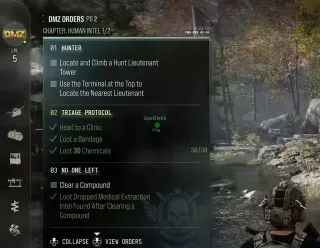 HunterOrder
 Spotted something wrong? Send a correction.
Keep reading
 Guide · Getting startedMW4 DMZ exfil guide: helicopters, flares and Fulton
 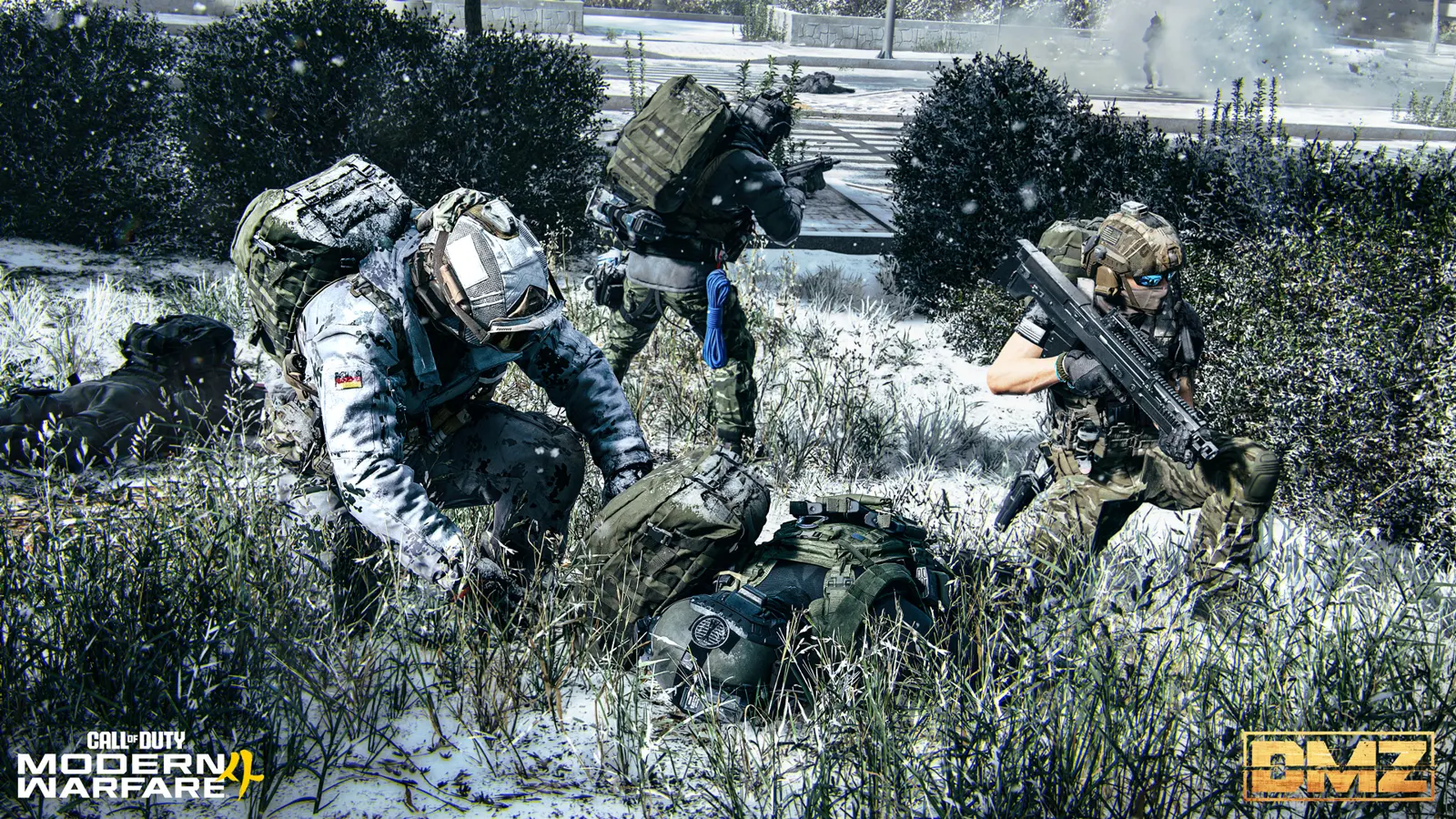 Guide · Getting startedMW4 DMZ Free Loadout guide: rebuild after losing your gear
  Guide · Getting startedMW4 DMZ health and healing: wounds, the Tourniquet and every heal
  Guide · Bosses & PvPMW4 DMZ bounties: how the Wanted system works