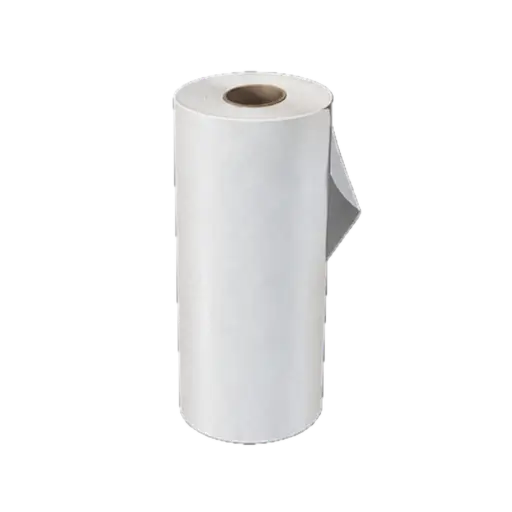
MW4 DMZ Nylon Cloth and Nylon Laminate: where to search
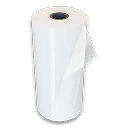
Search the Citadel, Deadtown underground and Mujin Nightclub for Nylon Cloth and Nylon Laminate, or print Laminate at the FOB.
Nylon Cloth and Nylon Laminate are different ingredients. Read the target recipe before deploying: keeping Cloth does not fill a Laminate requirement. For Hard Carry, reserve the two Laminate needed for a Large Backpack and check the other ingredients before spending your stash on another craft.
- 1 × Nylon Laminate = 100 × Synthetics + 3 × Nylon Cloth
- 2 × Nylon Laminate = 200 × Synthetics + 6 × Nylon Cloth
Choose the material you actually need
Nylon Cloth and Nylon Laminate are different ingredients. Read the target recipe before deploying: keeping Cloth does not fill a Laminate requirement. For Hard Carry, reserve the two Laminate needed for a Large Backpack and check the other ingredients before spending your stash on another craft.
Search the Citadel, Deadtown or the casino
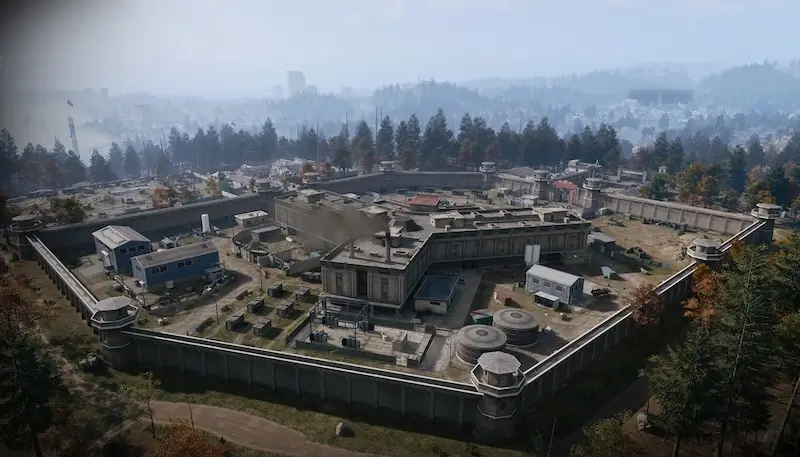
Choose the closest workable route: the Citadel’s main building at 14th Political Prison, the underground area of Deadtown, or bags inside Mujin Nightclub in the west wing of Heavenly Luck Casino. Search the bags and storage along that route and read the item cards before moving on. Keep a return path through the building; a material run does not require clearing every nearby room.
Print Laminate when you have enough Cloth
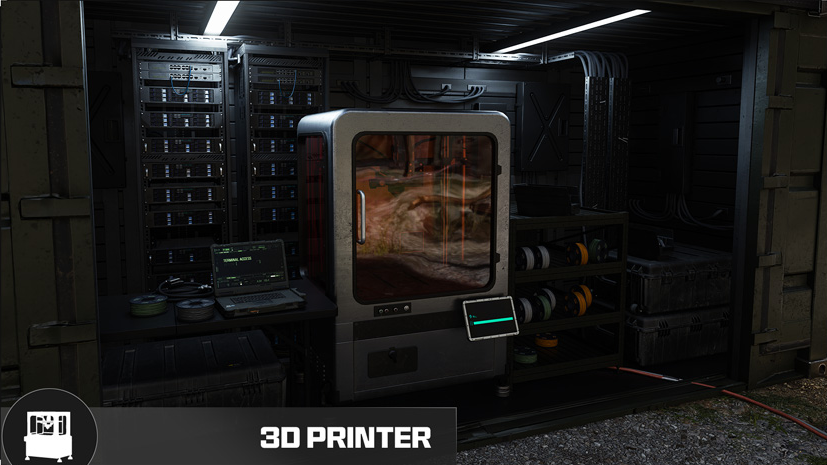
At the FOB, unlock Epic Ingredient Printing before trying the Laminate recipe. One Nylon Laminate costs 100 Synthetics and three Nylon Cloth. For the two Laminate in a Large Backpack, set aside 200 Synthetics and six Cloth; you still need the backpack’s other ingredients and its recipe unlock. Printing is an alternative to another search run when Cloth is already in your stash.
Keep enough for the finished backpack
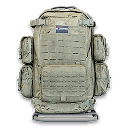
A Large Backpack needs two Nylon Laminate, five Structural Alloy and ten Rigid Synthetics. Compare those totals with your stash before printing Laminate or selling spare materials. If Hard Carry is active, print the finished backpack and check the Order; merely extracting Laminate does not finish the printing task. If a search route is empty, switch to another area or bring back Cloth for the printer instead of repeating the same containers.
→ Nylon Cloth · → Nylon Laminate · → Epic Ingredient Printing · → Large Backpack · → Hard Carry

Mentioned in this guide
Spotted something wrong? Send a correction.