
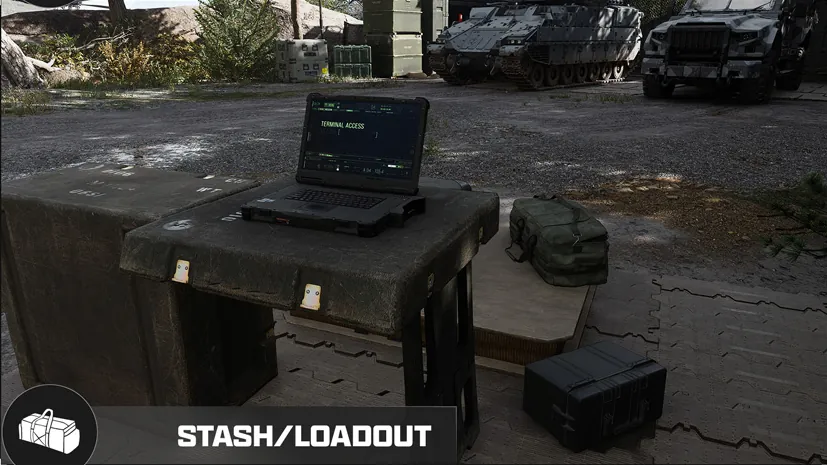
MW4 DMZ weapon insurance: where to find the deployment toggle
Check insurance at Ready Up before risking a weapon you want to keep.
Jump to a section
Players report that the weapon insurance toggle is beside Edit Loadout in the Ready Up deployment screen. Check that you hold a Weapon Insurance Contract and review the protection shown before deploying. Weapon insurance and Operator recovery are separate systems.
- Reported toggle location: Ready Up
- Check beside Edit Loadout
- Weapon and Operator protection are separate
- No complete insurance cost or consumption schedule verified
Find the insurance control
Look for weapon and Operator insurance toggles to the right of Edit Loadout and Edit Operator on Ready Up. Multiple players report this location; labels may differ across interfaces.
- Check your supplies for a Weapon Insurance Contract.
- Choose your deployment and reach Ready Up.
- Inspect the insurance controls beside the loadout and Operator editing options.
- Read the displayed item requirement and confirm the selected protection before deploying.

Owning a contract is not a reason to assume protection is already enabled. If the control is absent or unavailable, note the requirement or error shown rather than assuming the weapon is covered.
What are you protecting?
| Item or system | Purpose |
|---|---|
| Weapon Insurance Contract | Gameplay explanations describe returning an insured weapon after its loss, limited by contracts held |
| Operator Rescue Beacon | Recover an MIA Operator without paying the cash recovery charge |
| Secure Slots | Protect the items placed inside them on failed extraction |

The weapon-return description is gameplay-reported. A complete consumption schedule, return timing and attachment treatment are not verified here; check the current insurance panel before committing an expensive build.
The official Vault Deployment Kit includes two Weapon Insurance Contracts. That bundle quantity is not proof of an account-wide lifetime limit, nor a promise of automatic replenishment. See Vault Edition contents before confusing an edition entitlement with an unlimited service.
After losing a run
Check the weapon and Operator separately at the FOB. Use the MIA recovery guide for the Operator and the Secure Slots guide for protected inventory and disconnect limits. Do not assume weapon insurance restores the rest of your backpack.
Quick questions
Where is the weapon insurance button?
Players report a toggle beside Edit Loadout on the Ready Up deployment screen. That location is community-reported, not a verified platform-by-platform walkthrough.
Does weapon insurance rescue my Operator?
Do not assume it does. Weapon Insurance Contracts and Operator Rescue Beacons are separate items with different purposes.
Mentioned in this guide
Spotted something wrong? Send a correction.
Keep reading
 Guide · Getting startedIs the MW4 Vault Edition worth it for DMZ? Every DMZ bonus explained
  Guide · ProgressionMW4 DMZ Operators and MIA guide: slots, rescue, insurance and dismissing
  Guide · Gear & craftingMW4 DMZ Secure Slots: what survives death and disconnects?
  Guide · Getting startedMW4 DMZ Gear Up blocked: missing Medkit workaround