
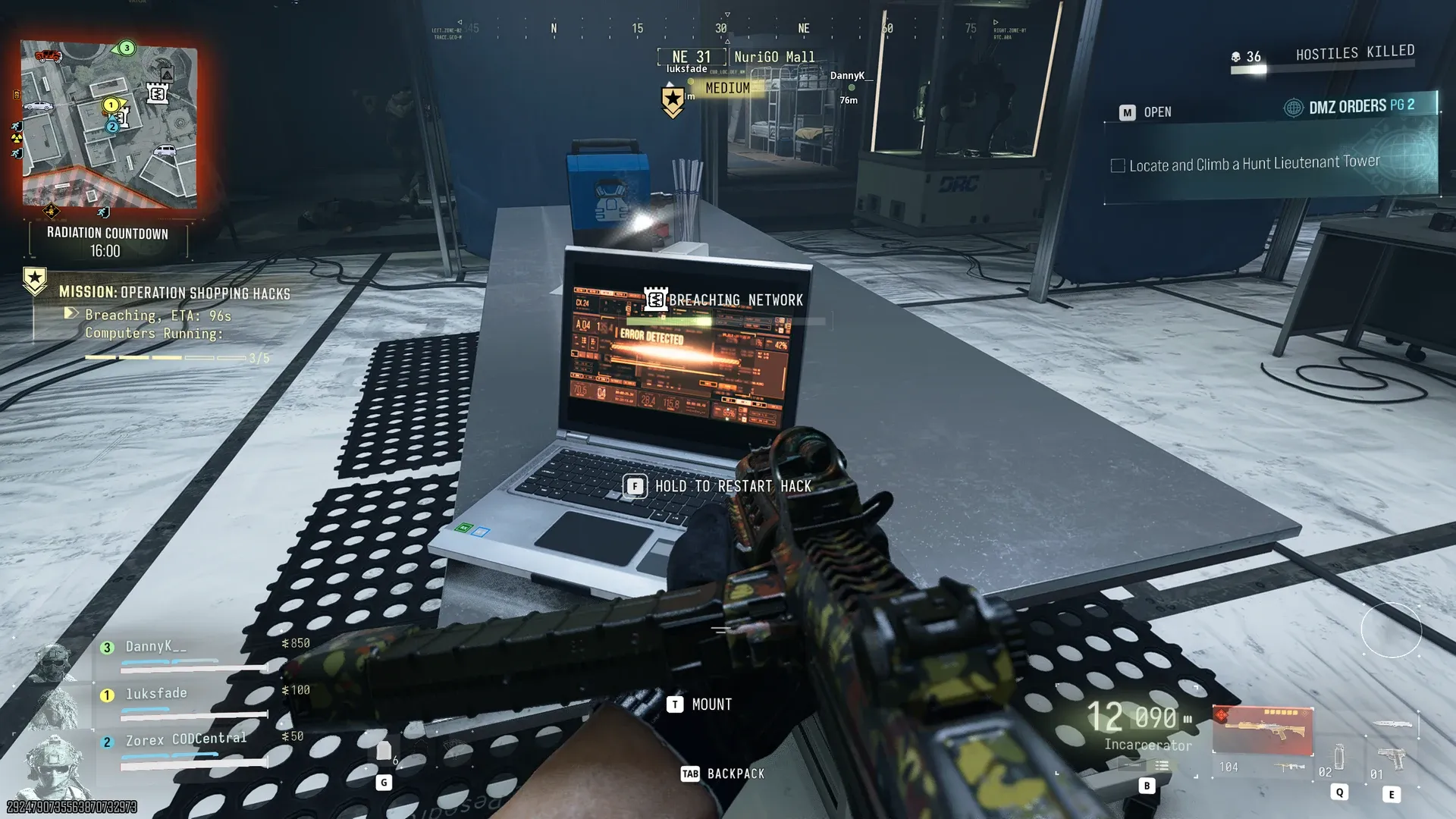
MW4 DMZ Shopping Hacks: K9 cores, lab computers and extraction
Use the code from your own mission, keep four working cores and watch every lab computer during the breach.
Jump to a section
Hack the encampment laptop, use its displayed code at mall security, explore the annex and power the lab with four working K9 Battery Cores. Hack five computers, restart failed machines, collect the Bio-agent Sample from the lab vault and use the marked rooftop Fulton crate.
- Location: NuriGO Mall
- Four working K9 Battery Cores
- Five lab computers
- Destroyed cores cannot power the lab
Operation Shopping Hacks takes you from an encampment into the laboratory beneath NuriGO Mall. The common stopping points are the security code, working robot cores and computers that stop during the breach.

Select Story Missions → Operation Shopping Hacks at Deploy. If its Underground Order is active, check that tracker as well.

If you are stuck
| Blocker | Next action |
|---|---|
| Security code rejected | Wait for the laptop analysis and read your current objective’s code |
| Core terminal will not accept salvage | Check for K9 Battery Core, not Destroyed K9 Battery Core |
| Lab breach stops | Find the computer showing ERROR DETECTED and restart it |
| Breach finished | Wait for the server reboot, loot the vault and follow the rooftop extraction objective |
Reach mall security
If you are comparing different mission locks, the keypad-code guide separates laptop codes, armory keycode parts and named key doors.
Hack the laptop at the encampment and wait for the analysis. Read the resulting code in your own objective tracker, then enter it at mall security. A code shown in somebody else’s run is an example, not a universal solution.
Explore the Security Annex, start its generator and decrypt the note at the workbench laptop. Follow the updated objective toward the laboratory.
Collect four working K9 cores
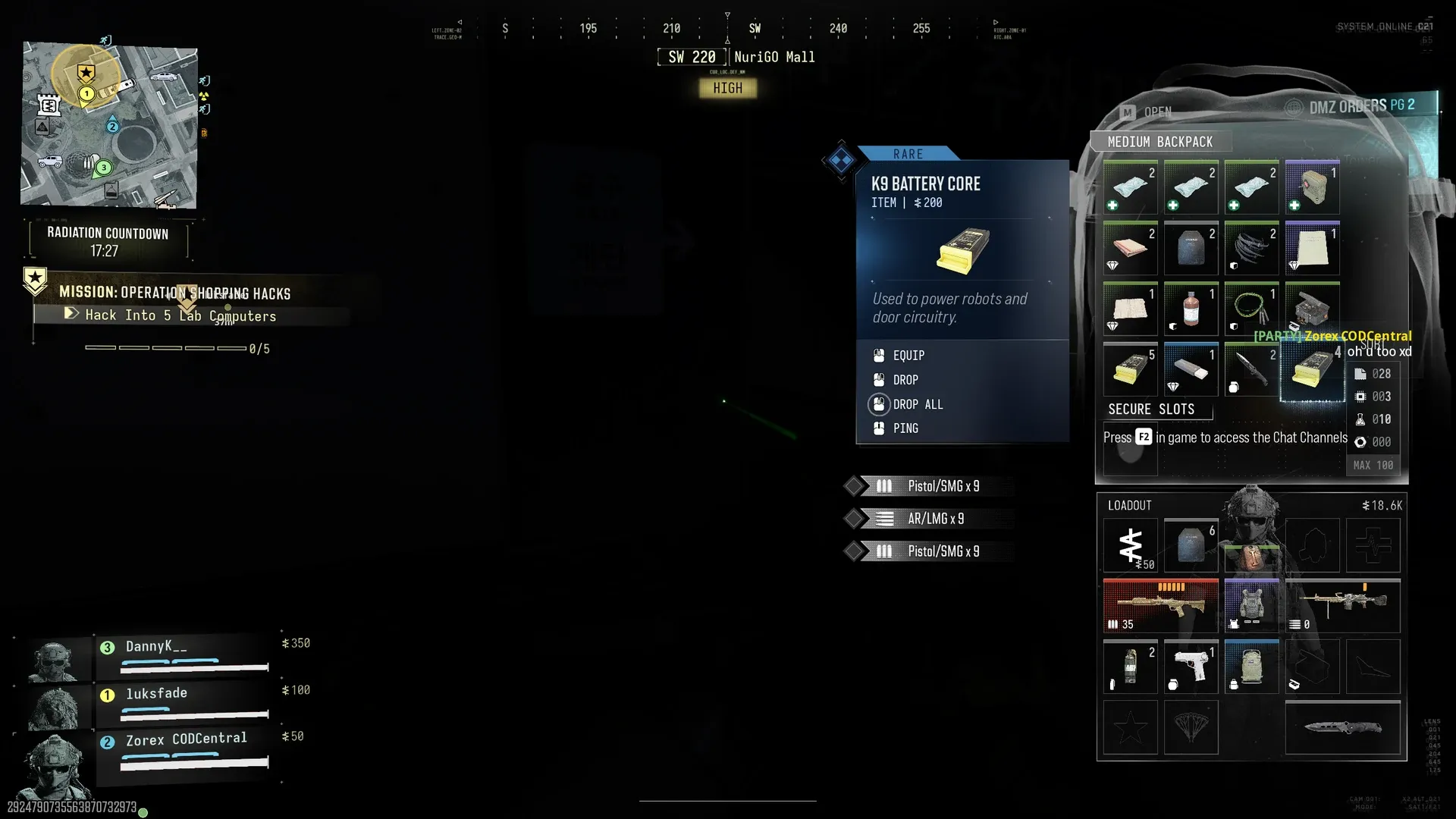
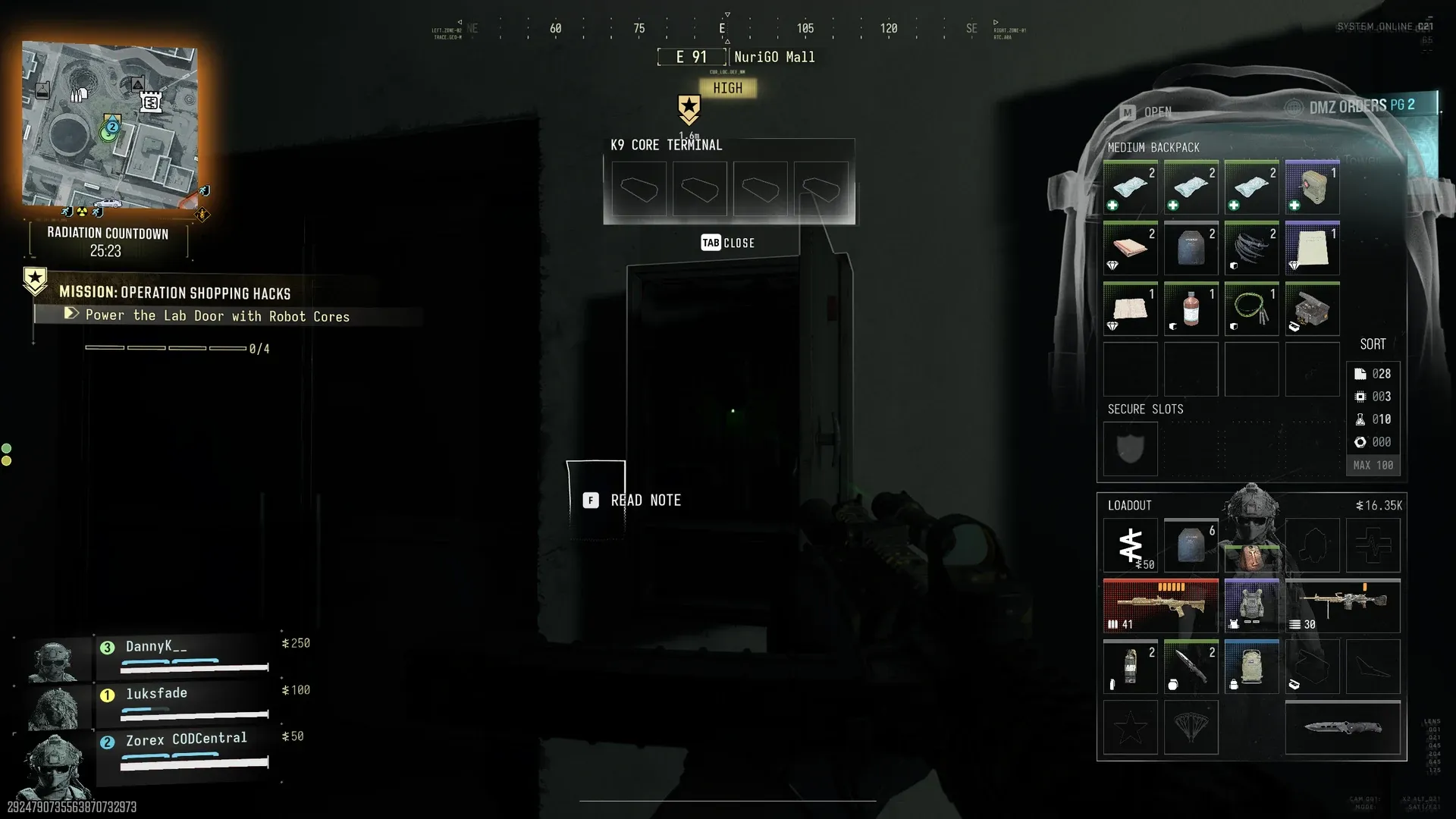
The door needs four working K9 Battery Cores. Take each core from a disabled robot dog before it explodes. A Destroyed K9 Battery Core will not substitute. Check the item name before carrying it back to the terminal.
For your squad, separate collection from defence: call out working cores as you find them, and check the total before returning. This avoids everyone making the same trip with unusable salvage.
Keep five computers running
After opening the lab, hack all five computers. Watch for ERROR DETECTED and restart failed machines so the network breach can progress. Assign each player a part of the room to check while covering entrances; starting the computers once is not enough.
Collect the sample and activate the rooftop Fulton
Wait for the servers to reboot, then enter the lab vault and collect the Bio-agent Sample from the bench. Follow the rooftop exit markers to the extraction crate. Use Activate Fulton, then follow its extraction prompts until you leave Hajin. Finishing the computer breach alone does not finish the route.
Equipment and rewards
The briefing recommends a 2-Plate Armor Vest, Medkit and NVGs. NVGs were optional in the documented run.
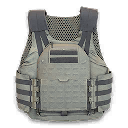
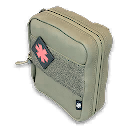
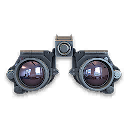
Listed rewards are NVGs, the Coin Mining Den Key and 25,000 Cash. Early-access after-action reports also show a 5,000 Story Mission Payout; the listed amount is not a guaranteed repeat payout.

For another multi-stage route, see Silent Ledger.
Quick questions
Why will my K9 core not power the lab?
Check its name. The door needs four working cores; Destroyed K9 Battery Cores do not count.
Mentioned in this guide
Spotted something wrong? Send a correction.
Keep reading
 Guide · MissionsMW4 DMZ keypad codes: find your mission's code and the right lock
  Guide · MissionsMW4 DMZ Silent Ledger: generator, basement vault and extraction
  Guide · MissionsMW4 DMZ Broken Resupply walkthrough: server, bomb, safe and WMD
  Guide · MissionsMW4 DMZ Compounds: clearing, safes and Medical Extraction Intel