
MW4 DMZ loot guide: what to keep, sell and use for crafting
A high sale value does not tell you whether an item is worth selling. Start with what you need for the next run.
Jump to a section
Keep the ingredients and valuables needed for your next craft or FOB upgrade, reserve a deployment kit, then consider selling surplus. Basic resources break down automatically; ingredients remain physical items. Secure Slots protect contents on failed extraction, while the Stash keeps equipment at the FOB.
- Resources and ingredients use different storage rules
- Some valuables are upgrade inputs
- Pin recipes to highlight needed ingredients
- Check uses before treating an item as surplus
You have five Rigid Synthetics and need room. Selling them creates space and cash. Keeping them, with 50 basic Synthetics, pays for a Medium Backpack. Saving ten instead contributes to a Stash upgrade. The useful choice depends on the job you want that loot to do.
There is no reliable universal sell list while some recipe and upgrade costs remain unspecified. There is a practical sorting method: reserve a kit, fund a specific goal, then sell what is left over.
For death protection and disconnect limits, see the Secure Slots guide.
Sort loot into five decisions
| What you found | First check | Sensible next action |
|---|---|---|
| Basic resources | Which resource total your planned craft needs | Track the shortage; these break down automatically |
| Printer ingredients | Recipes and upgrades that consume them | Keep the amount needed for your selected goal |
| Healing, armor and equipment | Whether it belongs in the next deployment kit | Equip or store it before considering surplus |
| Valuables | Whether a planned FOB upgrade needs them | Sell only after checking that use |
| Recipe or Weapon Manual | Whether you can safely extract it | Prioritize the extraction needed for its unlock |
Open an item page to check its crafting uses and how to obtain it. Before selling an ingredient, check the materials required by your next recipe and FOB upgrade.
What to keep when you need space now
| Item in your bag | Check before selling or dropping it |
|---|---|
| Binding Catalyst or Biomaterials | Your next Medkit and other medical crafts |
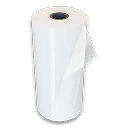
| Nylon Cloth | Your Nylon Laminate or backpack recipe; the sale value alone does not measure its usefulness |
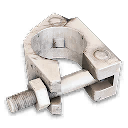
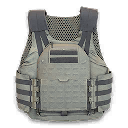
| Reactive Metals | The 2-Plate Armor Vest you need for the next deployment |
| Rigid Synthetics | A Medium Backpack versus a saved Stash-upgrade input |
| A key | A matching room on your planned route; keep unused keys in the Stash between runs |
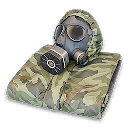
| Radiation Gear / Hazmat Suit | It is discarded on exfil; do not plan around banking that suit for the next deployment |
The Value field is not a Vendor purchase price. Before selling a scarce part, compare the current sale offer with what replacing it would require. Keep your chosen recipe’s inputs first, then decide what is surplus.
Resources are not loose ingredients
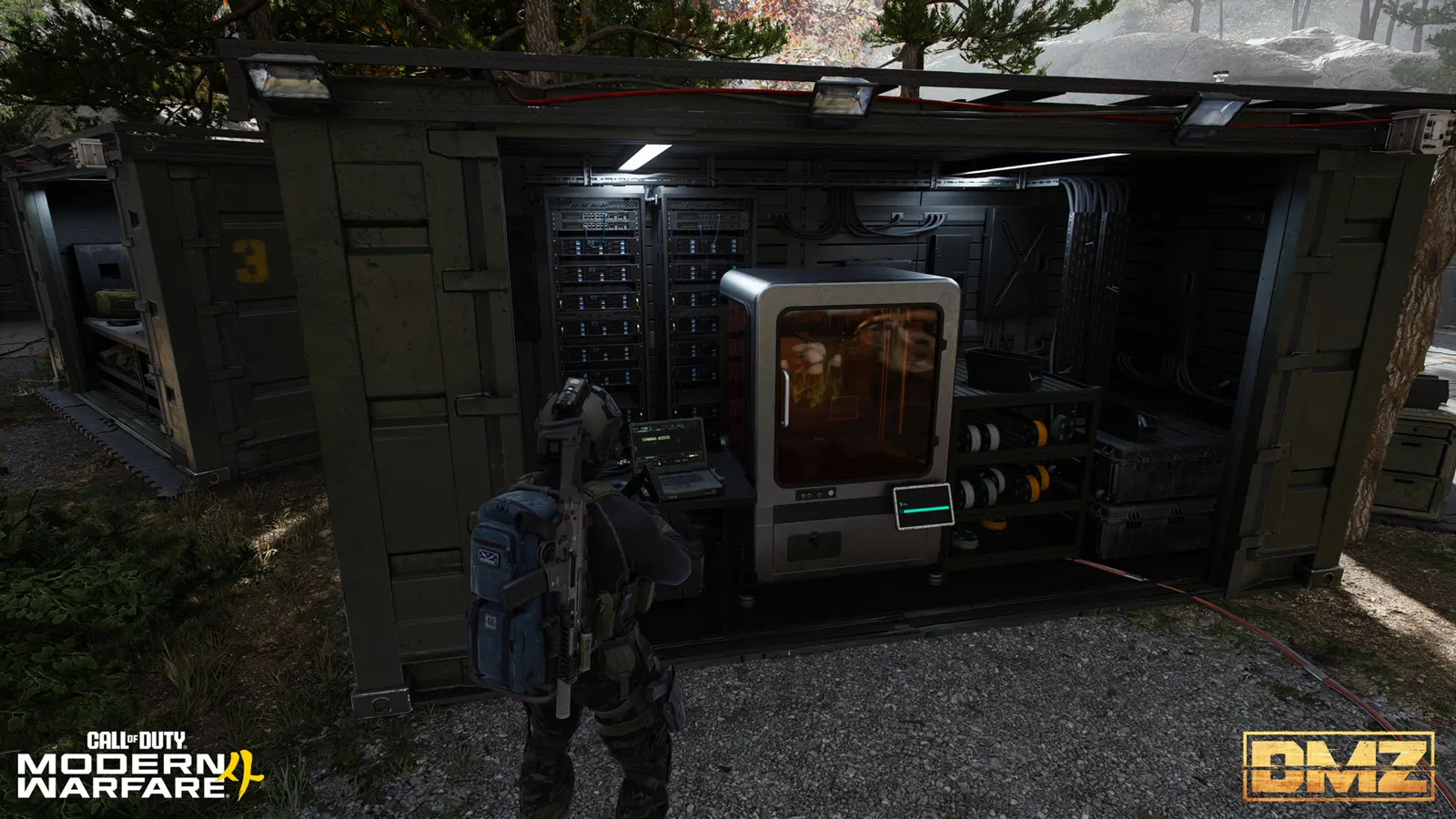
The four basic resources are Synthetics, Electronics, Chemicals and Metals. Normal resource loot breaks down automatically and goes into the resource pouch. Printer ingredients remain separate items in your backpack and Stash.
That distinction matters when reading a shopping list. Ten Metals cannot replace ten Reactive Metals. Electronics cannot replace Electronic Sensors. Match the full ingredient name before spending time gathering more of the wrong material.
Four useful keep-or-craft examples
| Ingredient | One documented use | Why the decision matters |
|---|---|---|
| Rigid Synthetics | 5 for a Medium Backpack, alongside 50 Synthetics | A backpack now competes with saving 10 for the documented Stash upgrade tier |
| Reactive Metals | 5 for a 2-Plate Armor Vest, alongside 50 Synthetics | The Secure Scavenger Backpack also needs 10, plus other ingredients |
| Binding Catalyst | 1 for a Medkit, alongside 30 Chemicals and 5 Biomaterials | Selling the catalyst may block a complete healing craft |
| Military Composites | 2 in both Tempered Armor Vest and Secure Scavenger Backpack recipes | Choose which expensive item you are funding before collecting both lists |
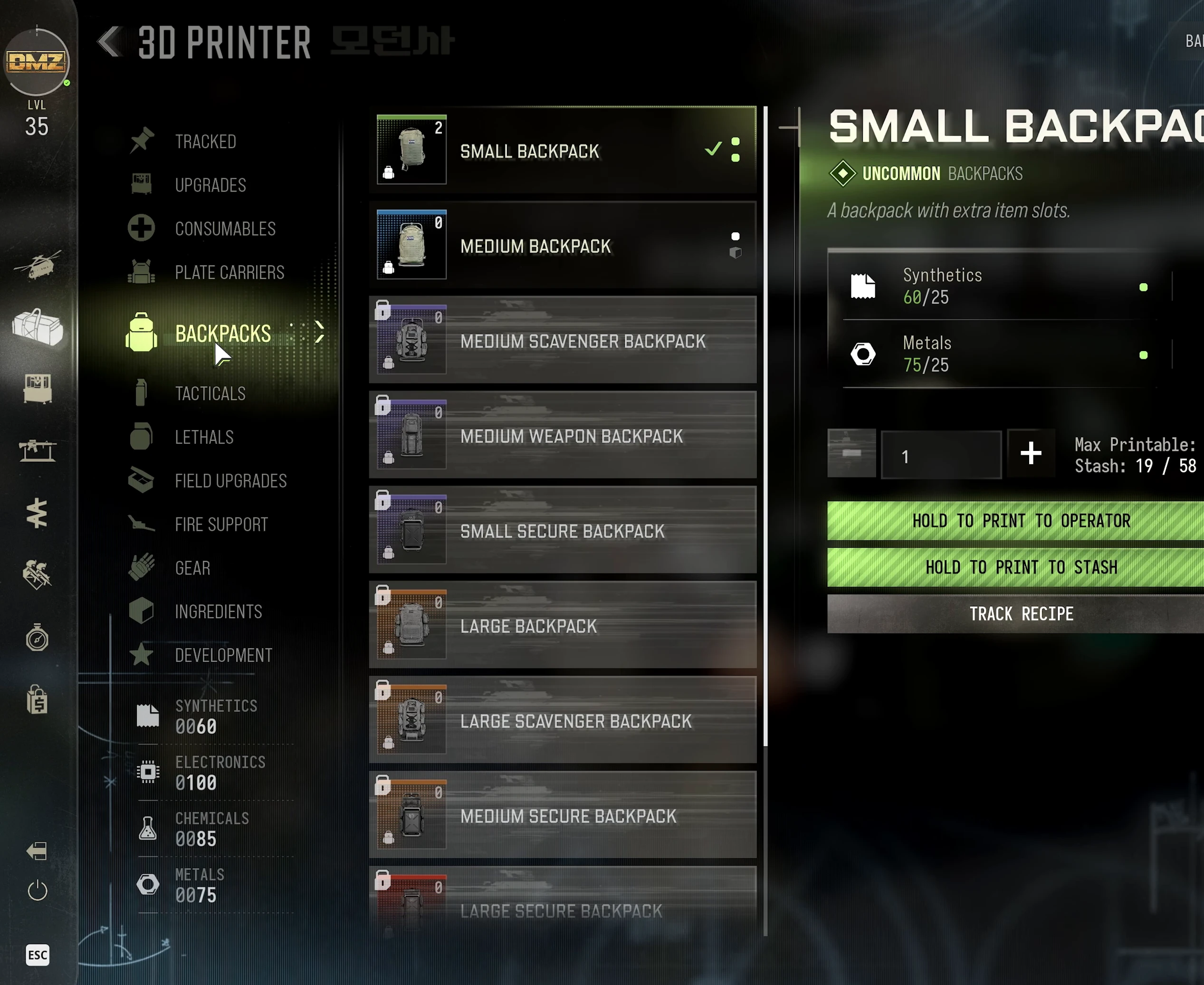
The crafting planner totals the known recipes you select. Use it to expose shared ingredients; it does not subtract your in-game inventory automatically. Compare its shopping list with your Stash yourself before deploying.
Protect the loot you actually need
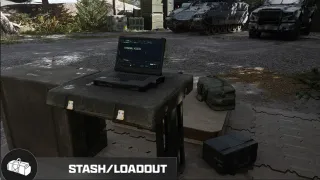
Your Stash stays at the FOB and is shared by Active Duty Operators. Moving supplies there keeps them out of the next deployment’s backpack.
Secure Slots protect their contents if you fail to extract. Check which slots are secure, then place eligible items there deliberately. A backpack’s name is not a promise that every item inside survives a failed run.
Critical Story Mission and Dynamic Operation objects use the Mission Item slot, rather than ordinary backpack room. Do not discard useful gear merely to create space for an objective item that uses that dedicated slot.
Operator Prestige is a different event from a failed exfil. Remove items you want to keep from both the backpack and loadout before Prestiging, and put them in the Stash. See the Prestige requirements guide before confirming the reset.
A short routine after each extraction
- Move ingredients and spare equipment into the Stash.
- Merge compatible stacks to see the space you really have.
- Reserve a loadout you are willing to risk next.
- Choose one recipe or upgrade and set aside its inputs.
- Review surplus valuables and equipment for sale.
- Check the Bank’s remaining capacity before turning everything into cash.
While deployed, pin the recipe so relevant ingredients are highlighted. Once you have the material that was blocking your craft, extraction may be worth more than another room of unrelated loot. Use the material search guide to choose the next search area when something is still missing.
Quick questions
Should I sell every valuable in DMZ?
No. Some FOB upgrades use valuables. Check the upgrades you want before selling them, then use surplus to fund equipment and other purchases.
Are Synthetics and Rigid Synthetics the same material?
No. Synthetics are a basic resource. Rigid Synthetics are a separate ingredient used in recipes and upgrades.
Does a Secure Backpack keep everything after death?
The protection applies to items placed in Secure Slots. Do not assume every ordinary slot in the backpack has that protection.
Mentioned in this guide
 Rigid SyntheticsItem
  Medium BackpackRecipe
  Binding CatalystItem
  BiomaterialsItem
  MedkitRecipe
  Nylon ClothItem
  Nylon LaminateRecipe
  Reactive MetalsItem
  2-Plate Armor VestRecipe
  Radiation GearItem
  Military CompositesItem
  Stash/LoadoutFOB station Secure SlotsMechanic Mission Item slotMechanic Resource and Recipe trackingMechanic
 Spotted something wrong? Send a correction.
Keep reading
 Guide · Gear & craftingMW4 DMZ 3D Printer guide: resources, ingredients and recipes Guide · Gear & craftingWhere to find crafting materials in MW4 DMZ Guide · Gear & craftingMW4 DMZ Secure Slots: what survives death and disconnects?
  Guide · ProgressionMW4 DMZ Operator Prestige: requirements for every tier