
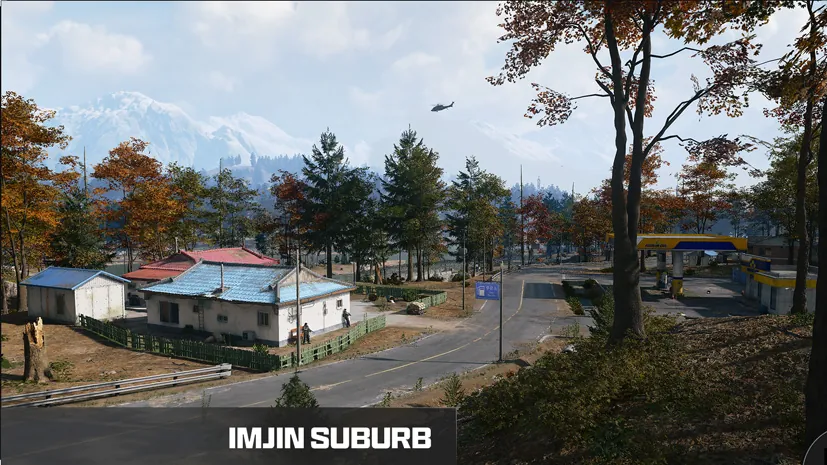
Haejeok Radio Station key: room and entrance
Opens the broadcasting room in the white transmitter building beneath Imjin Suburb’s red radio mast.
Find the red radio mast in Imjin Suburb, enter the white transmitter building beneath it and follow the hallway with framed photographs. The brown wooden door with a card reader leads to the broadcasting room.
- Imjin Suburb · red radio mast
- White transmitter building
- Brown wooden door with card reader
How to get the key
Search loot containers.
Prepare before deploying
Put the matching key in your carried backpack before you deploy. A key left in the FOB stash cannot open the door in Hajin. Bring plates and ammunition for the approach, and leave free slots for anything you want to extract.
Follow the route to the door
- Use Imjin Suburb as your approach landmark and look for the red mast above the surrounding buildings.
- Go to the white transmitter building directly beneath the mast. Its exterior garage door helps distinguish it from nearby houses.
- Enter and follow the hallway lined with framed photographs. Look for the brown wooden door with a card reader.
- Confirm the Haejeok Radio Station prompt and unlock the broadcasting room with the matching key.
Check the lock before spending the key
Read the interaction prompt at the door and compare its full name with your key. If the name is different, stop and recheck the route. A nearby gate, another office or a vault keypad is a separate lock; proximity does not make the keys interchangeable.
Search the room and plan your exit
The broadcasting room has server racks, desks and two MINA MS41 crates beneath a barred window. Check the side room for metal lockers and the kitchen area. A green handprint safe stands by the racks; opening the entrance does not explain the separate safe mechanism.
Clear the immediate approach before opening your backpack to sort loot. Read item names and keep the materials or unlocks your next upgrade needs. When the room is searched, check your plates, remaining ammunition and extraction route before extending the run.
→ Follow the route to the door · → Key Finder · → Search the room and plan your exit
Mentioned in this guide
Spotted something wrong? Send a correction.
Keep reading
 Guide · Gear & craftingMW4 DMZ loot guide: what to keep, sell and use for crafting
 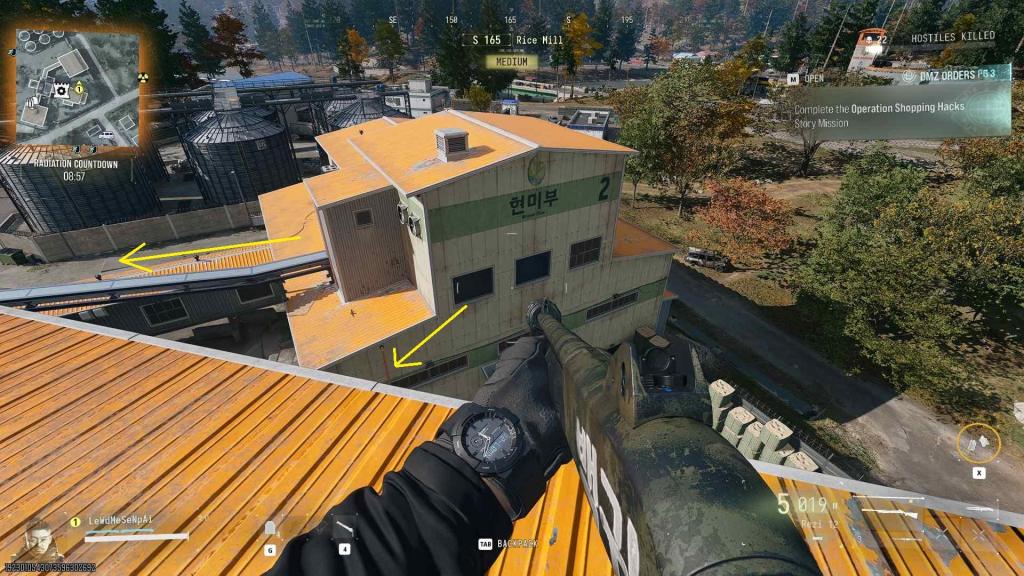 Guide · Loot & craftingGorani’s Scout Overlook key: room and entrance
 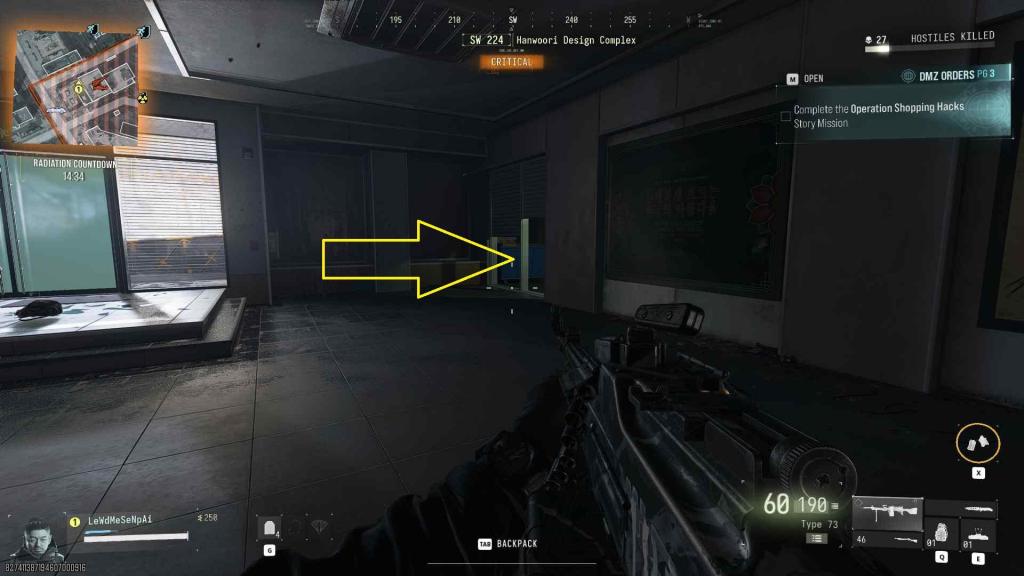 Guide · Loot & craftingHanwoori Art Records Room key: room and entrance
  Guide · Loot & craftingMW4 DMZ Nylon Cloth and Nylon Laminate: where to search