KNOW MORE.
CARRY LESS.
The map. Your next upgrade. The loot worth keeping. Your DMZ companion, one tap away.
Free to install. No account required.
 DMZ CODEX
 +↗◇
+↗◇−
MAKE THE EXFIL.
Less searching.
More knowing.
Keep the answers beside you, from the first item you pick up to the next upgrade you unlock.
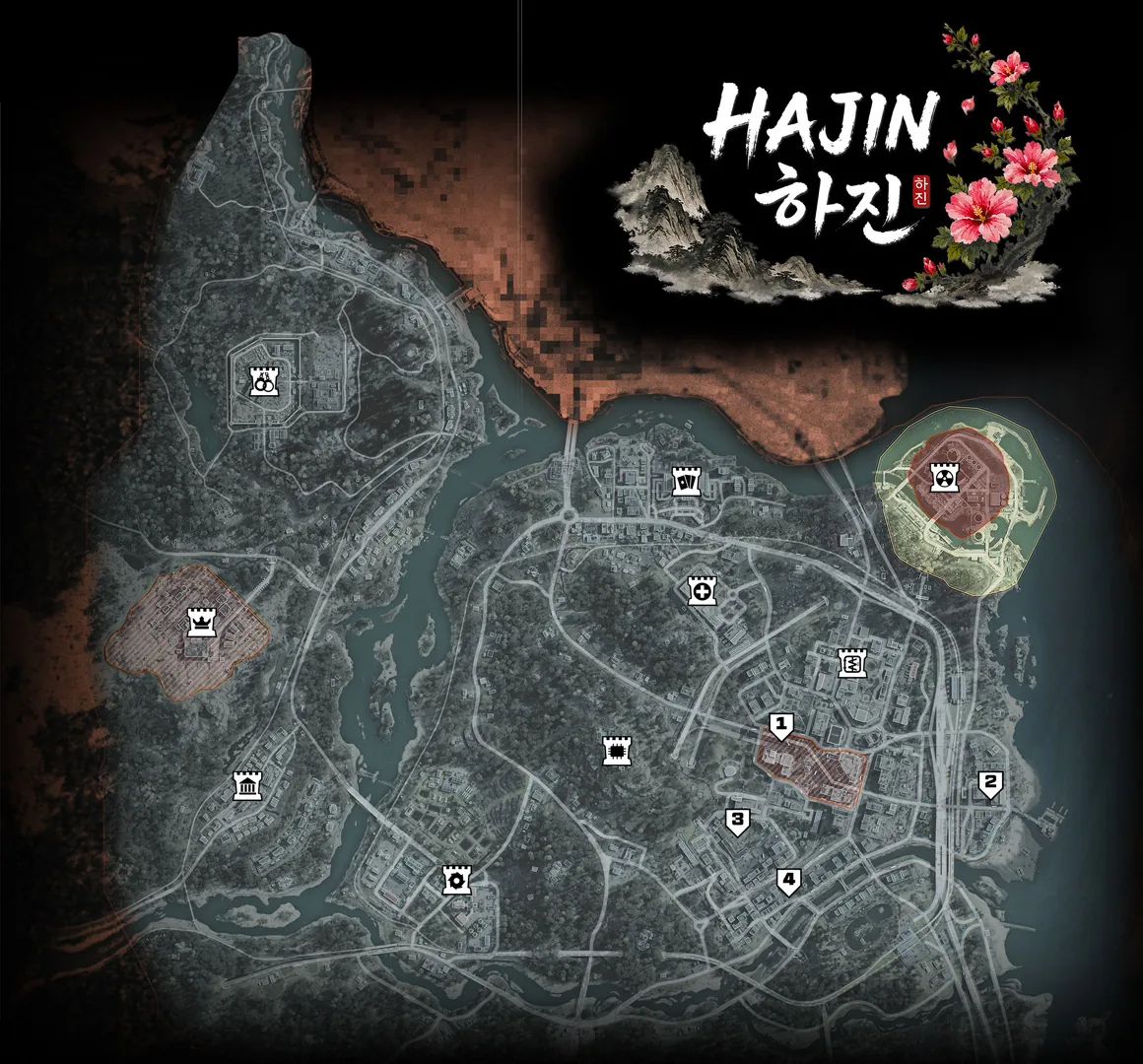
Find your way.
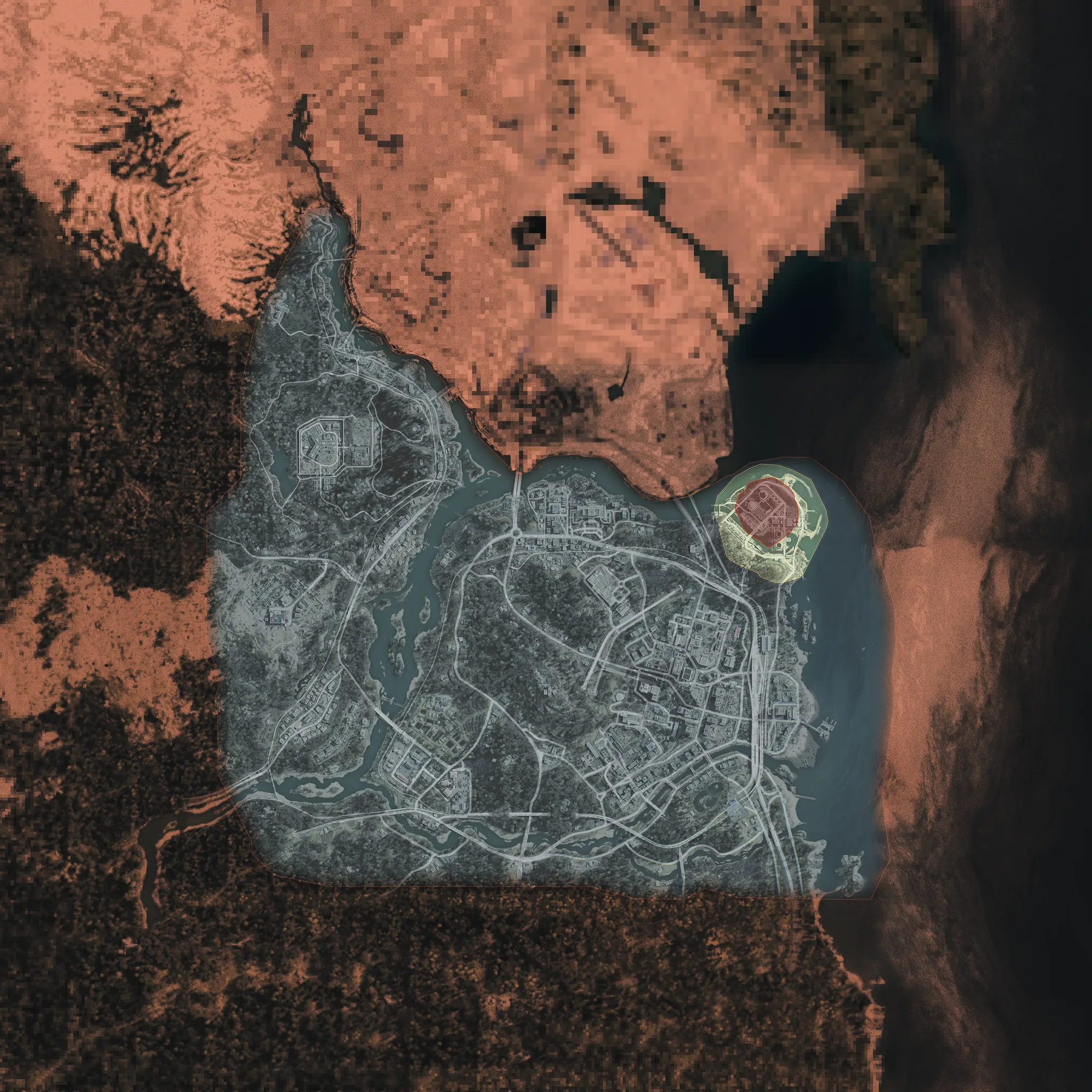
Explore locations, filter map markers and plan your route through Hajin.
Open interactive map ↗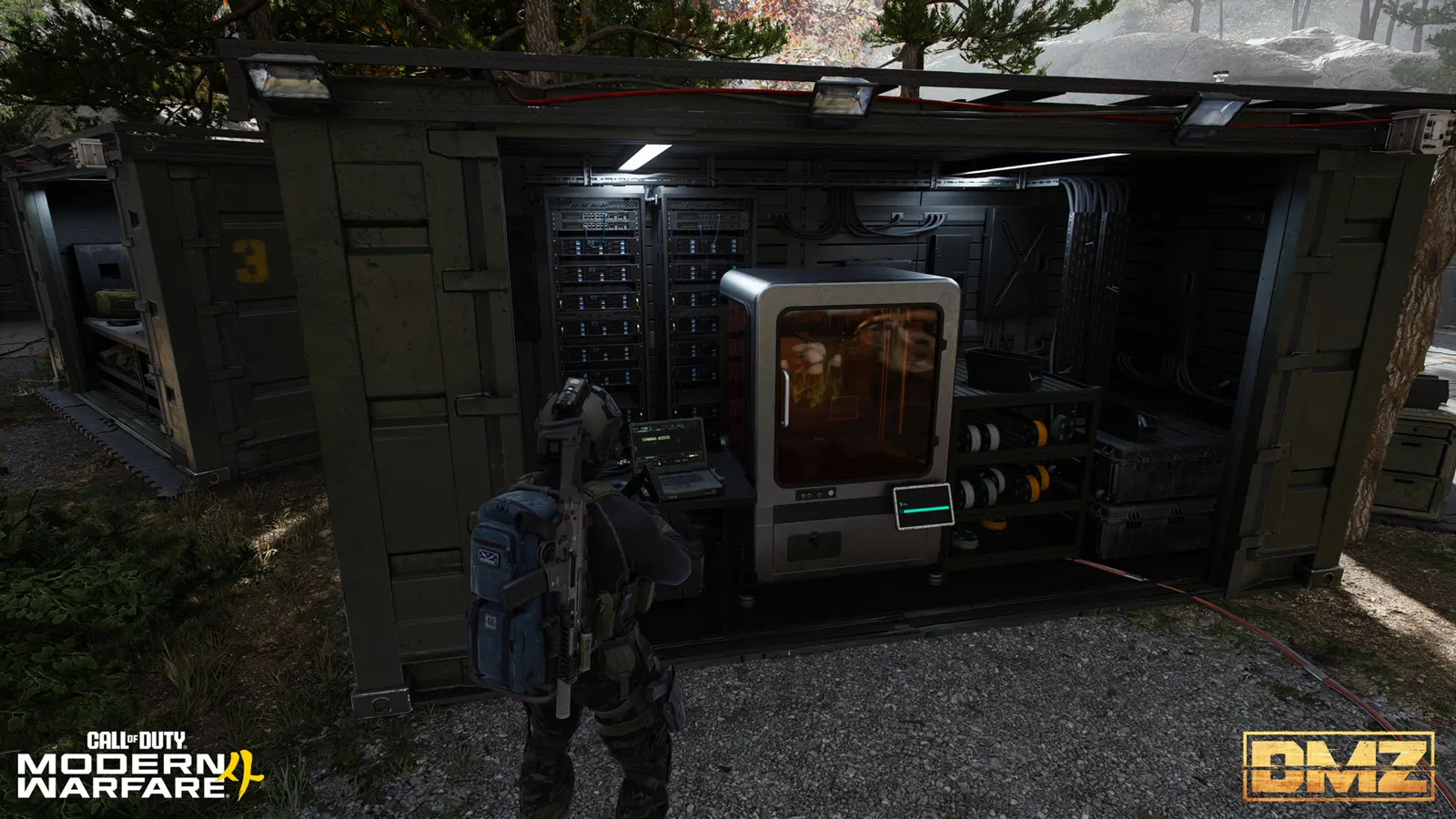
Know what to keep.
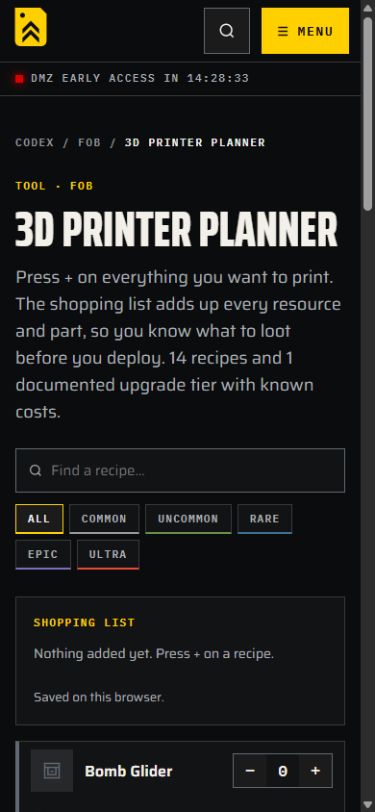
Pick your crafts and see the resources and ingredients you need to bring back.
Plan your crafting ↗
Choose what’s next.
Browse level rewards, Operator unlocks and the upgrades worth working toward.
Explore progression ↗Make room for
your companion.
Add it from Safari
- 01Open in Safari
Visit dmzcodex.com/install in Safari. If you arrived from a social app, open this page in your browser first.
- 02Tap Share
Open the Share menu. Depending on your Safari layout, it may be inside the More (…) menu.
- 03Add to Home Screen
Choose Add to Home Screen. Keep Open as Web App enabled if shown, then tap Add.
Look for the yellow DMZ Codex icon on your Home Screen.
Install from your browser
- 01Open in Chrome
Visit this page in Chrome on your Android phone.
- 02Tap Install DMZ Codex
Use the install button above when available. Otherwise open Chrome’s ⋮ menu and choose Add to Home screen or Install app.
- 03Confirm installation
Follow your browser’s confirmation, then launch DMZ Codex from your Home Screen or app drawer.
If the install option is missing, use a regular browser tab instead of private browsing or an in-app browser.
Keep it beside your game
- 01Open the website
Visit DMZ Codex in Chrome or Edge. On Mac, Safari also supports Add to Dock.
- 02Choose Install
Use the install button above or your browser’s app-install menu. In Safari on Mac, choose File → Add to Dock.
- 03Launch your companion
Open DMZ Codex from your apps, taskbar or Dock. You can also scan the QR code to install on your phone.
Browser menus vary. If your browser cannot install it, the full companion still works online.
Before you
head out.
Is this free?
Yes. You can install and use DMZ Codex without an account or subscription.
Is it on the App Store or Google Play?
This version installs directly from your browser. Follow the steps above to add DMZ Codex to your device.
Will I get the latest information?
When connected, pages fetch the latest available content. If an app update is ready, choose Update now when convenient.
Why can’t I see an install button?
Open this page in Safari on iPhone or Chrome on Android, outside private browsing and social apps. Your browser may offer installation in its menu instead. On iPhone, use Share → Add to Home Screen.
Does my progress sync between devices?
There is no account sync. Settings saved by companion tools stay on the device and browser that saved them. An installed app may use separate storage, especially on iPhone.
Does everything work offline?
Recently visited pages may be cached, but installation does not save the entire companion for offline use. New pages, fresh information and uncached images need a connection. Device storage settings can remove offline data.
How do I uninstall it?
Remove DMZ Codex like another Home Screen app. Browser site-data settings control remaining stored website data.