
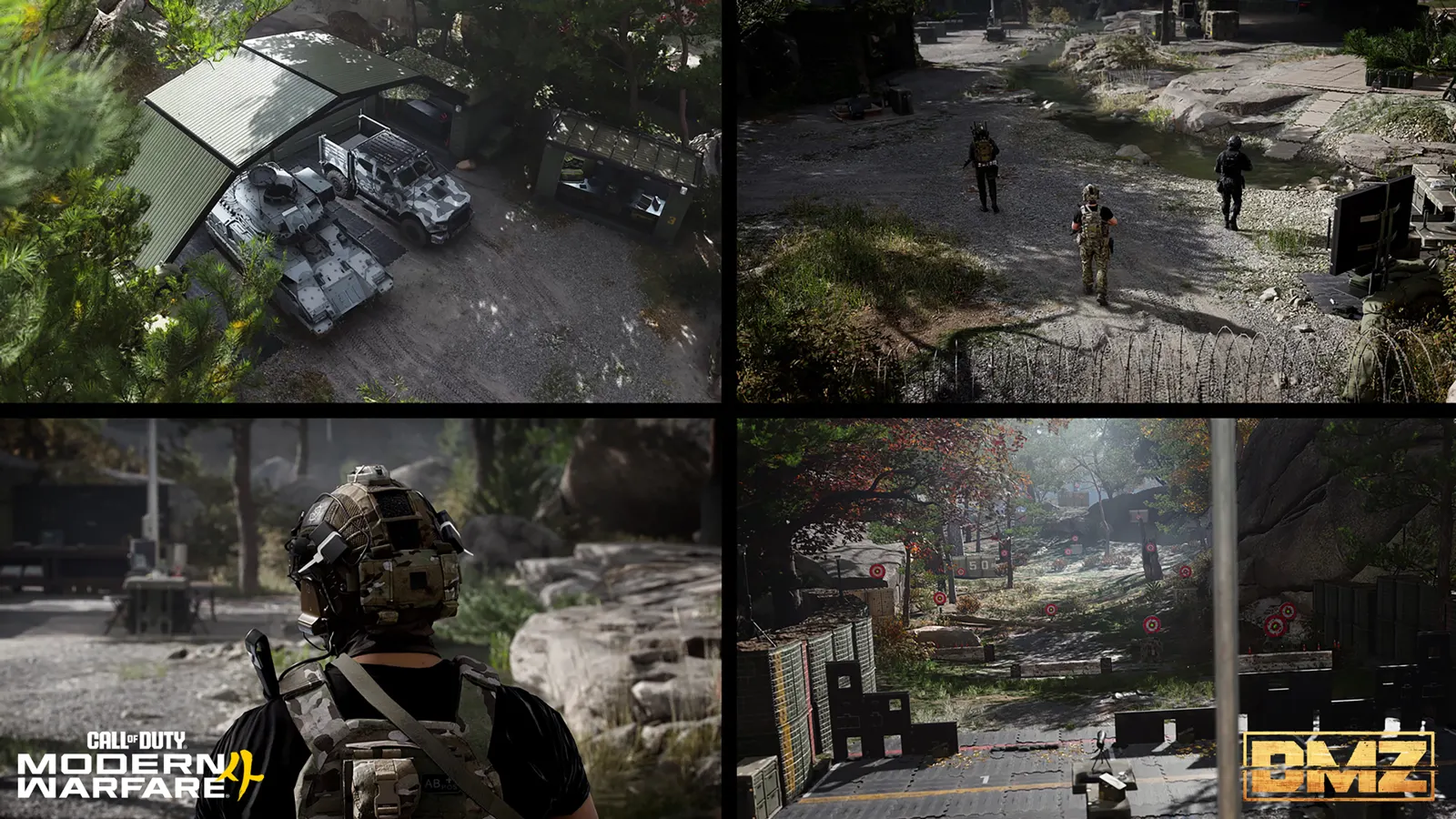
MW4 DMZ FOB upgrades: what to work toward first
A full Stash, an expensive rescue and a missing recipe are different problems. Spend your materials on the one holding you back.
Jump to a section
FOB upgrades come from both DMZ level rewards and 3D Printer purchases. Match the upgrade to the limit you are hitting: item storage, weapon storage, Bank capacity, recovery cost or crafting access. Compare the listed tier cost before spending; later tiers can differ.
- 3D Printer at DMZ Level 2; Gunsmith at Level 10
- Level rewards and Printer purchases are separate
- FOB upgrades are permanent
- Reserve enough gear and cash for your next deployment
If you cannot store the ingredients for your next craft, another weapon offer will not solve the problem. If your Bank is nearly empty, more cash capacity will not help yet. Pick the upgrade that removes a limit you are already hitting.
This is a planning guide, not a universal purchase ranking. Your next useful upgrade depends on what is in your Stash, how often you lose gear and which recipes you are trying to make.
First separate level unlocks from purchases
Your DMZ Player Level opens stations and awards capacity increases. The Printer has a separate upgrade menu for purchases using cash, ingredients and, where required, valuables.
| Milestone | What changes | Your next decision |
|---|---|---|
| Level 2 | 3D Printer and starter recipes | Choose a replacement kit you can afford to craft |
| Level 5 | Vendor | Compare available gear with your stored equipment |
| Level 10 | Gunsmith | Budget for a usable gun before expensive attachment builds |
| Level 15 | One extra Active Duty slot | Decide whether another Operator helps your rotation |
| Level 20 | Dog Tag Case | Check tag storage before making it a collection goal |
| Level 25 | 5% off Gunsmith purchases | Keep the level reward separate from a purchased discount |
| Levels 18 and 32 | More Vendor sale options | Exact extra slot counts are not specified |
| Levels 30, 50 and 70 | Listed bounty payout bonuses of 10%, 50% and 100% | Do not add the percentages together; stacking is unconfirmed |
| Levels 22, 45 and 70 | 18 additional Stash slots at each milestone | Factor the upcoming reward into a capacity purchase |
| Levels 35 and 60 | Six additional weapon Stash slots at each milestone | Reassess stored guns before buying more space |
A reward appearing on the level timeline does not prove it has a separate purchasable version. Conversely, unlocking a Printer category does not pay the material cost of every item in it.
Choose by the problem you have
| If this keeps happening… | Look at… | Check before spending |
|---|---|---|
| You cannot store useful ingredients | Stash Item Upgrade | Merge stacks and remove unwanted duplicates first |
| Your weapon storage is full | Stash Weapon Upgrade | Keep guns you will actually deploy with |
| Extracted cash is pushing against your cap | Bank Upgrade | Your current balance and displayed capacity |
| You repeatedly pay to recover Operators | MIA Recovery Discount | The upgrade’s price versus your rescue spending |
| You frequently buy Gunsmith builds | Gunsmith Discount | The current discount and actual upgrade cost |
| A component blocks several planned crafts | Ingredient Printing | Whether the upgrade unlocks that specific component |
| You want more Vendor selection | Vendor Item Slots or Weapon Offers | Whether you have spare cash to use the added offers |
Compare the individual upgrade pages for tier costs, material links and relevant level rewards. A discounted purchase and extra Bank capacity solve different problems.
Printer upgrade costs
The Stash cost below is pictured in an official menu. The other listed tiers come from community-reported Printer cards; later tiers can differ. “Unlisted” cash is unknown, not free.
| Upgrade | Effect | Cash | Materials |
|---|---|---|---|
| Bank I | 250,000 total cash capacity | 20,000 | None listed |
| Bank II | 500,000 total cash capacity | 50,000 | None listed |
| Bank III | 1,000,000 total cash capacity | 100,000 | 5 Infantry Invasion Plans |
| Stash items, shown tier | +18 item slots | 10,000 | 10 Rigid Synthetics, 10 Electronic Sensors |
| Stash weapons I | +6 weapon slots | 50,000 | 20 Reactive Metals, 10 Stock Rod, 5 Comms Module |
| Dog Tag Case I | +20 tag slots | 10,000 | 10 Rigid Synthetics, 10 Biomaterials |
| Gunsmith I | 5% off purchases | 50,000 | 20 Reactive Metals, 10 CPU, 5 Power Regulator |
| MIA recovery I | 5% off recovery | Unlisted | 5 Regional Combat Notes, 10 Control Units, 10 Rigid Synthetics |
| Vendor items I | More purchase options | Unlisted | 20 Electronic Sensors, 10 CPU, 10 Printed Circuit Board, 2 Prototype RF Module |
| Uncommon ingredient printing | Uncommon ingredient recipes | 50,000 | 20 Biomaterials, 10 High-Tenacity Fibers, 5 Comms Module |
| Epic ingredient printing | Epic ingredient recipes | 100,000 | 10 Binding Catalyst, 10 Printed Circuit Board, 5 Military Composites |
Bank capacities are total limits, not amounts added. Bank II follows I; III follows II. Tier III’s new cost is community-reported, without a reviewed cost-panel screenshot here. Keep five Infantry Invasion Plans if you want it. The FOB tracker totals earlier unowned tiers; later costs remain unknown. The crafting planner includes tiers with reported cash costs and leaves incomplete totals out.
A Gunsmith Printer upgrade and the Level 25 reward both list 5%; how they combine is unconfirmed. Vendor item options also differ from weapon offers, whose full upgrade costs remain unknown.
A complete Stash upgrade shopping list
One documented Stash Item Upgrade tier adds 18 item slots and costs:
| Payment | Amount |
|---|---|
| DMZ Cash | 10,000 |
| Electronic Sensors | 10 |
| Rigid Synthetics | 10 |
Those ten Rigid Synthetics also represent the ingredient portion of two Medium Backpacks, each of which additionally needs 50 Synthetics. If you still need a backpack for your next run, decide which use matters first. Do not mistake basic Synthetics for Rigid Synthetics; they are separate materials.
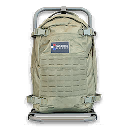
Use the 3D Printer planner to add the Stash tier and two Bandages. Together they require 10,000 cash, 10 Electronic Sensors, 10 Rigid Synthetics, 30 Synthetics and 30 Chemicals. Select the shown Stash tier once; its price does not stand for every later storage upgrade.
A workable order for your first upgrades
- Keep a deployment kit ready. Reserve the healing, armor and weapon you intend to use next.
- Review the next level reward. You may be close to a capacity increase that reduces today’s pressure.
- Choose one purchase. Put its ingredients ahead of optional crafts until it is funded.
- Check valuables before selling. Some upgrades use them as inputs; a sale price is not their only use.
- Reassess after the upgrade. More storage may solve the problem without needing another tier immediately.
For recipe basics, use the crafting guide. For the decision at the inventory screen, use what to keep, sell or craft.
Quick questions
Should I buy a Stash or Bank upgrade first?
Choose the limit you are actually hitting. Stash capacity helps when you cannot store gear and ingredients; Bank capacity helps when your cash approaches its cap. Compare the displayed cost with the equipment you still need.
Does every Stash upgrade cost 10,000 cash?
No complete tier schedule is documented here. The 10,000 cash, 10 Electronic Sensors and 10 Rigid Synthetics cost applies to one shown tier only.
Do I buy the extra Operator slot from the Printer?
The extra Active Duty slot at DMZ Level 15 is a progression reward. A separate Printer purchase is not established by that reward.
Mentioned in this guide
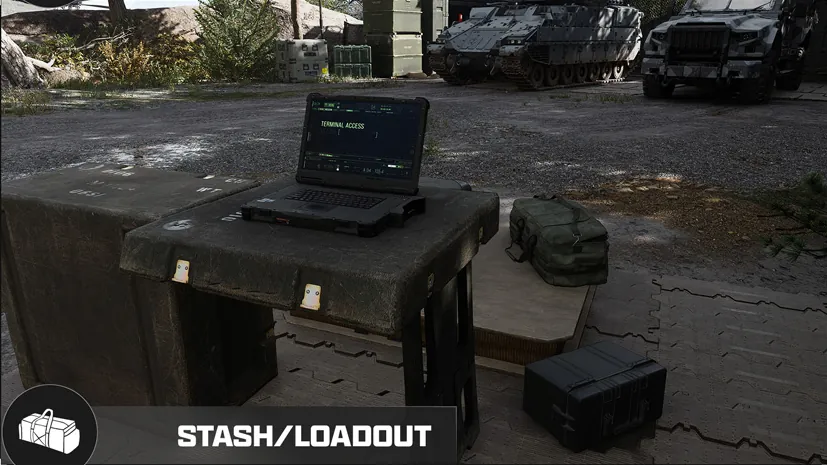
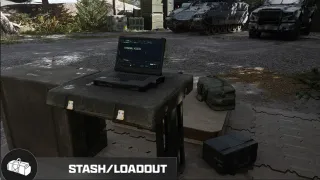 Stash/LoadoutFOB station
 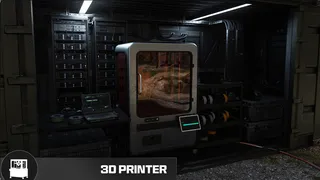 3D PrinterFOB station
 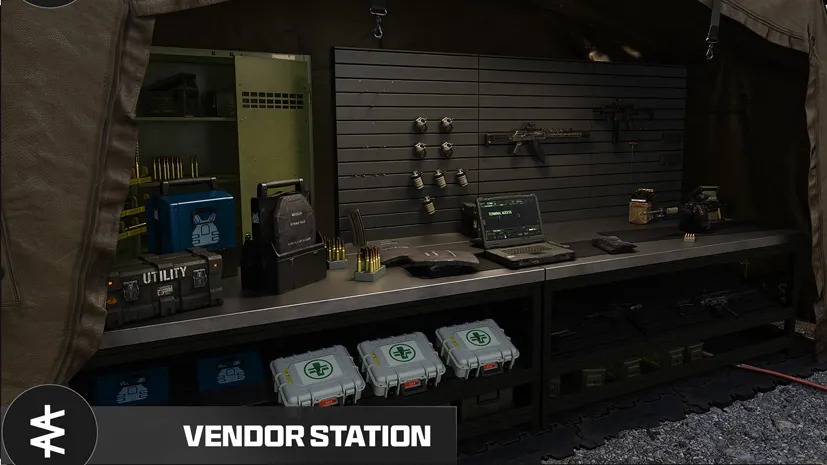 VendorFOB station
 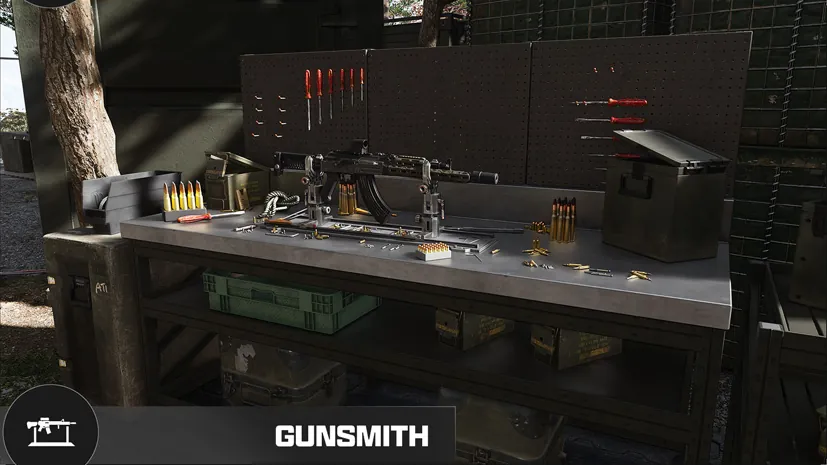 GunsmithFOB station
  Dog Tag CaseFOB station
 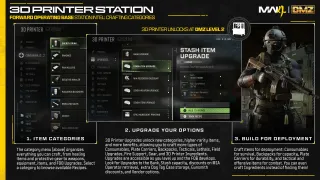 Stash Item UpgradeFOB upgrade Stash Weapon UpgradeFOB upgrade Bank UpgradeFOB upgrade MIA Recovery DiscountFOB upgrade
 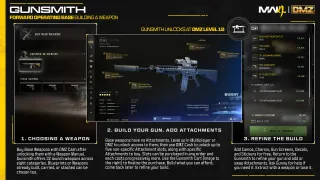 Gunsmith DiscountFOB upgrade Uncommon Ingredient PrintingFOB upgrade
 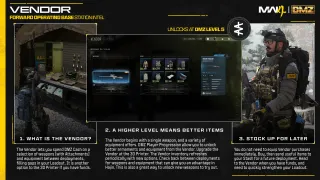 Vendor Item Slots UpgradeFOB upgrade Vendor Weapon Offers UpgradeFOB upgrade Dog Tag Case Storage UpgradeFOB upgrade Epic Ingredient PrintingFOB upgrade
  Infantry Invasion PlansItem
 Spotted something wrong? Send a correction.
Keep reading
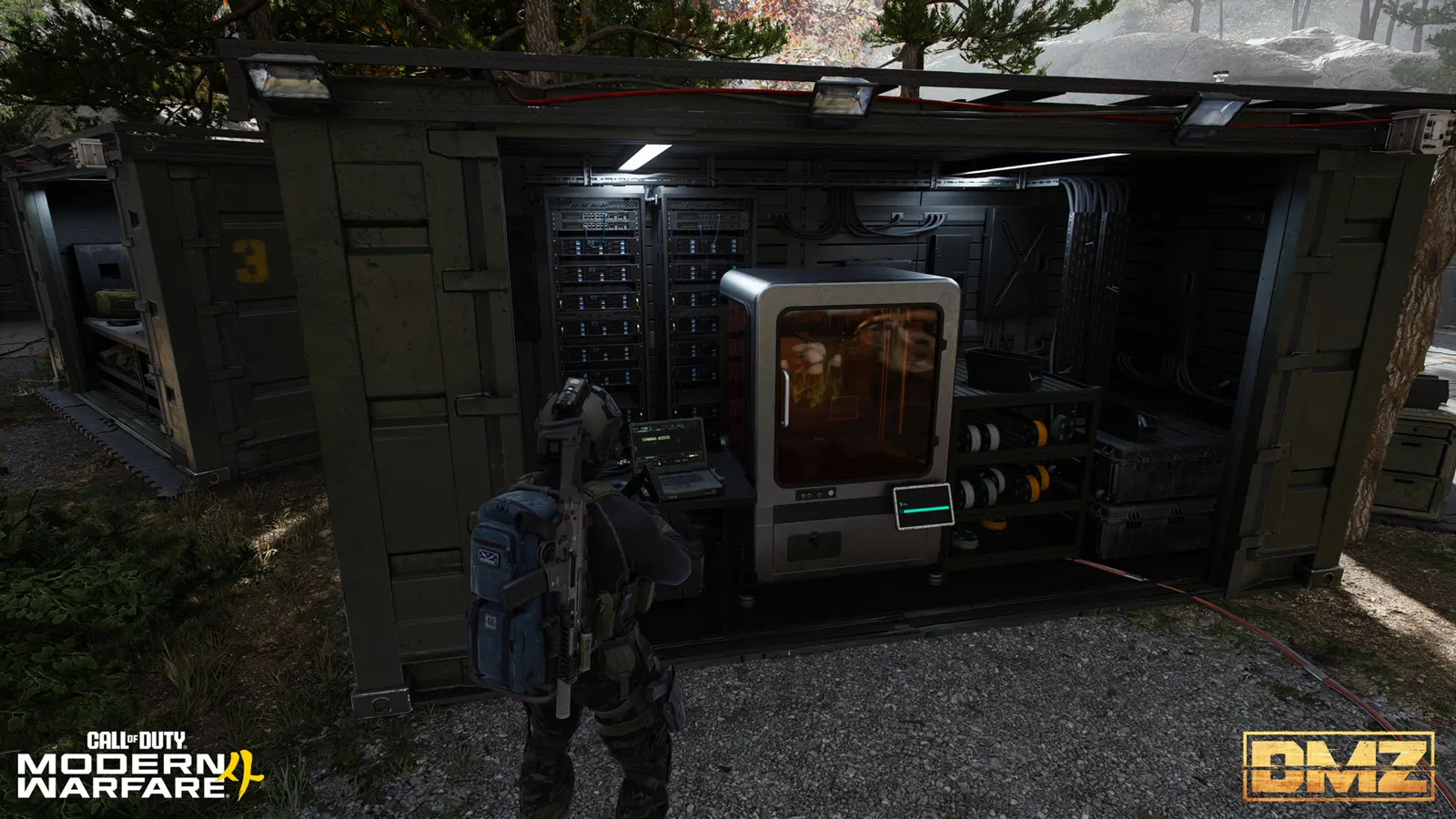 Guide · Gear & craftingMW4 DMZ 3D Printer guide: resources, ingredients and recipes
  Guide · Gear & craftingMW4 DMZ loot guide: what to keep, sell and use for crafting
 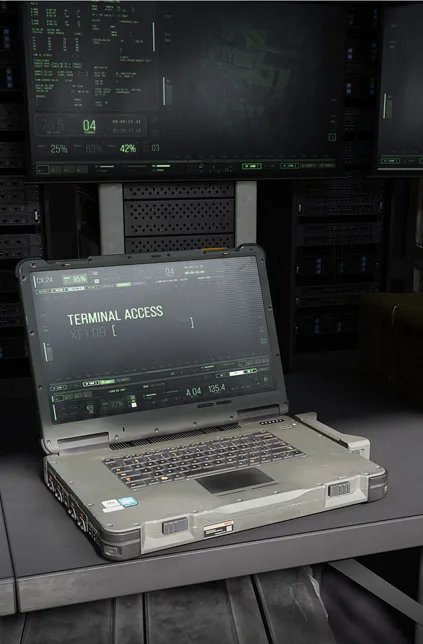 Guide · ProgressionMW4 DMZ level rewards: your roadmap from Level 1 to 70 Guide · Gear & craftingWhere to find crafting materials in MW4 DMZ