
MW4 DMZ Iron Citadel walkthrough: access card, armory and LTV
Keep the manifest safe through the airbase sabotage and final extraction.
Jump to a section
At Chang-san Air Base, find and upgrade an access card, collect three keycode parts and breach the armory. Take the manifest, plant armory and aircraft explosives, capture the marked SAM site and extract with the manifest. Completion unlocks LTV infil; later LTV deployments cost 25,000 DMZ Cash.
- Location: Chang-san Air Base
- Three keycode parts and three aircraft
- Final objective: extract the manifest
- LTV unlock is separate from its deployment charge
Start at the airbase
Select Operation Iron Citadel under Story Missions at Deploy. The route takes you through Chang-san Air Base and its bunker.

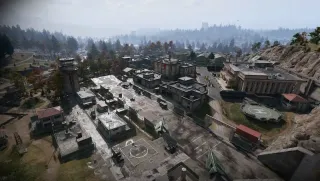
For a squad, decide who handles the marked interactions and who covers the approach. Keep healing and ammunition available for the whole sequence; opening the armory is only the middle of the mission.
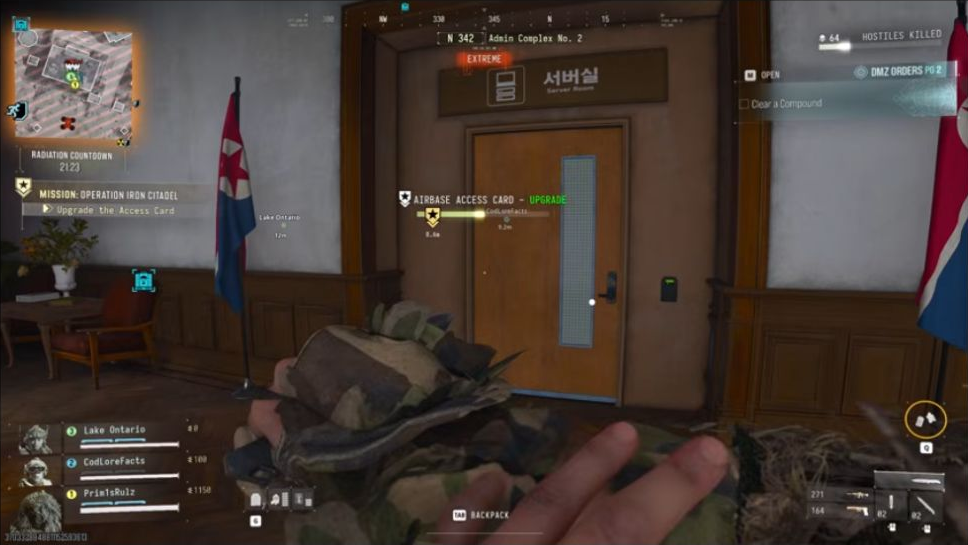
Find and upgrade the access card
- Approach the marked search locations for the Airbase Access Card.
- Use the scan updates to narrow your search.
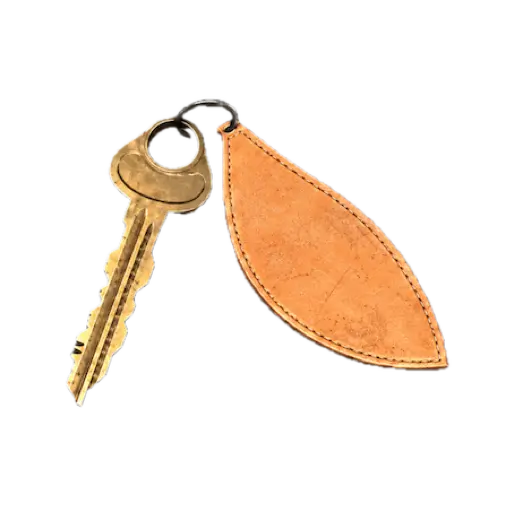
- Carry the card to the marked server and start the upgrade.
- Keep the area clear until it finishes, then collect the upgraded card before leaving.
If the next stage does not appear, check the current tracker and whether you collected the finished card. Do not search for a fixed card coordinate when the mission is still directing you through its scan locations.
Open and sabotage the armory
Find the armory doors inside the bunker. Visit all three keycode stations, then enter the code displayed by your mission tracker at the keypad. Use your run’s code rather than a number copied from a video.
Inside, collect the armory manifest, plant the marked explosives and move clear. Check the next objective before leaving the bunker so a missed interaction does not force a return trip.
Sabotage three aircraft
Follow the strike-aircraft markers and plant a charge on each of the three aircraft. Check the counter after each interaction. Clearing enemies around an aircraft does not replace planting its charge.
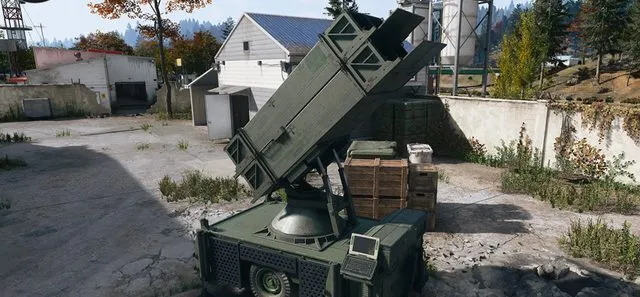
When the tracker directs you to the SAM site, capture that marked site. The SAM guide explains the wider service, but follow this mission’s capture marker for progression.
Extract the manifest and claim the unlock
Follow the extraction objective and leave with the manifest. Do not treat aircraft sabotage alone as mission completion: the route ends with extracting the document.
The mission unlocks LTV deployment for Dynamic Operations and Free Roam. Its listed 25,000 DMZ Cash per infil is the later vehicle deployment charge, not the price of completing this mission. Compare deployment options in the vehicles guide.
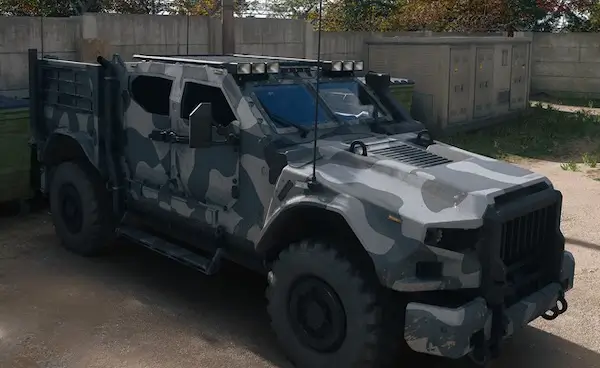
The reward menu separately lists 25,000 DMZ Cash, and the Supreme Leader Access Card is a community-reported reward. Listed rewards and your actual Bank change are different checks; confirm the result after extraction.
Quick questions
Where is the Iron Citadel armory code?
Recover the three marked keycode parts, then use the code shown in your current mission tracker at the armory keypad. No universal code is established here.
Does Iron Citadel give free LTV deployments?
It unlocks the option. The listed later LTV deployment price is 25,000 DMZ Cash per infil.
Mentioned in this guide
Spotted something wrong? Send a correction.
Keep reading
 Guide · Combat & survivalMW4 DMZ UAV Towers and SAM sites: activation and defence
  Guide · Hajin & vehiclesMW4 DMZ vehicles: infil prices, unlocks and every ride in Hajin
  Guide · MissionsMW4 DMZ Broken Resupply walkthrough: server, bomb, safe and WMD
  Guide · MissionsMW4 DMZ Compounds: clearing, safes and Medical Extraction Intel