
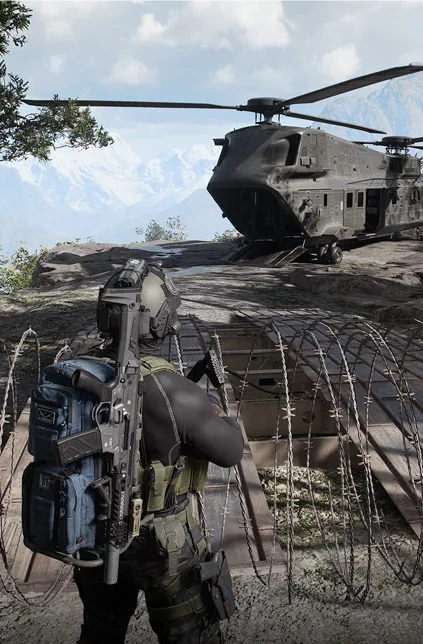
MW4 DMZ day 1 checklist: what to do in your first hour
Prepare your Operator, choose one objective and leave room for the loot you want to extract.
Jump to a section
Before your first deployment, install the required update, check your access eligibility and, on PC, turn on TPM 2.0 and Secure Boot. In the game, look around the FOB, pick an Active Duty Operator and open your DMZ Orders. Deploy with the Free Loadout or light gear, and focus on exfiling: XP counts either way, but your loot, Trait Points and the 5,000 DMZ Cash for extracted Weapon Manuals and Recipes only count once you are out.
- DMZ early access: October 20, 10 AM PT, digital pre-orders
- Free Loadout gear is yours to keep if you extract
- Trait Points arrive only after a successful exfil
- 3D Printer opens at DMZ Level 2, Vendor at Level 5, Gunsmith at Level 10
Your first hour in DMZ decides how fast the next twenty go. This checklist puts the steps in the right order. For how a run works in general, read the beginner guide first.
Blocked on your first Order? The Gear Up guide covers the announced fix and earlier workaround.
Before you launch
- Own a digital edition. DMZ early access began Tuesday, October 20 at 10 AM PT for digital pre-orders. Everyone else starts on October 23. Details in the early access news.
- Install the required update. Its announced download time was 9 AM PT on Monday, October 19; finish any pending launcher downloads before playing.
- On PC, turn on TPM 2.0 and Secure Boot. Modern Warfare 4 needs both to run on PC, because RICOCHET Anti-Cheat uses them. Check the official instructions for your system before changing firmware settings. Activision explains them at support.activision.com/tpm.
- Bookmark the known issues board. Infinity Ward lists confirmed bugs on its Modern Warfare 4 Trello board, which has its own DMZ Known Issues list. Check it before you report a bug.
- Vault Edition? You start with a third Active Duty slot and the Vault Deployment Kit. Don’t waste the kit on your first test run. More in the Vault Edition guide.
Your first visit to the FOB
The FOB is your base between runs. Five stations are open from the start:
- Operators: pick the Operator you will play. Each one levels their own Dog Tag and Trait Points.
- DMZ Orders: read your first Order. Orders are the fastest way to learn the mode. See the Orders walkthrough.
- Stash / Loadout: see what you own. The Stash and the Bank are shared by all your Operators.
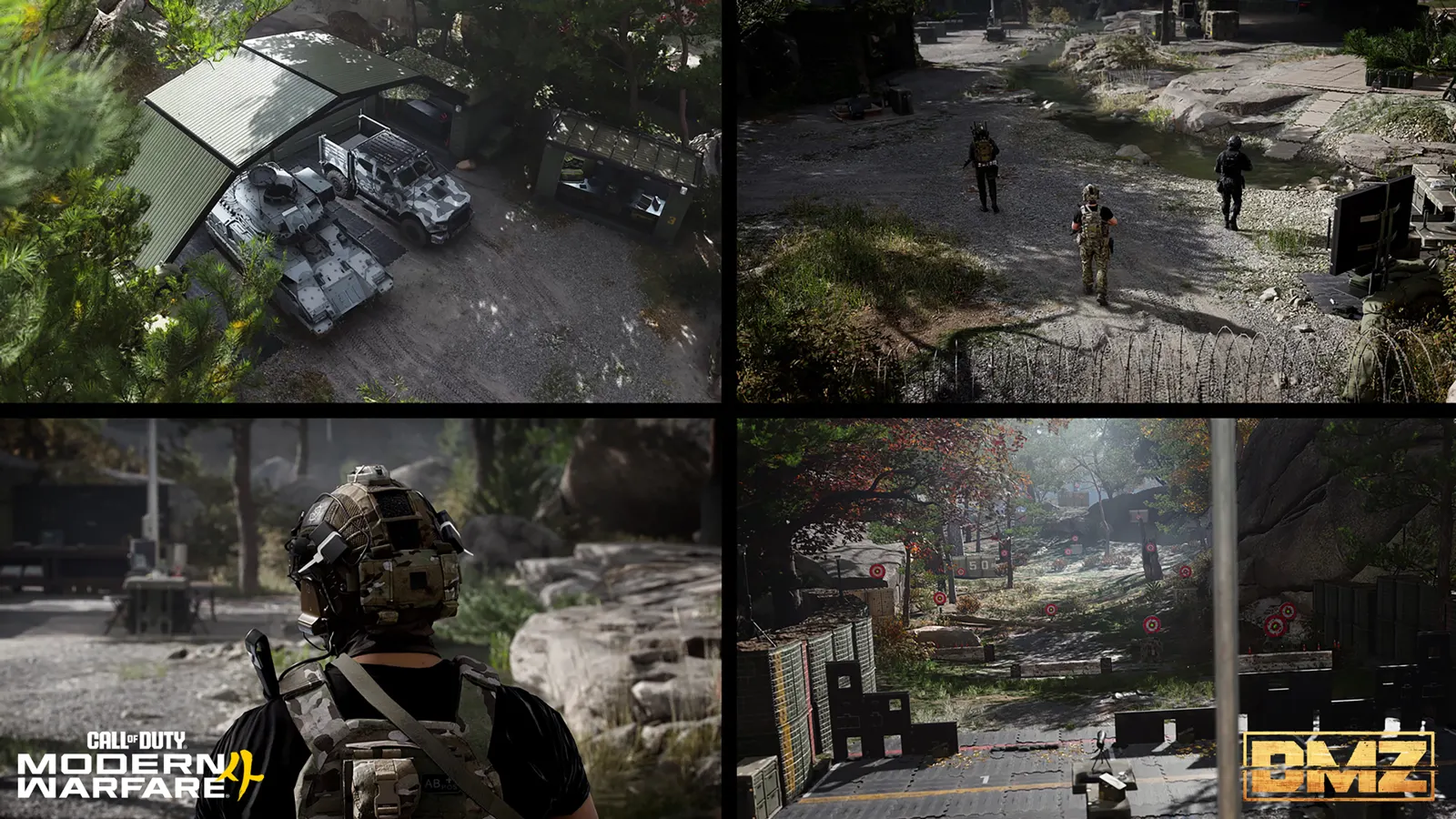
- Firing Range: test your equipped weapon before deploying.
- Deploy: where you choose Story Missions, Dynamic Operations or Free Roam.
Your first deployment
- Take the Free Loadout. Free Loadout gear is yours to keep if you extract, and you lose nothing important if it goes wrong.
- Turn on Squad Fill if you play alone. It drops you in with two other players.
- Walk in. Walking in is free. Vehicle infils cost DMZ Cash (see the vehicles guide).
- Pick a Dynamic Operation if you want cash fast. Each completed Operation pays DMZ Cash and calls a Supply Drop that gets better with every Operation you finish.
- Stay quiet near AI. Loud fights raise the threat level and bring reinforcements.
- Watch the radiation timer. The radiation storm closes in during every match. Leave before it reaches you.
- Exfil. Your loot and your Trait Points only count once you are out. The exfil guide shows every way out.
After every run
- Read your After Action Report. It rates your run from F to S++ for Objectives, Combat and Looting. Aim for S.
- Empty your backpack into the Stash.
- Spend new Trait Points carefully. Picks are permanent. Plan them in the skill tree planner.
- Check your Orders again. Some tasks only count after a successful exfil.
What to look for in your first runs
| Find this | Why it matters |
|---|---|
| Weapon Manual | Extract it to unlock that gun at the Gunsmith, plus 5,000 DMZ Cash |
| Recipe | Extract it to unlock a 3D Printer recipe, plus 5,000 DMZ Cash |
| Medkit | Repairs a wound and gets your Tourniquet ready again |
| Valuables such as the Gold bar | Turn into DMZ Cash when you extract |
| A better backpack | Secure Slots keep items safe if you fail to exfil |
Your first unlocks
Your DMZ Level opens new FOB stations:
| DMZ Level | Unlocks |
|---|---|
| 2 | 3D Printer, with your first recipes: Bandage, 1-Plate Armor Vest and Small Backpack |
| 5 | Vendor |
| 10 | Gunsmith |
| 20 | Dog Tag Case |
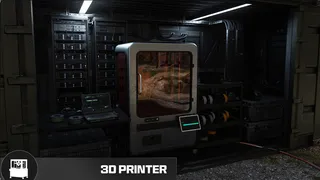
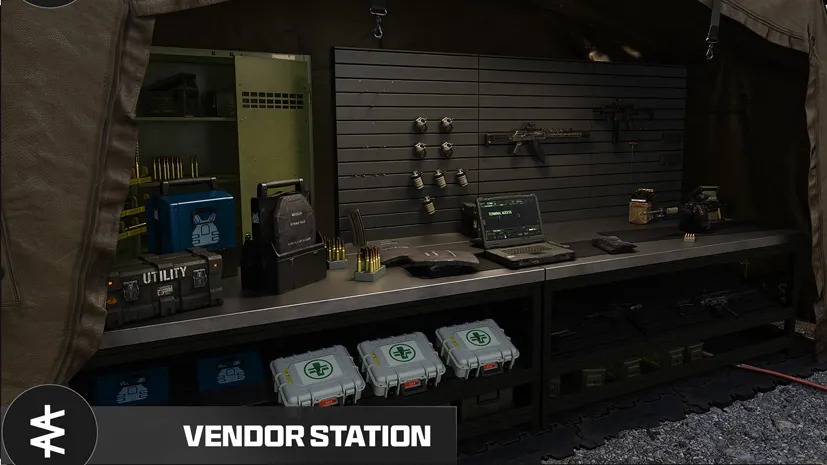
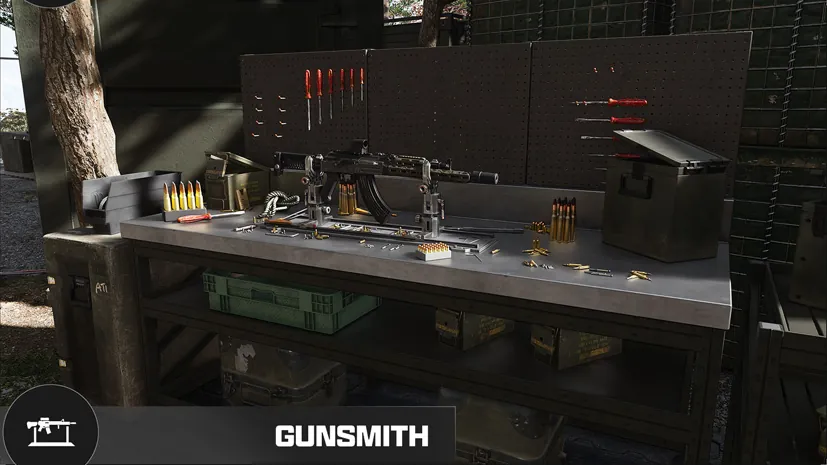

After that, read the DMZ Cash guide to grow your Bank, and the Operators and MIA guide before you risk a high-rank Operator.
Quick questions
What should I do first in MW4 DMZ?
Open your DMZ Orders at the FOB and follow them. They teach the mode step by step and pay XP and useful items. Deploy with the Free Loadout until you have gear worth protecting.
Should I spend my first DMZ Cash right away?
Not all of it. Keep enough to rescue an Operator if one goes MIA. A rescue is cheap at low Dog Tag ranks but costs more as the Operator earns Trait Points.
Does early access progress carry over?
Yes. XP and Weapon XP earned in early access carry over to the full launch on October 23.
Mentioned in this guide
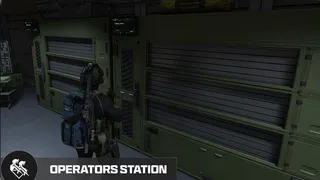 Operators (Active Duty)FOB station
 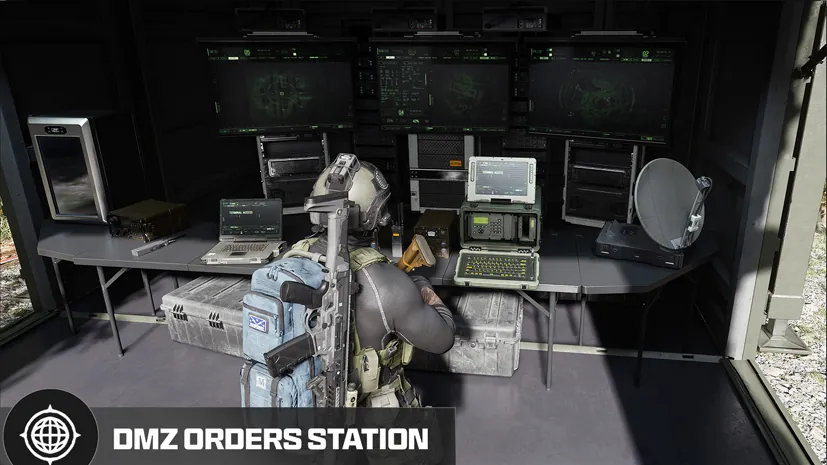 DMZ OrdersFOB station
  Stash/LoadoutFOB station DMZ BankMechanic
 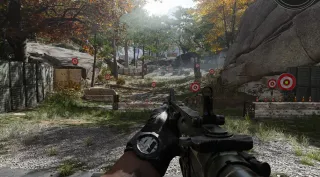 Firing RangeFOB station
  DeployFOB station Dynamic Operation Supply DropsMechanic Threat escalationMechanic Radiation stormMechanic
 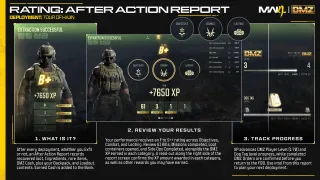 After Action ReportMechanic
 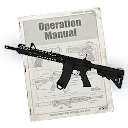 Weapon ManualItem
  RecipeItem
 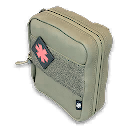 MedkitItem
 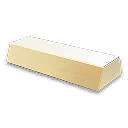 Gold barItem Secure SlotsMechanic
 Spotted something wrong? Send a correction.
Keep reading
 Guide · Getting startedMW4 DMZ Gear Up blocked: missing Medkit workaround
  Guide · Getting startedMW4 DMZ beginner guide: how your first deployments work
  Guide · Getting startedMW4 DMZ exfil guide: helicopters, flares and Fulton
  Guide · Getting startedIs the MW4 Vault Edition worth it for DMZ? Every DMZ bonus explained