
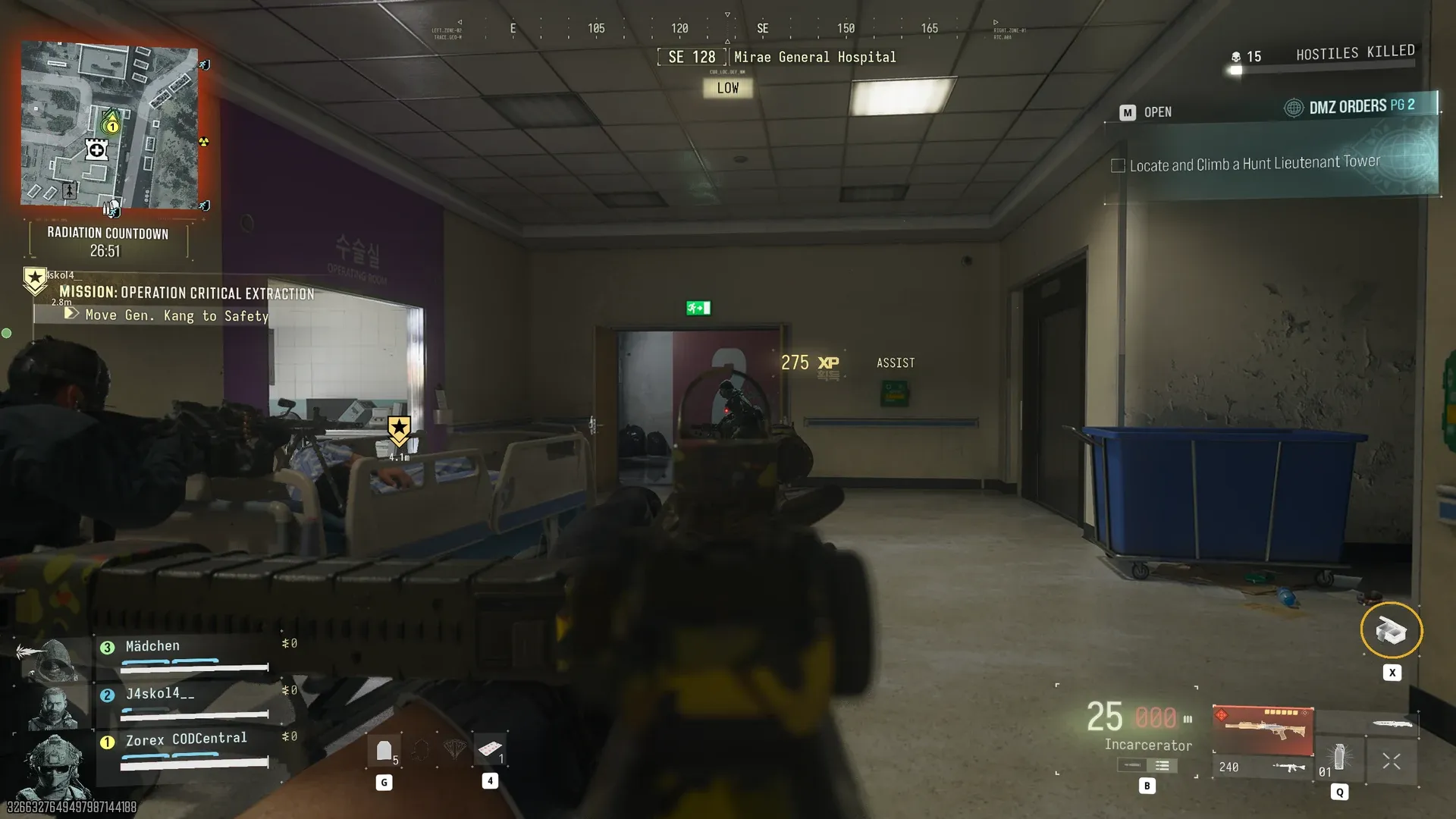
MW4 DMZ Critical Extraction: General Kang and rooftop rescue
Keep the bed moving, cover the elevator lobby and finish the rescue aboard the rooftop chopper.
Jump to a section
Find General Kang at Mirae General Hospital, push his bed to the elevators, defend while they open and take him to the rooftop chopper. Loading Kang completes the mission; board the helicopter to extract your own carried loot.
- Location: Mirae General Hospital
- Five objective stages
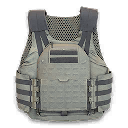
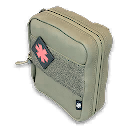
- Recommended: 2-Plate Armor Vest and Medkit
- Listed cash and after-action payout differ
Operation Critical Extraction is the hospital rescue mission. The early-access route below follows a completed run; use your objective marker if the game directs you differently.
Route: hospital → General Kang’s bed → lobby elevators → rooftop → chopper ramp. Killing enemies alone does not advance the escort: keep the bed moving with the objective.
Prepare for the escort
Choose the mission at Deploy. Its briefing recommends a 2-Plate Armor Vest and Medkit. For a squad, agree who will move the bed and who will cover the next corridor. That keeps everyone from crowding the same interaction while enemies approach.

From the hospital to the elevators
- Approach Mirae General Hospital and follow the marked search area.
- Find General Kang and begin moving his bed.
- Escort him through the corridors toward the lobby elevators.
- Defend the lobby until the elevators are ready.
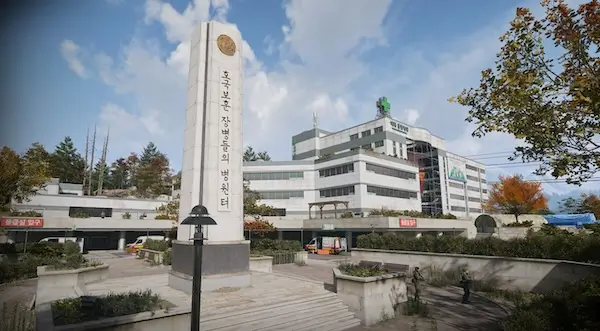
Keep track of the objective as you move. Clearing a corridor is preparation for the escort, not the mission’s final condition. If you stop to loot, have someone watch the route back to the bed.
If the escort is not progressing
| Current objective | What to check |
|---|---|
| Move Kang to safety | Return to the bed and continue the marked escort route |
| Wait for the elevators | Bring the bed to the lobby elevators and defend while the progress bar fills |
| Secure Kang in the chopper | Move the bed up the rear ramp and into the cabin |
| Mission Complete | Board the chopper yourself to extract carried loot |
The elevator stage is a defence wait, not a reason to leave Kang and chase a Side Op. Check ammunition before starting it.
Finish on the roof
Take Kang to the rooftop and move the bed up the helicopter ramp. Loading him completes the rescue. Your own carried loot still needs extraction: get aboard rather than remaining on the roof after the completion message.
Rewards and payout
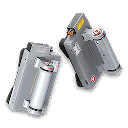
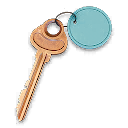
The mission lists a Defibrillator, Mirae Electrical Room key and 25,000 Cash. A completed early-access run instead showed a 5,000 Story Mission Payout in its after-action report. These are different displayed values; do not add them together or promise a particular repeat payout.
Check the Story Mission guide for other objectives, or use the exfil guide to prepare for an ordinary deployment.
The Mirae Electrical Room is a separate key room in the northwestern basement parking garage. It is not an extra stop required for the rooftop rescue. For the Human Intel Order, check your Orders tracker after completing the mission.
Quick questions
Does loading Kang extract my squad automatically?
Loading Kang completes the mission. Board the chopper to extract your carried loot.
Mentioned in this guide
Spotted something wrong? Send a correction.
Keep reading
 Guide · MissionsMW4 DMZ Story Missions: walkthroughs, objectives and rewards
  Guide · Getting startedMW4 DMZ exfil guide: helicopters, flares and Fulton
  Guide · MissionsMW4 DMZ Broken Resupply walkthrough: server, bomb, safe and WMD
  Guide · MissionsMW4 DMZ Compounds: clearing, safes and Medical Extraction Intel