

MW4 DMZ Electronic Sensors and High-Tenacity Fibers guide
Two ingredient search leads, the printing alternative, and how to avoid using up materials your next upgrade needs.
Jump to a section
Check tech bags in Cheongun Village for Electronic Sensors and duffels in Hajin City's shops for High-Tenacity Fibers. Specific reported examples are a holding-cell building's office IT Bag and a barber-shop Duffel. These are search leads, not guaranteed drops. Electronic Sensors also have a printing recipe after the required upgrade.
- Electronic Sensors: tech-bag search lead
- High-Tenacity Fibers: barber-shop Duffel lead
- Containers do not guarantee a drop
- Track the upgrade before gathering
Track the upgrade you want before searching for either ingredient. Electronic Sensors and High-Tenacity Fibers can both hold up FOB progress, but they are different items with different uses. A spare sensor is not a substitute for a missing fiber.
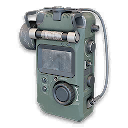
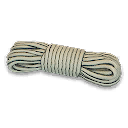
Search leads for the two ingredients
| Ingredient | Area to check | Reported container example |
|---|---|---|
| Electronic Sensors | Cheongun Village | Grey IT Bag on an office desk in the holding-cell building, west of D50 Radar |
| High-Tenacity Fibers | Hajin City’s shops | Blue Duffel in the back corner of a barber shop, beside a bench |

For the sensor lead, look for the holding cells and adjoining office space rather than searching every house. For the fibers lead, barber chairs and a long mirror help distinguish the shop interior. These container examples are reported search leads, not guaranteed drops. Check the live item name when looting.
Use the map for the wider area and plan an extraction before starting. The two searches are separate stops; there is no need to cross Hajin for both if your current upgrade only needs one of them. No fixed loot coordinates or guaranteed farming loop are supplied here.
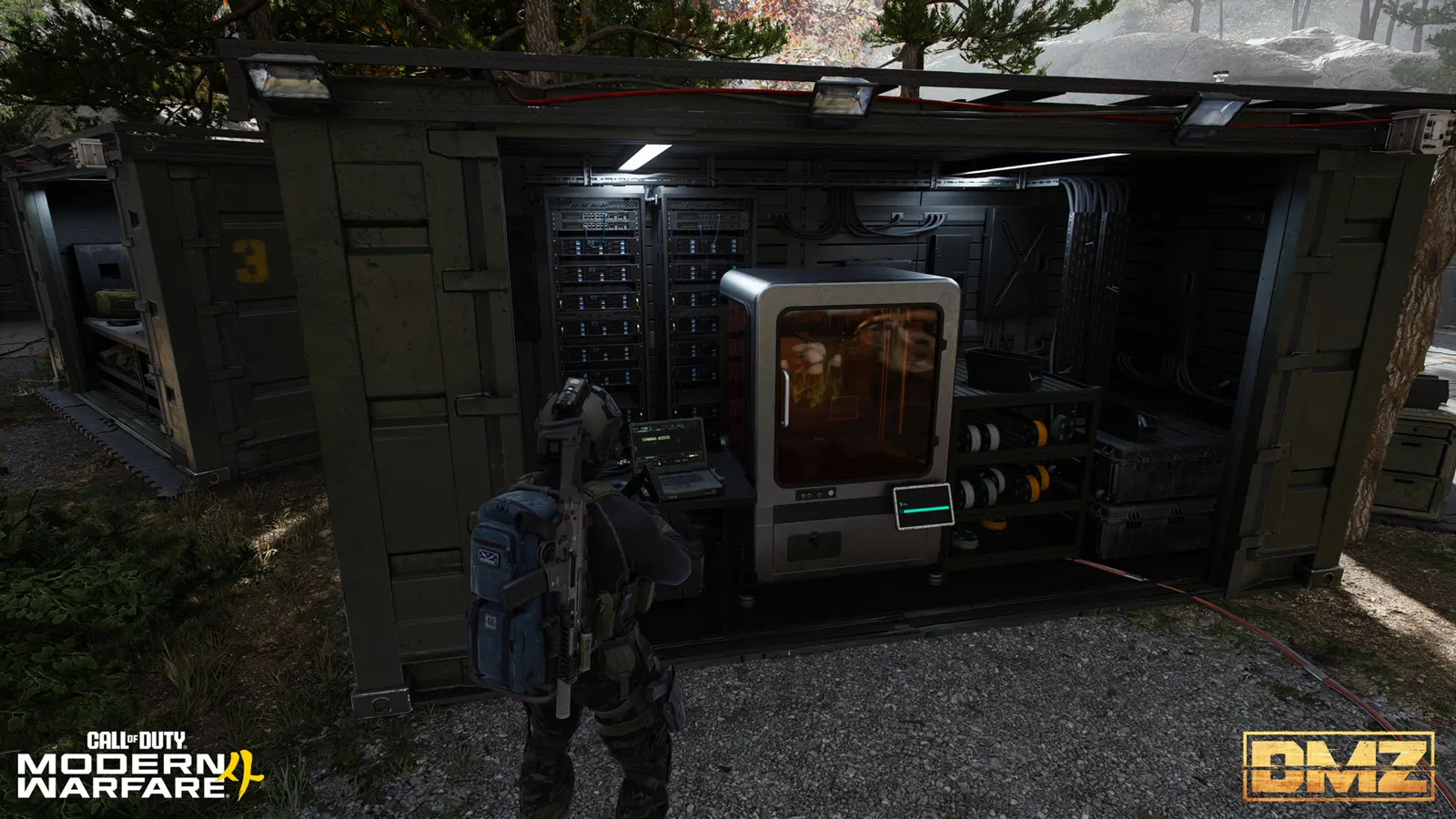
Check whether printing solves the sensor shortage
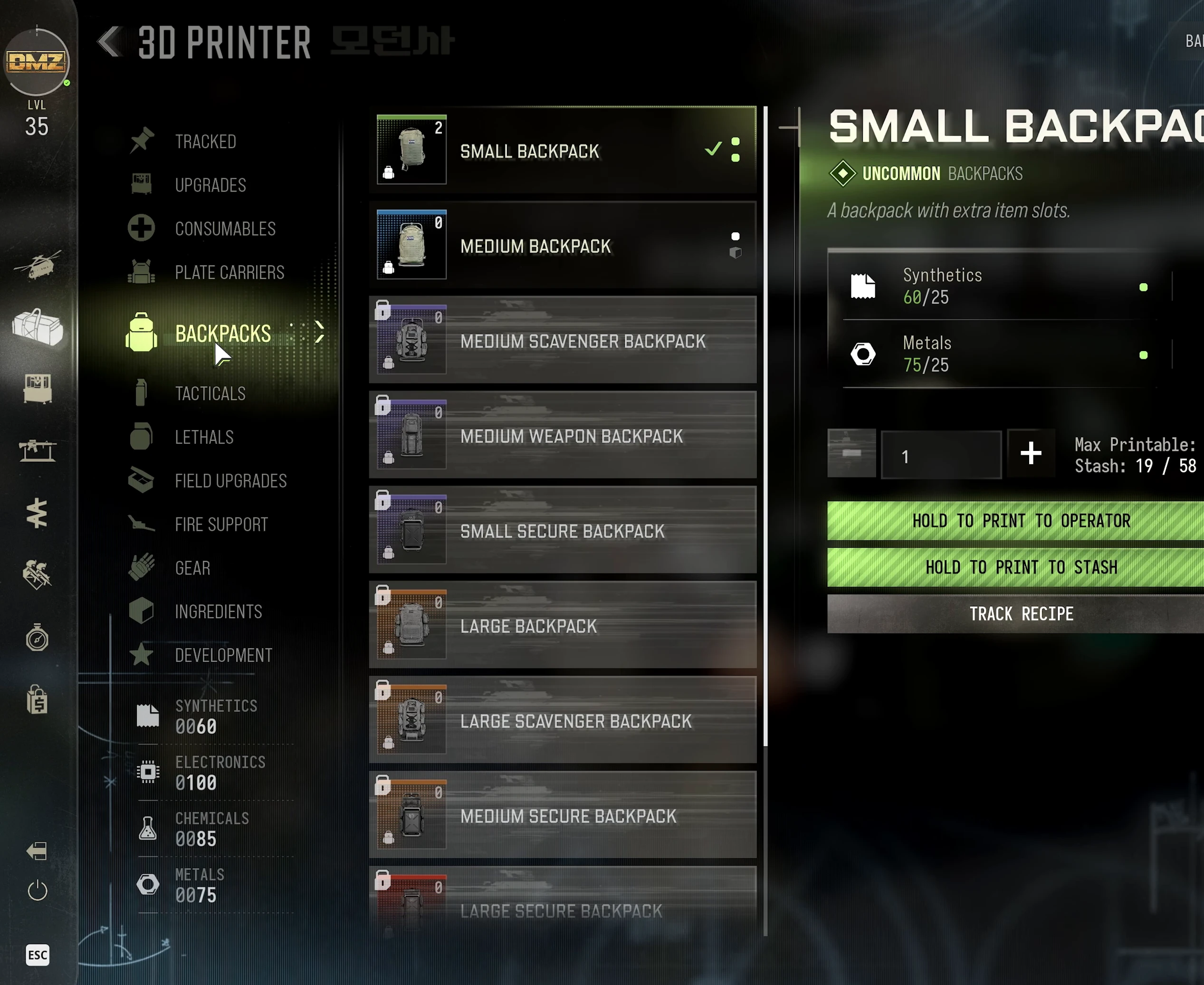
After unlocking Uncommon Ingredient Printing, the recorded Electronic Sensors recipe uses:
| Resource | Quantity |
|---|---|
| Synthetics | 20 |
| Electronics | 20 |
Check your printer’s unlock state first. Having base resources does not bypass an ingredient-printing upgrade you have not purchased. If the recipe is available, compare the resources you would spend with what your other planned crafts need.
This is a useful alternative for a small sensor shortage. It is not a claim that every rare ingredient can be printed, or that High-Tenacity Fibers have the same recipe.
Reserve materials for the upgrade you actually want
Two recorded purchases show why these ingredients matter:
| Upgrade | Recorded shopping list | Effect |
|---|---|---|
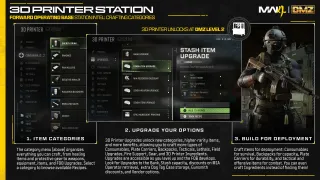
| Stash Item Upgrade, shown tier | 10,000 cash, 10 Rigid Synthetics, 10 Electronic Sensors | Adds 18 item slots |
| Uncommon Ingredient Printing | 50,000 cash, 20 Biomaterials, 10 High-Tenacity Fibers, 5 Comms Module | Enables Uncommon ingredient recipes |
These are the recorded tiers, not a promise that every later tier has identical costs. Check your current upgrade menu and use the FOB upgrade tracker to keep the whole shopping list together.
If ingredient printing is your immediate goal, spending or selling the last fibers can delay the purchase that would make later material collection easier. If Stash space is the blocker, reserve the sensors for that upgrade before making optional crafts.
Bring the pickups home
- Inspect the pickup name before transferring it. Similar electronic components are separate ingredients.
- If an appropriate Secure Slot is available, consider protecting the ingredient that completes your shopping list.
- Otherwise, treat the pickup as at risk and choose whether continuing the deployment is worth it.
- After exfil, put the ingredient into your Stash and recheck the tracked upgrade.
When a container is empty, search another suitable container or change the plan. Do not treat one demonstrated pickup as a respawn timer or guaranteed reward. For other shortages, use the general ingredient locations guide.
Quick questions
Are these guaranteed ingredient spawns?
No. The container examples are places to search; contents can differ or already be looted.
Can I print Electronic Sensors?
The recorded recipe uses 20 Synthetics and 20 Electronics after Uncommon Ingredient Printing is unlocked. Check your current printer menu before spending.
Why should I keep High-Tenacity Fibers?
The recorded Uncommon Ingredient Printing upgrade requires ten of them, alongside its cash and other material costs. Reserve them if that is your next upgrade.
Mentioned in this guide
Spotted something wrong? Send a correction.
Keep reading
 Guide · Gear & craftingWhere to find crafting materials in MW4 DMZ
  Guide · Gear & craftingMW4 DMZ Secure Slots: what survives death and disconnects?
  Guide · Loot & craftingMW4 DMZ Biomaterials and Binding Catalyst: a Medkit supply run
  Guide · Loot & craftingMW4 DMZ Counting Room Vault key: find the casino's main-floor door