
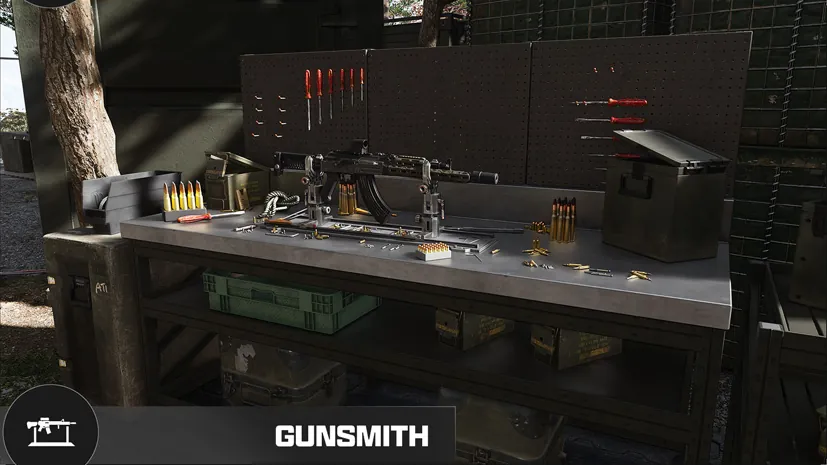
MW4 DMZ Weapon Manuals: where to look and how unlocks work
A looted weapon and permission to buy another copy are different rewards.
Jump to a section
Look in military containers and safes for Weapon Manuals, then extract successfully. The developer describes Manuals as the DMZ purchase unlock; extracting a gun only gives you that instance. These search locations are not guaranteed spawns.
- Search military containers and safes
- Extract the Manual to secure its unlock
- A looted gun is a physical instance
- Squad sharing remains unconfirmed
Where should you search?
Infinity Ward specifically recommends military containers and safes for Weapon Manuals. Search those during a run you can extract from; there is no verified guaranteed Manual route or drop rate here.
Before deploying, choose a weapon you actually want to buy again. Check its requirement at the Gunsmith so you can distinguish a useful unlock from an already available purchase.
What to do when you find one
- Read the Manual’s weapon name and decide who needs the unlock.
- Keep it through a successful extraction.
- Check that weapon’s purchase option at the FOB before planning the next loadout.
The official FOB guide says extracted Manuals are consumed to grant the unlock and 5,000 DMZ Cash. They are not spare copies of the weapon.
| What you bring back | What it gives you |
|---|---|
| A looted gun | That physical weapon instance |
| Its Weapon Manual | The corresponding purchase unlock after extraction |
| Weapon XP | Weapon levels and attachment progression shared across modes |
Unlocking a purchase does not make each replacement free. See the Gunsmith guide for prices and weapon stats.
Does Multiplayer unlock the DMZ purchase?
Check the requirement shown in your Gunsmith. Infinity Ward’s specific AMA answer requires a Manual separately from Multiplayer unlocks. The official arsenal overview also broadly describes cross-mode unlocked weapons as purchasable at the FOB. Those descriptions do not fully agree; we cannot promise that every MP unlock bypasses a Manual requirement.
Weapon levels and attachment unlocks are shared. The cross-mode progression guide separates that confirmed rule from purchase access.
Does your squad get the unlock too?
Squad-wide unlocks for Manuals and Recipes remain unconfirmed. Do not treat shared resources among your own Active Duty Operators as evidence that teammates receive the same unlock.

Until that rule is confirmed, agree who carries the Manual and have each player check their own unlock after extraction. Mission objective credit is a separate question; a mission item’s dedicated slot alone does not prove squad-wide completion.
Quick questions
Does extracting a weapon unlock repeat purchases?
No. The official FOB guide distinguishes the extracted weapon instance from the Weapon Manual purchase unlock.
Does one Manual unlock the weapon for the entire squad?
Squad-wide Manual unlocks have not been confirmed. Check each player’s Gunsmith after extraction rather than assuming shared credit.
Mentioned in this guide
Spotted something wrong? Send a correction.
Keep reading
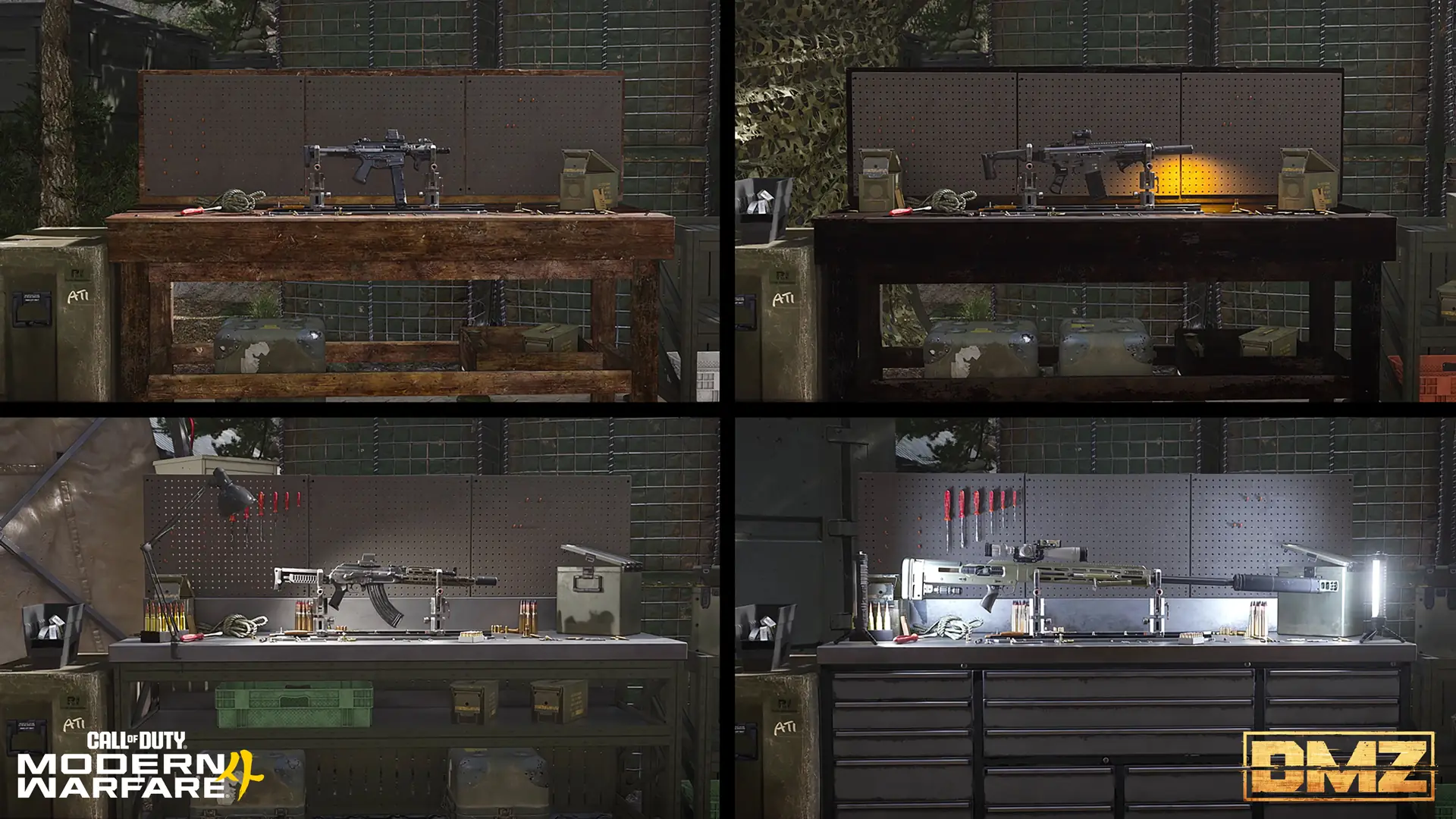 Guide · Gear & craftingMW4 DMZ Gunsmith and weapons: prices, unlocks and how builds work
 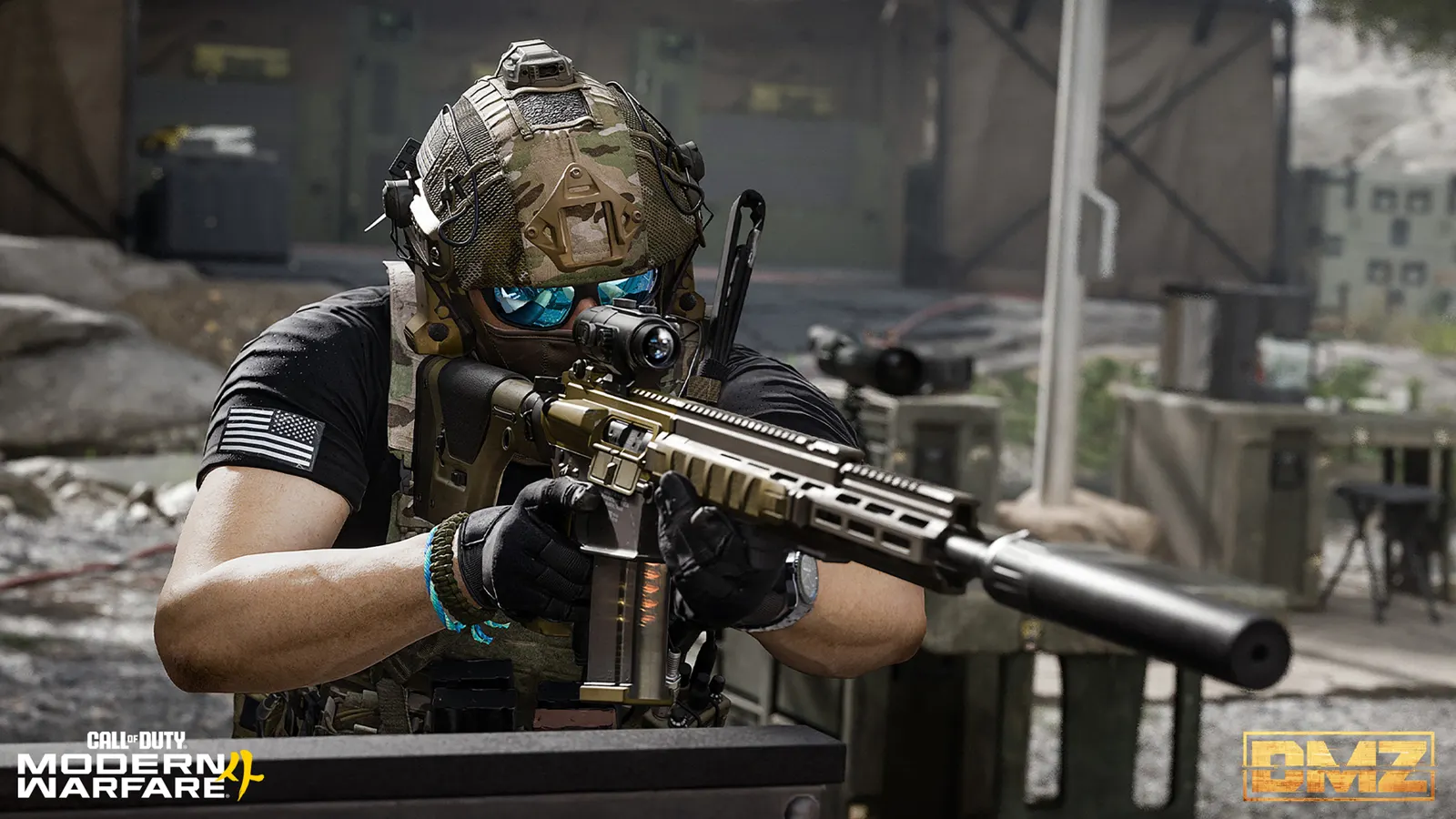 Guide · ProgressionMW4 DMZ progression: what carries over to Multiplayer?
  Guide · Getting startedMW4 DMZ exfil guide: helicopters, flares and Fulton
  Guide · Gear & craftingWhere to find crafting materials in MW4 DMZ