
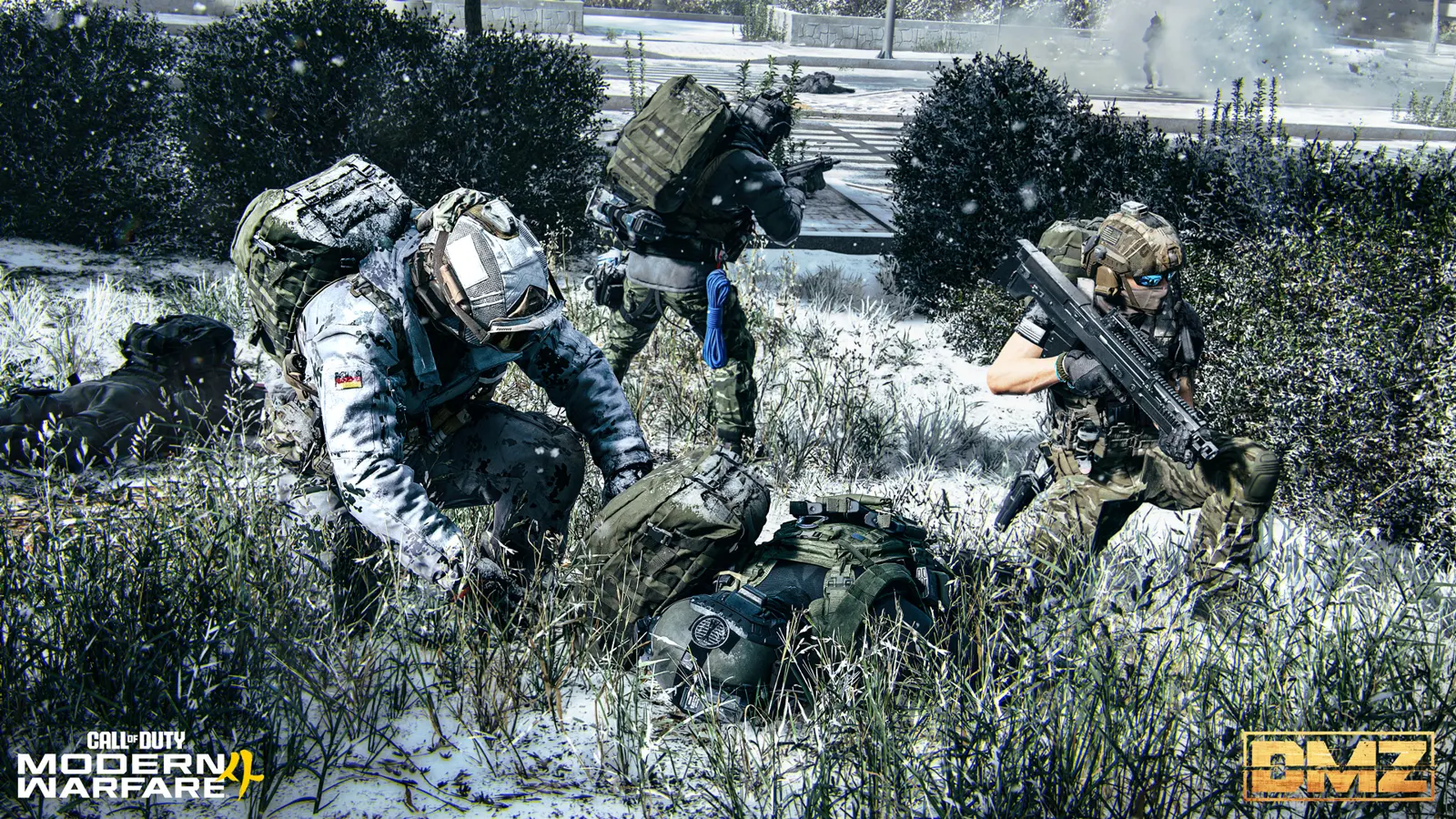
MW4 DMZ Free Loadout guide: rebuild after losing your gear
Build a replacement kit before spending your remaining cash on another expensive loadout.
Jump to a section
Equip Free Loadout at Ready Up to receive basic deployment gear, then extract to keep those items. Use it to rebuild Stash reserves. A free kit does not remove the risk to the Operator you select, so check their recovery cost before deploying.
- Free Loadout is selected at Ready Up
- Extract to keep the supplied gear
- Operator recovery remains a separate concern
- No verified Free Loadout XP penalty established
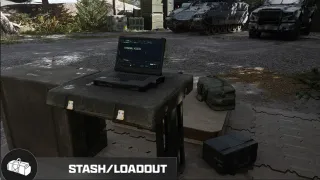
Select a Free Loadout
At the Deploy station, choose your activity and continue to Ready Up, then use Equip Free Loadout. The official guide presents this as a way to enter with basic equipment and grow your Stash; gear brought out successfully is yours to keep.

Before confirming, check the selected Operator and the equipment shown. Keep valuable items you are not using in the Stash. A cheap kit does not make a developed Operator cheap to recover.
Plan a recovery run
Choose one achievable goal: bring back a usable weapon, replace missing equipment, or collect ingredients for a specific craft. Avoid making your recovery depend on a boss kill or an unverified loot spawn.
| Your immediate shortage | Preparation |
|---|---|
| No affordable weapon | Start with Free Loadout and inspect its displayed equipment |
| No spare healing | Check stored supplies and the Medkit recipe if unlocked |
| Too little storage | Compare backpack options before carrying an expensive haul |
| An MIA Operator | Decide on recovery or another Active Duty Operator before deploying |
Pick an extraction plan before chasing extra loot. Back at the FOB, reserve the next kit, check what your ingredients can craft, and sell only what you can spare. The keep, sell or craft guide helps with that decision.
Are there hidden penalties?
Players are asking whether Free Loadout reduces XP, but no reliable rule confirming that penalty is established here. Do not read a different match result as proof of a fixed XP reduction.
Also inspect your actual backpack slots rather than assuming the free kit provides Secure Slot protection. The important check is where an item is stored.
What if you spawn with only a knife?
Multiple players have reported missing gear despite enabling Free Loadout. Those reports establish a problem players encountered, not a verified cause or fix. If it happens, record the equipment shown before deployment and what arrived in the match, then use Activision’s bug-reporting page.
A missing Free Loadout is separate from the acknowledged first-Order equipment blocker. If your problem is completing Gear Up at the FOB, use the official Gear Up workaround guide.
Quick questions
Can I keep a Free Loadout after extraction?
Yes. The official FOB guide says you retain its items after extracting.
Does Free Loadout reduce XP?
No reliable rule confirming an XP penalty has been established here. A player question about reduced XP is not proof that the penalty exists.
Mentioned in this guide
Spotted something wrong? Send a correction.
Keep reading
 Guide · Getting startedMW4 DMZ exfil guide: helicopters, flares and Fulton
  Guide · Getting startedMW4 DMZ Gear Up blocked: missing Medkit workaround Guide · Gear & craftingMW4 DMZ armor and backpacks: every plate carrier and bag Guide · Gear & craftingMW4 DMZ loot guide: what to keep, sell and use for crafting