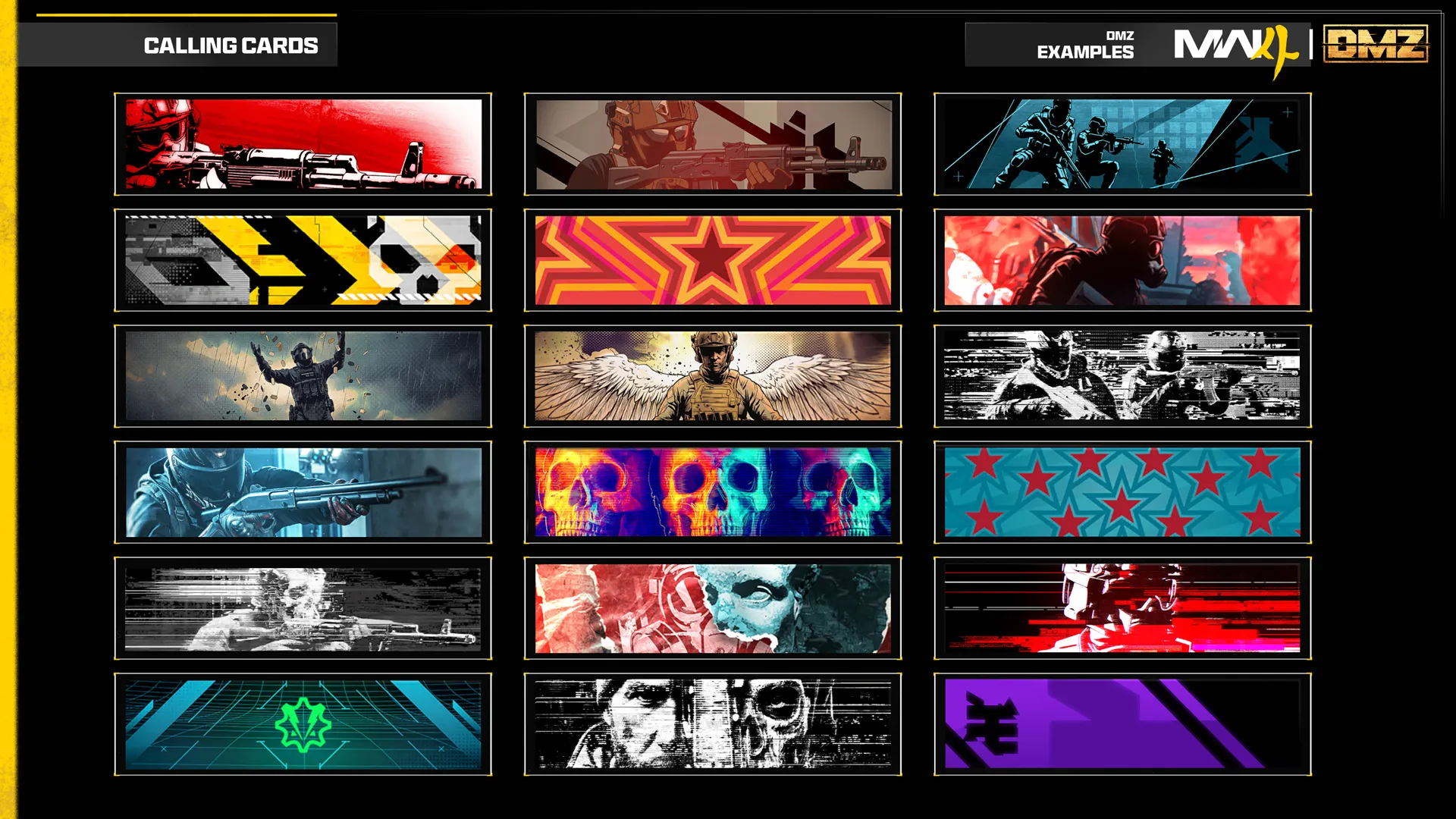
MW4 DMZ Calling Cards: mastery sets and challenge tracking
Find DMZ Calling Card categories, track up to nine challenges, and plan deployments around the objectives closest to completion.
Jump to a section
Open Career, Challenges, then Calling Cards. DMZ has six regular mastery sets and four Elite sets. Track up to nine challenges and use their displayed requirements to choose objectives before deploying.
- Six regular DMZ mastery sets
- Four Elite DMZ mastery sets
- Track up to nine challenges
Before deploying, choose a Calling Card objective that fits the run you already need to make. That is more useful than filling every tracking slot with unrelated tasks and discovering halfway through a mission that you packed for the wrong one.
Find the DMZ categories
Open Career → Challenges → Calling Cards. The DMZ sets are:
| Regular mastery | Elite mastery |
|---|---|
| Combat | Final Showdown |
| Mission | High-Value Escort |
| Exfil | King Slayer |
| Loot | Exterminator |
| Exploration | — |
| FOB | — |
These are set names, not instructions. Read the individual challenge before choosing a weapon, target or deployment; a title alone does not establish which actions count.
Track a small, useful group
Select a challenge and use Add to Tracked. The Tracked & Near Complete tab supports up to nine tracked challenges and highlights nearby completions.
For a practical first selection:
- Pick one objective that matches your main reason for deploying.
- Add a second only if it can be completed with the same equipment or destination.
- Check the wording for any extraction, enemy or weapon condition before leaving the FOB.
- Review progress after the run before repeating the same approach.
Nine is the available capacity, not a requirement to pursue nine goals at once. A short list is easier to remember when a deployment changes direction.
Understand mastery without mixing progression systems
Completing a set’s challenges earns its animated mastery card; broader completion earns further mastery rewards. Tiered challenges have increasing milestones, so check which stage you are currently working on.
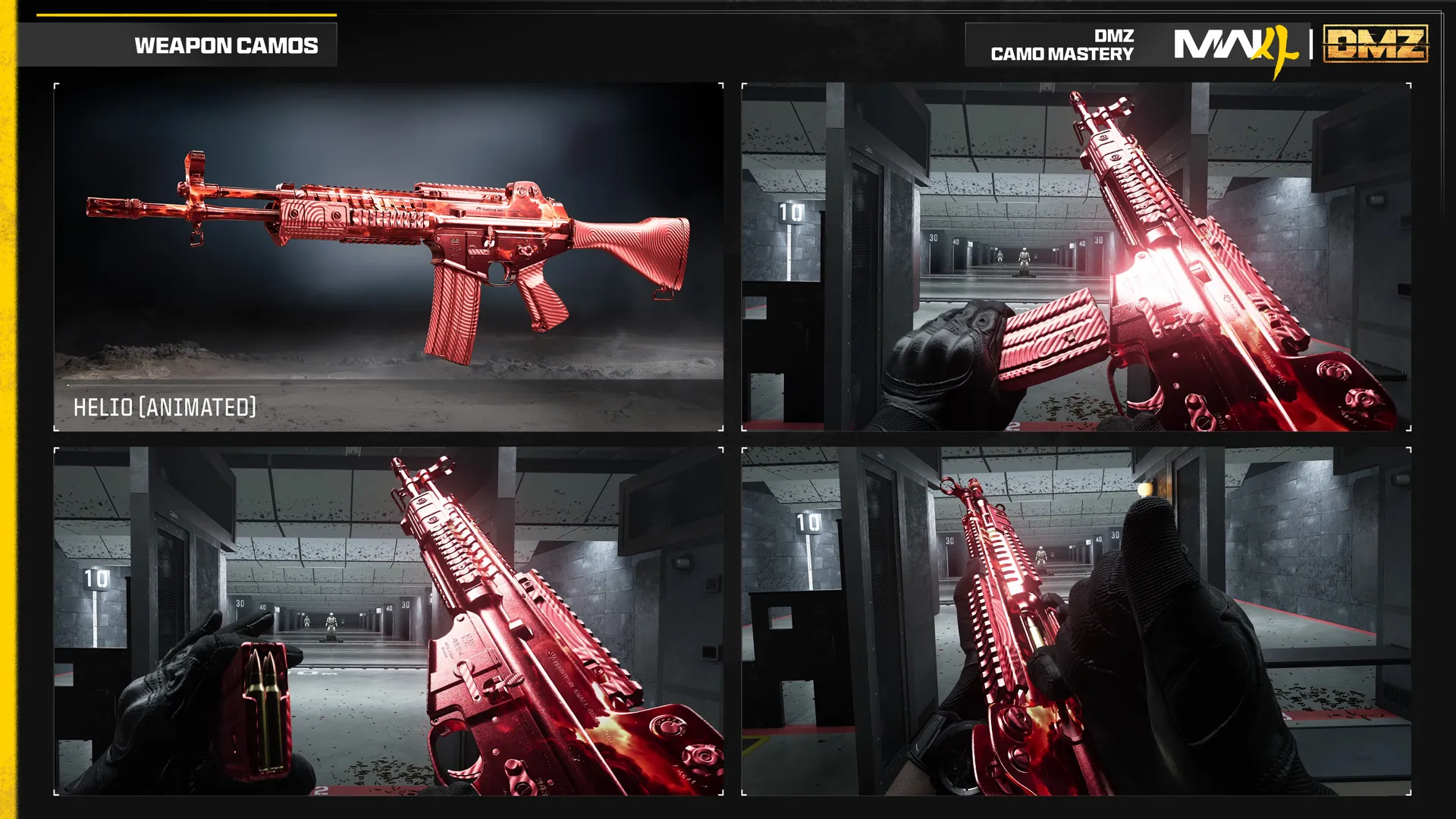
Calling Cards are separate from weapon camos, DMZ Player Levels and Operator Prestige. Decide which reward you want before following a progression checklist.
Plan around the exact requirement
Keep the Hajin map open when a challenge sends you to a location. Use the mission guide for mission context and the exfil guide when extraction is part of your plan.
We list the known sets in the Calling Card reference. Individual thresholds should come from the challenge screen; a requirement shown for Multiplayer should not be copied into a DMZ checklist.
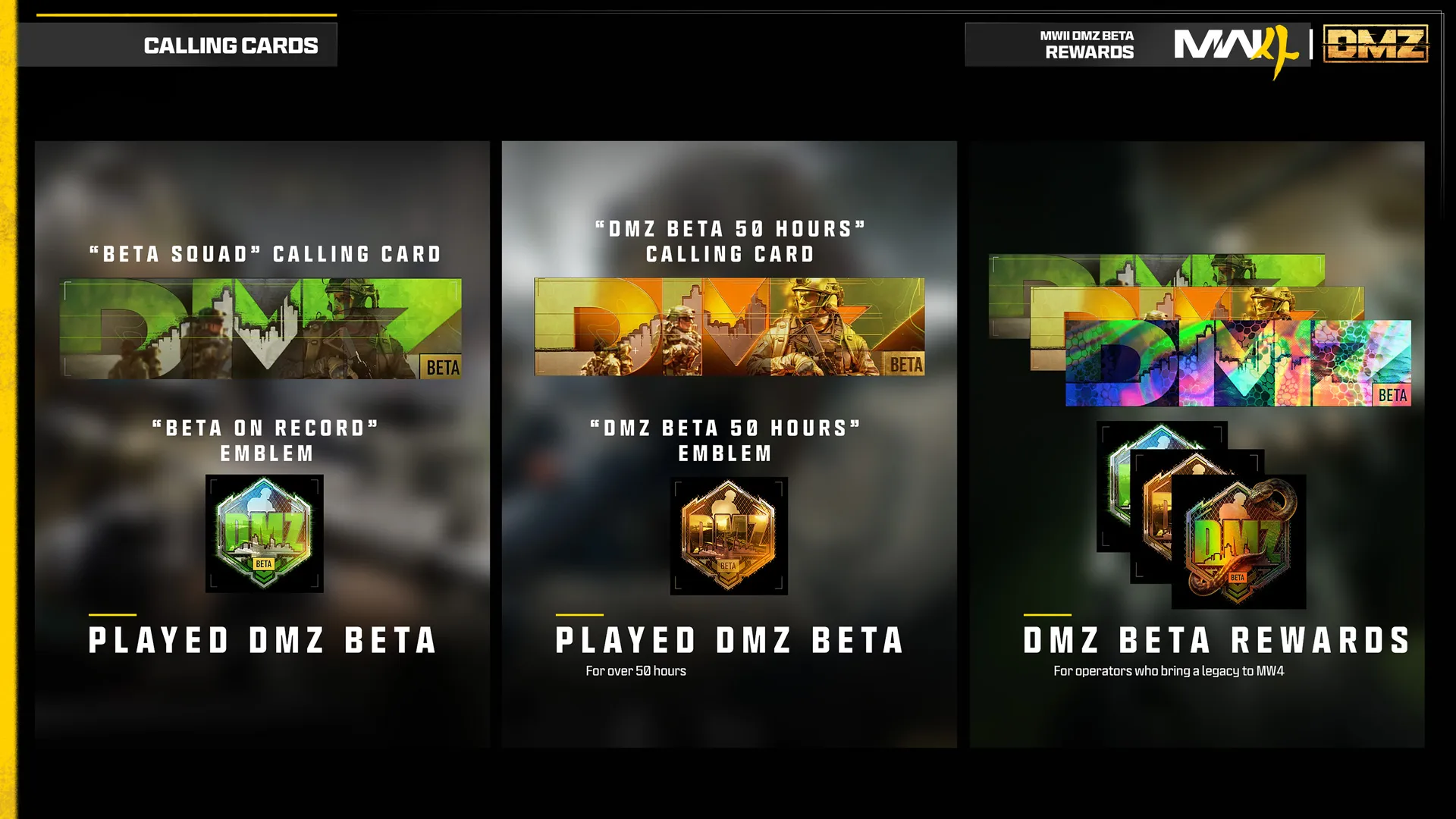
Returning from MWII? The veteran rewards guide covers the older-mode cosmetics separately.
Quick questions
Where are DMZ Calling Card challenges?
Open Career, then Challenges, then Calling Cards and select the DMZ category.
Are Calling Cards the same as weapon camos?
No. They are separate challenge rewards and should be tracked against their own requirements.
Mentioned in this guide
Spotted something wrong? Send a correction.