

MW4 DMZ Chemical Denial: crafting and server-defense routes
Read the first objective before heading for a workbench or a server.
Chemical Denial has reported crafting and power/server-defense versions. In the crafting route, collect the marked item and three chemical components, craft the compound and deposit it. In the server route, turn on power, hack the Comms Server and protect the transfer. Follow your active panel and wait for Operation Complete.
- Match your current objective to a route
- Crafting route: 3 components → compound → deposit
- Server route: power → hack → protect transfer
- Locations and payouts are not fixed
Use Chemical Denial’s active objective to choose your route. The completed runs documented by COD Central show two versions: chemical collection/crafting and power/server defense. They are community gameplay reports, not a universal sequence for every encounter.
Choose the route on your panel
| Current objective | Continue with |
|---|---|
| Loot the Marked Item / Collect the Chemical Components | Chemical crafting |
| Turn on Power / Hack the Comms Server / Protect the Data Transfer | Power and server defense |
| Investigate a power outage, with no later step revealed | Follow that waypoint first; match the next objective before choosing either route |
Start through Deploy or a Dynamic Ops phone, then confirm the title is Chemical Denial. Nearby Orders or Lieutenant objectives can appear alongside it; do not treat the entire HUD as one operation checklist.


Chemical crafting route
The reported completed sequence is:
- Loot the marked item from the assigned trunk: Classified Documents in the documented run.
- Collect three chemical components. The recorded names are Volatile Glutaraldehyde, Potent Acetic Anhydride and Crude Diethyl Ether.
- Use Craft Compound at the marked workbench to obtain the Unstable Compound.
- Deposit the chemicals in the marked case. Move clear of the explosion and check for Operation Complete.
Check the 0/3 component counter after each pickup. At the workbench, use the mission interaction; travelling to a regular 3D Printer is not a substitute for following the assigned crafting objective.
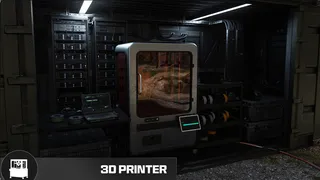
Do not spend the deployment searching every ordinary chemical loot container because an online run used a particular village. The operation markers and your component counter are the practical checks for this step.
Power and server-defense route
The second reported completion, at Cheonwang Peak Array, follows Turn on Power → Hack the Comms Server → Protect the Data Transfer → Operation Complete.
Stay with the defense objective until its progress finishes, then check the completion banner. Turning on the power or starting the hack is an intermediate action. If another step appears afterward, follow it rather than leaving because a different run ended there.
If your run begins at the Tank Depot
Official preview footage shows a power-outage investigation at the Tank Depot in Chang-san Air Base Bunker. That opening alone does not establish the full route or its ending. Follow the newly revealed objective; do not jump straight to the ingredient list or assume defeating Bale completes Chemical Denial.
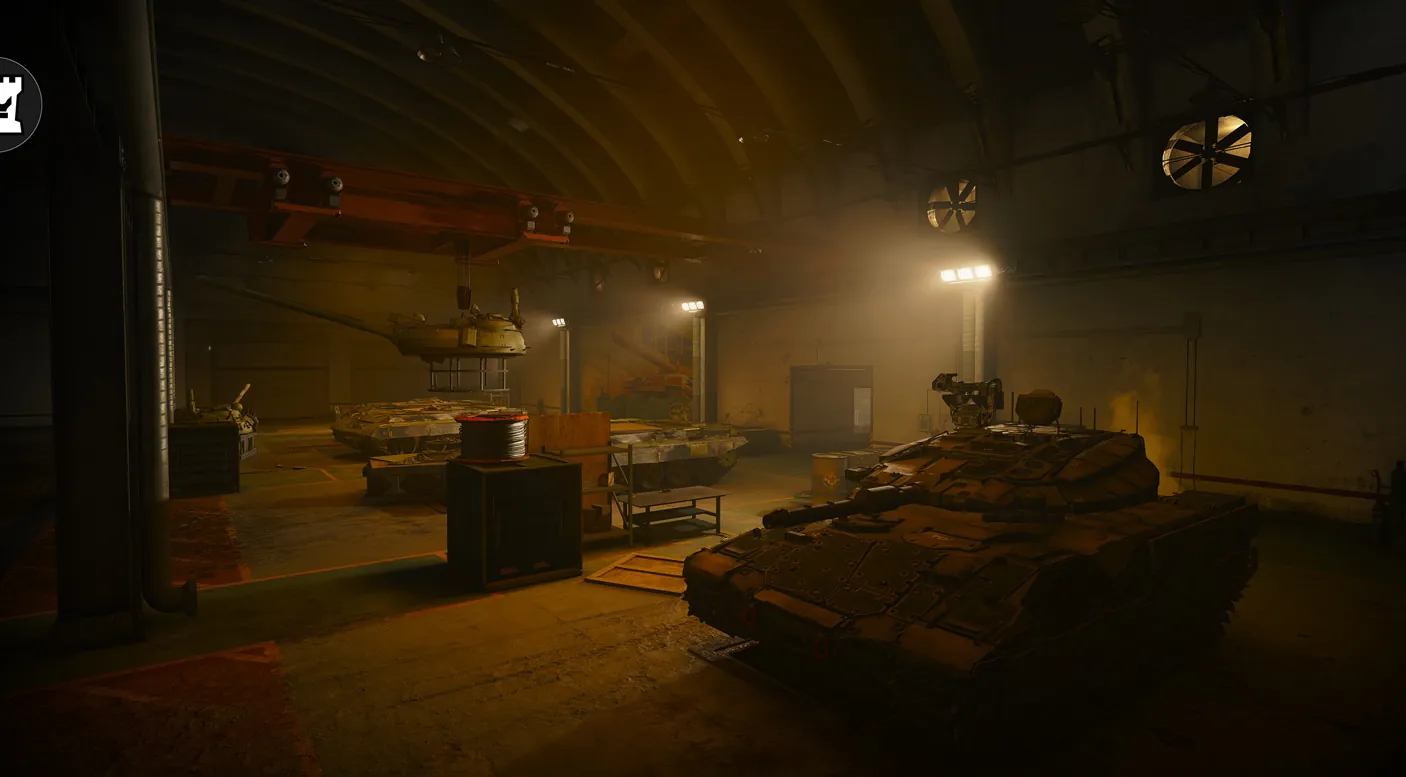
If the next objective differs from both reported routes, this guide does not establish its solution. The active marker and panel take priority over a building or sequence copied from another deployment.
Missing prompt at NuriGO Mall
Infinity Ward’s launch patch notes list a fix for a missing Chemical Denial interaction prompt at NuriGO Mall on Nintendo Switch 2. Update the game before retrying that known case. The fix does not establish that every missing prompt on every platform has the same cause.
Confirm the finish and collect the reward
Wait for Operation Complete, then check the operation’s reward drop before leaving. A cash popup, an ingredient pickup or an unrelated boss defeat is not a substitute for the completion state. Exact cash, XP and crate contents are not fixed by the examples above.
If you are completing Operation Rewards, check its Cheongun Village phone and crate-looting requirements separately. The Dynamic Ops hub explains how completed operations and reward crates fit together; the exfil guide covers getting the loot out.

Mentioned in this guide
Spotted something wrong? Send a correction.
Keep reading
Guide · MissionsMW4 DMZ Dynamic Ops and Side Ops: objectives and walkthroughs  Guide · Getting startedMW4 DMZ exfil guide: helicopters, flares and Fulton Guide · MissionsMW4 DMZ Broken Resupply walkthrough: server, bomb, safe and WMD
  Guide · MissionsMW4 DMZ Compounds: clearing, safes and Medical Extraction Intel