
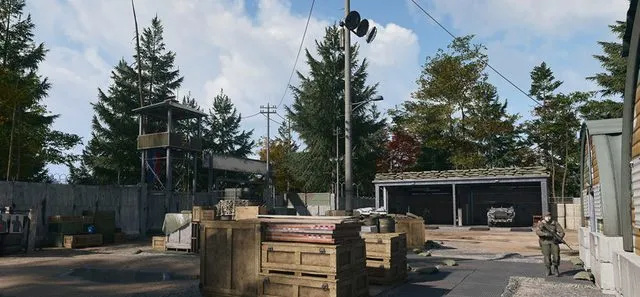
MW4 DMZ safes: where to search and how to finish Robbery
A safe search plan, the opening interaction, and the extraction check that Robbery still needs afterward.
Jump to a section
Search military Compounds for safes, clear the immediate room and hold the safe's interact prompt to open it. Robbery also requires extracting with 5,000 total backpack and loadout value; opening the safe alone does not complete both objectives.
- Search Compounds before random houses
- Hold interact on the safe's lock panel
- Robbery requires a successful extraction
- Safe contents and values vary
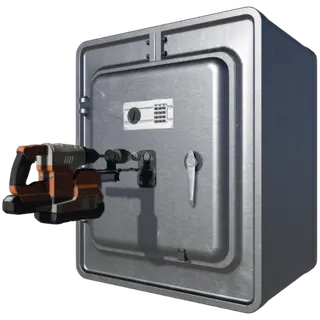
For Robbery, plan a Compound search and an extraction. The Order has two checks: open a safe, then extract with 5,000 total backpack and loadout value. It does not ask for 5,000 cash from one safe.
Where to start looking
Use the Hajin map to find a nearby Compound. These fortified military sites are a more focused search than entering every civilian house. Prepare armor, healing and enough ammunition to deal with the defenders before searching rooms.
The following reported room leads can narrow the search. They are room descriptions, not guaranteed unopened safes or guaranteed loot.
| Compound | Room to check |
|---|---|
| Bravo | Watchtower office, beside the desk |
| Charlie | Office building, on the floor near a desk |
| Delta | Inside a canvas tent, against a corner |
| Foxtrot | Office, beside the desk with a radio |
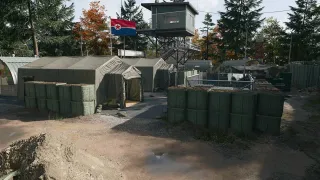
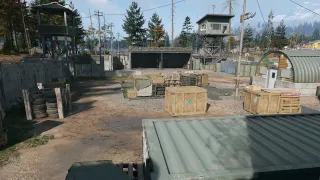
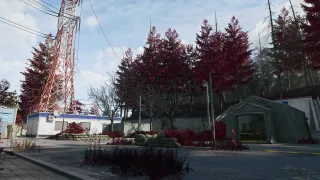
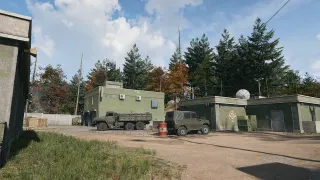
Check the rooms methodically. A Compound label identifies the wider site; it does not identify the exact safe door. If the site is already looted or too dangerous, use another search opportunity instead of spending the whole deployment there.
How to open the safe
- Clear the immediate room and watch its entrances. In a squad, have someone cover while you interact.
- Face the safe’s electronic lock panel and use the hold-to-interact prompt. Follow your own displayed binding rather than assuming one controller or keyboard button.
- Hold until the opening interaction finishes and the loot window becomes available.
- Inspect the contents and move the items you want into your backpack or an available Secure Slot.
- Check that Robbery’s safe objective has registered before leaving.
These ordinary safes are different from the casino mission vault and key-locked rooms. Do not assume a vault drill, keypad code or Gun Store key is required for the normal safe interaction.
Finish the 5,000-value requirement
The second objective counts total backpack and loadout value at extraction. Review what you are carrying after looting. A safe can help supply valuables, but its contents do not establish a fixed payout, and opening an empty one does not provide missing value.
Once your carried value meets the target, choose an exfil and leave successfully. An opened safe and a backpack worth enough money are useful progress; neither substitutes for the extraction action.
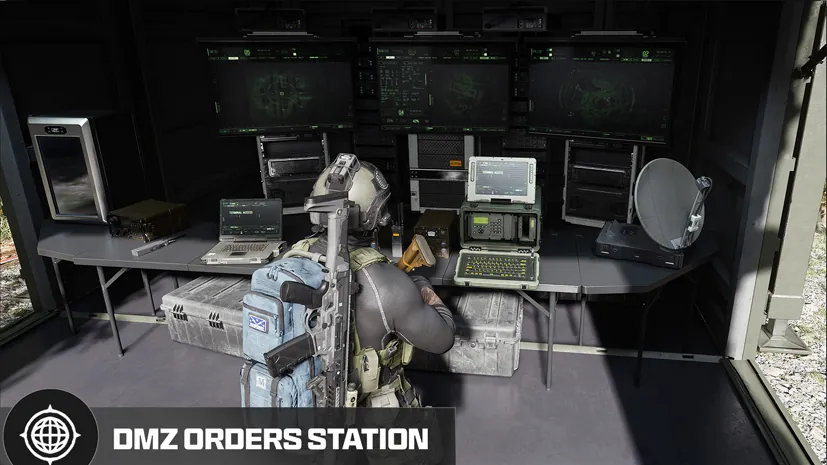
Keep the looted-value objective separate from Payment Due, which asks for cash earned from Dynamic Ops. They are different counters with different conditions.
If Robbery is still incomplete
| Tracker state | Next check |
|---|---|
| Safe opening unchecked | Confirm you opened a safe rather than a cabinet or ordinary container |
| Safe complete, value objective incomplete | Check your combined carried value and finish a successful extraction |
| Wanted a cash reward, found valuables instead | Read each item card; safe contents can differ |
| Compound cleared but safe not found | Search the relevant rooms; clearing the site and opening its safe are separate actions |
For the full fight-and-loot sequence, use the Compound clearing guide. If you also carry a locker key, plan that as a separate stop using the Gun Store and Black Market guide.
Quick questions
Do I need a code or key to open a normal safe?
The ordinary safes covered here open by holding their interact prompt. A named key room or Story Mission vault is a different lock.
Does opening a safe finish Robbery?
It completes the safe-opening objective. You must also extract with at least 5,000 total backpack and loadout value.
Does every safe contain enough value for Robbery?
No guaranteed payout is established. Check your combined carried value and the current Order tracker before extracting.
Mentioned in this guide
Spotted something wrong? Send a correction.
Keep reading
Guide · MissionsMW4 DMZ Compounds: clearing, safes and Medical Extraction Intel  Guide · MissionsMW4 DMZ Silent Ledger: generator, basement vault and extraction
  Guide · Getting startedMW4 DMZ exfil guide: helicopters, flares and Fulton
  Guide · Bosses & PvPMW4 DMZ keys and loot rooms: how to find and use them