MW4 DMZ Triage Protocol: Clinic, Bandage and Chemicals
Find the green Clinic, then check the Bandage pickup and Chemical counter separately.
To finish Triage Protocol, enter a Clinic, loot a Bandage and collect 30 Chemicals. One demonstrated route uses the Pyeonghwa Village Clinic south of the 14th Political Prison, on the river's west bank. Search the ward's bedside tables and medical containers, then check all three Order objectives before leaving.
- Enter a Clinic: check the visit objective
- Loot a Bandage: check the named pickup
- Chemicals: reach 30/30
- Route example: Pyeonghwa Village, C4
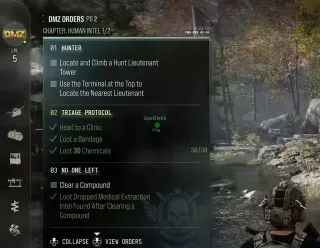
Triage Protocol asks for three things: enter a Clinic, loot a Bandage and collect 30 Chemicals. The Human Intel Order tracks them separately. Finding medical supplies does not tell you whether the Clinic visit has registered; check the three lines on your Orders panel.
Where to find a Clinic
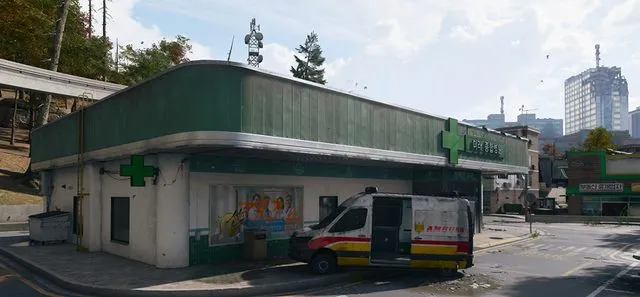
Open the Clinic layer on the Hajin map to plan your stop. In the deployment, look for the Clinic medical-cross icon on your Tac-Map and ping it. The Clinic buildings have green exterior panels and medical crosses, as shown in the header image.
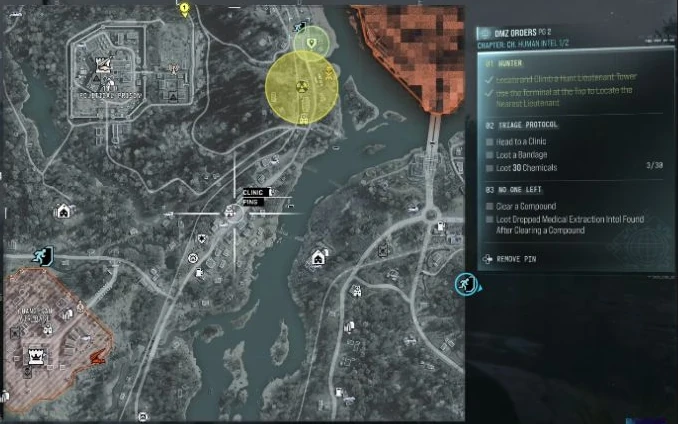
For a demonstrated route, use the Pyeonghwa Village Clinic — the village is listed as Pyonghwa Village in our location database. The demonstrated route places the Clinic in C4, south of the 14th Political Prison, on the west bank of the river. Head to the Clinic itself; you do not need to enter the prison.

Enter the building and check Head to a Clinic. If that line remains unfinished, confirm the selected building’s Clinic label. Do not use the amount of medical loot you found as proof that the visit counted.
Find and loot a Bandage
Move through the ward rooms and inspect bedside tables, medical bags and the surrounding shelves. The recorded run shows a Bandage pickup beside a ward bed, with Loot a Bandage ticking afterward.
Look for the exact Bandage name and take it. A Stim or Medkit is a different item. If that bedside table is empty in your deployment, check the other rooms and containers rather than expecting the same loose item to remain there.
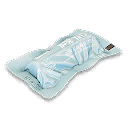
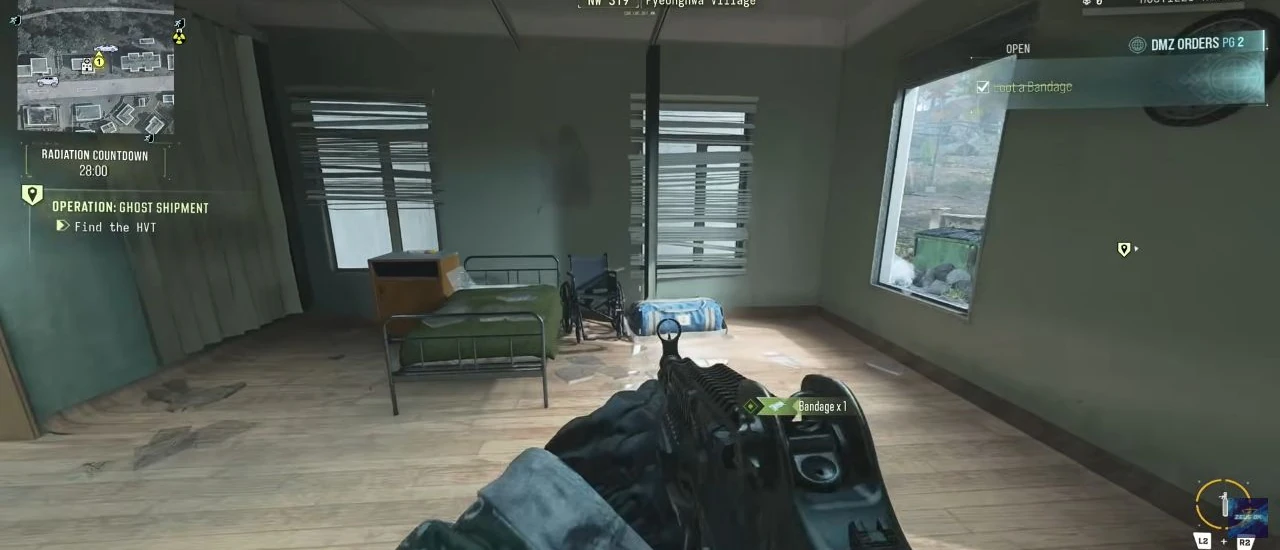
The Order says loot a Bandage. Use the pickup and tracker to verify this step; having a printed Bandage in your loadout is not proof you completed it.
Collect 30 Chemicals
Search the green wall-mounted First Aid Kits, medical bags and loose resource pickups as you work through the Clinic. Inspect cupboards and storeroom shelves too. Keep checking Loot 30 Chemicals as you collect resources.
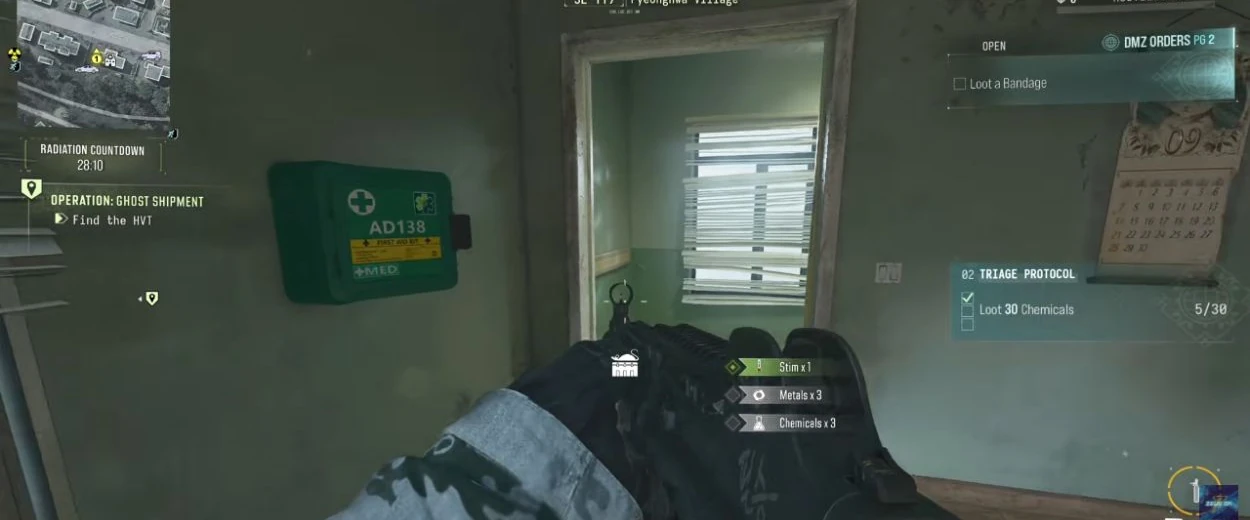
These are the ordinary Chemicals crafting resource. The separately named mission components in Chemical Denial belong to another activity.
If the building has already been searched or your counter is still short, continue looting medical containers along your route. One Clinic is a useful search stop, not a guarantee of 30 available Chemicals on every visit. Use the materials guide when planning another supply stop.
Check what is missing before leaving
| Missing task | Next action |
|---|---|
| Head to a Clinic | Confirm the Tac-Map says Clinic, enter it and check the visit line |
| Loot a Bandage | Find and take the item named Bandage, then check the pickup objective |
| Loot 30 Chemicals | Continue collecting Chemicals until the counter reaches 30/30 |
When all three are checked, Triage Protocol is complete. Hunter and No One Left are separate Orders on the Human Intel page; use the Orders walkthrough for those remaining tasks. Finish your page and plan a successful extraction to advance.
Mentioned in this guide
Spotted something wrong? Send a correction.