
MW4 DMZ Secure Slots: what survives death and disconnects?
Check the slot holding the item before deciding how much of your backpack is protected.
Jump to a section
Secure Slots protect their contents when extraction fails; ordinary backpack slots do not gain that protection. Infinity Ward says reconnect is possible while the same server is running. That is not a guarantee that a disconnect will restore every item or mission reward.
- Protection applies to Secure Slot contents
- The whole backpack is not automatically protected
- Reconnect depends on the server still running
- No verified disconnect-loss restoration fix
What is protected on a failed extraction?
The official FOB guide says items inside Secure Slots are protected when you fail to exfil. Items outside those slots are lost. A backpack’s name does not make every slot secure.
| Storage | Intended protection |
|---|---|
| Secure Slot | Its contents are protected on failed exfil |
| Ordinary backpack slot | Its contents can be lost on failed exfil |
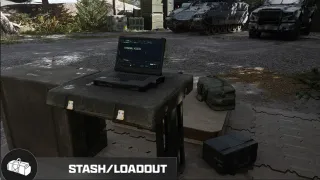
| FOB Stash | Stores equipment left at the FOB for later use |
| Dedicated mission-item slot | Separate space for critical Story Mission and Dynamic Operation objects |
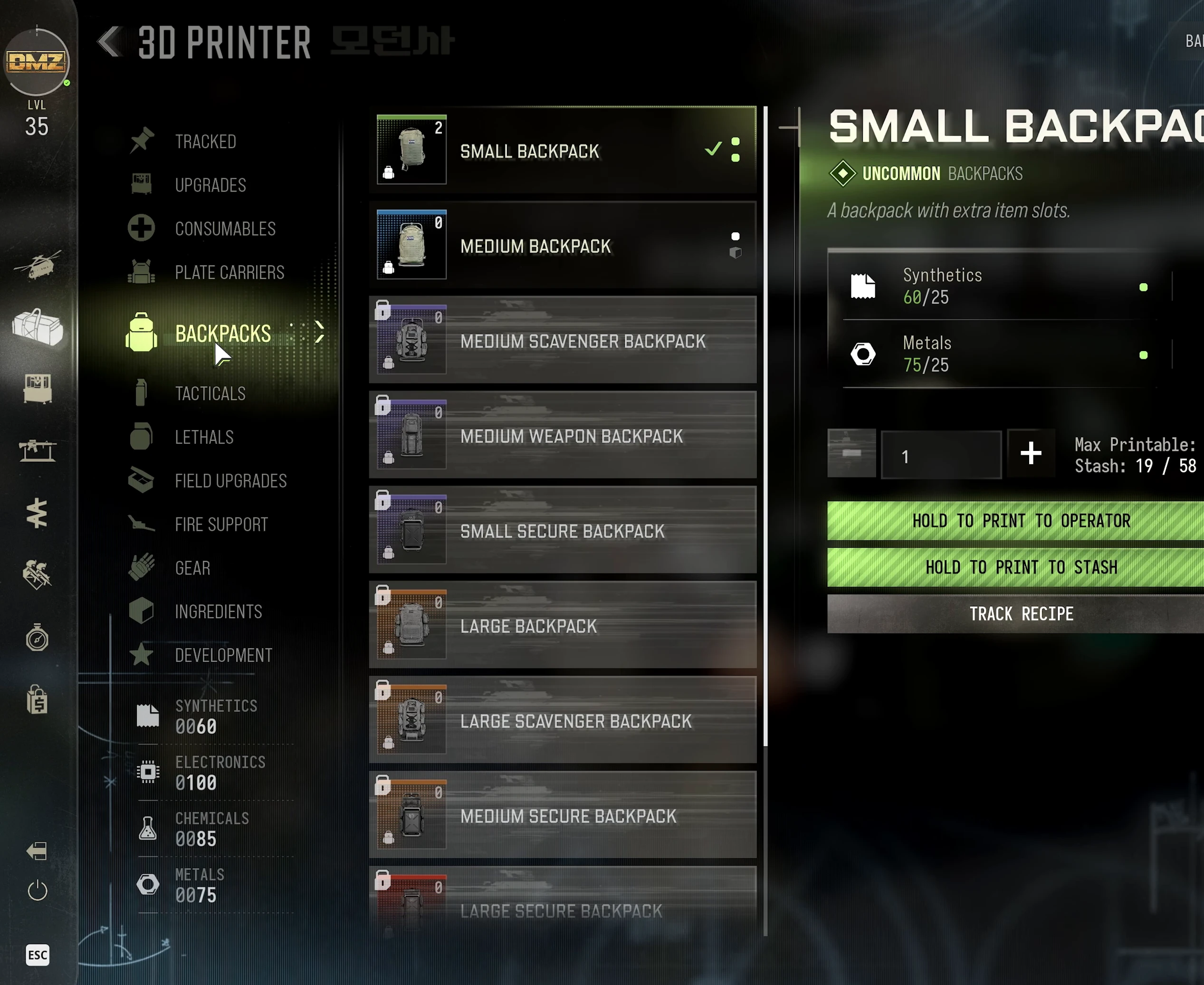
A Medium Backpack includes Secure Slots. Compare other options in the armor and backpacks guide and check the actual slot layout before carrying valuable loot.
Before you take a valuable item into danger
Open your backpack and check which slot holds it. Recheck after rearranging loot. Leave equipment you do not need in the Stash before the next deployment.
Secure storage and completing an objective are separate matters. A protected item does not, by itself, prove that a task requiring a successful extraction has completed. Check the objective tracker and extraction result.
What if you disconnect?
Infinity Ward says reconnect should be possible while the same server remains running. If the game offers rejoin, try returning to that match. The developer answer gives no fixed reconnect timer or promise that every item and objective reward will be restored.
Players have reported losing secured items after disconnects. These are reported problems, not a confirmed change to normal Secure Slot protection. No verified restoration fix is available here.
If rejoin fails or items are missing, record the error, platform, approximate match time and affected items, then use Activision’s issue-reporting page. This information helps describe the problem; it does not guarantee reimbursement.
Death, MIA and Prestige are different
For Operator recovery after a failed run, see the MIA guide. Before choosing Operator Prestige, move valuable gear into the Stash: the official FOB guide warns that equipped loadout and backpack items are consumed by that choice. Secure Slot death protection is not a reason to skip that preparation.
Quick questions
Does a Secure Backpack save the entire inventory?
No. The official protection applies to items actually stored in Secure Slots.
Can I reconnect after a DMZ disconnect?
Infinity Ward says you should be able to reconnect while the same server remains running. No guaranteed recovery timer or full restoration of loot and progress has been verified.
Mentioned in this guide
Spotted something wrong? Send a correction.
Keep reading
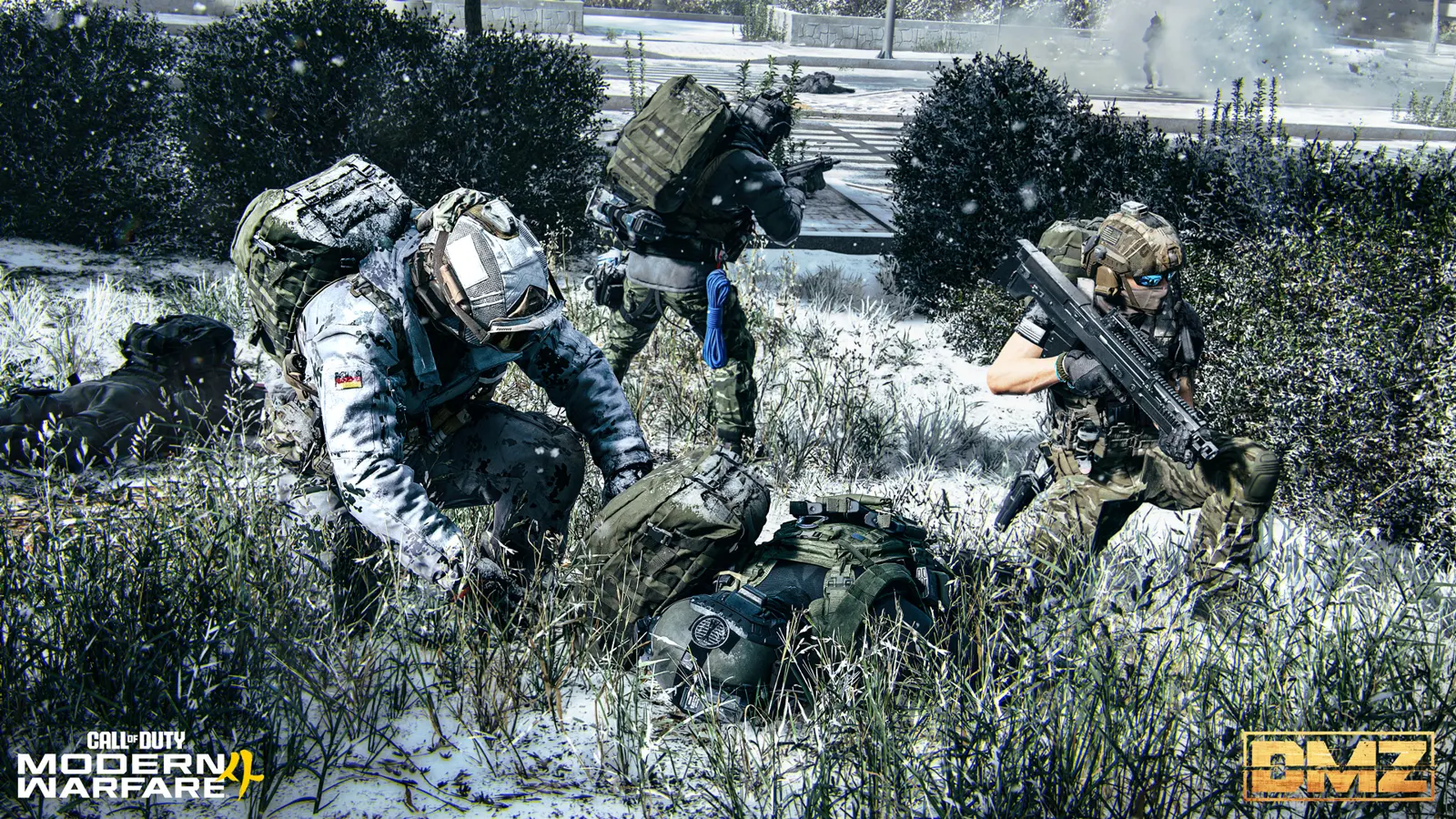 Guide · Gear & craftingMW4 DMZ armor and backpacks: every plate carrier and bag
  Guide · ProgressionMW4 DMZ Operators and MIA guide: slots, rescue, insurance and dismissing
  Guide · Gear & craftingMW4 DMZ 3D Printer guide: resources, ingredients and recipes Guide · Gear & craftingWhere to find crafting materials in MW4 DMZ