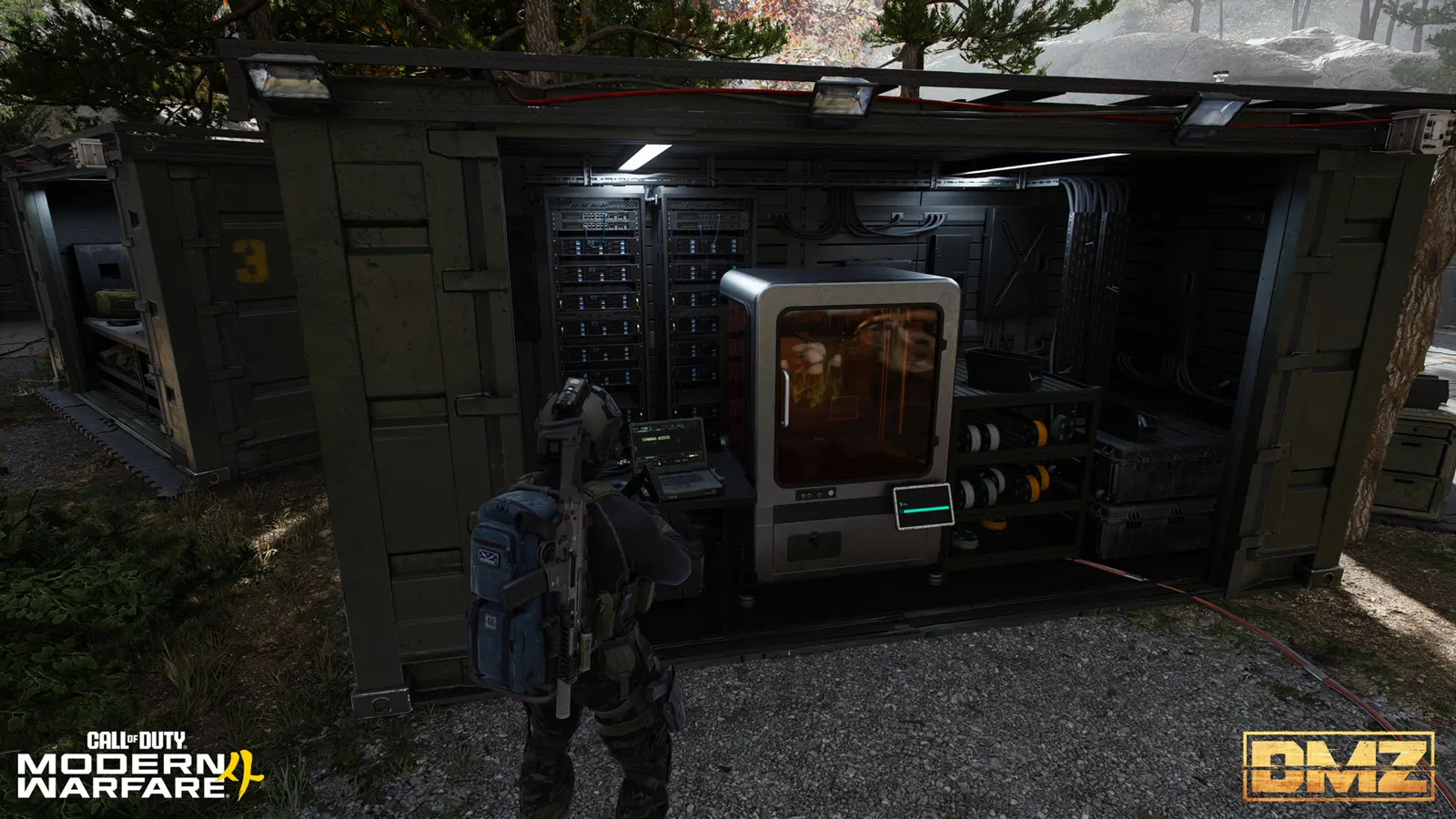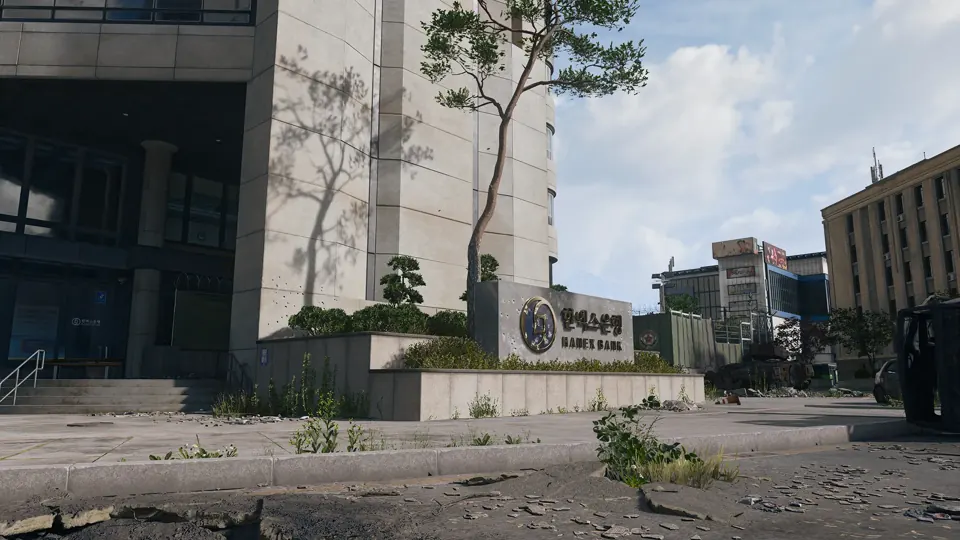
MW4 DMZ Bank Branch Vault Access: battery, card and vault code
The bank card opens the access door. The vault behind it still needs power and its own code.
An original Hanex bank walkthrough identifies Bank Branch Vault Access by name and shows the card pickup. The creator restores power with a Car Battery, uses the card for the first door, then finds a note giving three digits of a four-digit vault code and tests the remaining digit. The two demonstrated banks are north of Songdo Wharf and across from Wolves Stadium; no universal code or fixed card position is established.
- Bring a Car Battery for the power panel
- Search inside the bank for the named access card
- First access door and vault keypad are separate
- Read the local note; do not copy a video code
Bank Branch Vault Access is one part of a bank-vault puzzle, not a code that opens the entire building. Bring a Car Battery, identify the bank’s power panel, search for its card and note, then deal with the vault keypad separately.
Which bank should you visit?
Incredilags’ original October 24 walkthrough covers a bank on the north side of Songdo Wharf and another across from Wolves Stadium. These are the two routes that creator describes completing. Do not turn that sample into a claim that there are only two banks or that every Hanex building has the same interior.


The Hanex Bank tower in The Grid is a separate mapped landmark. Its name alone does not prove that the branch puzzle’s panel, card and note occupy the same positions there. Follow the actual building and active objective rather than using the tower pin as a universal vault entrance.

What to bring before entering
Pack a Car Battery, enough armor and ammunition to search the interior, and room for useful loot. The creator reports finding batteries near banks, at gas stations and in repairable UAV trucks. Those are search suggestions, not guaranteed battery spawns. Check the item name before bringing a different power-related ingredient.
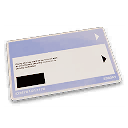
If you already hold the named card, still plan for the power and code steps. Counting Room Vault and Hanex Guard Station are different keys; neither name establishes compatibility with this access door.
Restore power and find the branch access card
- Clear a safe path through the bank. Identify your exit before searching every room.
- Locate the sparking power panel. The creator explains that its position differs between banks. Carry the battery and read the interaction prompt.
- Insert the Car Battery at the panel. This is the reported power-restoration step, not an instruction to drop the battery on the floor.
- Search inside for Bank Branch Vault Access. The video visibly displays that exact item name at approximately 2:05. Its pickup proves the named card appears in the demonstrated bank, not that every bank always has one in that spot.
- Use the card at the first access door. The walkthrough distinguishes this door from the larger vault door and keypad beyond it. If the prompt names another key, stop and identify that lock.
Find the code note and operate the vault keypad
The creator describes an interactable note somewhere in the bank. Read it before returning to the keypad. In the demonstrated process, the note supplies the first three digits of a four-digit code, leaving the final digit to test from 0 through 9.
Keep your note’s digits in their displayed order. Test the missing digit deliberately and record what you have tried, rather than changing the known digits after every failure. This is the creator’s documented method; a universal combination, a fixed note position and an exhaustive lockout test are not established here.
If the keypad is unavailable, check power and the access door first. If an entered combination fails, reread the note and the prompt. A copied combination from another video is not evidence that your run uses the same code.
Loot the room, check The Vault and leave
The creator reports two safes in the Songdo example and three in the Stadium example. Treat those as observed visits rather than a permanent loot table. A safe can be worth checking without guaranteeing a particular Manual, Blueprint or high-rarity item.
The filmed page-20 The Vault panel names a Hanex branch in Cheongun Village or Wolves Stadium, then restoring power to access the control system and finding a key inside the vault. The creator’s Songdo description is an approach landmark, not proof that any bank grants Order credit. Follow your active panel, use the Orders walkthrough for context and check each counter. Keep the objective key until you have confirmed the remaining requirement.
Once you have the objective or a useful unlock, reassess your plates, ammunition and route to exfil. A second bank is optional; losing the first bank’s loot can erase the benefit of extending the run.
Quick questions
Where do I find Bank Branch Vault Access?
The original walkthrough finds the named card inside a Hanex bank. Search the building; the footage does not establish one guaranteed desk, room or spawn for every deployment.
What is the Hanex bank vault code?
Use the note inside your current bank. The walkthrough describes three provided digits and a fourth digit to test from 0–9. A code shown in another run is not a verified universal combination.
Why does the vault stay locked after I use the card?
The card opens the first access door. Restore power with a Car Battery, find the note and use the separate vault keypad. Match the actual prompt to the stage you have reached.
Does this complete The Vault Order?
The walkthrough connects this route to page 20. Check your active Order and each objective counter; reaching the room alone does not prove that every required action received credit.
Mentioned in this guide
Spotted something wrong? Send a correction.