
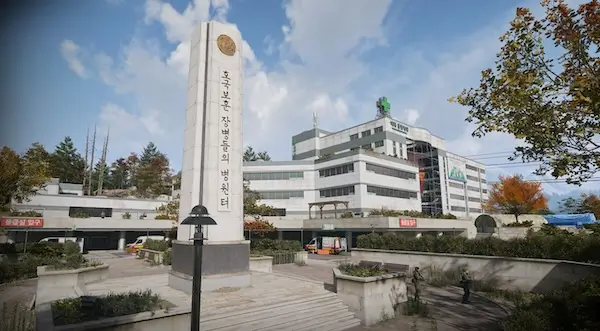
MW4 DMZ Mirae Electrical Room key: find the B2 hospital door
The route is down into parking, not upstairs into the hospital offices.
Jump to a section
Take the Mirae Electrical Room key to the northwestern parking garage at Mirae General Hospital, in the key's F5 search area. Descend to B2, find the purple-walled section and use the grey double door with the Mirae Electrical Room unlock prompt. This is separate from The Doctor's Command Office upstairs.
- Location: Mirae General Hospital
- Entrance route: northwest parking garage
- Floor: B2
- Match the Mirae Electrical Room unlock prompt
Go to the hospital’s northwest parking garage and descend to B2. The Mirae Electrical Room key is for a basement utility room, not a ward or an upstairs office.
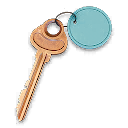
Bring the correct key
The Rare key is a listed reward for Operation Critical Extraction. If that is how you are obtaining it, use the mission walkthrough to complete the escort and extraction first.
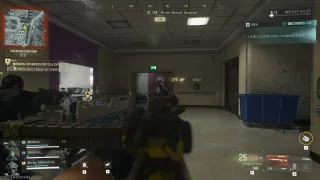
At the FOB, move the key from your Stash into the loadout you will actually deploy with. Read its description: it points to the northwestern basement parking garage within Mirae General Hospital, with F5 as the key’s grid reference.
Use the Key Finder to distinguish the entry from The Doctor’s Command Office. Both belong to the hospital, but they do not share a door.
Follow the parking route
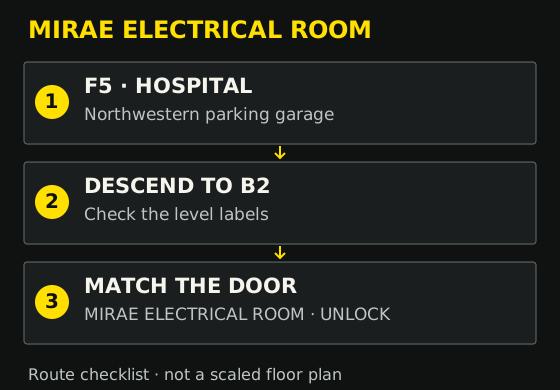
- Reach Mirae General Hospital and locate the northwestern parking garage. The map reference shows the hospital area rather than an exact underground door.
- Enter parking and follow the ramps downward. Read the pillar labels: continue past B1 until you reach B2.
- Look for the purple-walled section and hazard markings. The electrical-room entrance is a grey double door, with “Danger” lettering as an additional landmark.
- Approach the door and confirm the prompt names MIRAE ELECTRICAL ROOM.
- Use the unlock interaction with the matching key in your inventory, then inspect the room’s containers.
Do not rely on the purple wall alone. The named lock prompt is the final check that you reached the right door.
If you cannot find or open it
| What you see | What to check |
|---|---|
| Hospital wards and offices | You need the parking garage below the hospital |
| B1 labels | Continue down to B2 |
| A door requesting The Doctor’s key | That is a different key room; return to the garage route |
| Correct room name but no usable key | Check the deployed inventory, not only what remains in your FOB Stash |
| The wider map marker but no door | The marker locates the hospital; use the floor and door landmarks inside |
Hostiles can occupy the parking levels. Clear the immediate approach before stopping at the lock or opening loot menus.
After the door opens
The room contains electrical equipment and loot containers. Inspect what is actually present rather than expecting a fixed valuable, recipe or ingredient every visit. Electronic Sensors are useful if found, but the key is not a guaranteed delivery of your next upgrade’s shopping list.
Leave room in the backpack before opening containers and check your route to exfil afterward. For other keys, return to the key-room guide; for a medical ingredient run without this key, use the Biomaterials and Binding Catalyst guide.
Quick questions
What floor is Mirae Electrical Room on?
B2 of the hospital's northwestern parking garage. Use the level labels while descending the ramps.
Does this key open The Doctor's Command Office?
No. The Doctor's office uses a different key and is in the hospital's upper-floor offices.
How do I get the Mirae Electrical Room key?
It is a listed reward for Operation Critical Extraction. Check the current mission reward screen, complete the mission and prepare the key in your deployed inventory before visiting the door.
Mentioned in this guide
Spotted something wrong? Send a correction.
Keep reading
Guide · Loot & craftingMW4 DMZ Biomaterials and Binding Catalyst: a Medkit supply run 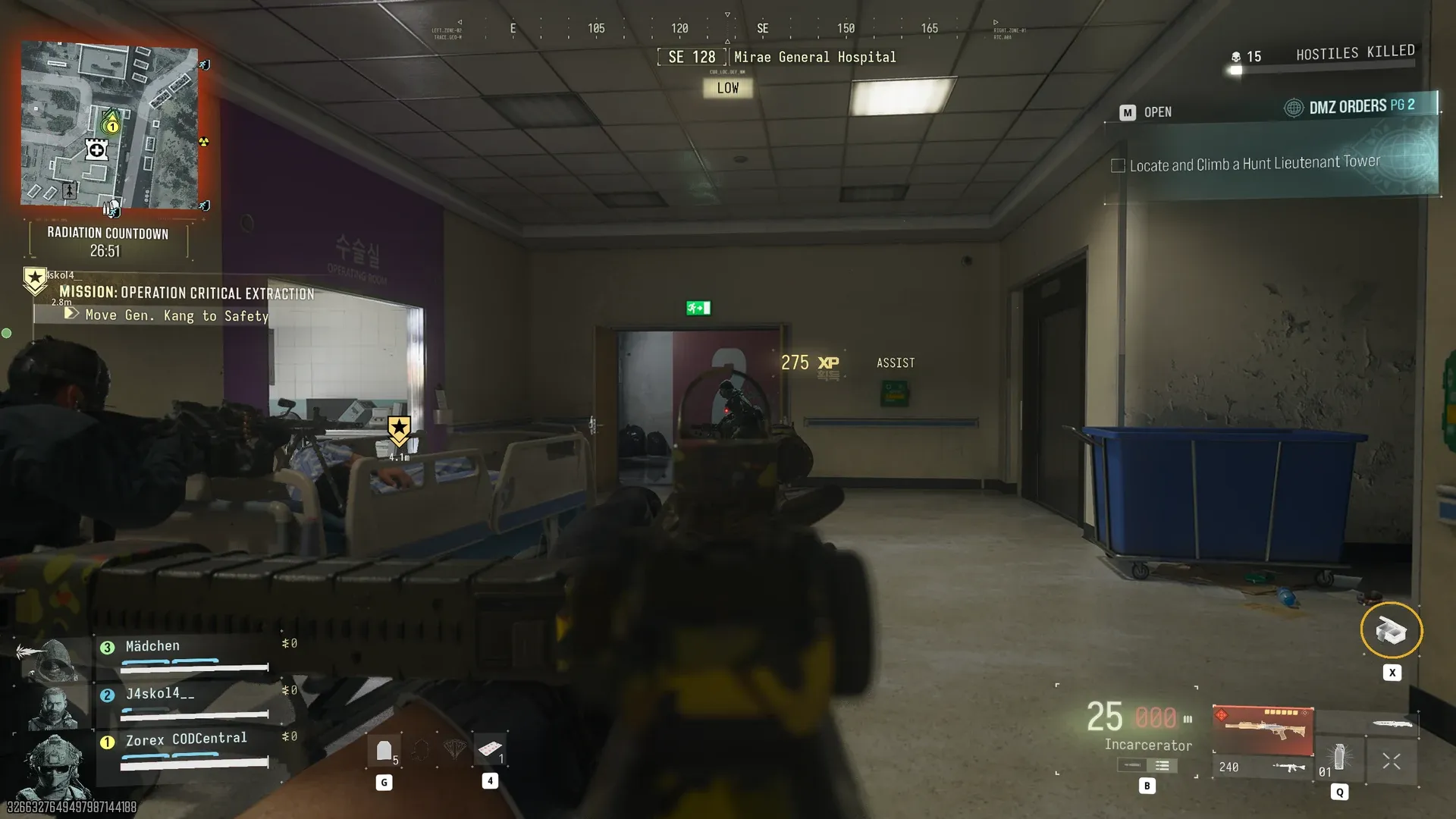 Guide · MissionsMW4 DMZ Critical Extraction: General Kang and rooftop rescue
  Guide · Getting startedMW4 DMZ exfil guide: helicopters, flares and Fulton
  Guide · Bosses & PvPMW4 DMZ keys and loot rooms: how to find and use them