

News · Game updates
MW4 DMZ October 24–25 update: what changes for your next run
Clear Overflow Stash before deploying, complete the hospital elevator objective and adjust your Colossus equipment after the latest fixes.
Clear Overflow Stash before deploying, complete the hospital elevator objective and adjust your Colossus equipment after the latest fixes.
Changes to plan around
- Clear the Overflow Stash before your next deployment.
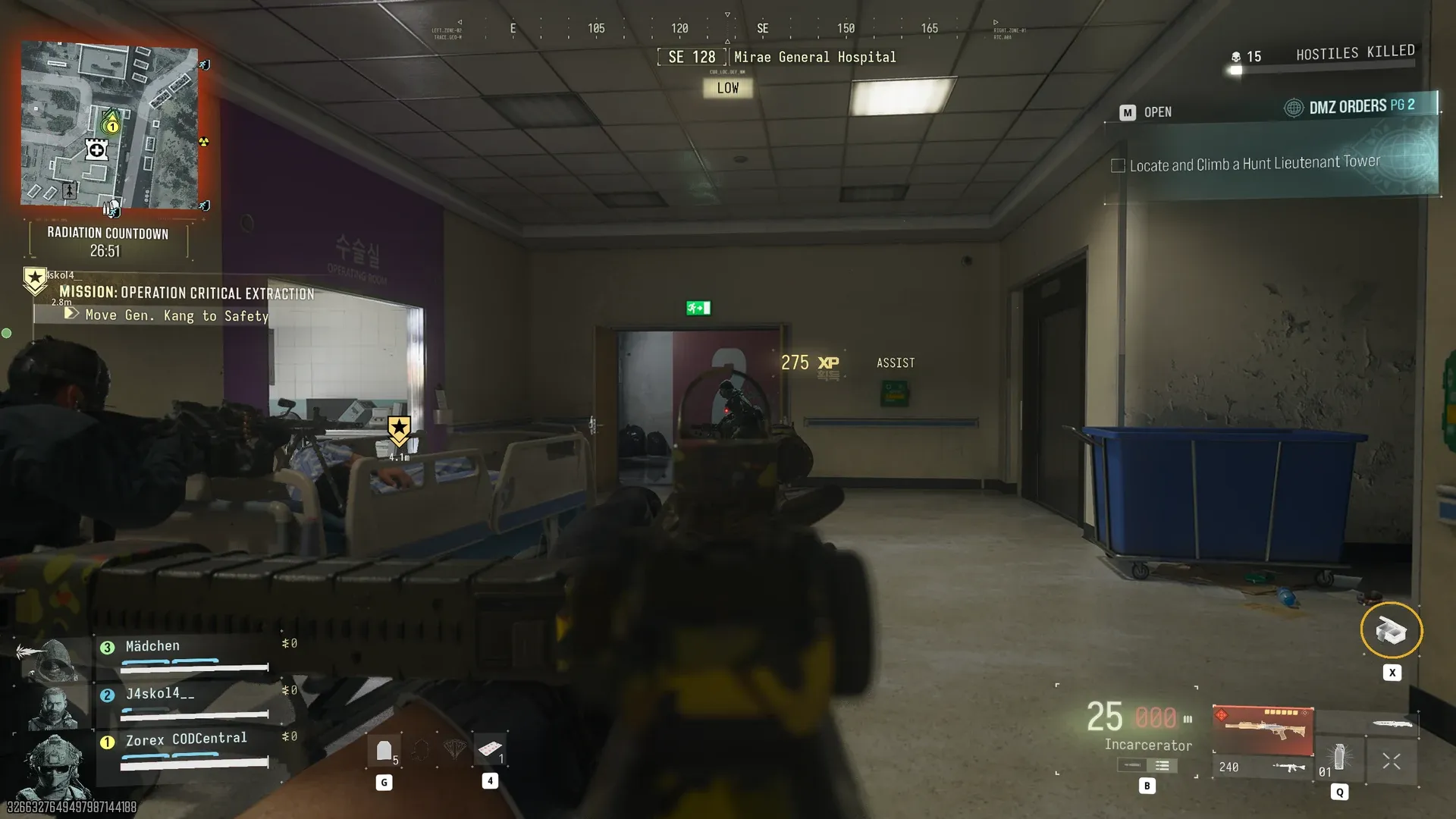
- Critical Extraction now requires completing the Hospital Elevator objective; its bypass has been fixed.
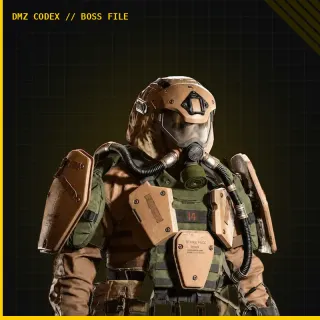
- Drill Charges deal less damage to Colossus. Use cover and bring enough ammunition for the fight.
- The party-leader extraction bug that could mark teammates MIA and the disappearing exfil-helicopter bug were addressed on October 24.
Weekly Mission Challenges completed before unlocking Philanthropist count after the October 24 fix.
Mentioned in this guide
Spotted something wrong? Send a correction.
Keep reading
 Guide · MissionsMW4 DMZ Critical Extraction: General Kang and rooftop rescue
  News · PatchesMW4 DMZ launch fixes: October 20–21 changes that affect your run
  News · LaunchMW4's October 19 reveals: the unlocks DMZ players should plan around
  News · LaunchMW4 Season 1 starts November 6: Hajin comes to Warzone, and what's next for DMZ