Skip to content
DMZ CODEX · HAJIN EXCLUSION ZONE UPDATED 27 OCT 2026

Language

Sign in
Codex / DMZ Orders / The Vault Updated 26 Oct 2026
Order

The Vault

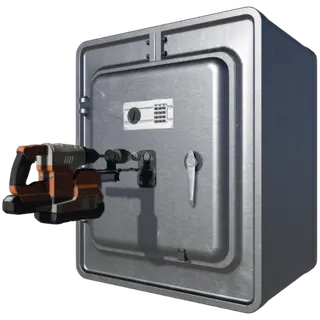
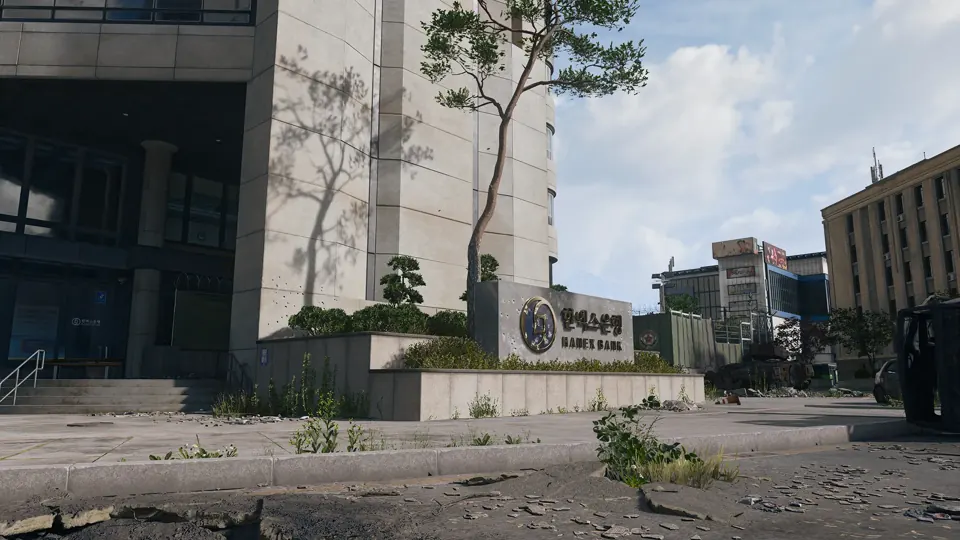
Enter a Hanex Bank branch in Cheongun Village or Wolves Stadium and open its vault.
The Vault
DMZ Orders

Your objectives

Browse orders →
  1. 1Enter a Hanex Bank branch in Cheongun Village or Wolves Stadium.
  2. 2Open the branch vault.

Places & items in these objectives

What to do

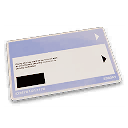
  • Choose the Hanex branch named by your active objective and bring a Car Battery. Restore power at the panel, search the bank for Bank Branch Vault Access and use the card on the access door.
  • Find the note for your current vault, then use its digits at the separate keypad. Do not copy a combination from another run. Open the vault and check every remaining objective before discarding its key or leaving.

Guides that cover this
GuideMW4 DMZ later Orders: objectives and preparation

Something wrong or missing? Send a correction.

Report a problem on this page

Prepare the next run

My deployment

Check off goals during your run. Saved on this device.

DMZ CODEX · IPHONE & IPAD

Add to your Home Screen

Installation won’t start automatically. Follow these steps in Safari.

  1. 1. Open this site in Safari

    Already in Safari? Continue below. In another app, choose Open in browser, then open Safari.

    dmzcodex.com/install/
  2. 2. Tap Share

    Look for the square with an arrow pointing up. It may be inside Safari’s More (…) menu.

  3. 3. Add to Home Screen → Add

    Scroll through the Share menu; tap View More if needed. Keep Open as Web App on if shown, then tap Add.

Look for the yellow DMZ Codex icon on your Home Screen.