Skip to content
DMZ CODEX · HAJIN EXCLUSION ZONE UPDATED 21 OCT 2026 DMZ EARLY ACCESS IS LIVE
Codex / DMZ Orders / Watch for Bumps Updated 21 Oct 2026
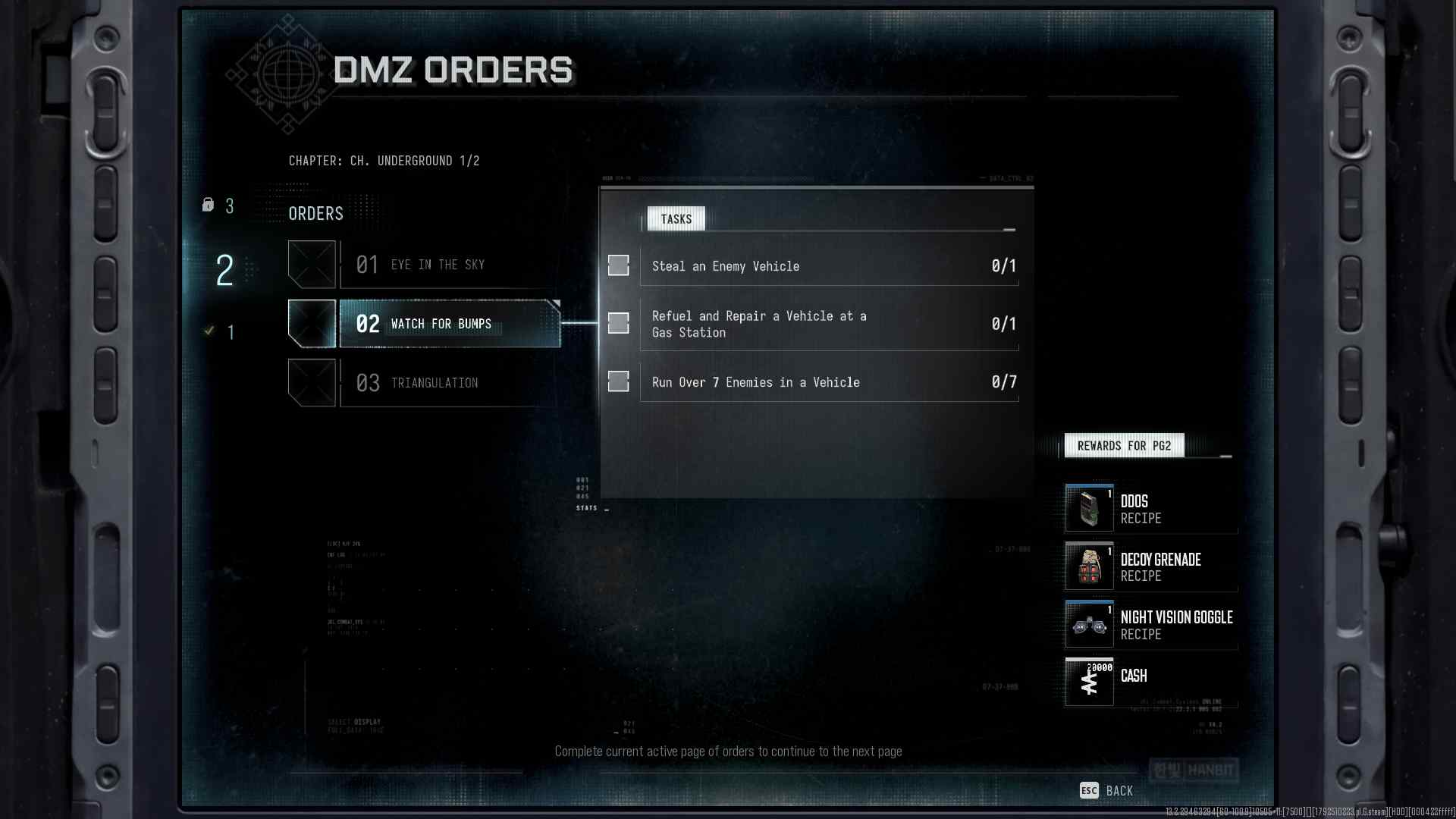
Watch for Bumps
Order

Watch for Bumps

Take an enemy vehicle, service it at a gas station and run over seven enemies.

Chapter
Underground
Part
1/2
Order
2
Page shown
2
DMZ Orders

Your objectives

Browse orders →
  1. 1Steal one enemy vehicle
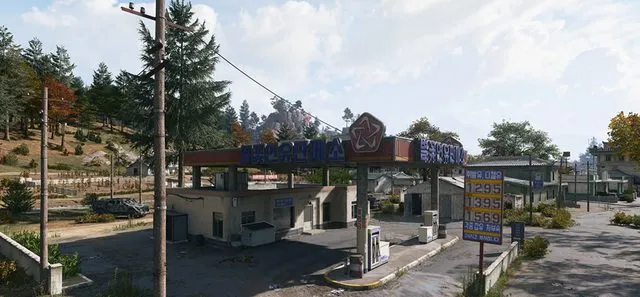
  2. 2Refuel and repair a vehicle at a gas station
  3. 3Run over seven enemies
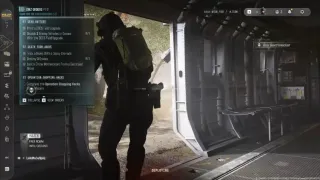
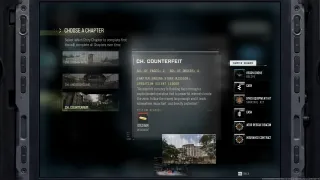
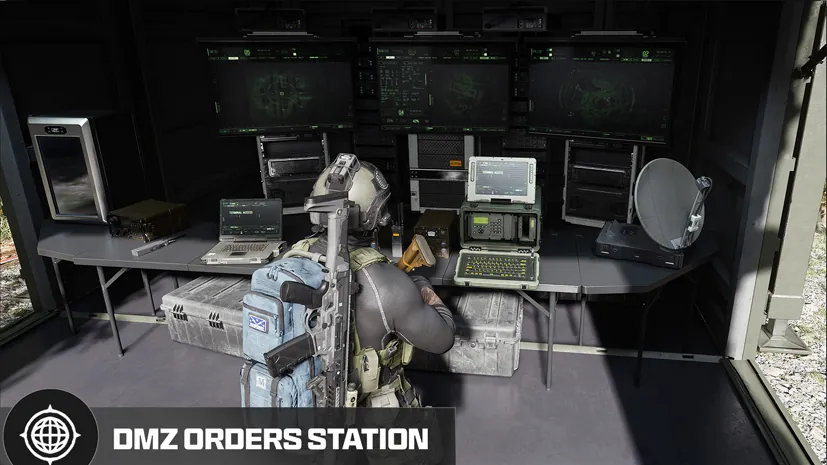
Part ofthe DMZ Orders boardBrowse the chapter and other Orders on the DMZ Orders board. →

Walkthrough

  1. 01Find a vehicle being used by enemy forces and take control of it.
  2. 02Park beside the fuel pumps at a gas station so the vehicle can repair and refuel.
  3. 03Use a vehicle to run over seven enemies; check the Order counter for progress.

Related

Useful for this Order
Guides that cover this

GuideMW4 DMZ Orders guide: objectives and page rewards

Something wrong or missing? Send a correction.

DMZ CODEX · IPHONE & IPAD

Add to your Home Screen

Installation won’t start automatically. Follow these steps in Safari.

  1. 1. Open this site in Safari

    Already in Safari? Continue below. In another app, choose Open in browser, then open Safari.

    dmzcodex.com/install/
  2. 2. Tap Share

    Look for the square with an arrow pointing up. It may be inside Safari’s More (…) menu.

  3. 3. Add to Home Screen → Add

    Scroll through the Share menu; tap View More if needed. Keep Open as Web App on if shown, then tap Add.

Look for the yellow DMZ Codex icon on your Home Screen.