Skip to content
DMZ CODEX · HAJIN EXCLUSION ZONE UPDATED 27 OCT 2026

Language

Sign in
Codex / DMZ Orders / Hard Carry Updated 26 Oct 2026
Order

Hard Carry

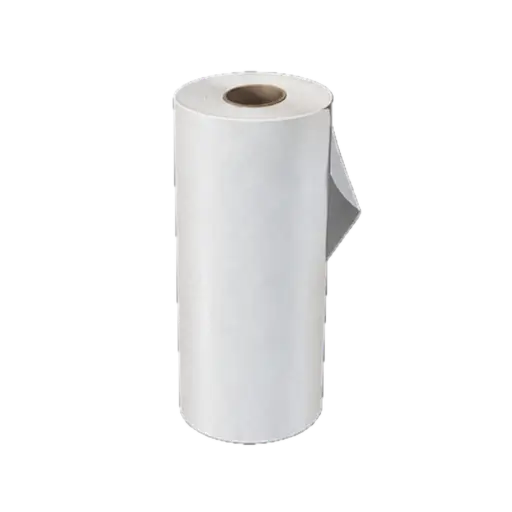
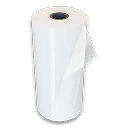
Prepare Nylon Laminate and Structural Alloy, and print a Large Backpack.
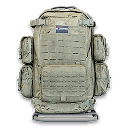
Hard Carry
DMZ Orders

Your objectives

Browse orders →
  1. 1Collect Nylon Laminate.
  2. 2Collect Structural Alloy.
  3. 3Print a Large Backpack.

Places & items in these objectives

What to do

  • Reserve two Nylon Laminate and five Structural Alloy for the Large Backpack. Open the complete recipe before crafting: Rigid Synthetics are also needed, and missing ingredients will block the print.
  • Print the Large Backpack at the FOB and check the Order. Equipping or looting a backpack is not the same action as printing one. If Laminate is your bottleneck, use the material route below or Epic Ingredient Printing.

Guides that cover this
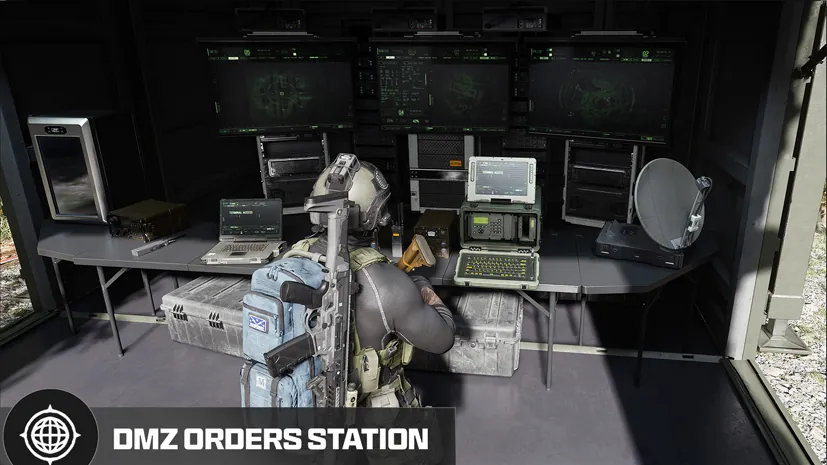
GuideMW4 DMZ later Orders: objectives and preparation GuideMW4 DMZ Nylon Cloth and Nylon Laminate: where to search

Something wrong or missing? Send a correction.

Report a problem on this page

Prepare the next run

My deployment

Check off goals during your run. Saved on this device.

DMZ CODEX · IPHONE & IPAD

Add to your Home Screen

Installation won’t start automatically. Follow these steps in Safari.

  1. 1. Open this site in Safari

    Already in Safari? Continue below. In another app, choose Open in browser, then open Safari.

    dmzcodex.com/install/
  2. 2. Tap Share

    Look for the square with an arrow pointing up. It may be inside Safari’s More (…) menu.

  3. 3. Add to Home Screen → Add

    Scroll through the Share menu; tap View More if needed. Keep Open as Web App on if shown, then tap Add.

Look for the yellow DMZ Codex icon on your Home Screen.