
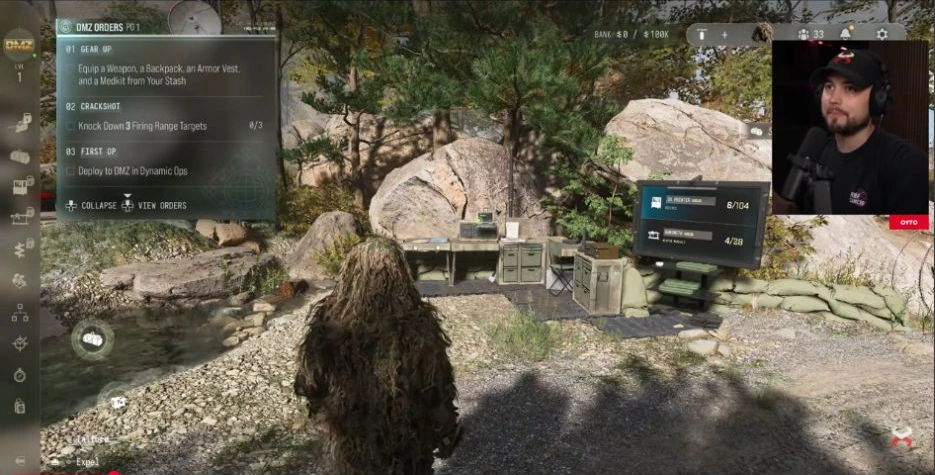
First OP
Deploy into DMZ using the Dynamic Operations deployment option.
- Chapter
- Chapter 1
- Order
- 3
- Page shown
- 1
DMZ Orders
Browse orders →Your objectives
- 1Deploy to DMZ in Dynamic Operations
Walkthrough
- 01Open Deploy at the FOB and select Dynamic Operations.
- 02Ready up and deploy. This Order asks you to enter through Dynamic Operations; check the tracker after infil.
Related
Useful for this Order

Guides that cover this



More dmz orders
See all 26 →
Also in Missions
Something wrong or missing? Send a correction.