Place · Grid B1
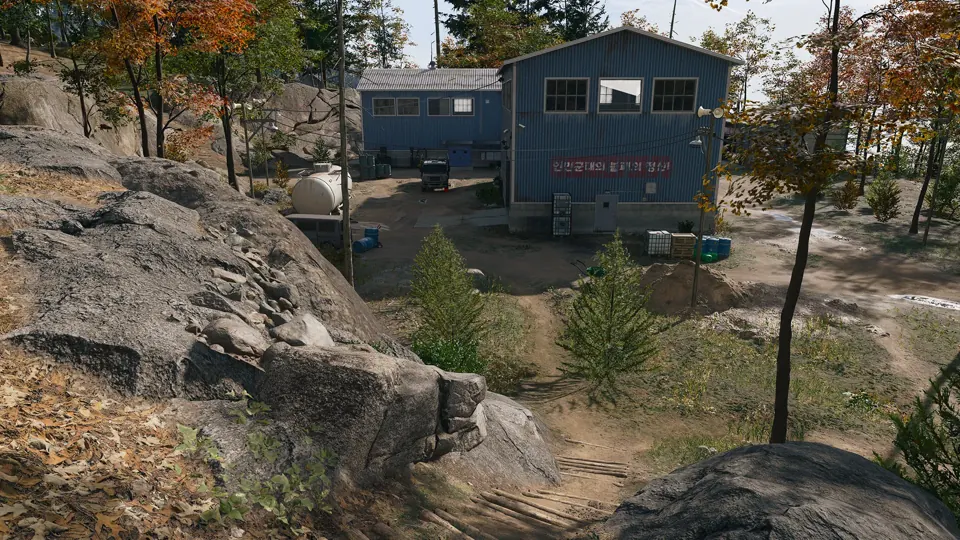
Jayon Warehouses
Warehouses in Hajin, marked on the official Call of Duty map.
Open Jayon Warehouses →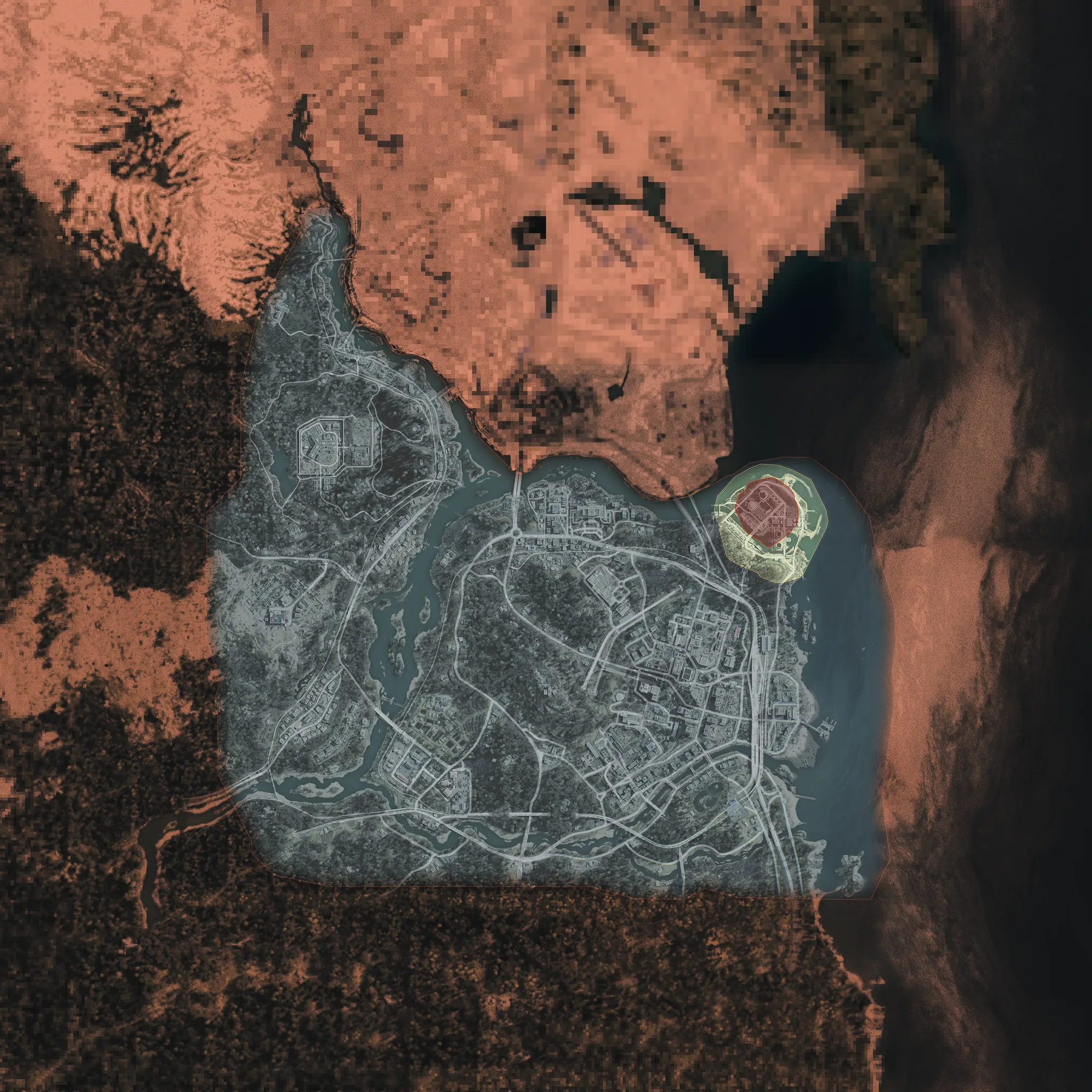
Warehouses in Hajin, marked on the official Call of Duty map.
Open Jayon Warehouses →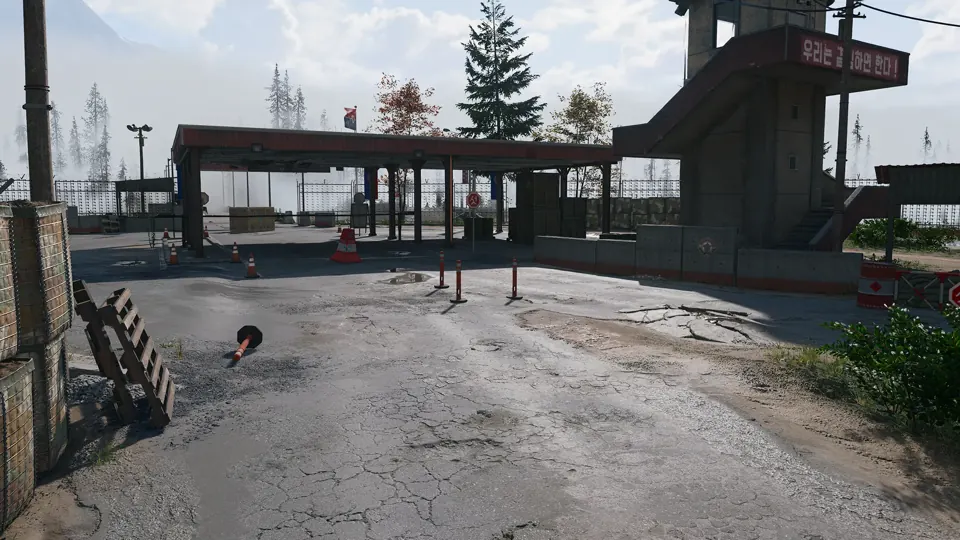
Border crossing in Hajin, marked on the official Call of Duty map.
Open Russian Border Crossing (West) →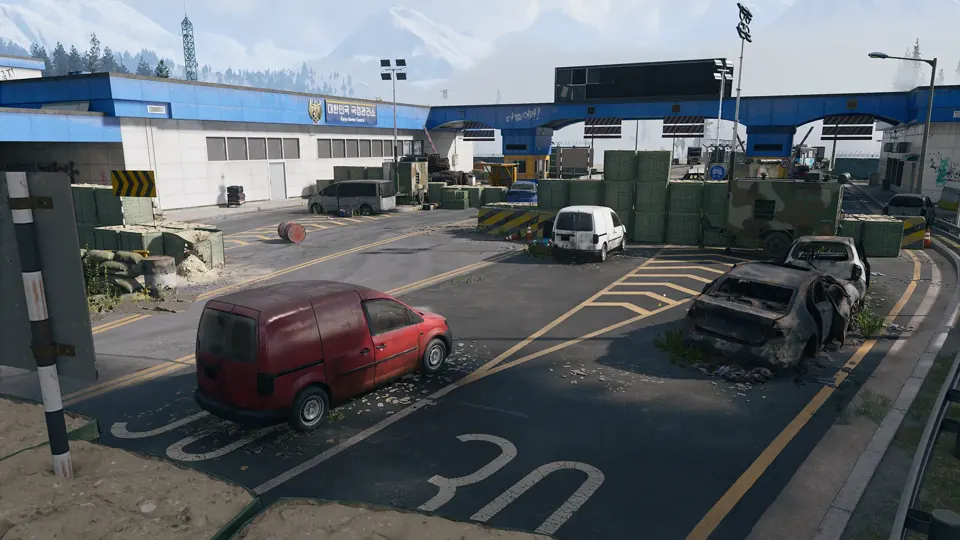
Low-threat checkpoint associated with Cheongun Village.
Open Russian Border Crossing →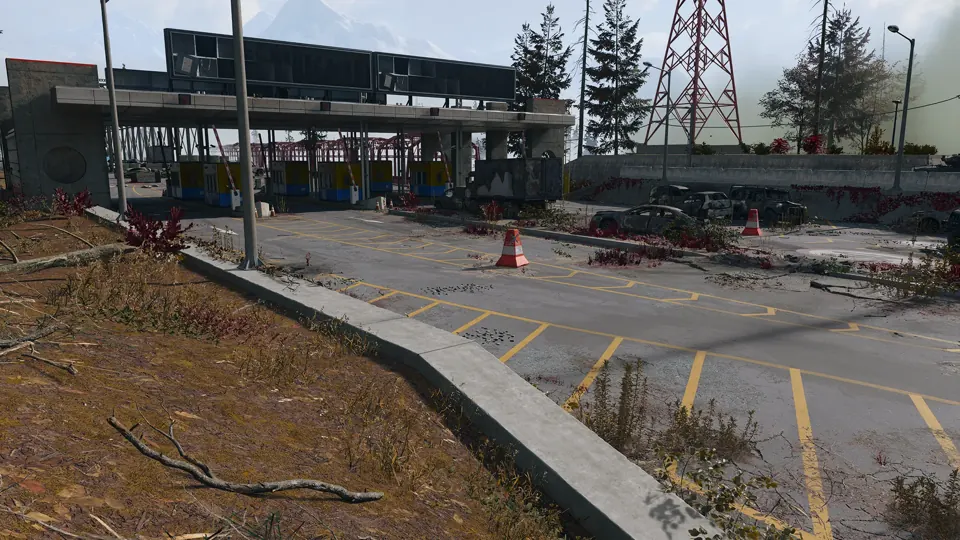
Border crossing in Hajin, marked on the official Call of Duty map.
Open Russian Border Crossing (East) →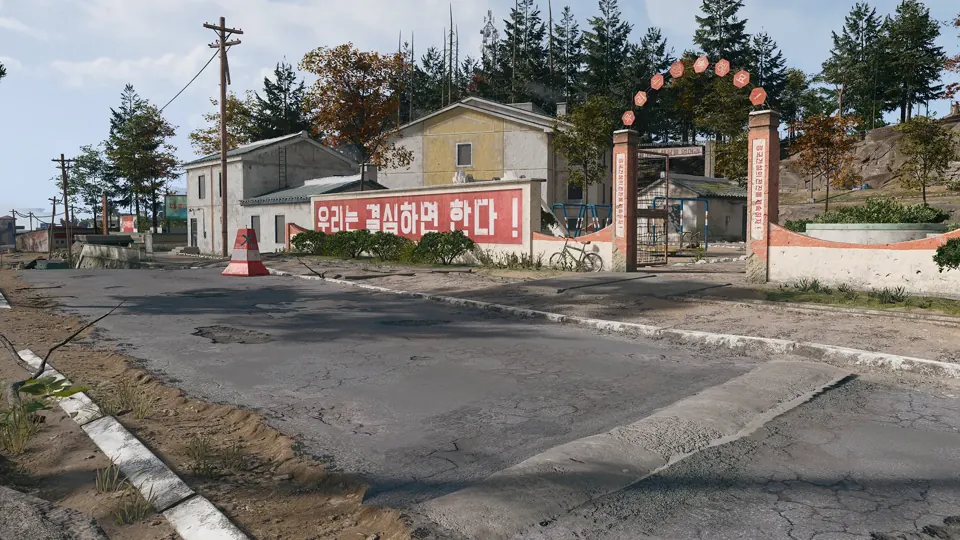
A northern Hajin village with residential loot, a fire station and a reported Black Market weapons locker.
Open Hanrim Village →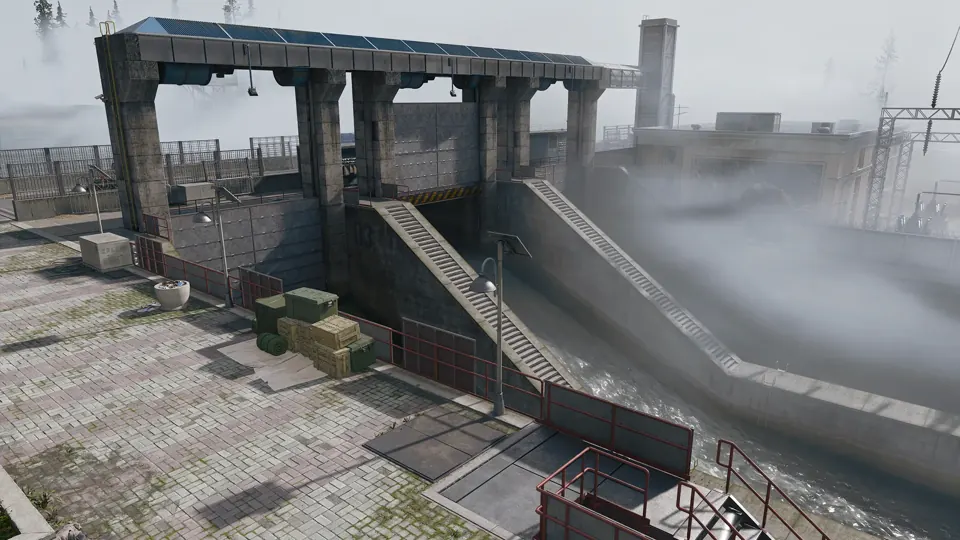
An intact dam guarded by military police, northwest of Tong-il Village.
Open Revolution Dam →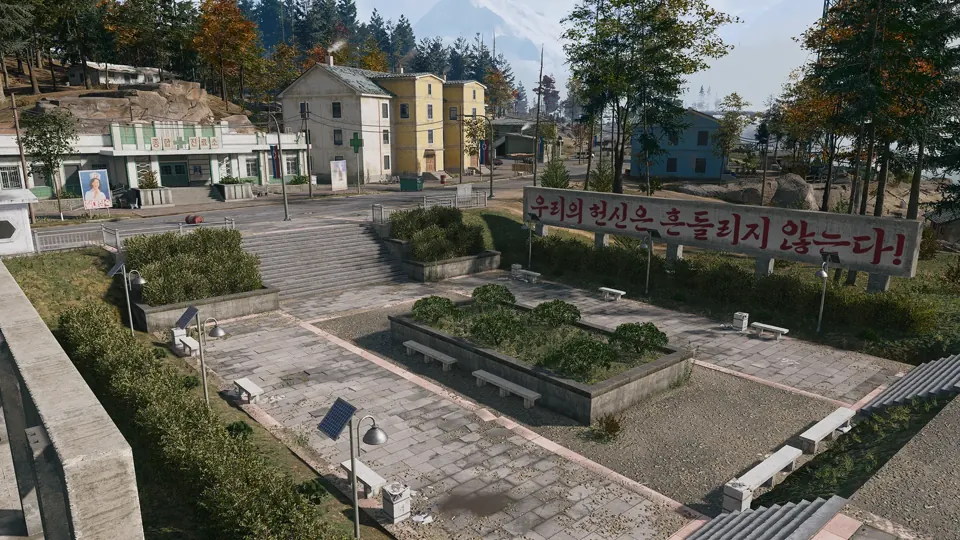
A farming village on the north delta of the Hajin River, under a large statue of a former leader.
Open Tong-il Village →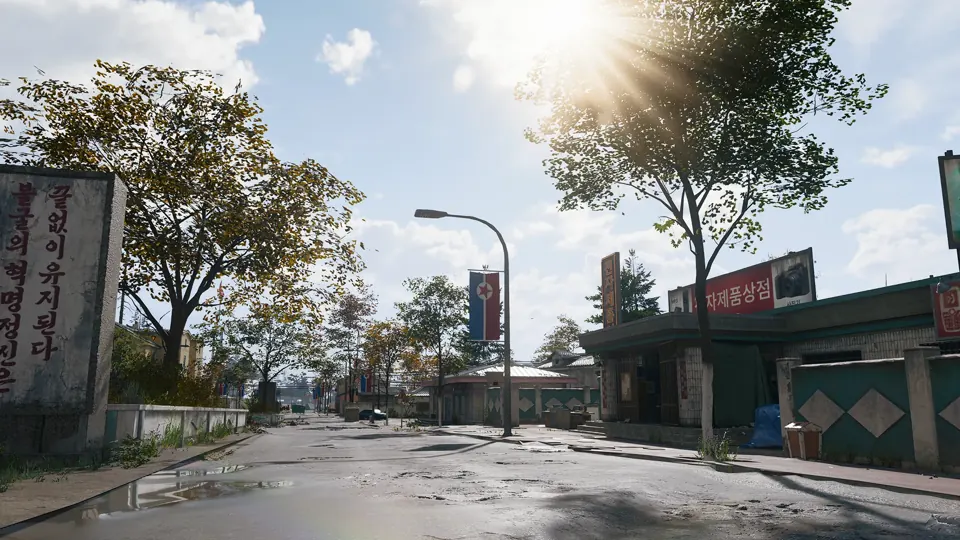
Houses and farmland west of the Hajin River, with a half-destroyed pontoon bridge for crossing by vehicle.
Open Pyonghwa Village →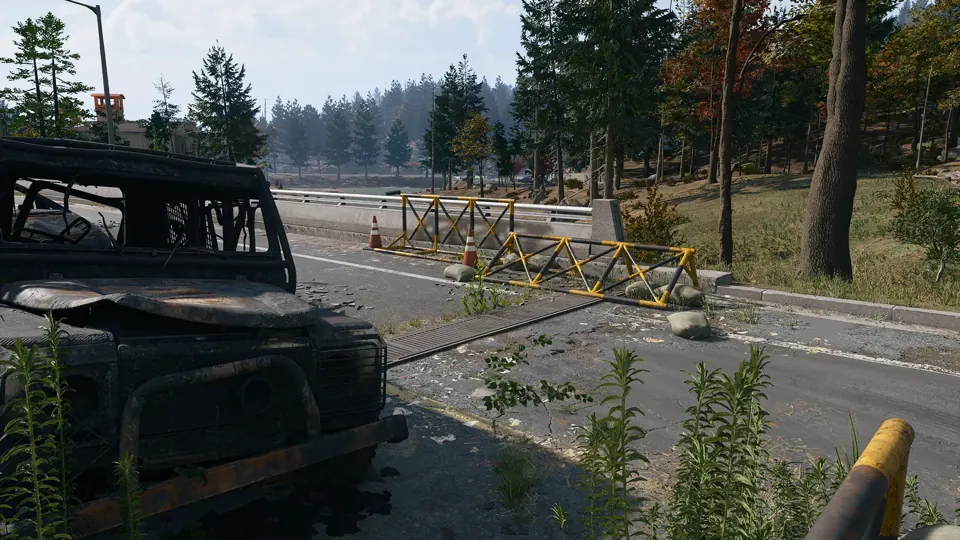
Abandoned civilian cars near a tunnel exit on Hajin’s southern edge, by the South Fork of the Hajin River.
Open Namjin Riverside →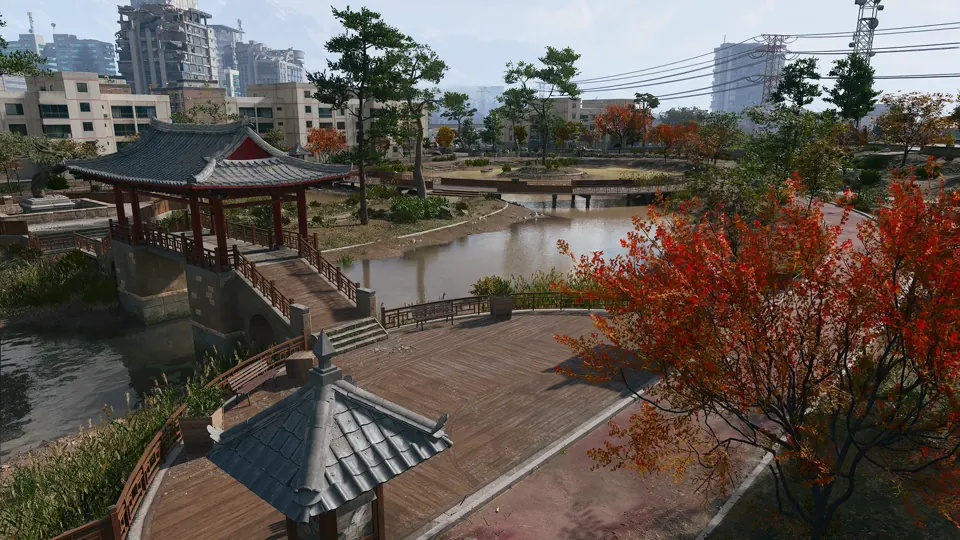
Medium-threat island area with a lone communications tower.
Open South Island →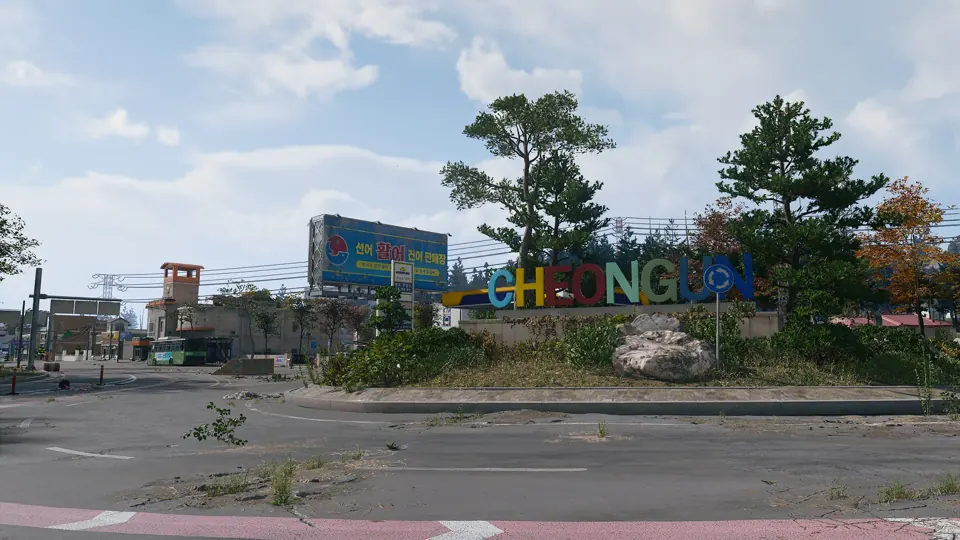
Sparser buildings and dense woodland on the west side of the village, near the South Korean border control.
Open Cheongun Outskirts →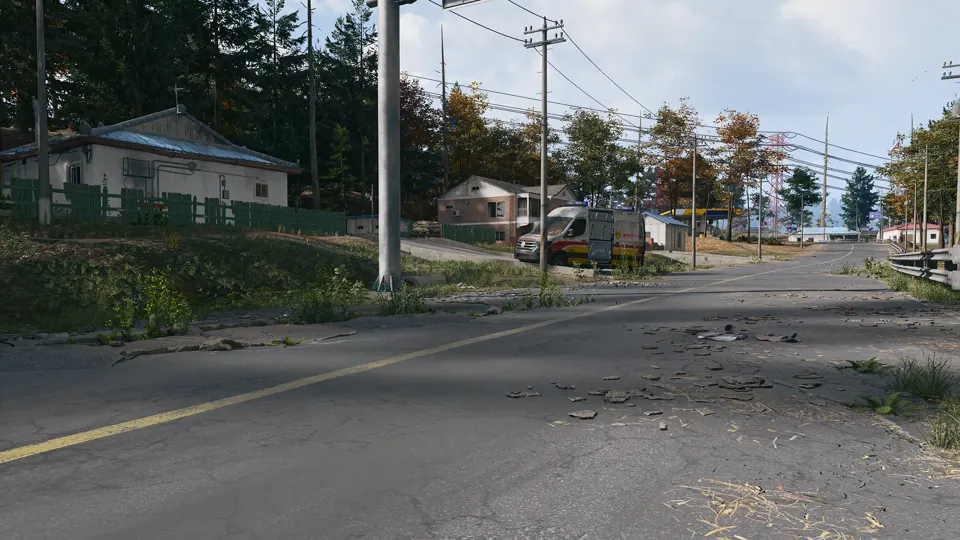
A small hamlet of farm workers on the Hajin River, at the foot of a wooded hill near the railway.
Open Imjin Suburb →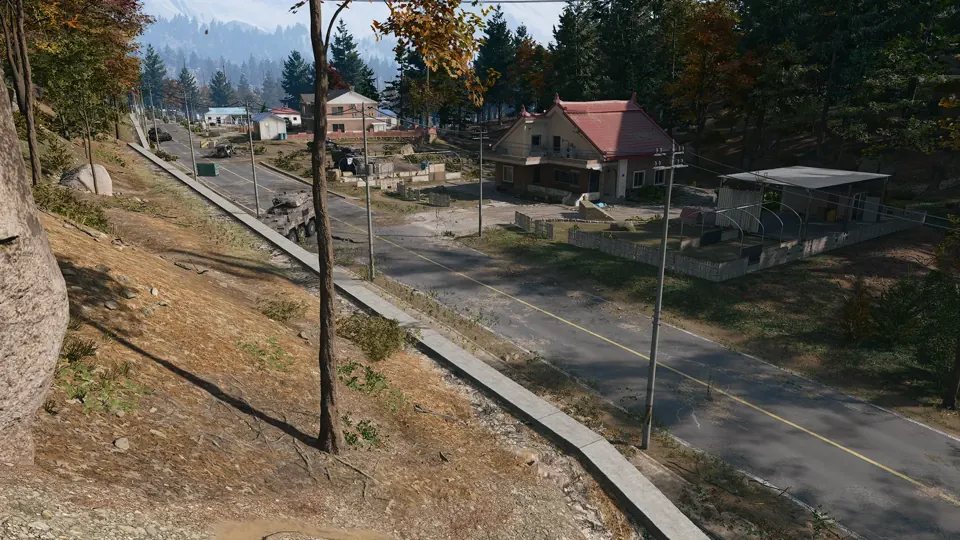
Farmland in a dell between two forests, with the Hospital to the north and the Array to the south.
Open Mujin Pass →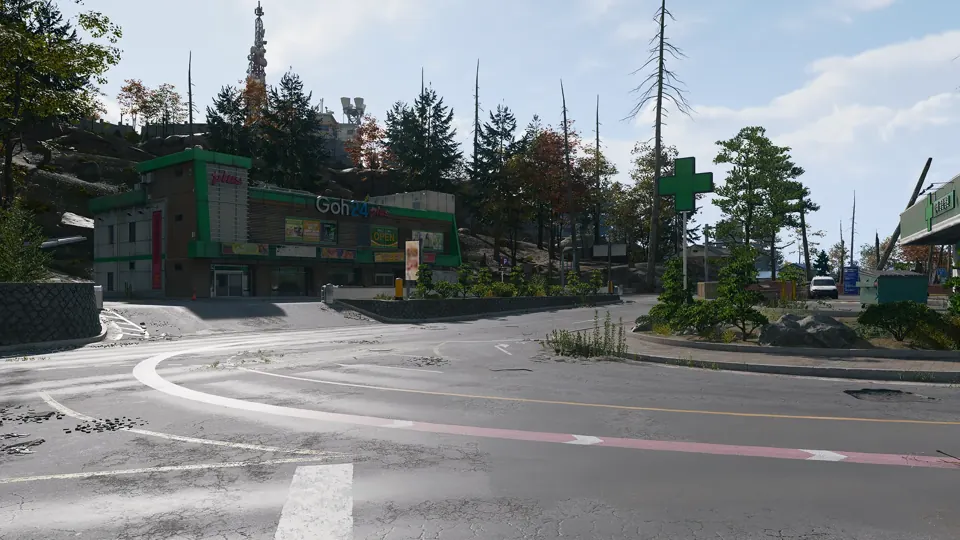
A rural settlement northeast of Imjin Farmland, its shelled road lined with burnt-out APCs.
Open Daesong Ridge →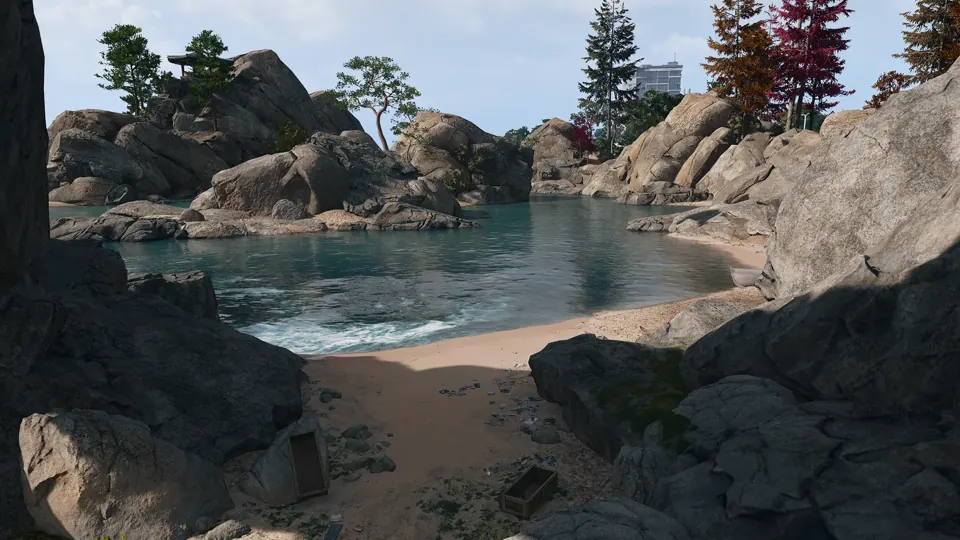
A rocky outcrop by the shore to explore or hide in.
Open Oamsik Turtle Islands →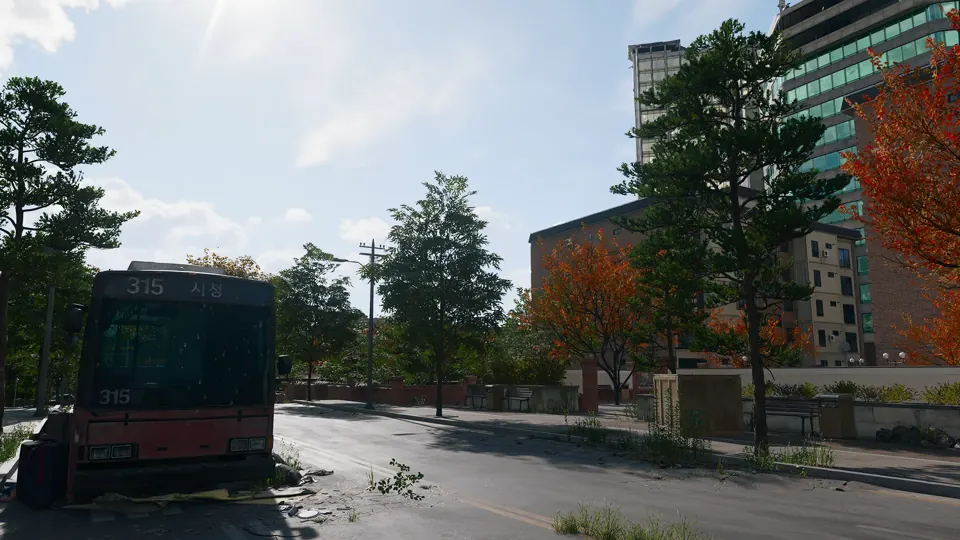
High-threat western section of the NuriGO Mall district.
Open NuriGO West →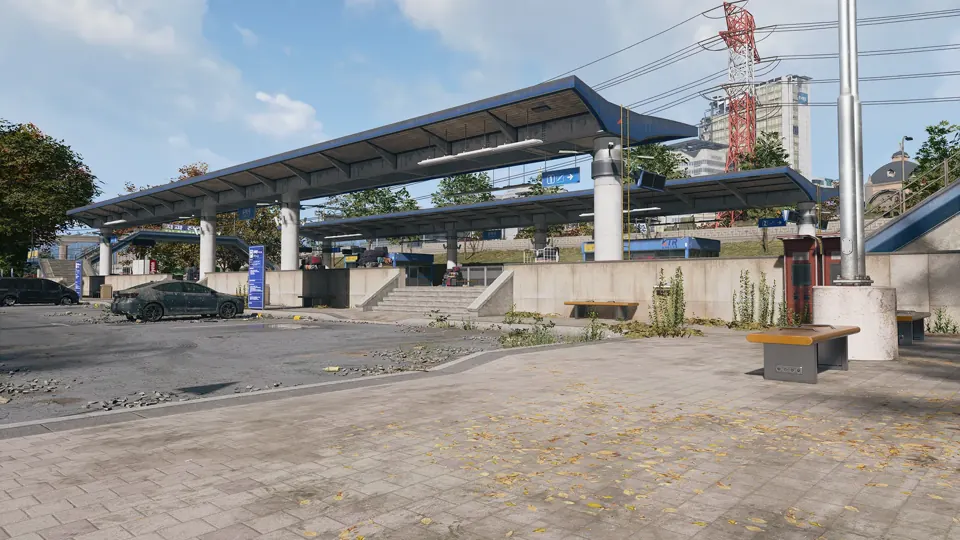
Low-threat named area in the Songdo Wharf district.
Open Shoreline Station →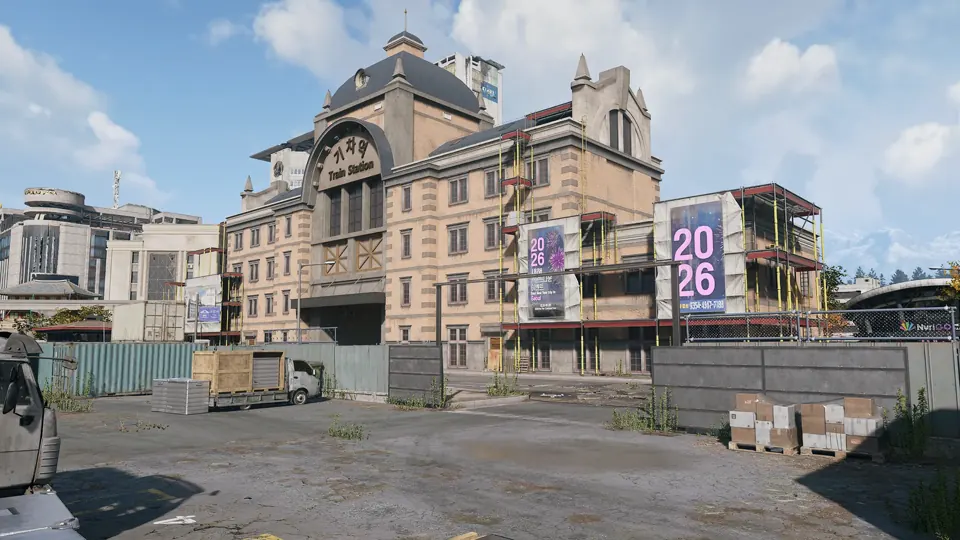
Medium-threat eastern section of the NuriGO Mall district.
Open NuriGO East →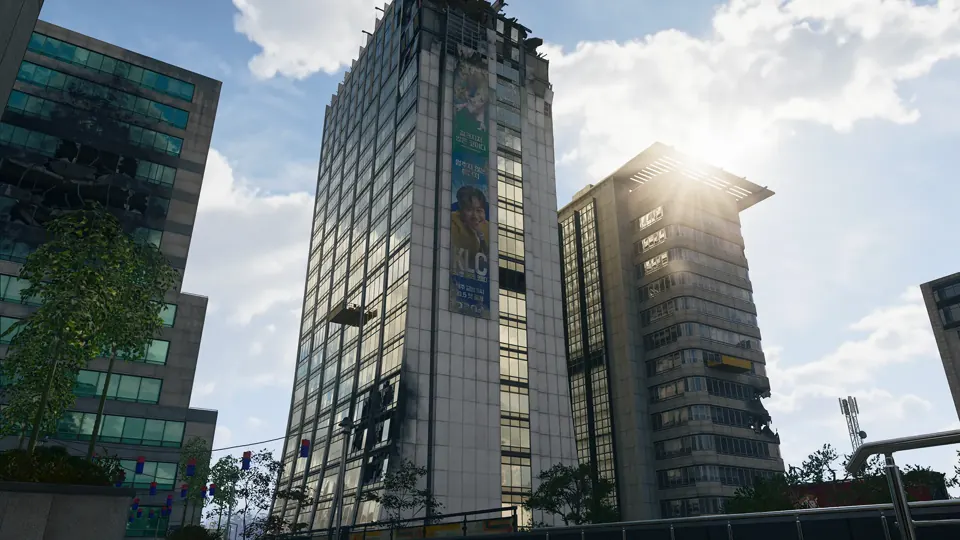
The DBN TV tower, the tallest building in Hajin.
Open DBN Headquarters →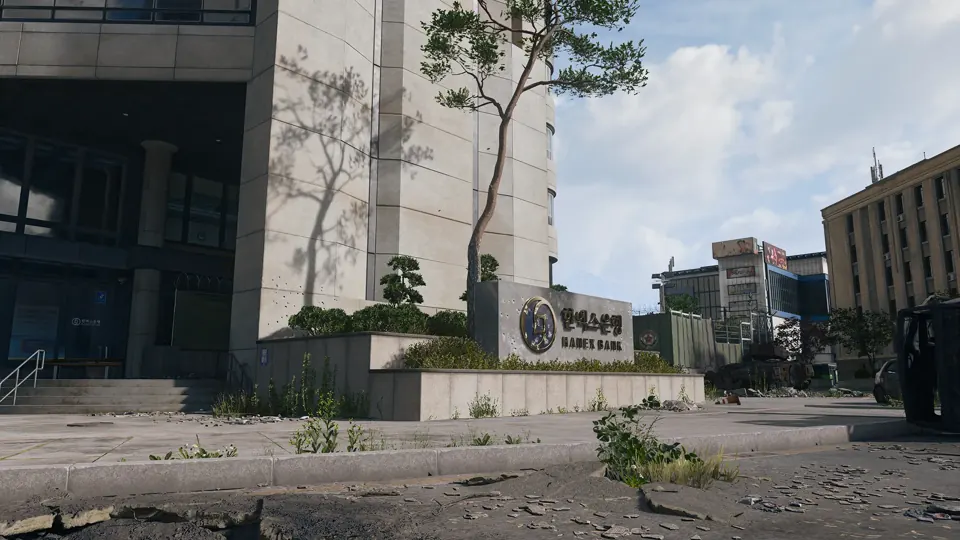
Critical-threat bank tower in The Grid, near Donpyeong Gate.
Open Hanex Bank →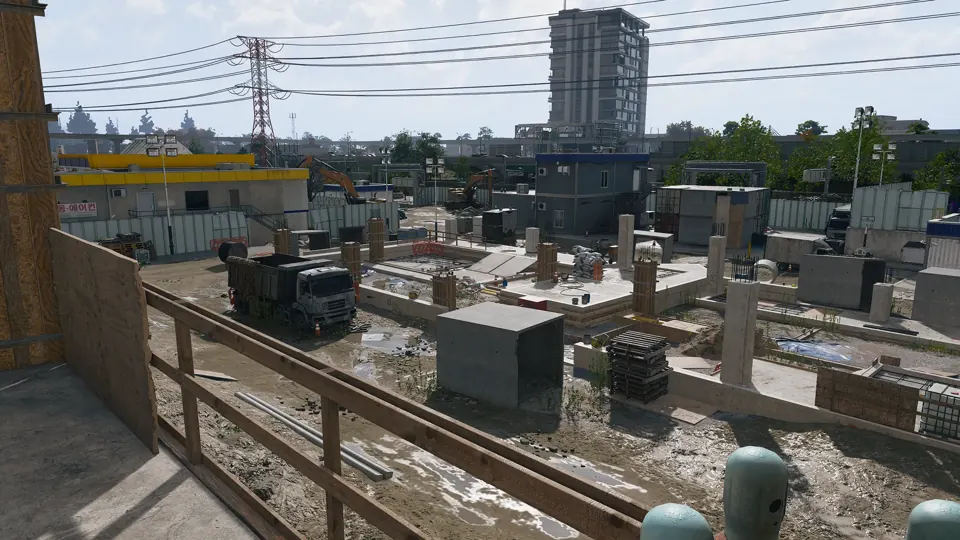
A building site across several city blocks on the eastern side of The Grid.
Open Construction Zone →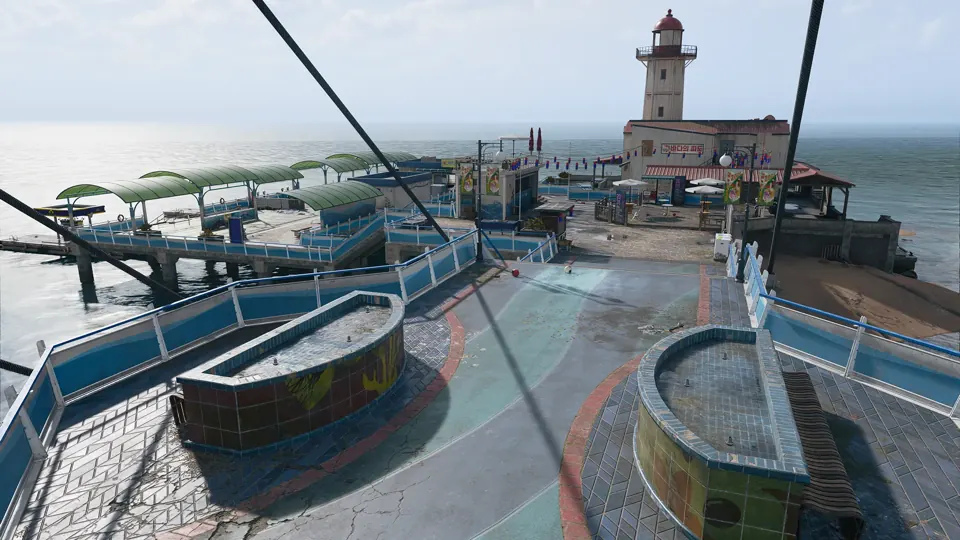
Pier in Hajin, marked on the official Call of Duty map.
Open Songdo Pier →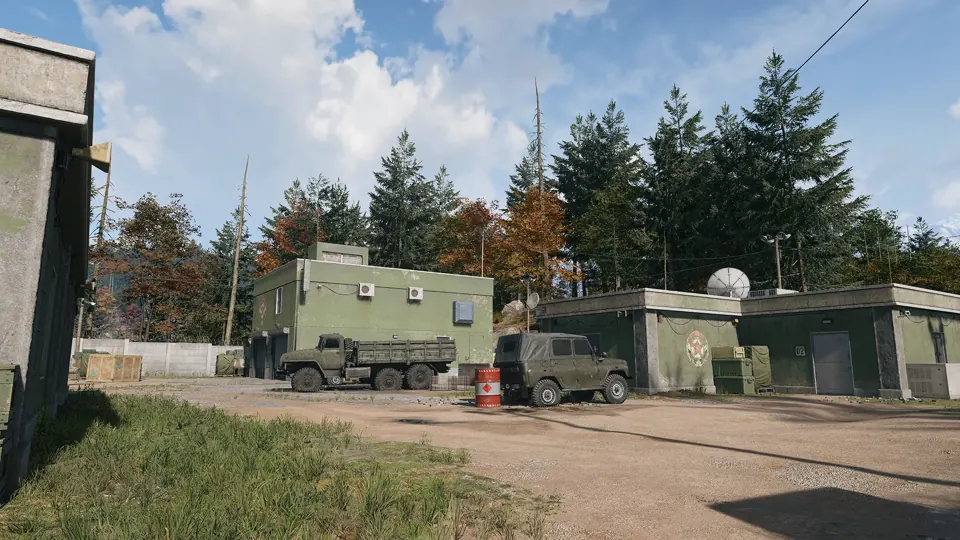
 Compounds · Grid B4
Enemy compound in Hajin, marked on the official Call of Duty map.
Open Compound Foxtrot →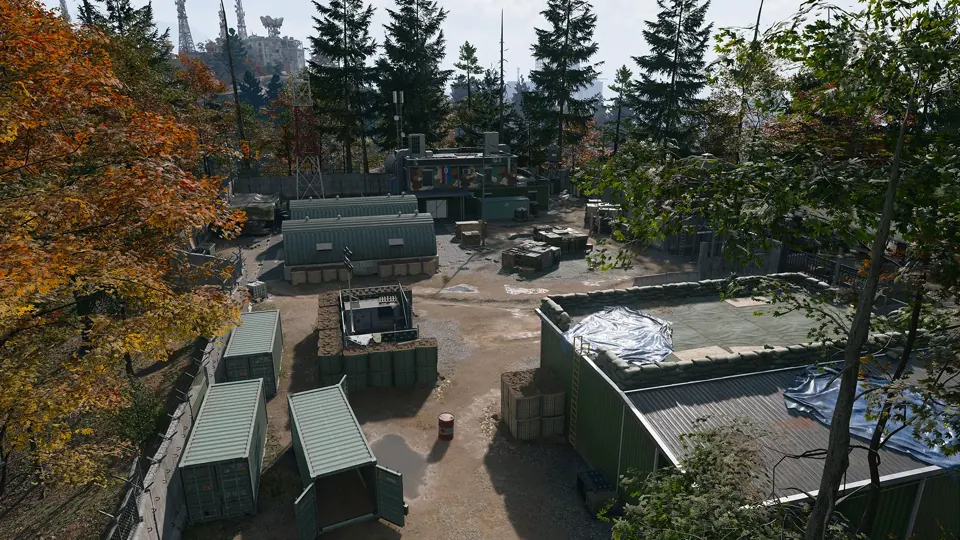 Compounds · Grid E7
Enemy compound in Hajin, marked on the official Call of Duty map.
Open Compound Alpha →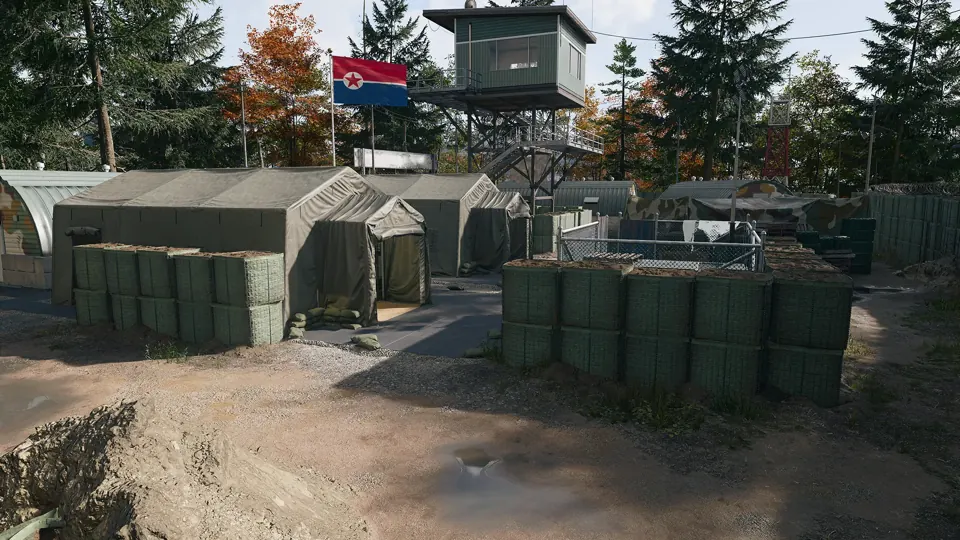 Compounds · Grid F8
Enemy compound in Hajin, marked on the official Call of Duty map.
Open Compound Bravo →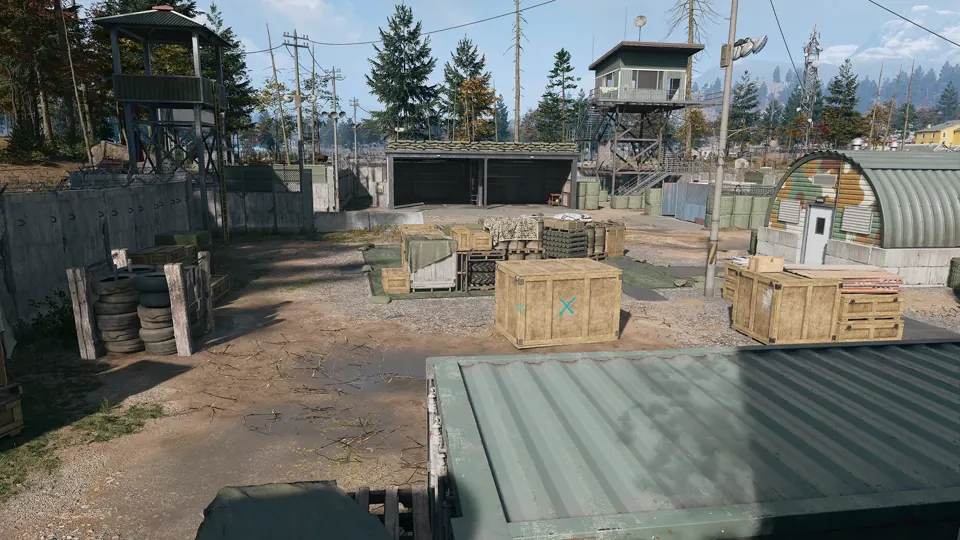 Compounds · Grid D5
Enemy compound in Hajin, marked on the official Call of Duty map.
Open Compound Charlie →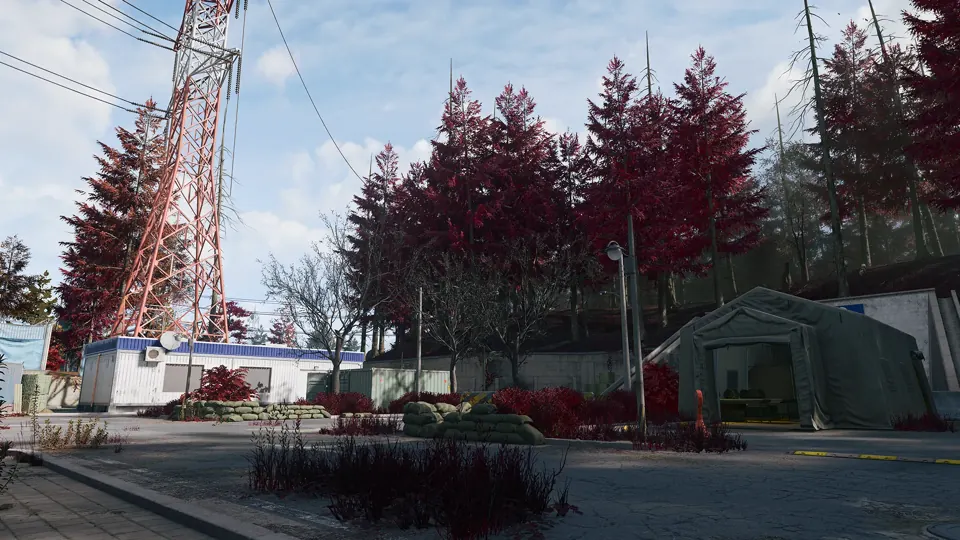 Compounds · Grid H5
Compound southwest of the reactor, mentioned as the origin of a possible tunnel approach.
Open Compound Delta →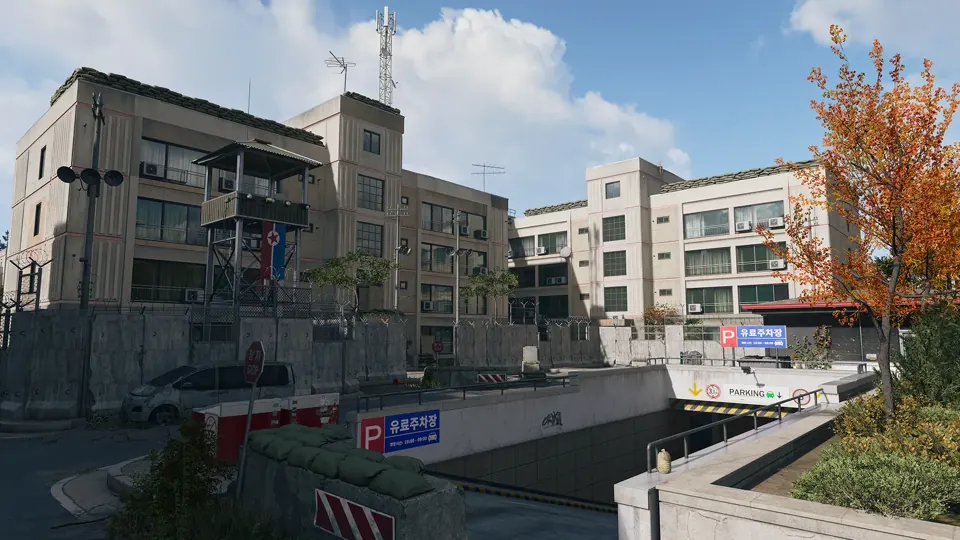 Compounds · Grid G7
An apartment building converted to a military base near the river northeast of the Heights.
Open Compound Echo →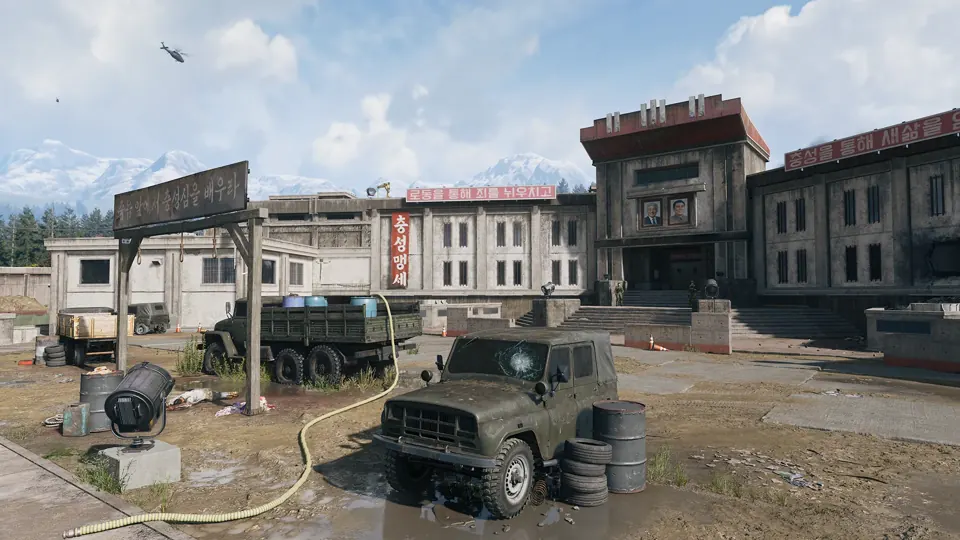
 Strongholds · Grid B3
The Y-shaped fortress inside the prison yard: gantries, cell blocks, a furnace and high value targets in a maze where squads are easily cut off.
Open The Citadel →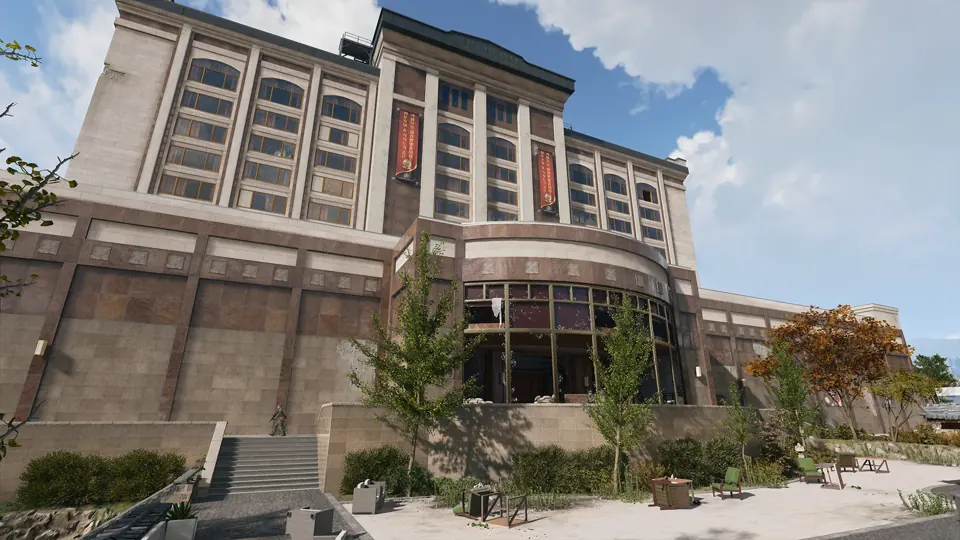 Strongholds · Grid F4
A once-lavish casino over several floors with an underground car park; dark gambling halls where night vision helps.
Open Heavenly Luck Casino →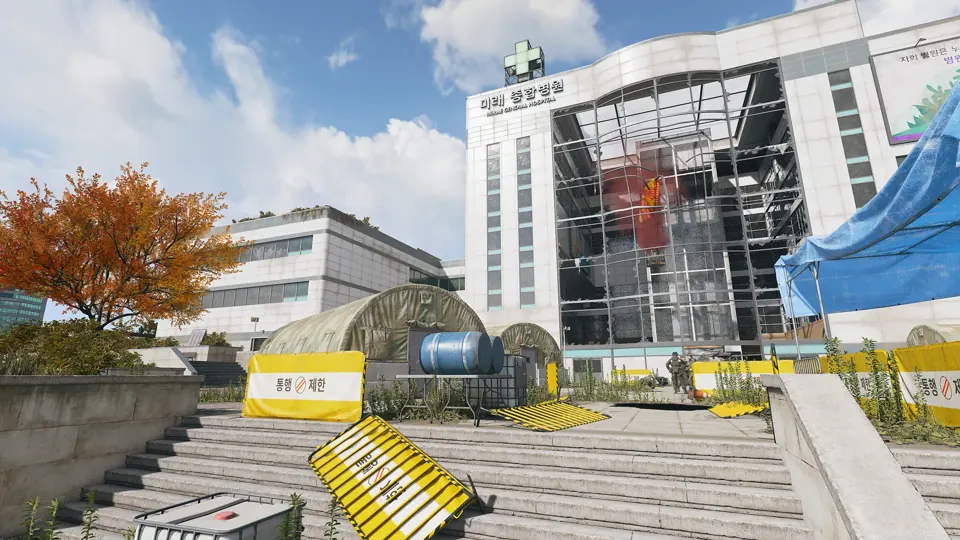 Strongholds · Grid F5
Hajin’s main hospital in the north centre, next to a train station, with triage tents and barracks outside and close-quarters fighting through its wards inside.
Open Mirae General Hospital →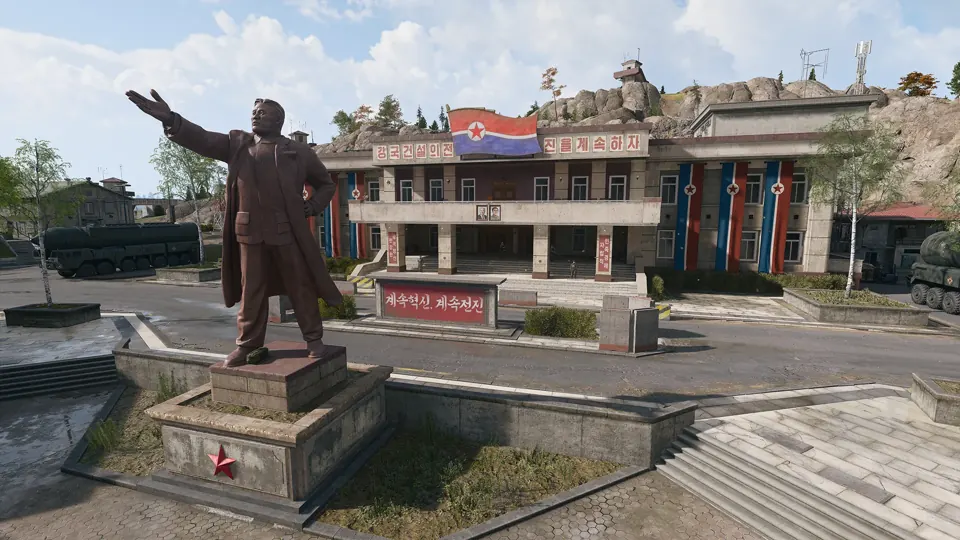 Strongholds · Grid B5
Stronghold in Hajin, marked on the official Call of Duty map.
Open Admin Complex No. 2 →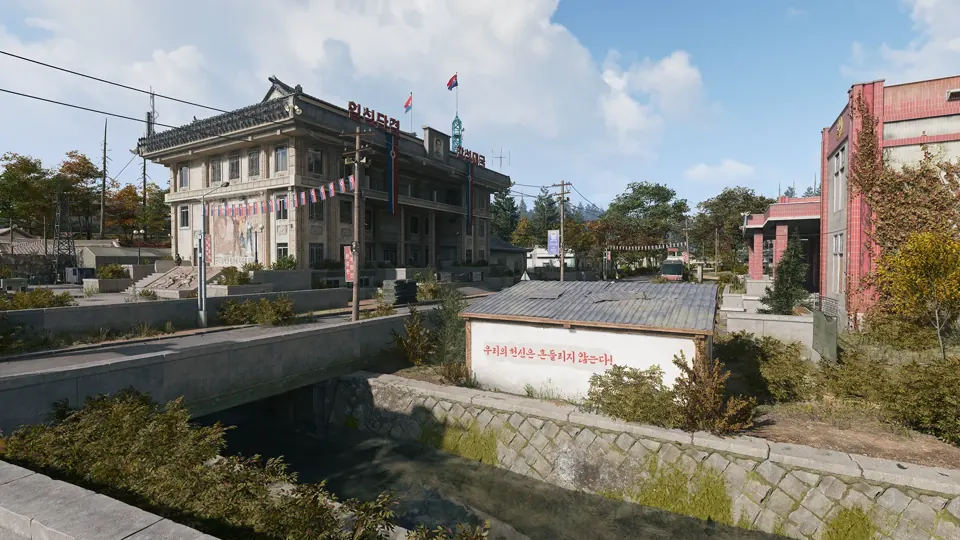 Strongholds · Grid B7
The two central Re-Education buildings, where enemy troops gather in numbers.
Open Re-Education Center →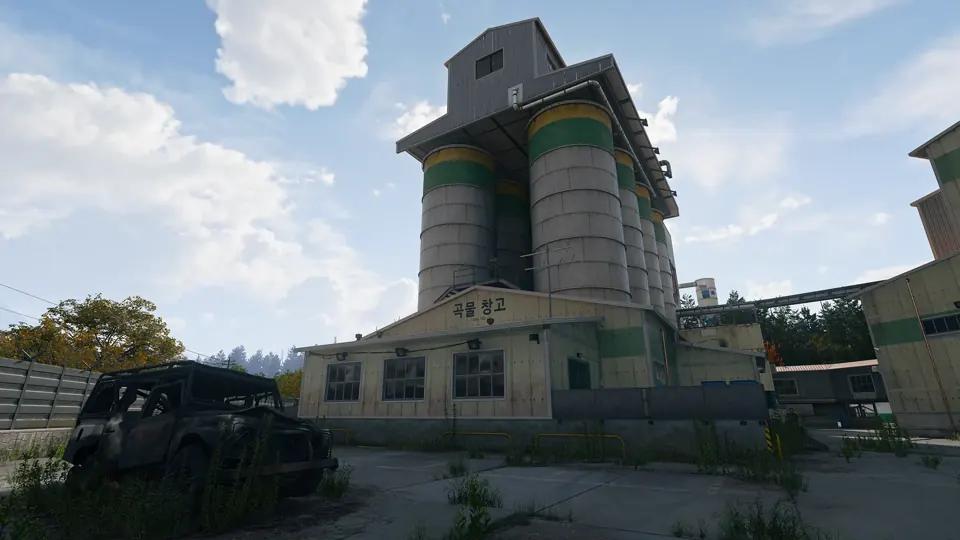 Strongholds · Grid D8
The industrial mill that towers over the farmland, a key elevated position reached through its warehouses.
Open Rice Mill →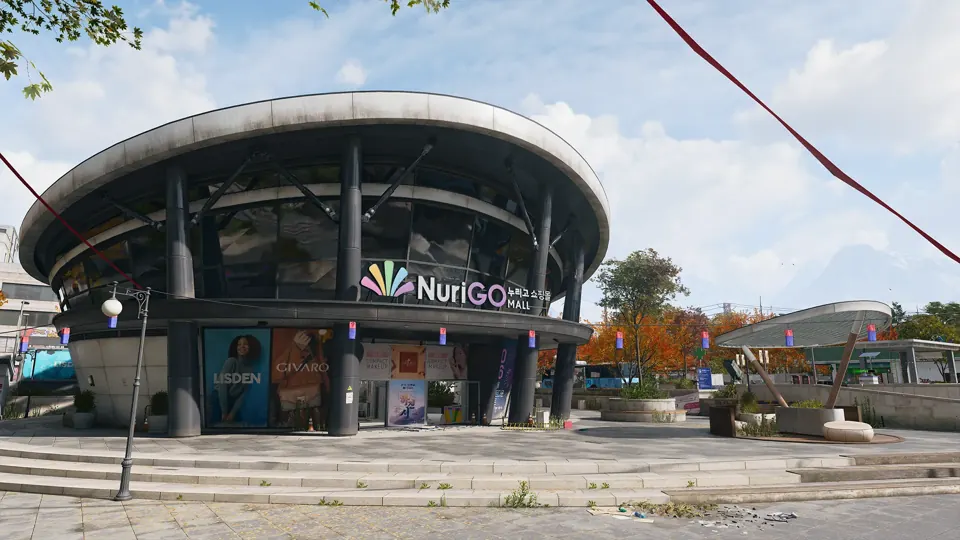 Strongholds · Grid H6
A shopping district in northeast Hajin City with shops, a police station, a clinic and City Hall above a large unlit underground mall.
Open NuriGO Mall →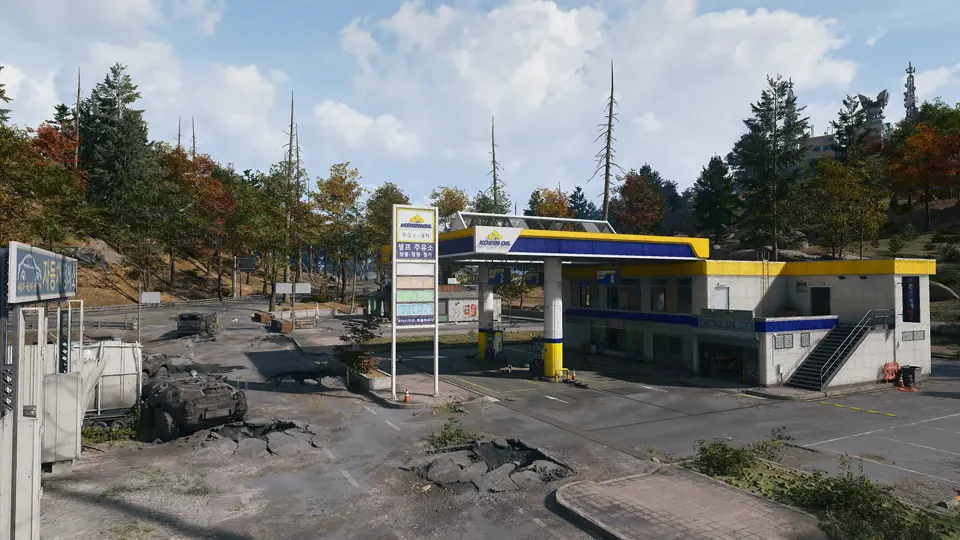
 Gas Stations · Grid D2
Repair and refuel vehicles or refill a gas can.
About Gas Stations → Gas Stations · Grid D4Repair and refuel vehicles or refill a gas can.
About Gas Stations → Gas Stations · Grid C5Repair and refuel vehicles or refill a gas can.
About Gas Stations → Gas Stations · Grid B6Repair and refuel vehicles or refill a gas can.
About Gas Stations → Gas Stations · Grid B7Repair and refuel vehicles or refill a gas can.
About Gas Stations → Gas Stations · Grid D8Repair and refuel vehicles or refill a gas can.
About Gas Stations →Gas Stations · Grid E9Repair and refuel vehicles or refill a gas can.
About Gas Stations → Gas Stations · Grid E4Repair and refuel vehicles or refill a gas can.
About Gas Stations → Gas Stations · Grid G4Repair and refuel vehicles or refill a gas can.
About Gas Stations → Gas Stations · Grid H5Repair and refuel vehicles or refill a gas can.
About Gas Stations → Gas Stations · Grid D6Repair and refuel vehicles or refill a gas can.
About Gas Stations → Gas Stations · Grid F6Repair and refuel vehicles or refill a gas can.
About Gas Stations → Gas Stations · Grid G6Repair and refuel vehicles or refill a gas can.
About Gas Stations → Gas Stations · Grid H5Repair and refuel vehicles or refill a gas can.
About Gas Stations → Gas Stations · Grid F7Repair and refuel vehicles or refill a gas can.
About Gas Stations → Gas Stations · Grid F8Repair and refuel vehicles or refill a gas can.
About Gas Stations → Gas Stations · Grid H7Repair and refuel vehicles or refill a gas can.
About Gas Stations → Gas Stations · Grid I6Repair and refuel vehicles or refill a gas can.
About Gas Stations →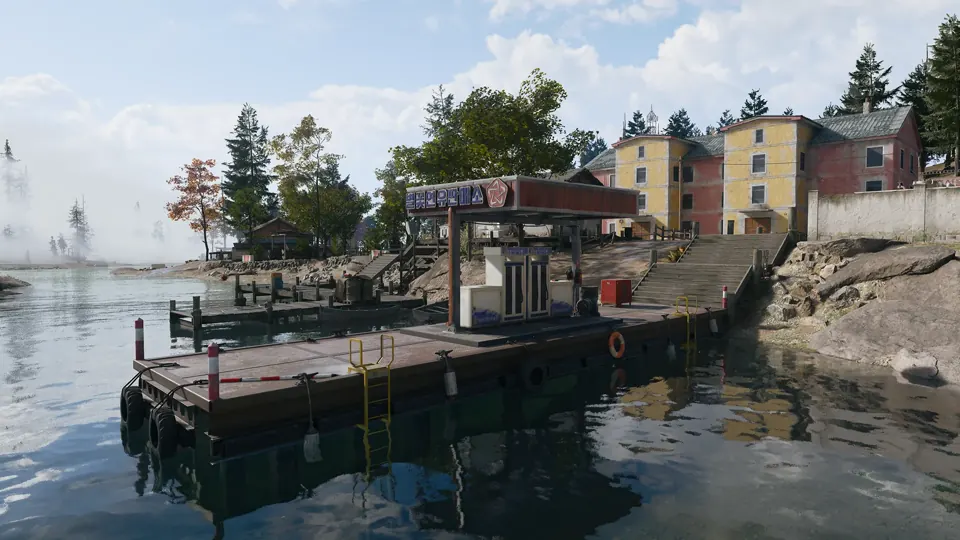
 Marine Gas Stations · Grid C2
Repair and refuel boats at a waterfront jetty with two pumps.
About Marine Gas Stations → Marine Gas Stations · Grid F4Repair and refuel boats at a waterfront jetty with two pumps.
About Marine Gas Stations → Marine Gas Stations · Grid I4Repair and refuel boats at a waterfront jetty with two pumps.
About Marine Gas Stations → Marine Gas Stations · Grid I7Repair and refuel boats at a waterfront jetty with two pumps.
About Marine Gas Stations → Marine Gas Stations · Grid G8Repair and refuel boats at a waterfront jetty with two pumps.
About Marine Gas Stations → Marine Gas Stations · Grid G9Repair and refuel boats at a waterfront jetty with two pumps.
About Marine Gas Stations →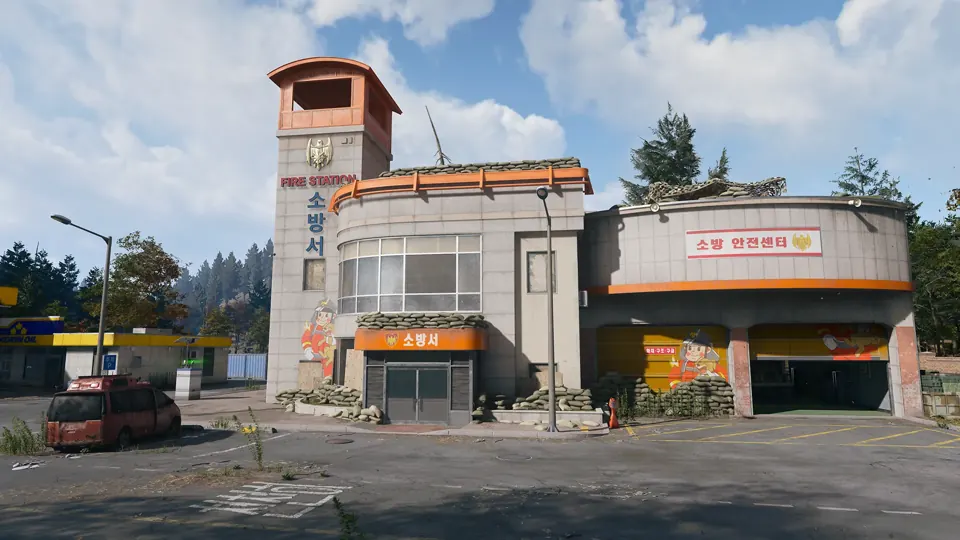
 Fire Stations · Grid C2
Search fire stations for radiation equipment and parachutes.
About Fire Stations → Fire Stations · Grid C5Search fire stations for radiation equipment and parachutes.
About Fire Stations → Fire Stations · Grid C6Search fire stations for radiation equipment and parachutes.
About Fire Stations → Fire Stations · Grid E4Search fire stations for radiation equipment and parachutes.
About Fire Stations → Fire Stations · Grid H6Search fire stations for radiation equipment and parachutes.
About Fire Stations → Fire Stations · Grid D8Search fire stations for radiation equipment and parachutes.
About Fire Stations →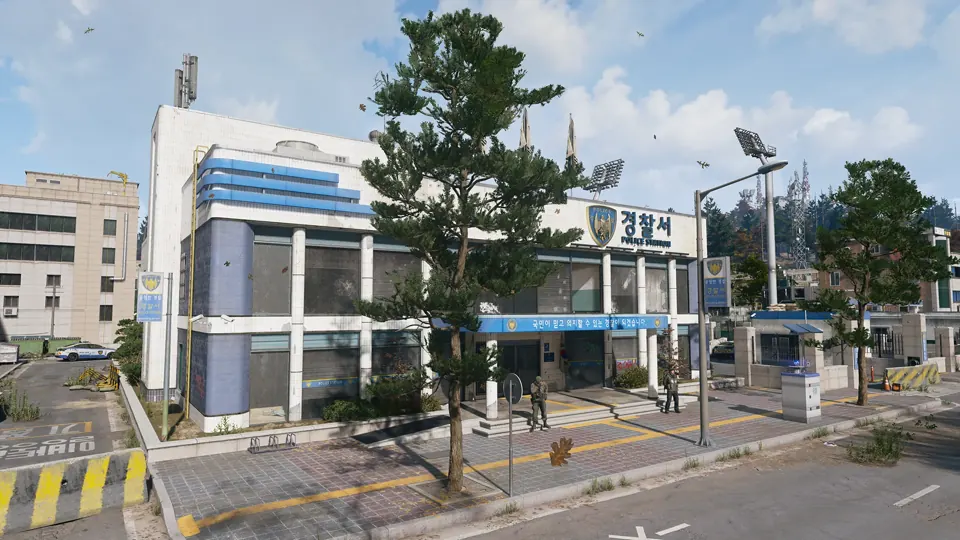
 Police Stations · Grid D3
Search police stations for military equipment and locked armories.
About Police Stations → Police Stations · Grid C5Search police stations for military equipment and locked armories.
About Police Stations → Police Stations · Grid F4Search police stations for military equipment and locked armories.
About Police Stations → Police Stations · Grid H5Search police stations for military equipment and locked armories.
About Police Stations → Police Stations · Grid G7Search police stations for military equipment and locked armories.
About Police Stations →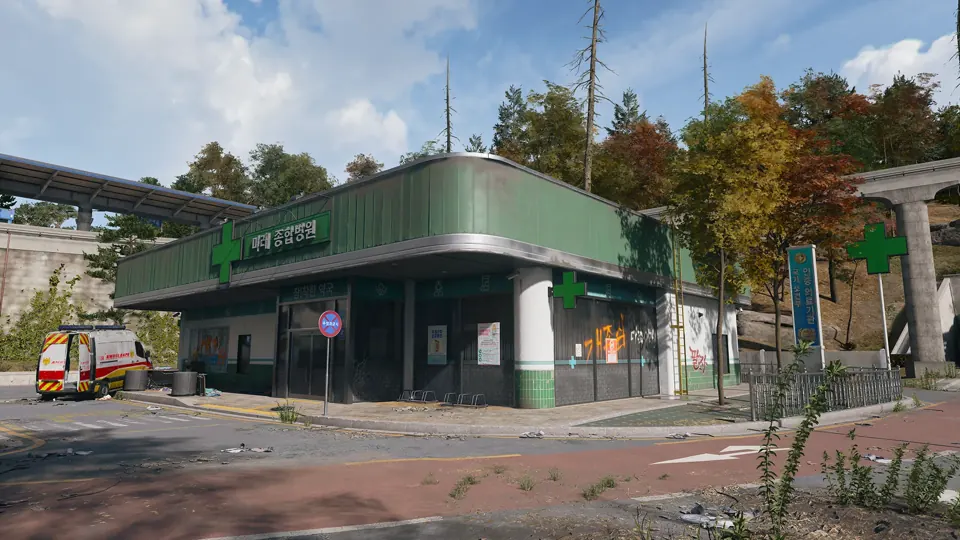
 Ammo & Armor Caches · Grid B3
Restock ammunition and armor plates, then wait for the cache cooldown before using it again.
About Ammo & Armor Caches → Ammo & Armor Caches · Grid B4Restock ammunition and armor plates, then wait for the cache cooldown before using it again.
About Ammo & Armor Caches → Ammo & Armor Caches · Grid B5Restock ammunition and armor plates, then wait for the cache cooldown before using it again.
About Ammo & Armor Caches → Ammo & Armor Caches · Grid B6Restock ammunition and armor plates, then wait for the cache cooldown before using it again.
About Ammo & Armor Caches → Ammo & Armor Caches · Grid B7Restock ammunition and armor plates, then wait for the cache cooldown before using it again.
About Ammo & Armor Caches → Ammo & Armor Caches · Grid D5Restock ammunition and armor plates, then wait for the cache cooldown before using it again.
About Ammo & Armor Caches → Ammo & Armor Caches · Grid D5Restock ammunition and armor plates, then wait for the cache cooldown before using it again.
About Ammo & Armor Caches → Ammo & Armor Caches · Grid F4Restock ammunition and armor plates, then wait for the cache cooldown before using it again.
About Ammo & Armor Caches → Ammo & Armor Caches · Grid F4Restock ammunition and armor plates, then wait for the cache cooldown before using it again.
About Ammo & Armor Caches → Ammo & Armor Caches · Grid F4Restock ammunition and armor plates, then wait for the cache cooldown before using it again.
About Ammo & Armor Caches → Ammo & Armor Caches · Grid F4Restock ammunition and armor plates, then wait for the cache cooldown before using it again.
About Ammo & Armor Caches → Ammo & Armor Caches · Grid F5Restock ammunition and armor plates, then wait for the cache cooldown before using it again.
About Ammo & Armor Caches → Ammo & Armor Caches · Grid I4Restock ammunition and armor plates, then wait for the cache cooldown before using it again.
About Ammo & Armor Caches → Ammo & Armor Caches · Grid H4Restock ammunition and armor plates, then wait for the cache cooldown before using it again.
About Ammo & Armor Caches → Ammo & Armor Caches · Grid H5Restock ammunition and armor plates, then wait for the cache cooldown before using it again.
About Ammo & Armor Caches → Ammo & Armor Caches · Grid H6Restock ammunition and armor plates, then wait for the cache cooldown before using it again.
About Ammo & Armor Caches → Ammo & Armor Caches · Grid H6Restock ammunition and armor plates, then wait for the cache cooldown before using it again.
About Ammo & Armor Caches → Ammo & Armor Caches · Grid G7Restock ammunition and armor plates, then wait for the cache cooldown before using it again.
About Ammo & Armor Caches → Ammo & Armor Caches · Grid G7Restock ammunition and armor plates, then wait for the cache cooldown before using it again.
About Ammo & Armor Caches → Ammo & Armor Caches · Grid H7Restock ammunition and armor plates, then wait for the cache cooldown before using it again.
About Ammo & Armor Caches → Ammo & Armor Caches · Grid I7Restock ammunition and armor plates, then wait for the cache cooldown before using it again.
About Ammo & Armor Caches → Ammo & Armor Caches · Grid G7Restock ammunition and armor plates, then wait for the cache cooldown before using it again.
About Ammo & Armor Caches → Ammo & Armor Caches · Grid G8Restock ammunition and armor plates, then wait for the cache cooldown before using it again.
About Ammo & Armor Caches → Ammo & Armor Caches · Grid D7Restock ammunition and armor plates, then wait for the cache cooldown before using it again.
About Ammo & Armor Caches → Ammo & Armor Caches · Grid E7Restock ammunition and armor plates, then wait for the cache cooldown before using it again.
About Ammo & Armor Caches → Ammo & Armor Caches · Grid F8Restock ammunition and armor plates, then wait for the cache cooldown before using it again.
About Ammo & Armor Caches → Ammo & Armor Caches · Grid D8Restock ammunition and armor plates, then wait for the cache cooldown before using it again.
About Ammo & Armor Caches → Ammo & Armor Caches · Grid D8Restock ammunition and armor plates, then wait for the cache cooldown before using it again.
About Ammo & Armor Caches →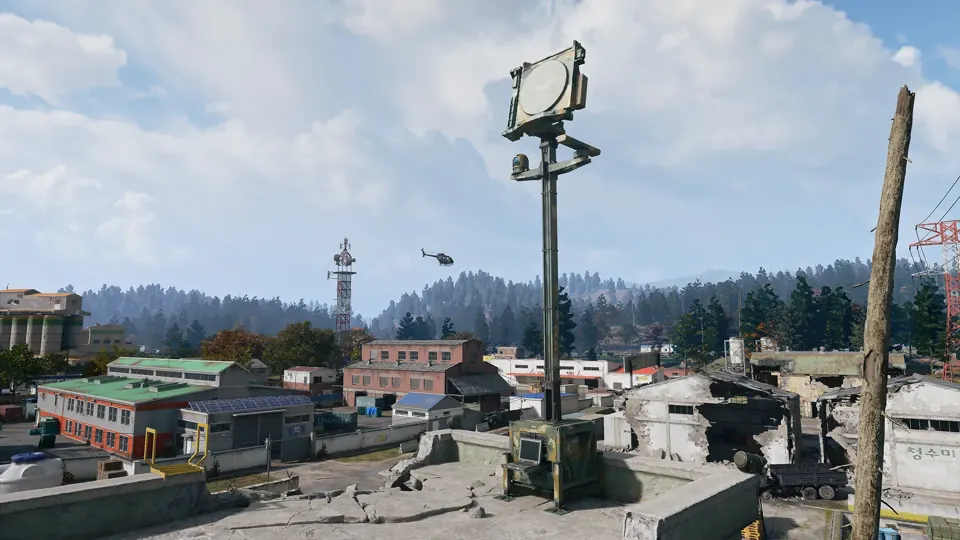
 UAV Towers · Grid B3
Activate a tower to reveal nearby operators and enemies and complete a Side Op.
About UAV Towers → UAV Towers · Grid B5Activate a tower to reveal nearby operators and enemies and complete a Side Op.
About UAV Towers → UAV Towers · Grid B7Activate a tower to reveal nearby operators and enemies and complete a Side Op.
About UAV Towers → UAV Towers · Grid D7Activate a tower to reveal nearby operators and enemies and complete a Side Op.
About UAV Towers → UAV Towers · Grid D8Activate a tower to reveal nearby operators and enemies and complete a Side Op.
About UAV Towers → UAV Towers · Grid E4Activate a tower to reveal nearby operators and enemies and complete a Side Op.
About UAV Towers → UAV Towers · Grid G4Activate a tower to reveal nearby operators and enemies and complete a Side Op.
About UAV Towers → UAV Towers · Grid H4Activate a tower to reveal nearby operators and enemies and complete a Side Op.
About UAV Towers → UAV Towers · Grid G5Activate a tower to reveal nearby operators and enemies and complete a Side Op.
About UAV Towers → UAV Towers · Grid H5Activate a tower to reveal nearby operators and enemies and complete a Side Op.
About UAV Towers → UAV Towers · Grid E6Activate a tower to reveal nearby operators and enemies and complete a Side Op.
About UAV Towers → UAV Towers · Grid F8Activate a tower to reveal nearby operators and enemies and complete a Side Op.
About UAV Towers → UAV Towers · Grid H8Activate a tower to reveal nearby operators and enemies and complete a Side Op.
About UAV Towers → UAV Towers · Grid I7Activate a tower to reveal nearby operators and enemies and complete a Side Op.
About UAV Towers →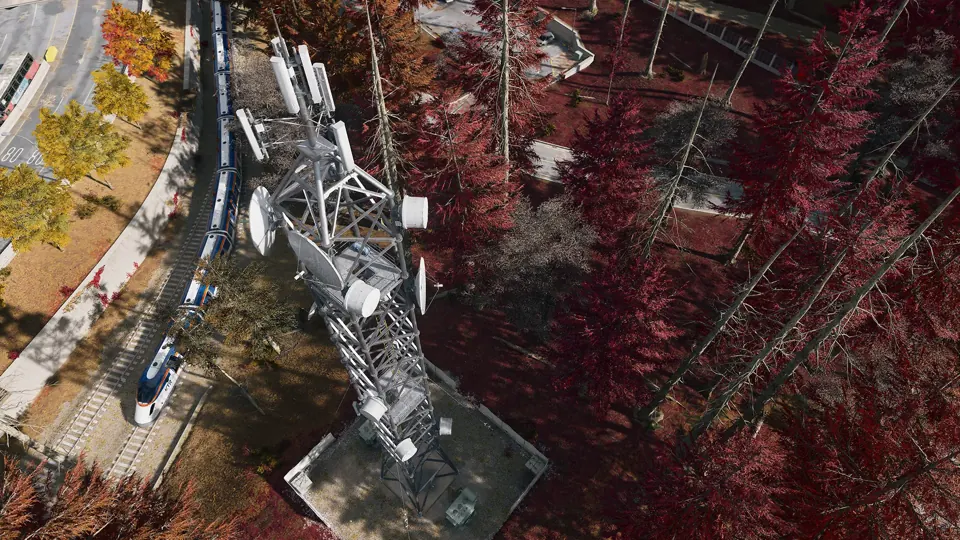
 Lieutenant Towers · Grid D3
Climb a communications tower and use its laptop to locate a nearby Lieutenant.
About Lieutenant Towers → Lieutenant Towers · Grid B7Climb a communications tower and use its laptop to locate a nearby Lieutenant.
About Lieutenant Towers → Lieutenant Towers · Grid G4Climb a communications tower and use its laptop to locate a nearby Lieutenant.
About Lieutenant Towers → Lieutenant Towers · Grid F7Climb a communications tower and use its laptop to locate a nearby Lieutenant.
About Lieutenant Towers → Lieutenant Towers · Grid H8Climb a communications tower and use its laptop to locate a nearby Lieutenant.
About Lieutenant Towers → Exfils · Grid C6
Call an extraction helicopter at an active exfil and defend the area until you can board.
Active extraction sites vary by deployment. Check your Tac-Map before heading to an exit.
About Exfils →Exfils · Grid D7Call an extraction helicopter at an active exfil and defend the area until you can board.
Active extraction sites vary by deployment. Check your Tac-Map before heading to an exit.
About Exfils → SAM Sites · Grid B7
Hack and defend a SAM site to turn its missiles against enemy aircraft.
About SAM Sites →SAM Sites · Grid C8Hack and defend a SAM site to turn its missiles against enemy aircraft.
About SAM Sites →UAV Towers · Grid B5Activate a tower to reveal nearby operators and enemies and complete a Side Op.
About UAV Towers →UAV Towers · Grid I7Activate a tower to reveal nearby operators and enemies and complete a Side Op.
About UAV Towers →UAV Towers · Grid G7Activate a tower to reveal nearby operators and enemies and complete a Side Op.
About UAV Towers → Radiation Zones · Grid H7
Check your Tac-Map for current radiation. Entering Haneul Nuclear Reactor requires Radiation Gear and a Gas Mask. Read the survival guide before heading into a contaminated area.
Radiation survival guide →The Y-shaped fortress inside the prison yard: gantries, cell blocks, a furnace and high value targets in a maze where squads are easily cut off.
Open The Citadel →Exfils · Grid D4Call an extraction helicopter at an active exfil and defend the area until you can board.
Active extraction sites vary by deployment. Check your Tac-Map before heading to an exit.
About Exfils →The industrial mill that towers over the farmland, a key elevated position reached through its warehouses.
Open Rice Mill →The two central Re-Education buildings, where enemy troops gather in numbers.
Open Re-Education Center →Stronghold in Hajin, marked on the official Call of Duty map.
Open Admin Complex No. 2 →Exfils · Grid F8Call an extraction helicopter at an active exfil and defend the area until you can board.
Active extraction sites vary by deployment. Check your Tac-Map before heading to an exit.
About Exfils →Exfils · Grid I7Call an extraction helicopter at an active exfil and defend the area until you can board.
Active extraction sites vary by deployment. Check your Tac-Map before heading to an exit.
About Exfils →SAM Sites · Grid I7Hack and defend a SAM site to turn its missiles against enemy aircraft.
About SAM Sites →SAM Sites · Grid G7Hack and defend a SAM site to turn its missiles against enemy aircraft.
About SAM Sites →SAM Sites · Grid G7Hack and defend a SAM site to turn its missiles against enemy aircraft.
About SAM Sites →SAM Sites · Grid G6Hack and defend a SAM site to turn its missiles against enemy aircraft.
About SAM Sites →SAM Sites · Grid G7Hack and defend a SAM site to turn its missiles against enemy aircraft.
About SAM Sites →SAM Sites · Grid F8Hack and defend a SAM site to turn its missiles against enemy aircraft.
About SAM Sites →Exfils · Grid G7Call an extraction helicopter at an active exfil and defend the area until you can board.
Active extraction sites vary by deployment. Check your Tac-Map before heading to an exit.
About Exfils →Exfils · Grid C5Call an extraction helicopter at an active exfil and defend the area until you can board.
Active extraction sites vary by deployment. Check your Tac-Map before heading to an exit.
About Exfils → Key Rooms · Grid B7
Reported ground-floor Re-Education Center Annex area. Match the named tan wooden door; the exact entrance is not mapped.
Required key: Re-Education Center Annex → Keys & loot rooms guide →Key Rooms · Grid F5Opens a converted conference room in Mirae General Hospital's upper-floor offices, grid F5. Look for the wooden double office doors.
Required key: The Doctor's Command Office → Keys & loot rooms guide →Exfils · Grid E4Call an extraction helicopter at an active exfil and defend the area until you can board.
Active extraction sites vary by deployment. Check your Tac-Map before heading to an exit.
About Exfils →Exfils · Grid B6Call an extraction helicopter at an active exfil and defend the area until you can board.
Active extraction sites vary by deployment. Check your Tac-Map before heading to an exit.
About Exfils →Radiation Zones · Grid C8Check your Tac-Map for current radiation. Entering Haneul Nuclear Reactor requires Radiation Gear and a Gas Mask. Read the survival guide before heading into a contaminated area.
Radiation survival guide →Radiation Zones · Grid D6Check your Tac-Map for current radiation. Entering Haneul Nuclear Reactor requires Radiation Gear and a Gas Mask. Read the survival guide before heading into a contaminated area.
Radiation survival guide →Key Rooms · Grid D3Community-reported room area. Its identity does not match the district in the linked walkthrough; exact entrance and key compatibility are unverified.
About Police Station Armory →Key Rooms · Grid D8Community-reported room area. Its identity does not match the district in the linked walkthrough; exact entrance and key compatibility are unverified.
About Fire Station Storage →Radiation Zones · Grid F7Check your Tac-Map for current radiation. Entering Haneul Nuclear Reactor requires Radiation Gear and a Gas Mask. Read the survival guide before heading into a contaminated area.
Radiation survival guide →Exfils · Grid E7Call an extraction helicopter at an active exfil and defend the area until you can board.
Active extraction sites vary by deployment. Check your Tac-Map before heading to an exit.
About Exfils →Exfils · Grid C4Call an extraction helicopter at an active exfil and defend the area until you can board.
Active extraction sites vary by deployment. Check your Tac-Map before heading to an exit.
About Exfils →Exfils · Grid H6Call an extraction helicopter at an active exfil and defend the area until you can board.
Active extraction sites vary by deployment. Check your Tac-Map before heading to an exit.
About Exfils →Key Rooms · Grid H7Opens the Gas Station Electrical Room at Construction Zone; look for the grey metal door beside a noticeboard.
Required key: Gas Station Electrical Room → Keys & loot rooms guide →Key Rooms · Grid G6Opens the Coin Mining Den in NuriGO West; look for the grey office door beside a red fire alarm.
Required key: Coin Mining Den Key → Keys & loot rooms guide →Key Rooms · Grid F4Opens the counting-room vault behind the Cashier shopfront on the main floor of Heavenly Luck Casino.
Required key: Counting Room Vault → Keys & loot rooms guide →Key Rooms · Grid F4Vault Armory key required. The armory is in the underground parking area of Heavenly Luck Casino.
Required key: Vault Armory → Keys & loot rooms guide →Key Rooms · Grid F7Iskra’s Control Room key required. The room is in the broadcast building at Cheonwang Peak Array.
Required key: Iskra’s Control Room → Keys & loot rooms guide →Key Rooms · Grid B5A locked maintenance room inside a corrugated-metal supply warehouse northeast of the clinic at Chang-san Air Base.
Open Field Depot area → Keys & loot rooms guide →Key Rooms · Grid I6Gun-store basement weapons lockers. One observed use consumed one key for one locker; other cabinets remained locked. Two gun-store locations are mapped.
Required key: Gun Store Weapons Locker Key → Keys & loot rooms guide →Key Rooms · Grid E4Gun-store basement weapons lockers. One observed use consumed one key for one locker; other cabinets remained locked. Two gun-store locations are mapped.
Required key: Gun Store Weapons Locker Key → Keys & loot rooms guide →Radiation Zones · Grid E8Check your current Tac-Map for radiation in this area and bring appropriate protective equipment.
Radiation survival guide →Exfils · Grid C3Extraction reference point. Availability varies by deployment; check your current Tac-Map for active exfils.
Active extraction sites vary by deployment. Check your Tac-Map before heading to an exit.
About Exfils →Exfils · Grid C5Extraction reference point. Availability varies by deployment; check your current Tac-Map for active exfils.
Active extraction sites vary by deployment. Check your Tac-Map before heading to an exit.
About Exfils →Exfils · Grid H5Extraction reference point. Availability varies by deployment; check your current Tac-Map for active exfils.
Active extraction sites vary by deployment. Check your Tac-Map before heading to an exit.
About Exfils →Radiation Zones · Grid D3Check your current Tac-Map for radiation in this area and bring appropriate protective equipment.
Radiation survival guide → Silos · Grid C4
Reported silo location, previously labeled as a bunker. Access requirements and the interior route remain unverified.
Exfils · Grid B1Final Exfil reference point. Check the extraction countdown and your current Tac-Map; this is not a guaranteed exit in every deployment.
Active extraction sites vary by deployment. Check your Tac-Map before heading to an exit.
About Exfils →Key Rooms · Grid B7Reported Underground Propaganda Store Room beneath the Re-Education Center. Match the named lock; the exact entrance is not mapped.
Required key: Underground Propaganda Store Room → Keys & loot rooms guide →Exfils · Grid G7Extraction point.
Active extraction sites vary by deployment. Check your Tac-Map before heading to an exit.
About Exfils → Player Spawns · Grid H9
Player starting location.
Radiation Zones · Grid I4Radiation zone. Bring protective gear.
Radiation survival guide →Exfils · Grid F8Extraction point.
Active extraction sites vary by deployment. Check your Tac-Map before heading to an exit.
About Exfils →Exfils · Grid B7Extraction point.
Active extraction sites vary by deployment. Check your Tac-Map before heading to an exit.
About Exfils → Dead Drops · Grid G8
Dead-drop container.
Player Spawns · Grid F5Player starting location.
Player Spawns · Grid D3Player starting location.
Exfils · Grid E5Extraction point.
Active extraction sites vary by deployment. Check your Tac-Map before heading to an exit.
About Exfils →Player Spawns · Grid I5Player starting location.
Exfils · Grid G5Extraction point.
Active extraction sites vary by deployment. Check your Tac-Map before heading to an exit.
About Exfils →Dead Drops · Grid H6Dead-drop container.
Exfils · Grid C6Extraction point.
Active extraction sites vary by deployment. Check your Tac-Map before heading to an exit.
About Exfils →Dead Drops · Grid C2Dead-drop container.
Player Spawns · Grid A8Player starting location.
Player Spawns · Grid A3Player starting location.
Player Spawns · Grid B1Player starting location.
Exfils · Grid I6Extraction point.
Active extraction sites vary by deployment. Check your Tac-Map before heading to an exit.
About Exfils →Player Spawns · Grid I9Player starting location.
Player Spawns · Grid E4Player starting location.
Key Rooms · Grid G7Opens the lower-floor armory in Gangbyeon Apartment B at the Hajin River Heights compound; the card lists G7.
Required key: Militia Arms Depot → Keys & loot rooms guide →Key Rooms · Grid G6Approximate community-reported room area; match the named lock. The exact door is not mapped.
Required key: Hanex Guard Station → Keys & loot rooms guide →Key Rooms · Grid A7A named locked control room in an underground silo complex; the approach passes a stairway near silo 42.
Open Silo Control Room area → Keys & loot rooms guide →Key Rooms · Grid F5Current community reference for the standalone shack south of Cheongun Village’s clinic. The key card lists F5; map calibration can differ. Match MECHANIC’S SHACK on the lock.
Required key: Mechanic's Shack → Keys & loot rooms guide →Key Rooms · Grid B6Reported second-floor office in Admin Complex No. 2. Look for the red-curtain and flag corridor, then match the named lock.
Required key: Commandant Office → Keys & loot rooms guide →Key Rooms · Grid I4Search beneath the transformers beside Reactor 01; the key listing gives H4. This marker uses the existing wider Haneul Nuclear Reactor area, not an exact door or key pickup. The entrance remains unverified.
Required key: Utility Maintenance Storage → Keys & loot rooms guide →Player Spawns · Grid E9Player starting location.
Player Spawns · Grid B9Player starting location.
Player Spawns · Grid I7Player starting location.
Player Spawns · Grid D2Player starting location.
 Bounty Stations · Grid H6
Rooftop Bounty Station in NuriGO East. The marker shows the building area. Use the laptop to view Wanted players, buy intel or reduce your bounty.
About Bounty Stations → Vehicle Sightings · Grid H6
Vehicle seen at this position during gameplay. Vehicles move and may be taken or destroyed; this is not a guaranteed spawn.
Vehicles guide →Vehicle Sightings · Grid H6Vehicle seen at this position during gameplay. Vehicles move and may be taken or destroyed; this is not a guaranteed spawn.
Vehicles guide →SAM Sites · Grid H6SAM site in The Grid. Control and availability can change; check your current Tac-Map.
About SAM Sites →Vehicle Sightings · Grid H7Vehicle seen at this position during gameplay. Vehicles move and may be taken or destroyed; this is not a guaranteed spawn.
Vehicles guide → Dynamic Op Phones · Grid H7
Dynamic Op phone seen in gameplay. Available operations can vary by deployment; check your current Tac-Map.
About Dynamic Op Phones →Vehicle Sightings · Grid I6Vehicle seen at this position during gameplay. Vehicles move and may be taken or destroyed; this is not a guaranteed spawn.
Vehicles guide →Dynamic Op Phones · Grid I7Dynamic Op phone seen in gameplay. Available operations can vary by deployment; check your current Tac-Map.
About Dynamic Op Phones →Vehicle Sightings · Grid I7Vehicle seen at this position during gameplay. Vehicles move and may be taken or destroyed; this is not a guaranteed spawn.
Vehicles guide →Vehicle Sightings · Grid I7Vehicle seen at this position during gameplay. Vehicles move and may be taken or destroyed; this is not a guaranteed spawn.
Vehicles guide →Vehicle Sightings · Grid I7Vehicle seen at this position during gameplay. Vehicles move and may be taken or destroyed; this is not a guaranteed spawn.
Vehicles guide →Vehicle Sightings · Grid I8Vehicle seen at this position during gameplay. Vehicles move and may be taken or destroyed; this is not a guaranteed spawn.
Vehicles guide →Vehicle Sightings · Grid I6Vehicle seen at this position during gameplay. Vehicles move and may be taken or destroyed; this is not a guaranteed spawn.
Vehicles guide →UAV Towers · Grid F5Service location seen in gameplay. Check your current Tac-Map before heading here.
About UAV Towers →Ammo & Armor Caches · Grid G5Service location seen in gameplay. Check your current Tac-Map before heading here.
About Ammo & Armor Caches →Compounds · Grid G5Service location seen in gameplay. Check your current Tac-Map before heading here.
About Compounds → Clinics · Grid F5
Service location seen in gameplay. Check your current Tac-Map before heading here.
About Clinics →Vehicle Sightings · Grid G5Vehicle seen at this position during gameplay. Vehicles move and may be taken or destroyed; this is not a guaranteed spawn.
Vehicles guide →Key Rooms · Grid H7Updated community reference for Hotel Lucera’s upper-floor bedroom. Key-card and map grids differ; use the uppermost apartment-floor route and match the named lock.
Required key: Lucera Suite 703 Bedroom → Keys & loot rooms guide →Key Rooms · Grid I4Locker in the flooded reactor pool.
Required key: Reactor DRC Locker → Keys & loot rooms guide →Key Rooms · Grid B7Upstairs school armory with exterior access.
Required key: Haksan School Armory → Keys & loot rooms guide →Key Rooms · Grid B7Basement locker location in B7. Hanrim Village is a separate destination.
Required key: Black Market Weapons Locker Key → Keys & loot rooms guide → Bags & Clothing · Grid E9
Search bags and clothing for loot.
Loot: keep, sell or craft → Medical Containers · Grid B8
Search this medical container for supplies.
Loot: keep, sell or craft →Medical Containers · Grid B8Search this medical container for supplies.
Loot: keep, sell or craft →Medical Containers · Grid B8Search this medical container for supplies.
Loot: keep, sell or craft → Refrigerators · Grid B8
Search the refrigerator for loot.
Loot: keep, sell or craft →Bags & Clothing · Grid C8Search bags and clothing for loot.
Loot: keep, sell or craft → Military Boxes · Grid C8
Search the military box for loot.
Loot: keep, sell or craft →Bags & Clothing · Grid C8Search bags and clothing for loot.
Loot: keep, sell or craft →Military Boxes · Grid C8Search the military box for loot.
Loot: keep, sell or craft →Bags & Clothing · Grid F9Search bags and clothing for loot.
Loot: keep, sell or craft →Medical Containers · Grid F9Search this medical container for supplies.
Loot: keep, sell or craft →Bags & Clothing · Grid F9Search bags and clothing for loot.
Loot: keep, sell or craft →Bags & Clothing · Grid F9Search bags and clothing for loot.
Loot: keep, sell or craft →Bags & Clothing · Grid F9Search bags and clothing for loot.
Loot: keep, sell or craft →Medical Containers · Grid F9Search this medical container for supplies.
Loot: keep, sell or craft →Key Rooms · Grid D6Haejeok Radio Station: look for the red radio tower and small flat-roof building in Imjin Suburb, then the brown interior door beside three framed pictures. Match the named unlock. This remains a reported map position, not a surveyed door pin.
Keys & loot rooms guide →Radiation Zones · Grid I9Radiation zone. Bring protective gear.
Radiation survival guide →Player Spawns · Grid D9Player starting location.
Player Spawns · Grid G4Player starting location.
Silos · Grid A7Silo location.
Silos · Grid B2Silo location.
Silos · Grid D3Silo location.
Silos · Grid A5Silo location.
Silos · Grid A7Silo location.
Key Rooms · Grid G7Reported auxiliary armory beside the Wolves Stadium police station. Use the Police Weapon Depository key; the exact doorway is unverified.
Required key: Police Weapon Depository → Keys & loot rooms guide →Player Spawns · Grid C2Player starting location.
Radiation Zones · Grid B3Radiation zone. Bring protective gear.
Radiation survival guide → Decontamination · Grid I4
Decontamination station for irradiated containers at Haneul Nuclear Reactor.
About Decontamination →Player Spawns · Grid C1Player starting location.
 Lootable Corpses · Grid C2
Search the body for loot.
Loot: keep, sell or craft →Lootable Corpses · Grid B2Search the body for loot.
Loot: keep, sell or craft →Lootable Corpses · Grid B2Search the body for loot.
Loot: keep, sell or craft →Radiation Zones · Grid D9Radiation zone. Bring protective gear.
Radiation survival guide →Key Rooms · Grid D8Reported Hoesik Supply Room area. Check the key-marked building and match the lock name; exact doorway unverified.
Required key: Hoesik Supply Room → Keys & loot rooms guide →Lootable Corpses · Grid I5Search the body for loot.
Loot: keep, sell or craft →Lootable Corpses · Grid I5Search the body for loot.
Loot: keep, sell or craft →Exfils · Grid F5Final extraction point.
Active extraction sites vary by deployment. Check your Tac-Map before heading to an exit.
About Exfils →Key Rooms · Grid B7Named Underground Equipment Storage lock confirmed on a weathered green metal door in the Re-Education Center basement. Reported approach: southern entrance, descend twice and follow the right wall. Separate from the Propaganda Store Room; this is an approximate area marker.
Keys & loot rooms guide →Key Rooms · Grid E4Room location.
About Fire Station Storage →Key Rooms · Grid G7Reported police-station armory area. This is separate from Police Weapon Depository; the matching key is not established here.
About Police Station Armory →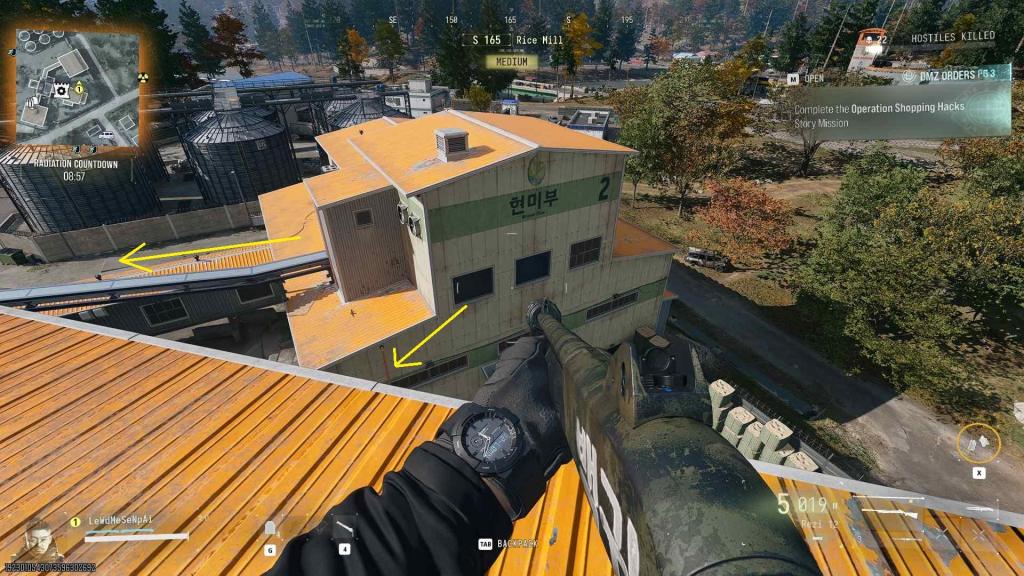 Key Rooms · Grid D8
Rice Mill roof: climb the pipe at building 2, cross the conveyor platform and climb past the broken stairs to the Scout Overlook.
Required key: Gorani’s Scout Overlook → Gorani’s Scout Overlook guide →Key Rooms · Grid F4Reported casino lounge area. Follow the generator and penthouse route, then match JIN-TAE’S PRIVATE LOUNGE on the lock.
Required key: Jin-Tae’s Private Lounge → Keys & loot rooms guide →Key Rooms · Grid B3Reported secondary control-room area in the Citadel. Use the matching key, then its security station for the camera-gate route. The marker remains approximate; the video does not survey this position.
Required key: The Citadel Secondary Control Room → Explore The Citadel →Dead Drops · Grid B6Dead-drop container.
 Hidden Caches · Grid C4
Community-reported hidden-cache location. Availability and contents are not guaranteed.
Loot: keep, sell or craft → Loot Rockets · Grid C4
Reported rocket loot site near the North Korean Wilderness bungalow. Availability and contents are not guaranteed.
Loot: keep, sell or craft →Key Rooms · Grid I7Reported Old Barber Shop area on Songdo Wharf. The community map describes a first-floor door; match the named lock before using the key.
Required key: Old Barber Shop → Keys & loot rooms guide → Safes · Grid B5
Community-reported safe location. Check whether it is present and unopened; contents vary.
Find and open safes →Radiation Zones · Grid H8Reported radiation area. This point does not show the hazard boundary; check your Tac-Map and prepare protection.
Radiation survival guide →Key Rooms · Grid F7Approximate community-reported room area; match the named lock. The exact door is not mapped.
Required key: Shop Records Room → Keys & loot rooms guide →Safes · Grid F6Community-reported safe location. Check whether it is present and unopened; contents vary.
Find and open safes →Player Spawns · Grid A6Reported player starting area. Starting positions vary by deployment; a nearby team is not guaranteed.
Key Rooms · Grid C2Approximate community-reported room area; match the named lock. The exact door is not mapped.
Required key: Black Market Weapons Locker Key → Keys & loot rooms guide →Player Spawns · Grid B9Reported player starting area. Starting positions vary by deployment; a nearby team is not guaranteed.
Key Rooms · Grid D8Reported Rice Mill bunker area. The required access item and exact entrance are unverified; this is separate from the Foreman’s Office.
Keys & loot rooms guide →Key Rooms · Grid D8Approximate community-reported room area; match the named lock. The exact door is not mapped.
Required key: Imjin Mill Foreman's Office → Keys & loot rooms guide →Key Rooms · Grid G6Approximate community-reported room area; match the named lock. The exact door is not mapped.
Required key: Roze's High-Rise Armory → Keys & loot rooms guide →Safes · Grid H5Community-reported safe location. Check whether it is present and unopened; contents vary.
Find and open safes →Loot Rockets · Grid E5Community-reported rocket loot site. Check the site in your deployment; contents are not guaranteed.
Loot: keep, sell or craft →Player Spawns · Grid G6Story Mission starting area mapped by GHBSmith. Approximate area; select this mission before deployment.
Player Spawns · Grid F5Story Mission starting area mapped by GHBSmith. Approximate area; select this mission before deployment.
Player Spawns · Grid G5Story Mission starting area mapped by GHBSmith. Approximate area; select this mission before deployment.
Safes · Grid H5Community-reported safe location. Check whether it is present and unopened; contents vary.
Find and open safes →Safes · Grid E6Community-reported safe location. Check whether it is present and unopened; contents vary.
Find and open safes →Safes · Grid B5Community-reported safe location. Check whether it is present and unopened; contents vary.
Find and open safes →Safes · Grid E6Community-reported safe location. Check whether it is present and unopened; contents vary.
Find and open safes →Safes · Grid G8Community-reported safe location. Check whether it is present and unopened; contents vary.
Find and open safes →Hidden Caches · Grid E9Community-reported hidden-cache location. Availability and contents are not guaranteed.
Loot: keep, sell or craft →Key Rooms · Grid G6Approximate community-reported room area in The Grid. Match the named lock; the exact entrance is unverified.
Required key: Executive Arms Auction → Keys & loot rooms guide →Key Rooms · Grid G6Approximate community-reported room area in The Grid. Match the named lock; the exact entrance is unverified.
Required key: Netshin IT Room → Keys & loot rooms guide →Key Rooms · Grid H6Approximate community-reported room area in NuriGO Mall underground. Match the named lock; the exact entrance is unverified.
Required key: Shopping DRC Locker → Keys & loot rooms guide →SAM Sites · Grid E4Approximate community-reported SAM site north of Cheongun Village. Check the current match; the exact position and activation are unverified.
About SAM Sites → Keypad Doors · Grid B7
Reported restaurant location in Deadtown. Gameplay images show the restaurant exterior and a keypad-locked interior door. The exact door position has not been independently checked. The code is unknown; do not assume a key opens it.
Reported area · Evidence reviewed 2026-10-24
Exact position is not independently verified.
Hidden Caches · Grid B7Look for a round hidden cache between two bodies at a sewer opening. A gameplay image shows the container; this map position is community-reported and approximate. Loot and availability are not guaranteed.
Reported area · Evidence reviewed 2026-10-24
Exact position is not independently verified.
Hidden Caches · Grid F7Search outside the small concrete electrical hut, beside the utility box and fence. Gameplay images show a round cache in the grass. This map position is community-reported and approximate; contents are not guaranteed.
Reported area · Evidence reviewed 2026-10-24
Exact position is not independently verified.
 Lost Supply Drops · Grid B6
Search near North Korean wilderness for red smoke and an orange parachute. Some crates hang in trees and must be cut down. A drop is not present here in every deployment.
Reported area · Evidence reviewed 2026-10-24
Exact position is not independently verified.
Lost Supply Drops · Grid C7Search near Hajin river bridge for red smoke and an orange parachute. Some crates hang in trees and must be cut down. A drop is not present here in every deployment.
Reported area · Evidence reviewed 2026-10-24
Exact position is not independently verified.
Lost Supply Drops · Grid H5Search near Reactor outskirts for red smoke and an orange parachute. Some crates hang in trees and must be cut down. A drop is not present here in every deployment.
Reported area · Evidence reviewed 2026-10-24
Exact position is not independently verified.
Lost Supply Drops · Grid D4Search near Cheongun outskirts for red smoke and an orange parachute. Some crates hang in trees and must be cut down. A drop is not present here in every deployment.
Reported area · Evidence reviewed 2026-10-24
Exact position is not independently verified.
Lost Supply Drops · Grid E8Search near South Korean wilderness for red smoke and an orange parachute. Some crates hang in trees and must be cut down. A drop is not present here in every deployment.
Reported area · Evidence reviewed 2026-10-24
Exact position is not independently verified.
Lost Supply Drops · Grid E7Search near Daesong Ridge for red smoke and an orange parachute. Some crates hang in trees and must be cut down. A drop is not present here in every deployment.
Reported area · Evidence reviewed 2026-10-24
Exact position is not independently verified.
Lost Supply Drops · Grid F6Search near Mujin Pass for red smoke and an orange parachute. Some crates hang in trees and must be cut down. A drop is not present here in every deployment.
Reported area · Evidence reviewed 2026-10-24
Exact position is not independently verified.
Hidden Caches · Grid D4Community-mapped hidden-cache location. Exact placement, availability and contents have not been independently verified.
Loot: keep, sell or craft →Hidden Caches · Grid D8Community-mapped hidden-cache location. Exact placement, availability and contents have not been independently verified.
Loot: keep, sell or craft →Hidden Caches · Grid I8Community-mapped hidden-cache location. Exact placement, availability and contents have not been independently verified.
Loot: keep, sell or craft →Hidden Caches · Grid F5Community-mapped hidden-cache location. Exact placement, availability and contents have not been independently verified.
Loot: keep, sell or craft →Loot Rockets · Grid E8Community-mapped loot rocket. Exact placement, availability and contents have not been independently verified.
Loot: keep, sell or craft →Lootable Corpses · Grid I7Community-mapped lootable corpse. Exact placement, availability and contents have not been independently verified.
Loot: keep, sell or craft →Lootable Corpses · Grid B3Community-mapped lootable corpse. Exact placement, availability and contents have not been independently verified.
Loot: keep, sell or craft →Key Rooms · Grid E5A community map places Rail Depot Storage underground near the Cheongun fire station. This is the existing Train Depot Storageroom alias; the marker shows a reported area, not a verified doorway or key spawn.
Required key: Train Depot Storageroom → Keys & loot rooms guide →Player Spawns · Grid A6Story Mission starting area mapped by GHBSmith. Approximate area; select this mission before deployment.
Player Spawns · Grid H6Story Mission starting area mapped by GHBSmith. Approximate area; select this mission before deployment.
Player Spawns · Grid H5Story Mission starting area mapped by GHBSmith. Approximate area; select this mission before deployment.
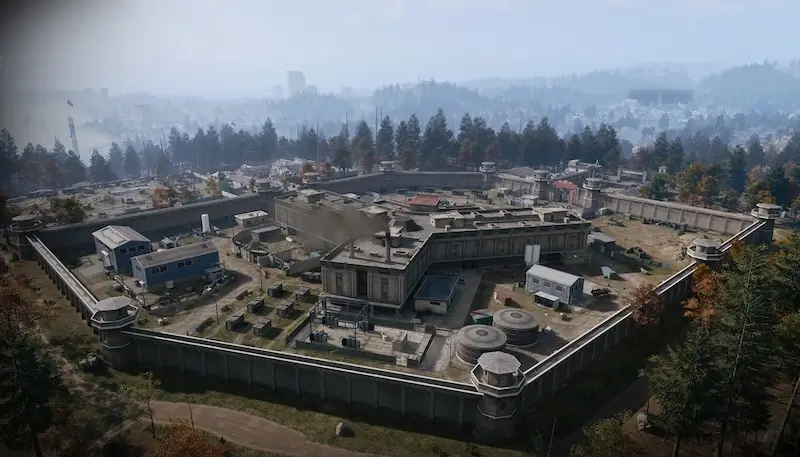
A concrete-walled detention facility on a cleared plateau in the North Korean northwest, with watchtowers on every corner, barracks to the east and the main gate and checkpoint to the south.
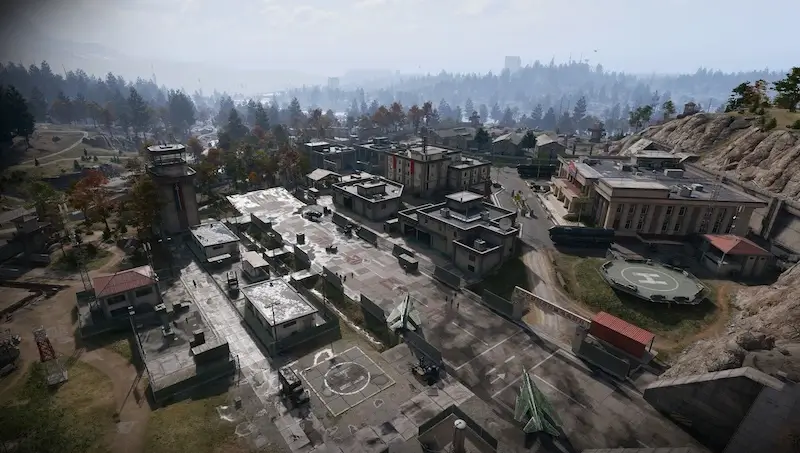
A heavily guarded North Korean air base in western Hajin, cut into a granite hillside, with a runway, helipad, hospital, barracks and command building above a vast underground complex.
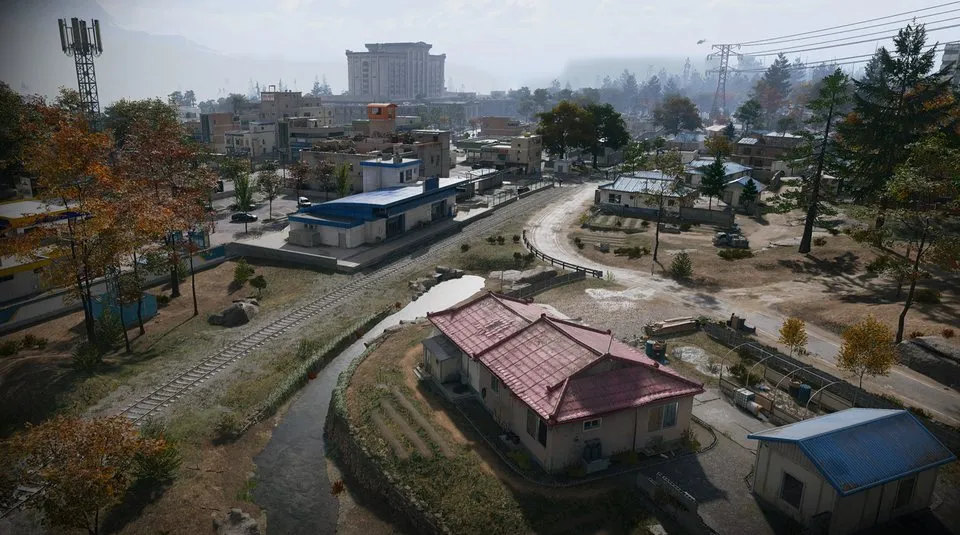
The northernmost South Korean village on the Hajin River, split by border controls, with outskirts to the west and the Heavenly Luck Casino at its heart.
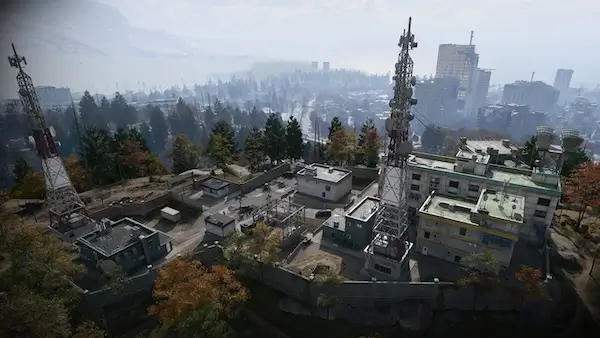
The largest telecommunications array in Hajin, on a central summit, now an enemy barracks with a rooftop helipad and long views.
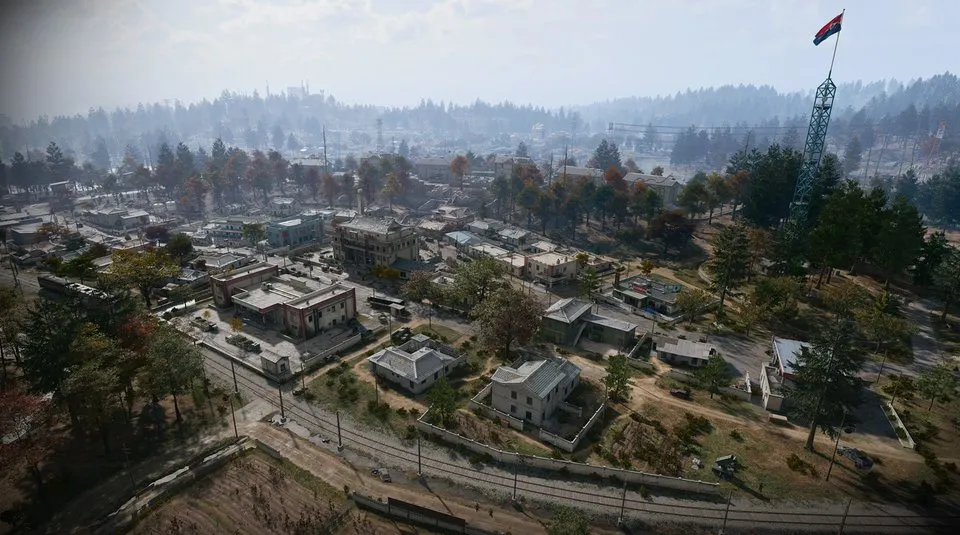
A deserted North Korean farming town in the southwest, taken over by the military. Street fights, sewers under the old buildings, a clinic and gas stations at each end of town.
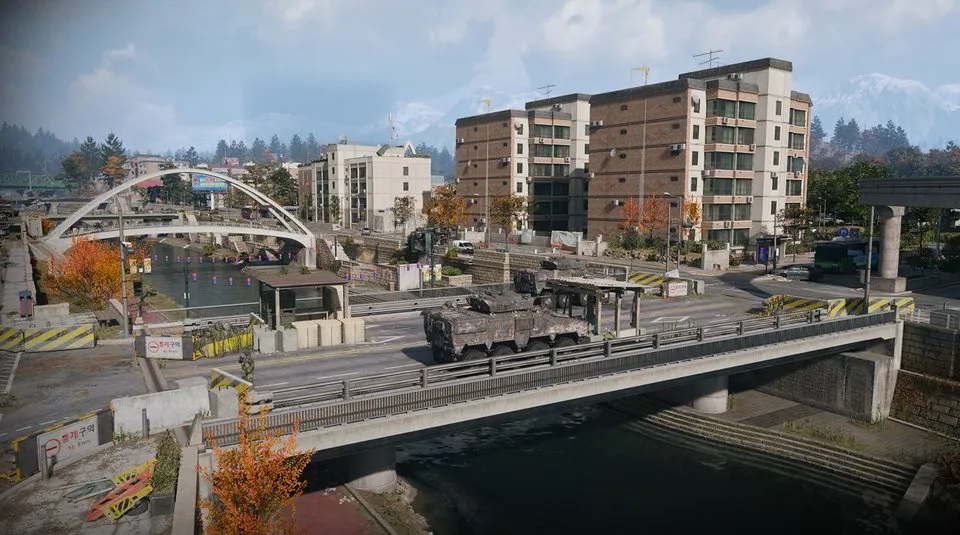
A battered residential district in the southeast, rising towards the South Fork of the Hajin River.
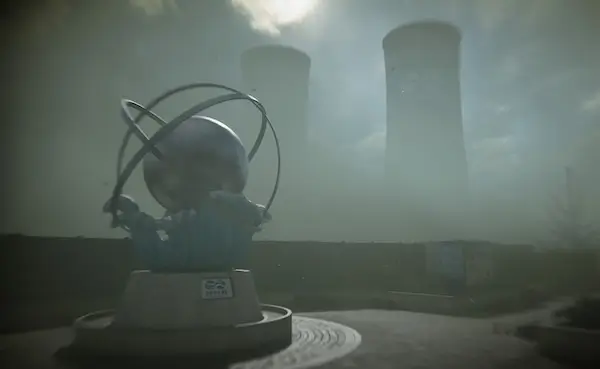
A damaged nuclear plant in the northeast under a cloud of radioactive vapour. Protective gear and a gas mask are required.
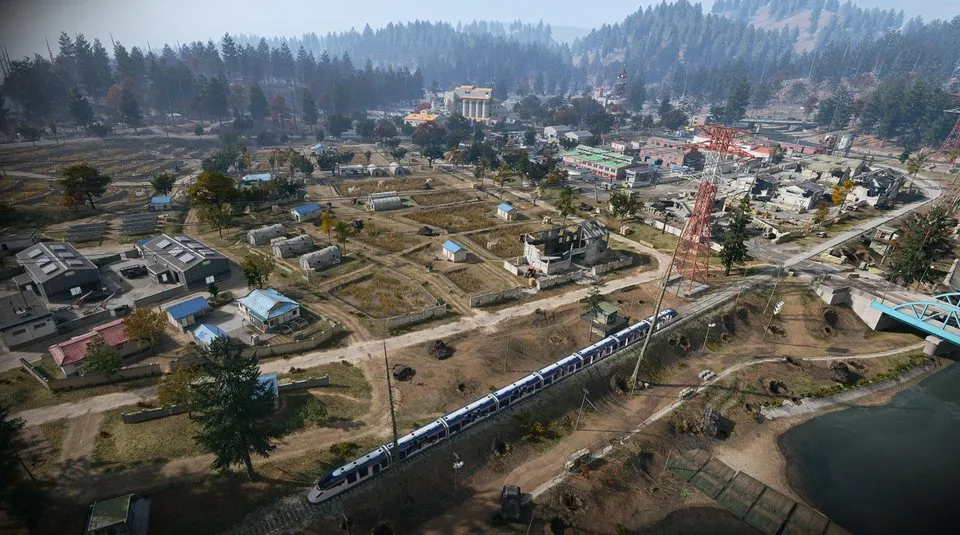
Open rice fields, waterways, farms and rail lines on a low floodplain on the southwestern border, with long sightlines and little cover.
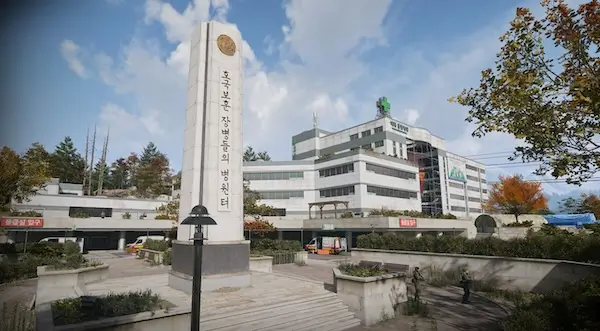
Hajin’s main hospital in the north centre, next to a train station, with triage tents and barracks outside and close-quarters fighting through its wards inside.
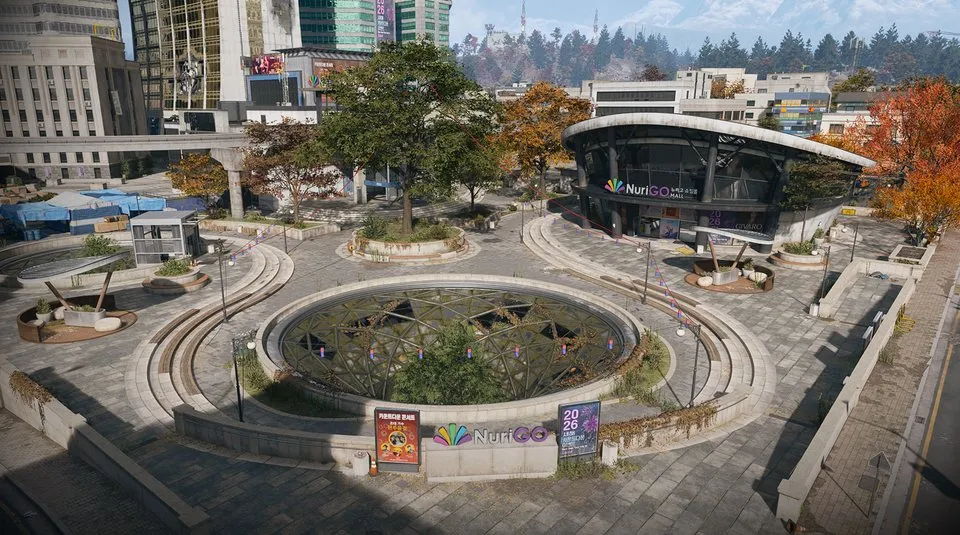
A shopping district in northeast Hajin City with shops, a police station, a clinic and City Hall above a large unlit underground mall.
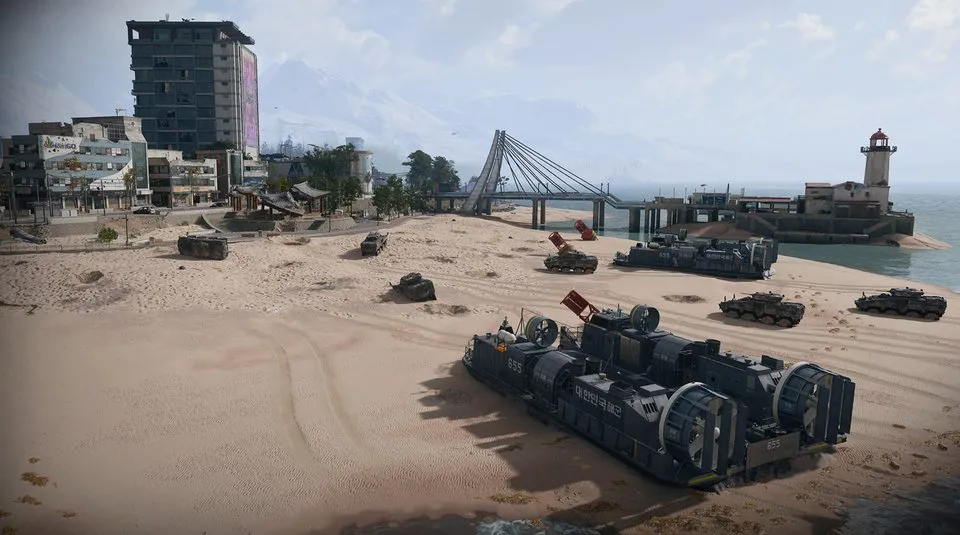
The waterfront of eastern Hajin City: apartments, a market, a pier and lighthouse, and working train and monorail lines.
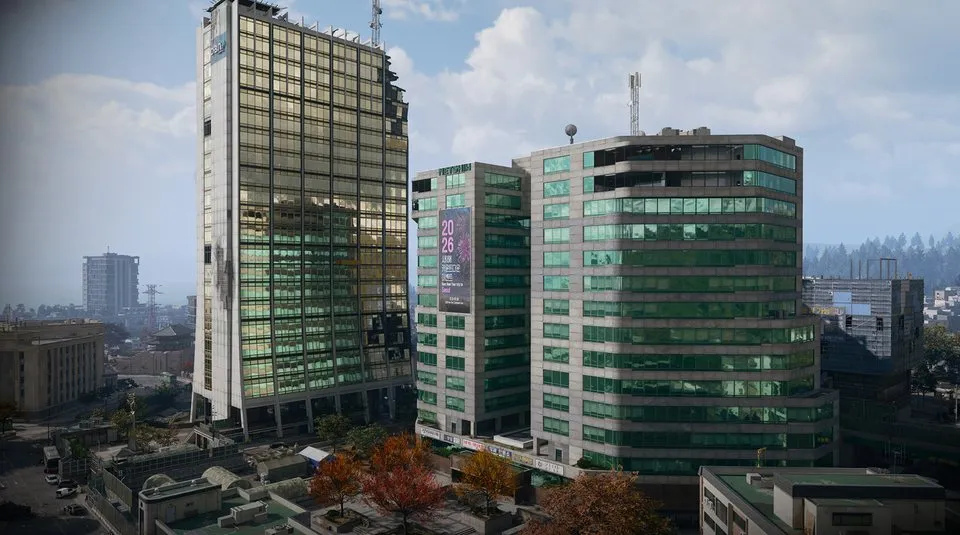
The fortified business district of central Hajin City, walled off with barricades and watchtowers, with fighting on the rooftops and in the streets.
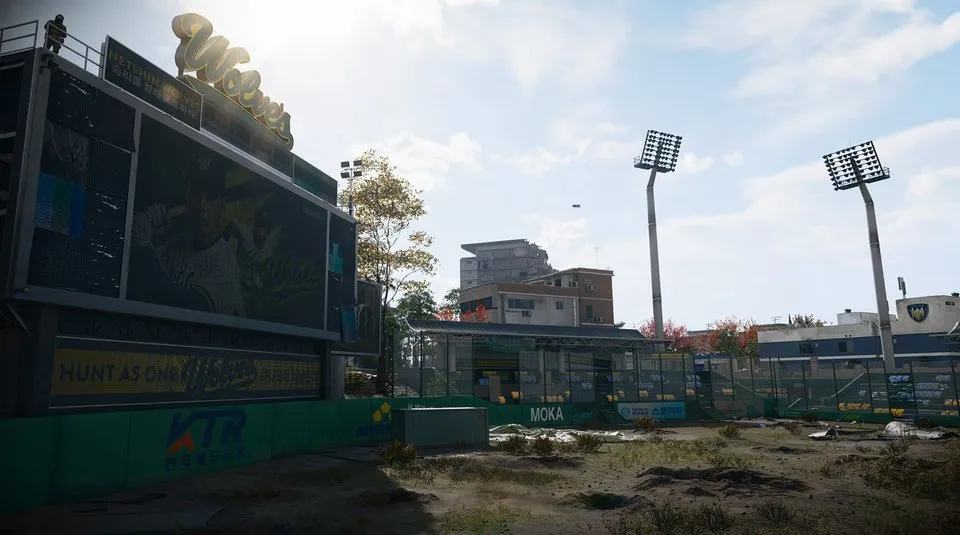
The ruined home of the local baseball team in south central Hajin City, among streets of shops, apartments and a police station.