
Police Station Armory
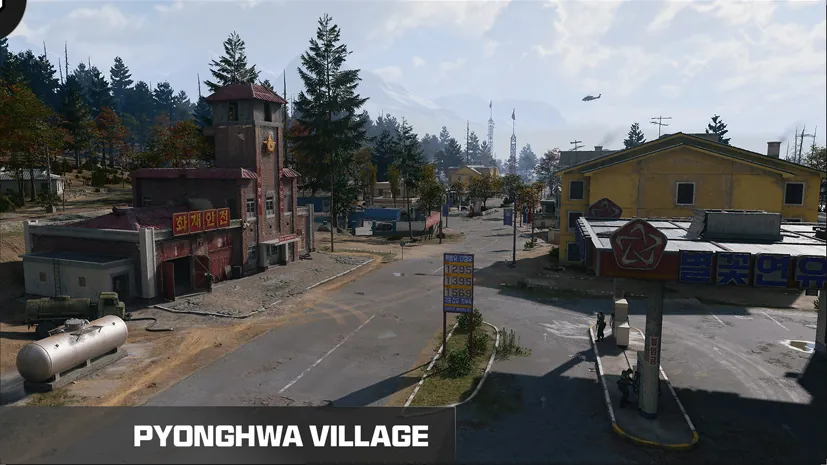
The basement armory at Pyeonghwa Village’s police station, beside the holding cells and caged counter.
- Type
- Locked room
- Inside
- Pyonghwa Village
Plan your visit
Services mentioned in this area
Find the entrance
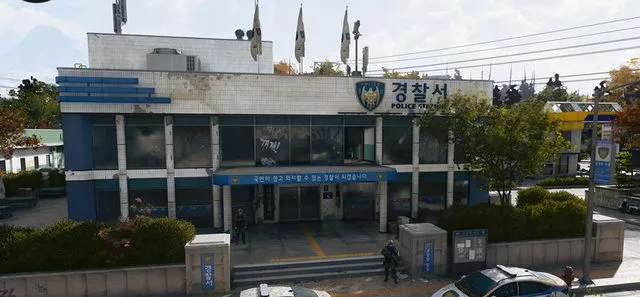
- Enter the blue police station and continue through the lobby to the wooden-railed stairs. Descend to the basement.
- Pass the holding cells and find the grey-green door beside the caged armory window. Match POLICE STATION ARMORY on the lock.
- A firsthand account reports finding an armory key on a top-floor office desk; it may be absent. The precise card identity versus the level 19 Police Station Key remains unconfirmed.
- Police Weapon Depository is a different named key for an auxiliary armory near Wolves Stadium.
Plan the visit
- Match the complete name on the lock before using a key. Bring space for loot and plan an extraction route.
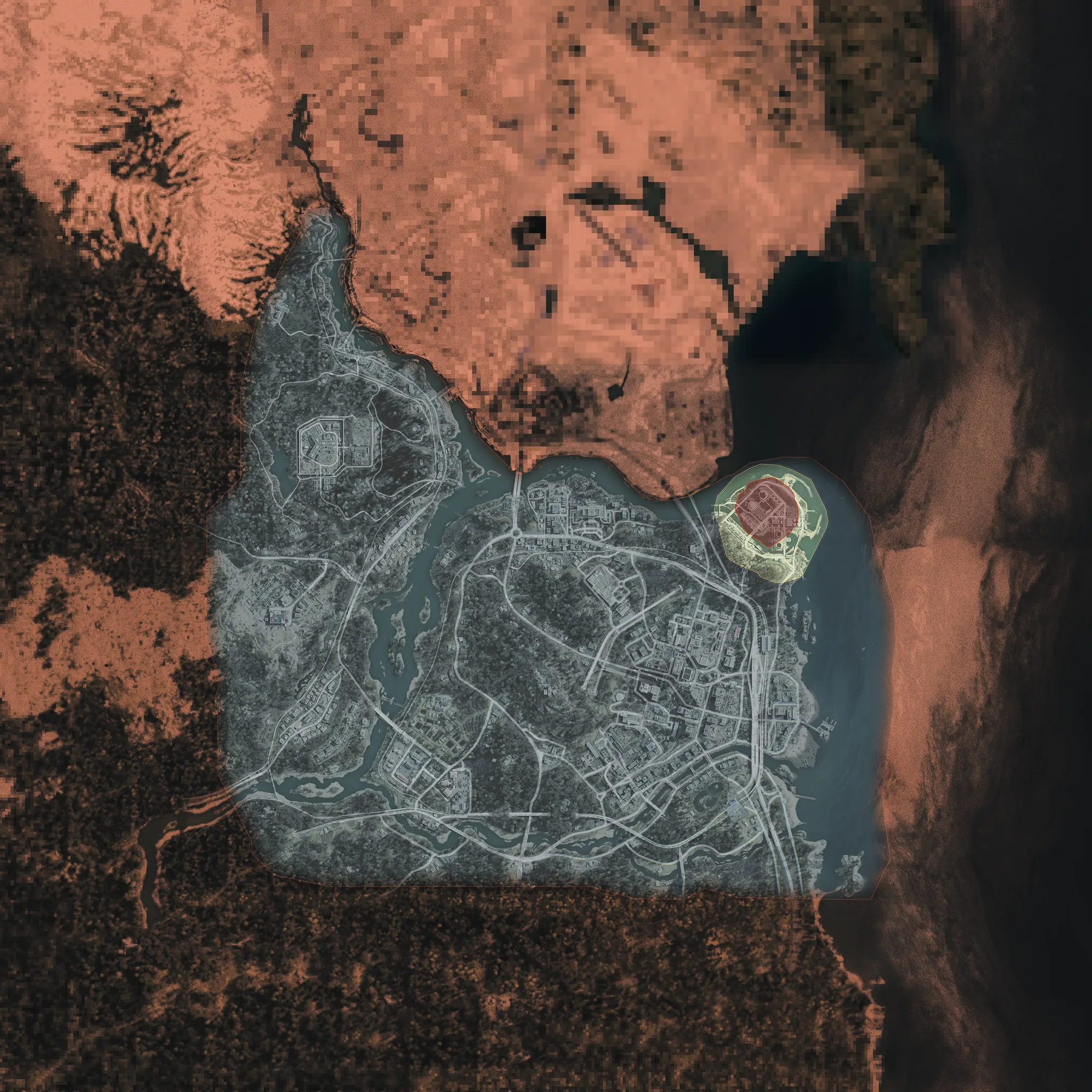
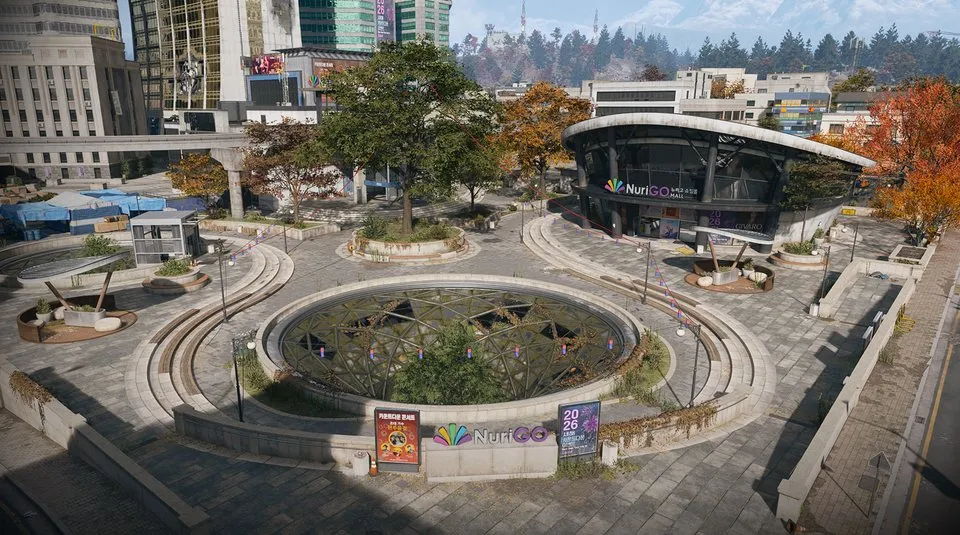
- The image shows the wider area, not a photograph of this room.
Related
Inside
Guides that cover this
More Locked room locations
See all 75 →


Also in Map
Something wrong or missing? Send a correction.