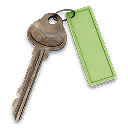
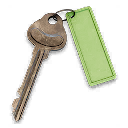
Also known as Jin Tae's Private Lounge, Jin-Tae's Private Lounge Key, Jin Tae Private Lounge F4
Opens the upper-floor lounge at Heavenly Luck Casino in Cheongun Village (F4). Restore generator power if needed, then take the lobby elevator to the penthouse.
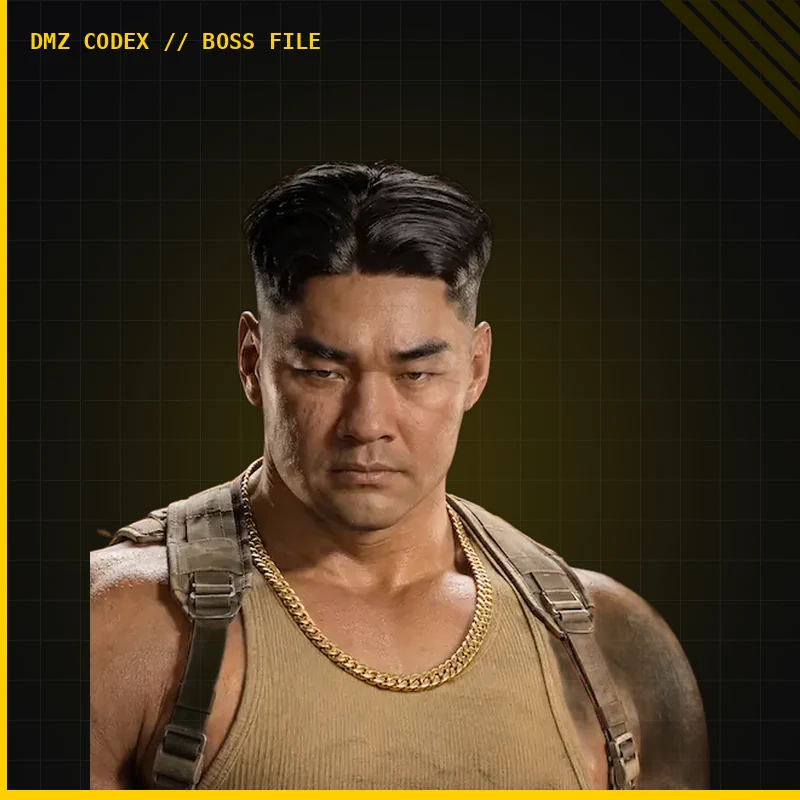
The original guide’s description identifies this as a Lieutenant boss drop. The pickup is not shown in the inspected walkthrough, so a guaranteed Jin-Tae drop and an exact pickup location remain unverified.
No fixed pickup location is verified.
Finding the lounge door
Enter Heavenly Luck Casino’s main lobby from the southern entrance. The walkthrough uses the elevator on the left when arriving from the front entrance.
If the lifts have no power, take the far-end wing stairs down into underground parking and activate the back-room generator using its timing interaction. Return to the lobby and ride to the penthouse.
Clear the guards, go upstairs and left, follow the passage to its end, turn right, then immediately right/behind toward the lounge doors. Confirm JIN-TAE’S PRIVATE LOUNGE on the lock.
Observed lounge loot
One recorded opening includes an armor box, two weapons lockers, an LT crate, another locker, a rifle case, a supply crate and loose loot. The creator reports a Signal 50 and High Roller’s Fortune from the LT crate, while explicitly leaving repeatability uncertain.
Reinforcements continue arriving while the room is looted. Keep a return route; equip a usable parachute before attempting to jump from the penthouse. Key consumption, stack limit and guaranteed contents are unverified.


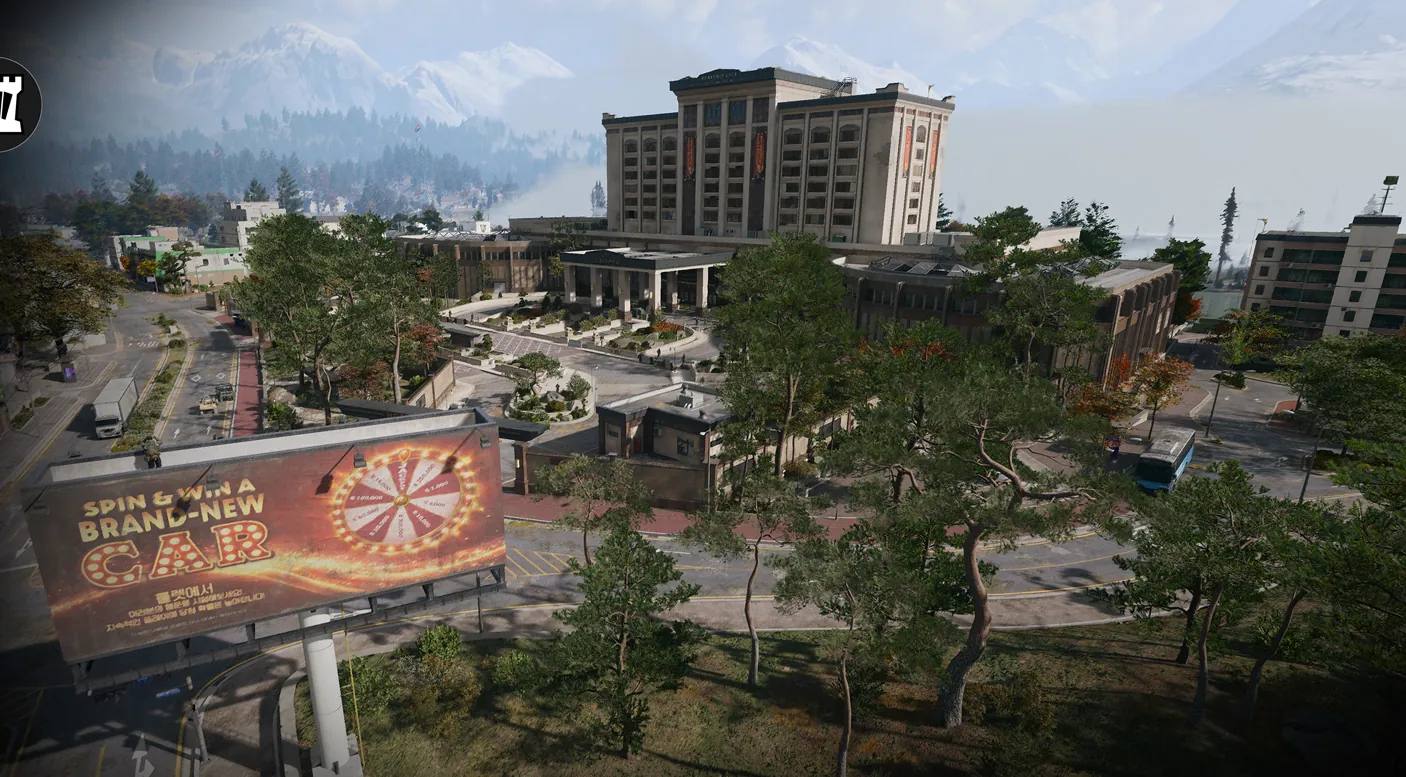 Heavenly Luck Casino →Area grid F4