

Operation Rewards
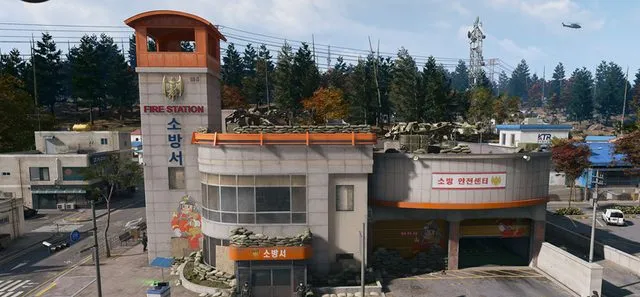
Start a Dynamic Op in Cheongun Village, complete it and loot its reward crate.
- Page shown
- 4
- Order
- 1
- Order set
- Printing and Dynamic Ops
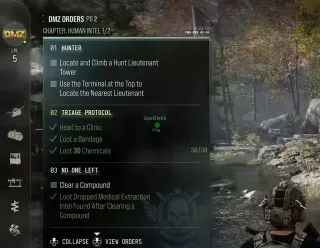
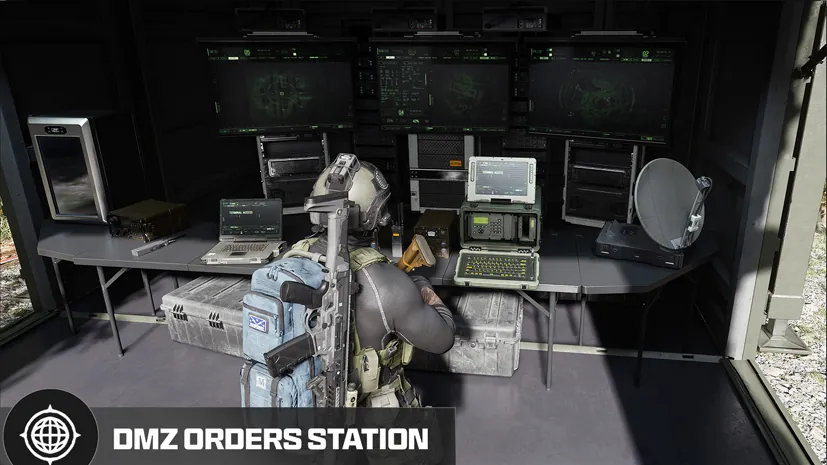
DMZ Orders
Browse orders →Your objectives
- 1Collect a Dynamic Op Phone in Cheongun Village
- 2Complete the Dynamic Op
- 3Loot the Dynamic Op crate
Walkthrough
- 01Deploy to Hajin and travel to Cheongun Village. Collect a Dynamic Op Phone there and check that the location-specific pickup registers.
- 02Complete the assigned Dynamic Op. Follow its actual objective markers; the operation type can differ from a walkthrough example.
- 03Find and loot the operation reward crate after completion. Finishing the operation and looting its crate are separate objectives.
Reported page rewards
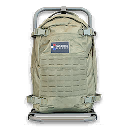
- Reported page rewards: one Medium Backpack, one Ammo Box and 20,000 DMZ Cash after completing Operation Rewards, Preparation and Work Quietly. This bundle is not independently confirmed.
Related
Useful for this Order

Guides that cover this


More dmz orders
See all 26 →

Also in Missions
Something wrong or missing? Send a correction.