
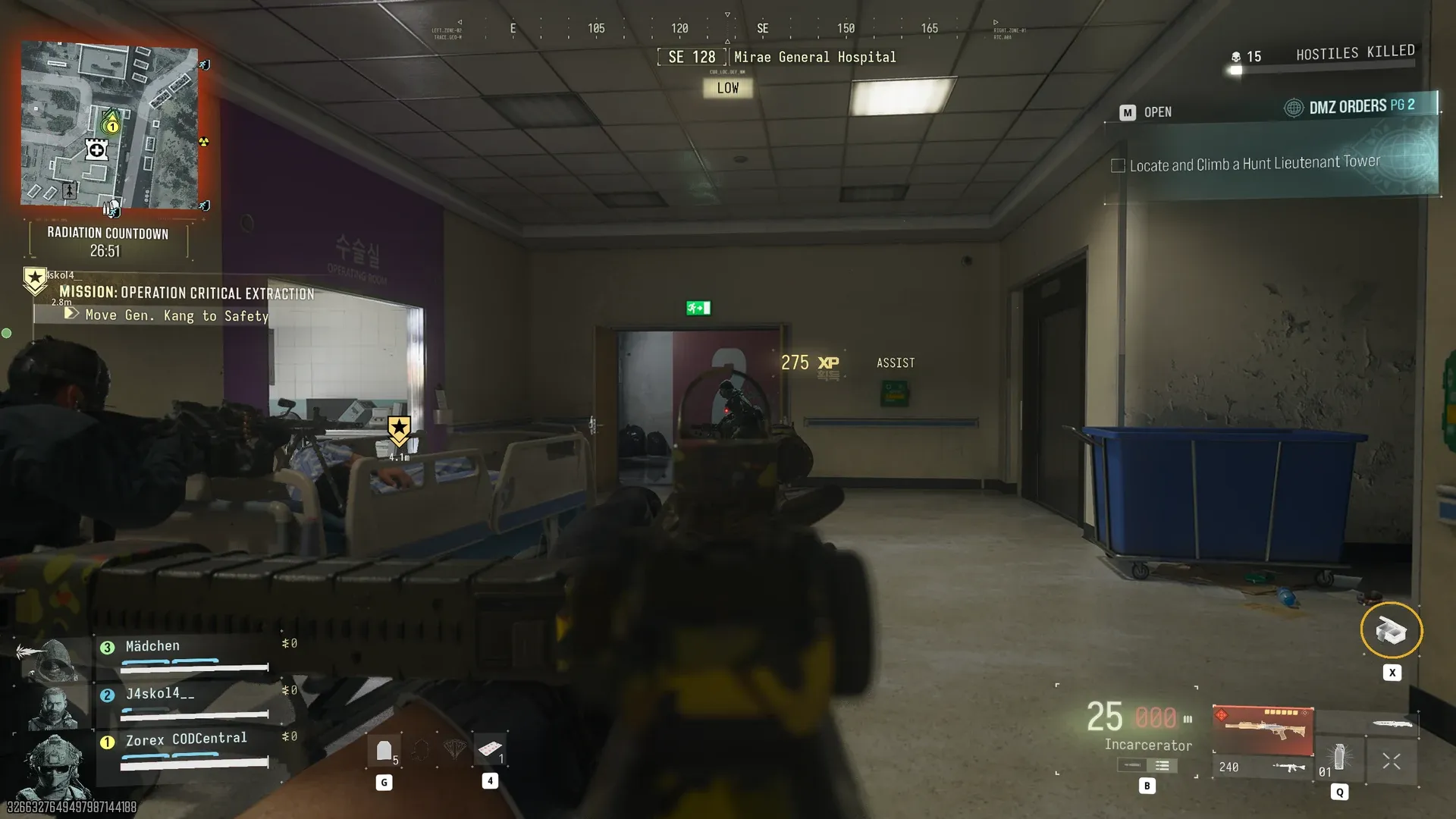
Operation Critical Extraction
Complete the Operation Critical Extraction Story Mission.
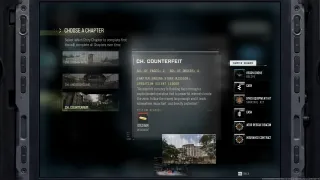
- Chapter
- Human Intel
- Part
- 2/2
- Order
- 3
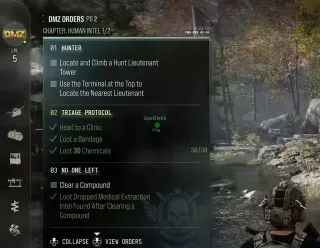
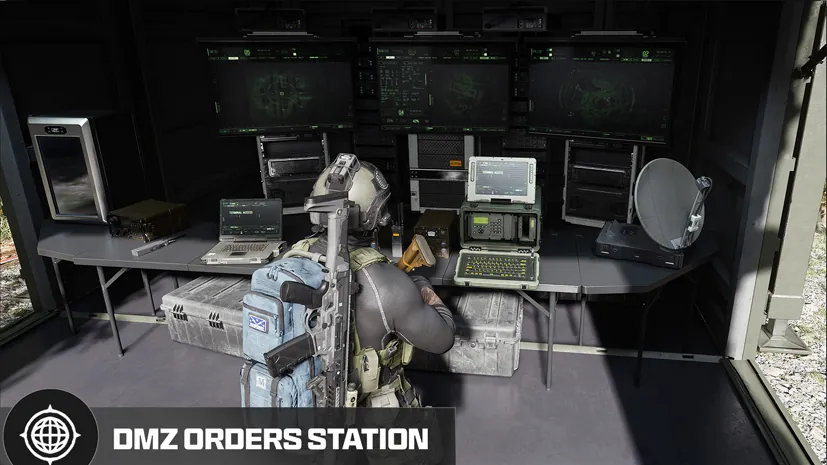
DMZ Orders
Browse orders →Your objectives
- 1Complete Operation Critical Extraction
Walkthrough
- 01At the FOB Deploy station, choose Story Missions and select Operation Critical Extraction when available.
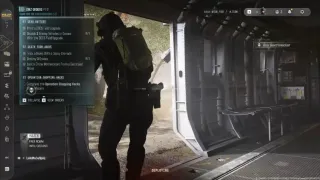
- 02Follow the linked Story Mission walkthrough for the hospital, escort and extraction objectives. The Order asks you to finish that mission.
- 03After the mission completes, check the Order tracker as well as the Story Mission result. Finish the other Human Intel part 2 Orders to complete the page.
Reported page rewards
- Reported Human Intel part 2 page rewards: three UAV Fire Support items, 20,000 DMZ Cash, one Operator Rescue Beacon and one Weapon Insurance Contract. This bundle is not independently confirmed.
Related
Useful for this Order
Guides that cover this

More dmz orders
See all 26 →
Also in Missions
Something wrong or missing? Send a correction.