
Civil Service
Civil Service Order: objectives and related resources for The Grid 2/2.
- Order
- 2
- Page
- 13
- Chapter
- The Grid
- Part
- 2/2
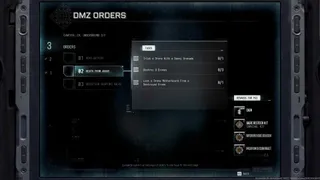
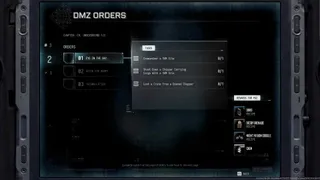
DMZ Orders
Browse orders →Your objectives
- 1Enter NuriGO Mall.
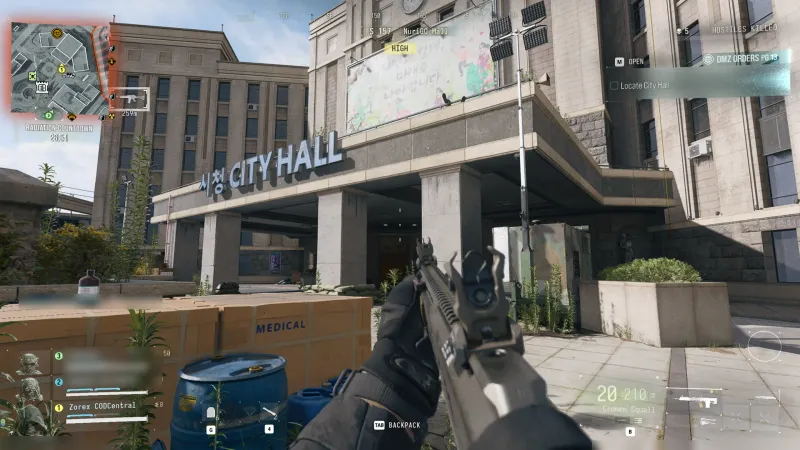
- 2Locate City Hall.
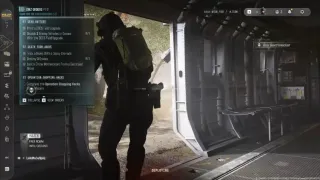
- 3Find and extract Financial Ledger Fragments from the second floor of City Hall.
Walkthrough
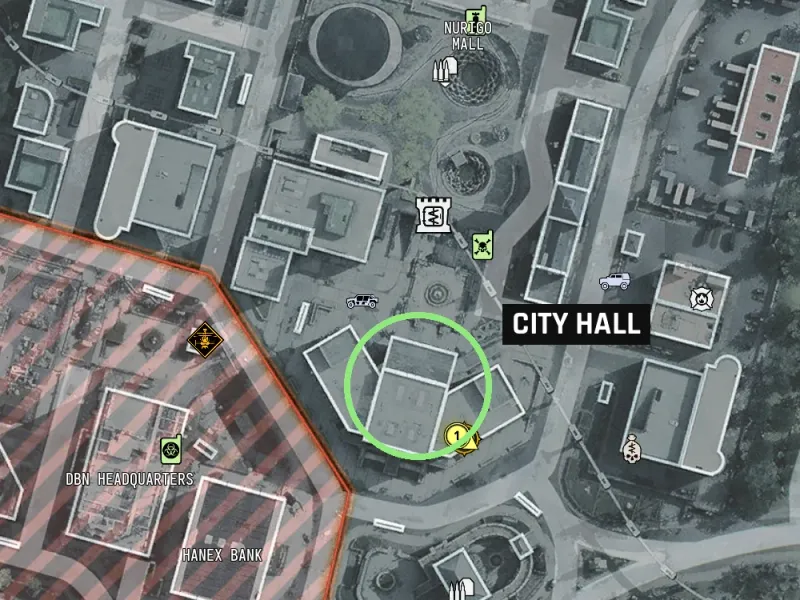
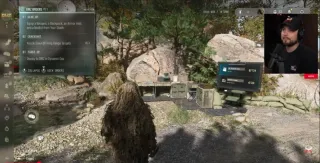
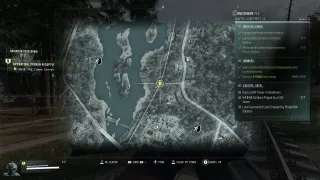
- 01Enter NuriGO Mall, then locate the CITY HALL building south of the mall, near DBN Headquarters. H6 is a reported area reference.
- 02Search the second-floor meeting room for Financial Ledger Fragments. The table location is player-reported; confirm the named pickup and your objective counter.
- 03Extract with the fragments. Reaching City Hall or looting the item without extraction does not complete all three objectives.
Good to know
- Community-reported objectives. Match the Order name and chapter to your current tracker.
- Page number reflects a sequence that chose The Grid first; chapter selection can change placement.
- The ledger objective requires extraction, not just finding the fragments.
Images
Related
Useful for this Order
Guides that cover this

More dmz orders
See all 51 →

Also in Missions
Something wrong or missing? Send a correction.