
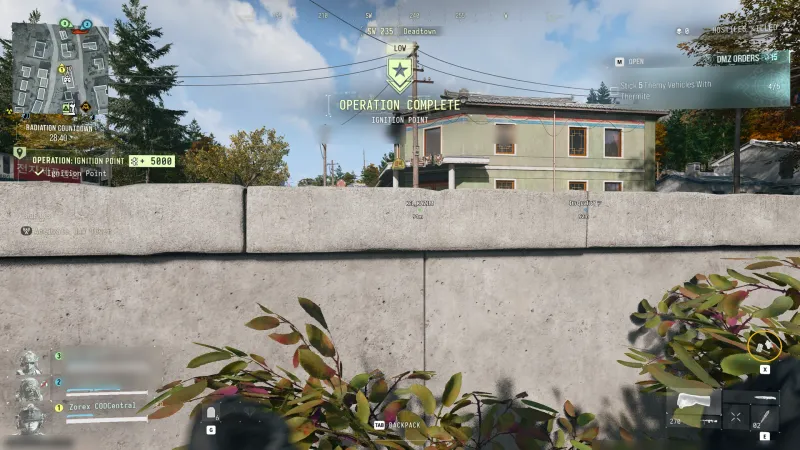
Ignition Point
Follow the current Ignition Point tracker: reported runs finish at the target area or continue through an explosive and WMD objective.
Dynamic Operations
All operations →Your objectives
- 1Proceed to the target area.
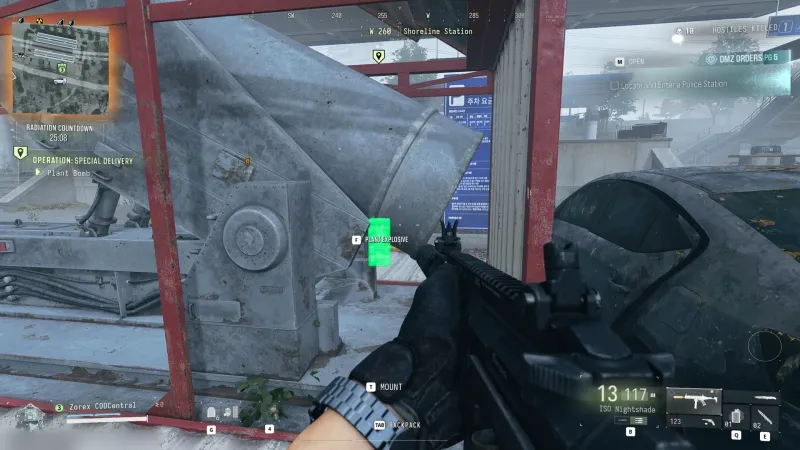
- 2Check whether completion appears or the tracker assigns explosive recovery and WMD planting.
Before you start
- Player-reported route. Follow your active objectives; locations and steps can vary. A fixed payout is not established here.
Reported route variants
- One squad report completes on reaching the target area. Another records bomb recovery and planting before completion. Match your current panel instead of combining both reports into a required chain.
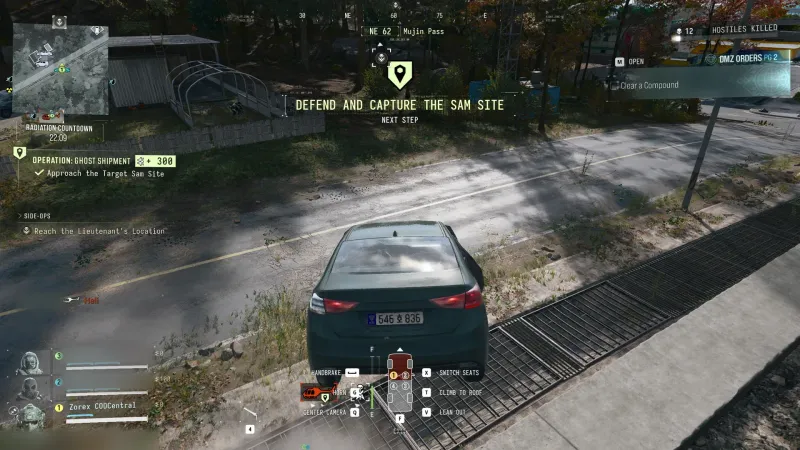
- Locations, displayed XP and Cash belong to the recorded runs; no universal payout or fixed target position is established.
Guides that cover this

More Dynamic Operations
See all 21 →





Also in Missions
Something wrong or missing? Send a correction.