Skip to content
DMZ CODEX · HAJIN EXCLUSION ZONE UPDATED 24 OCT 2026 MW4 DMZ IS LIVE Sign in
Codex / Operations / Crack Safe Updated 24 Oct 2026
Operation

Crack Safe

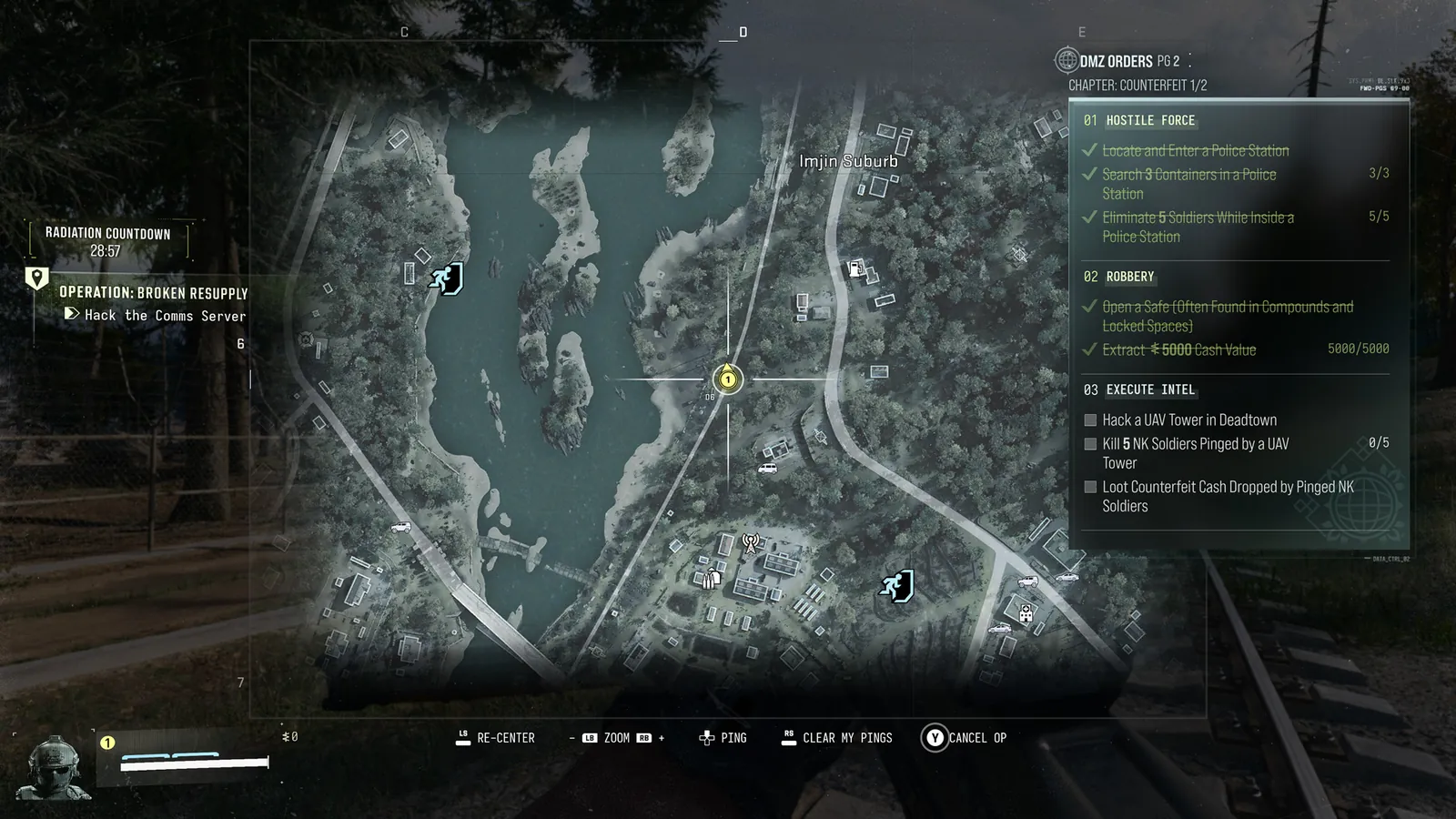
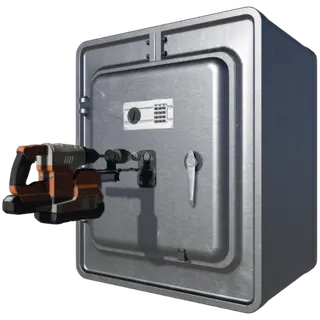
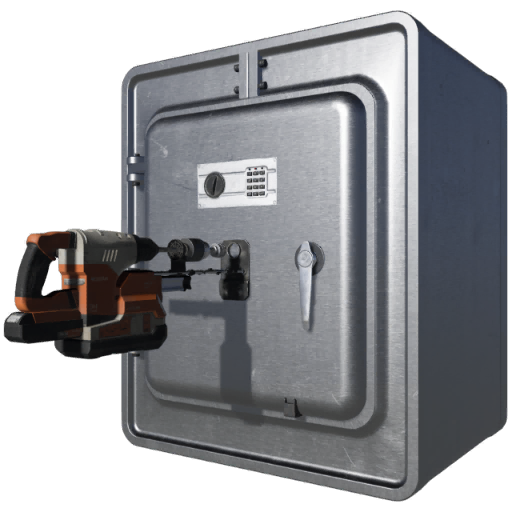
Open the marked safe to complete its named Side Op.

Side Ops

Your objectives

All operations →
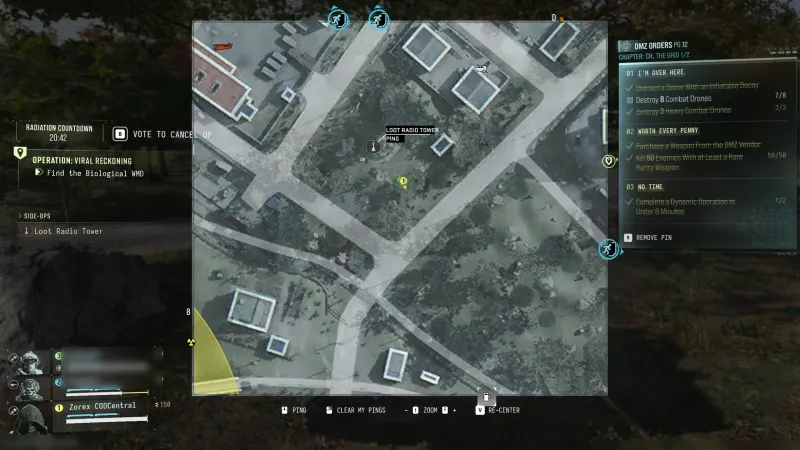
  1. 1Locate the safe marked by the Crack Safe Side Op.
  2. 2Open the safe and confirm completion.

Walkthrough

  1. 01Use the active safe marker; not every safe necessarily carries this Side Op.
  2. 02Interact with the marked safe's lock panel and complete the prompt. No generic room key or copied keypad code is established as required.
  3. 03Loot the contents and check the Side Op counter. Rewards vary; no fixed valuables or cash amount is promised.

Images
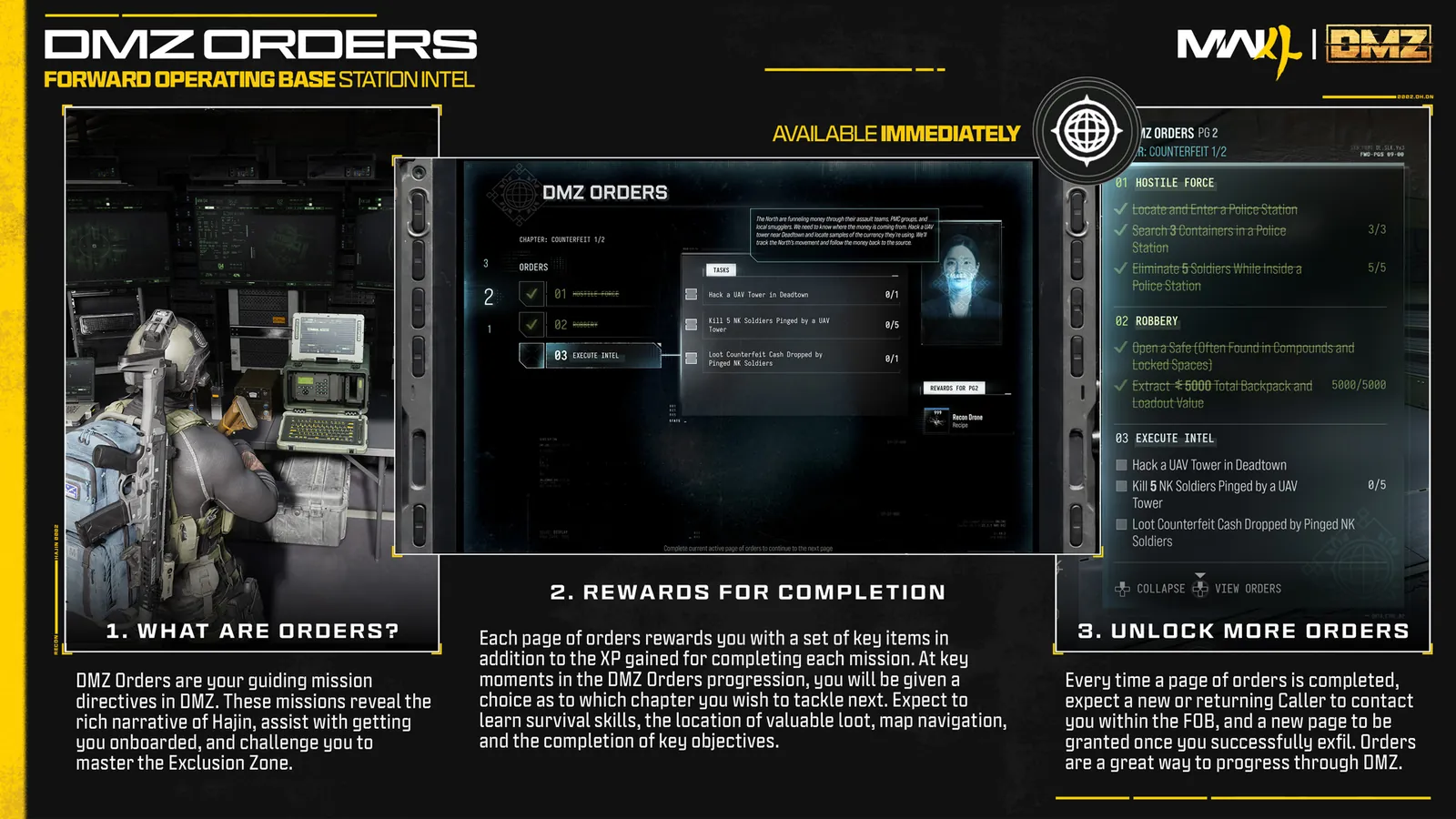
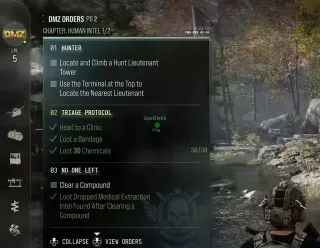
Official Orders reference panelOfficial Orders reference panel · Open full size ↗Official in-game Orders HUDOfficial in-game Orders HUD · Open full size ↗

Related

Useful connections

Guides that cover this

GuideMW4 DMZ Dynamic Ops and Side Ops: objectives and walkthroughs

Something wrong or missing? Send a correction.

DMZ CODEX · IPHONE & IPAD

Add to your Home Screen

Installation won’t start automatically. Follow these steps in Safari.

  1. 1. Open this site in Safari

    Already in Safari? Continue below. In another app, choose Open in browser, then open Safari.

    dmzcodex.com/install/
  2. 2. Tap Share

    Look for the square with an arrow pointing up. It may be inside Safari’s More (…) menu.

  3. 3. Add to Home Screen → Add

    Scroll through the Share menu; tap View More if needed. Keep Open as Web App on if shown, then tap Add.

Look for the yellow DMZ Codex icon on your Home Screen.