
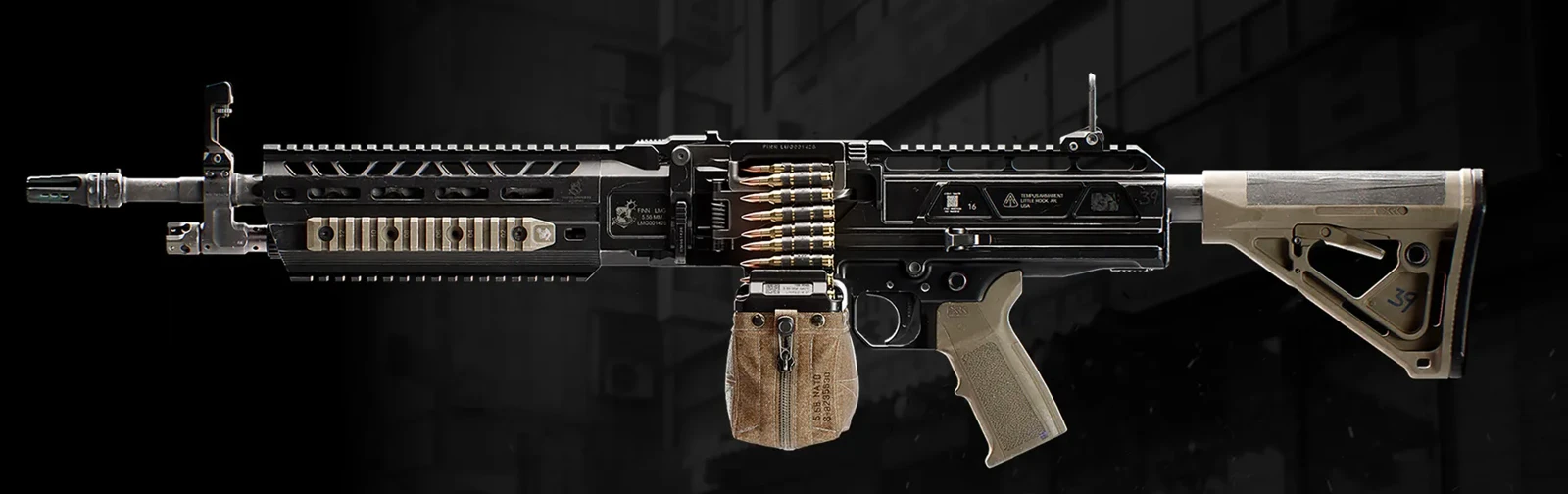
FiNN LMG
Also known as FiNNBelt-fed LMG emphasizing stability and mobility.
- Gunsmith
- 8,000
- Class
- LMG
Shown purchase price. Gunsmith discounts may change your cost.
Base weapon
Weapon specifications
- Fire rate
- 587RPM
- Magazine
- 100rounds
- Reserve ammo
- 100rounds
- Max weapon level
- 59levels
What changes with the Apex?
| Specification | FiNN LMGBase weapon | FiNN AdverseApex equipped | Change |
|---|---|---|---|
| Fire rateRPM | 587 | 587 | No change |
| Magazine | 100 | 100 | No change |
| Reserve ammo | 100 | 100 | No change |
These values describe the equipped weapon. A separate underbarrel device has its own ammunition where specified below.
Weapon profile
- Ammunition
- 5.56 mm
- Firing mode
- Fully automatic, open bolt
Belt-fed LMG emphasizing stability and mobility.
Damage, damage ranges, reload times and ADS times are not listed in this reference.
FiNN Adverse ↗
- Removes a fire-rate limiter; sustained fire can overheat the weapon.
- The weapon must cool before automatic fire resumes.
- The illustrated panel still lists 587 RPM; no unshown boosted rate is invented.
Unlock at FiNN LMG level 59.
Uses the separate Apex slot.
Blocked attachment slots
No slot restrictions are specified in the published description.
FiNN LMG attachment slots
OpticMuzzleBarrelUnderbarrelMagazineRear GripStockLaserAmmunition
FiNN LMG attachments 1
| Attachment | Slot | Price |
|---|---|---|
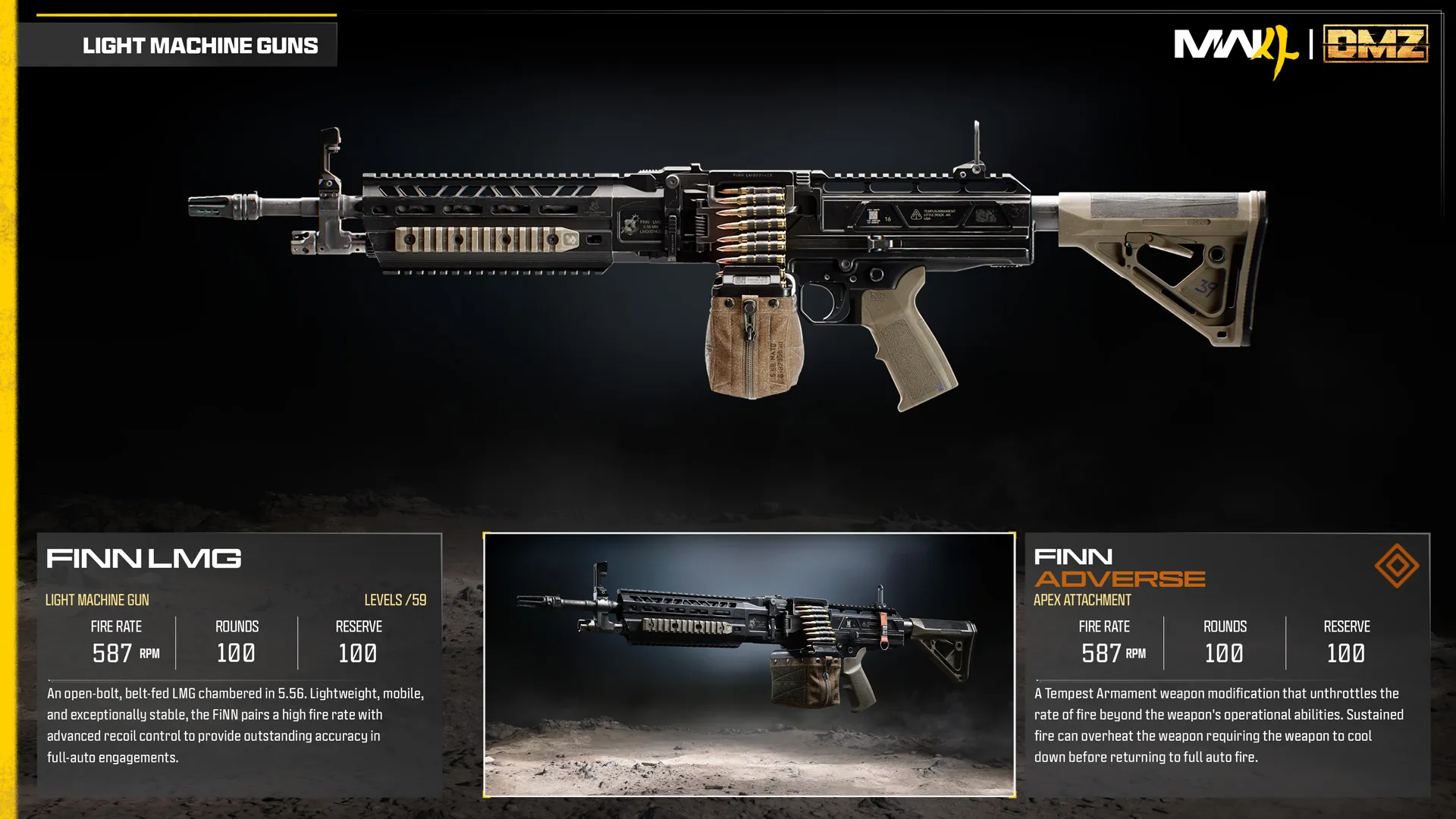 FiNN Adverse FiNN Adverse | Apex | – |
Price is the DMZ Cash cost of the attachment itself, on top of its attachment slot. "–" means not shown yet.
Good to know
- Named in the official Modern Warfare 4 Open Beta weapons guide. DMZ price, stats and Weapon Manual drops are not shown yet.
Images
Guides that cover this
More weapons
See all 35 →



Also in Arsenal
Something wrong or missing? Send a correction.