
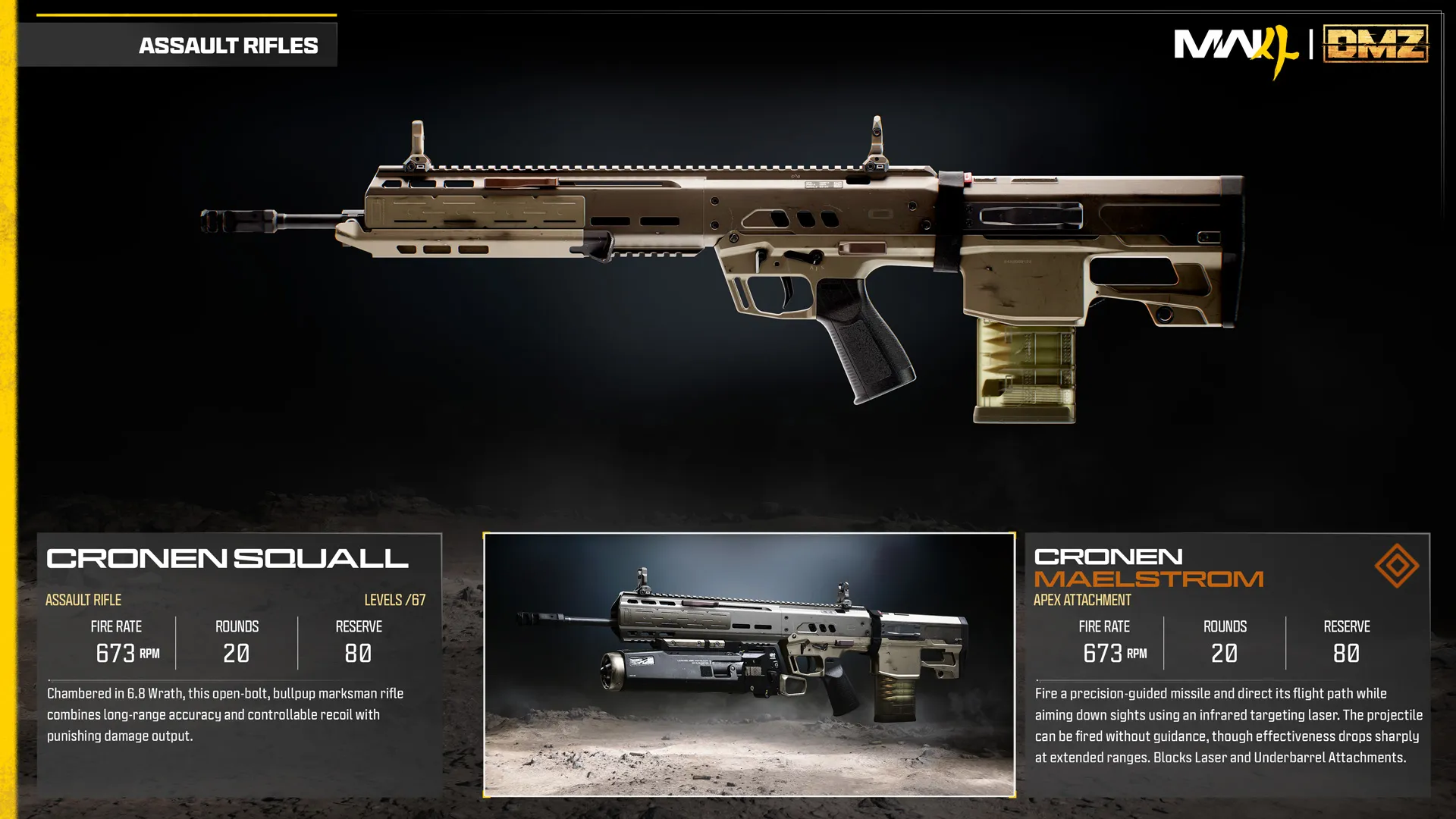
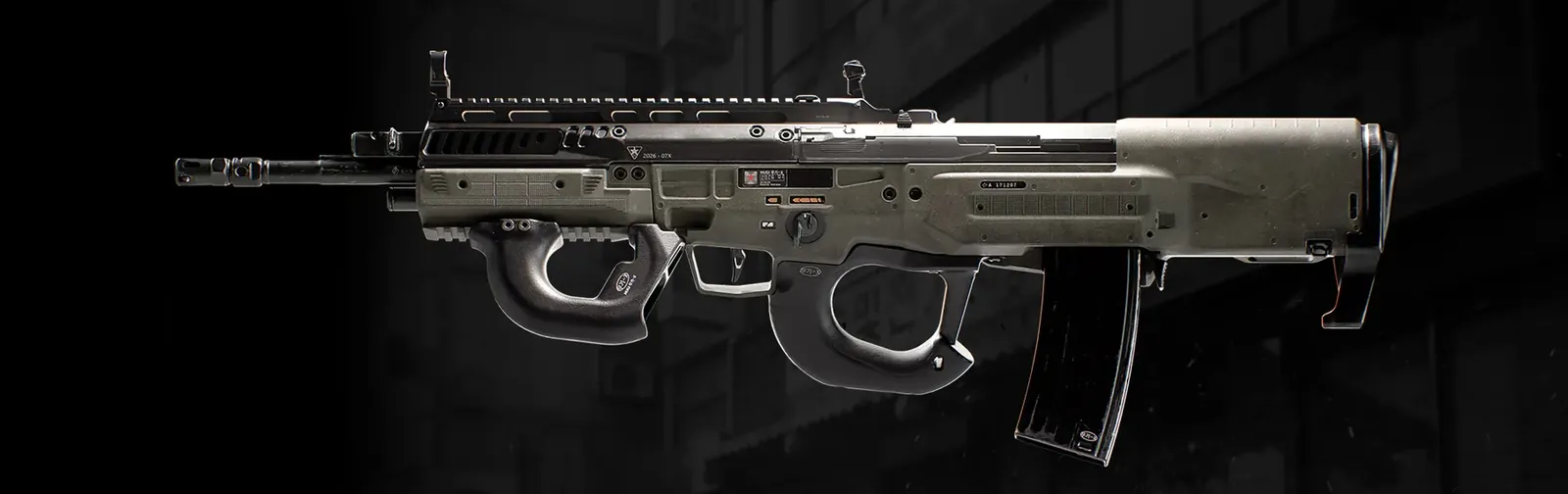
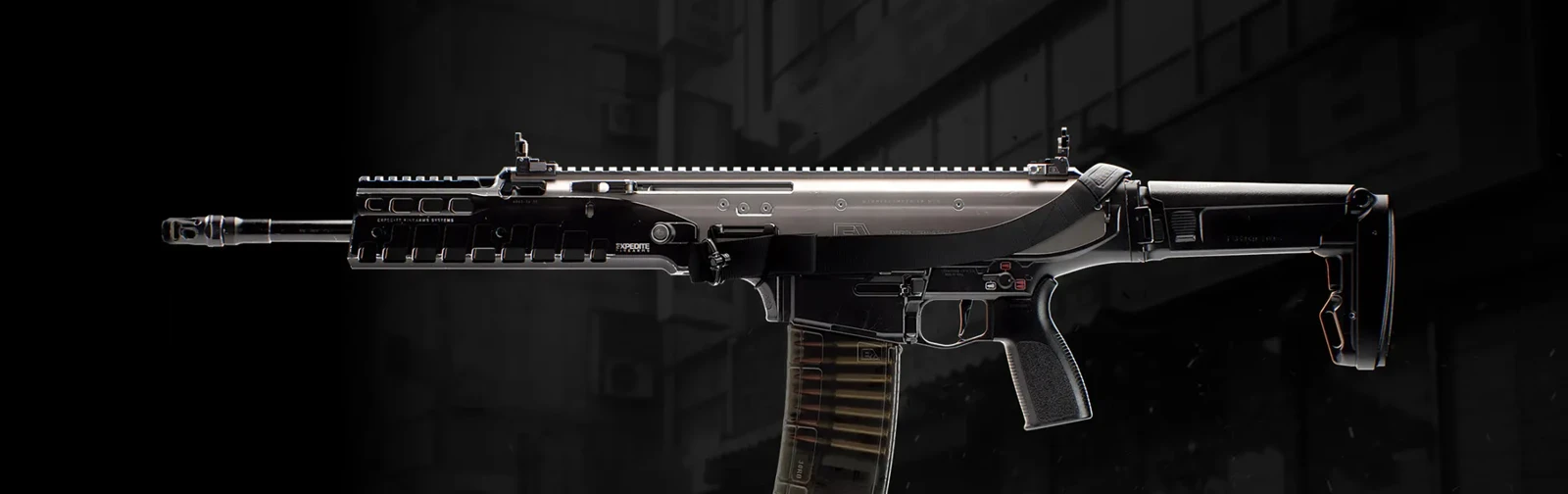
Cronen Squall
Bullpup platform combining long-range accuracy with controllable recoil.
- Class
- Assault Rifle
Base weapon
Weapon specifications
- Fire rate
- 673RPM
- Magazine
- 20rounds
- Reserve ammo
- 80rounds
- Max weapon level
- 67levels
What changes with the Apex?
| Specification | Cronen SquallBase weapon | Cronen MaelstromApex equipped | Change |
|---|---|---|---|
| Fire rateRPM | 673 | 673 | No change |
| Magazine | 20 | 20 | No change |
| Reserve ammo | 80 | 80 | No change |
These values describe the equipped weapon. A separate underbarrel device has its own ammunition where specified below.
Weapon profile
- Ammunition
- 6.8 Wrath
- Action
- Open bolt
Bullpup platform combining long-range accuracy with controllable recoil.
- Listed in the Assault Rifle category; the description also calls it a marksman rifle.
Damage, damage ranges, reload times and ADS times are not listed in this reference.
Cronen Maelstrom ↗
- Fires a missile whose flight can be guided while aiming down sights with an infrared laser.
- Unguided firing is possible, with reduced effectiveness at long range.
Unlock at Cronen Squall level 67.
Uses the separate Apex slot.
Blocked attachment slots
LaserUnderbarrel
Cronen Squall attachment slots
OpticMuzzleBarrelUnderbarrelMagazineRear GripStockLaserAmmunition
Cronen Squall attachments 1
| Attachment | Slot | Price |
|---|---|---|
 Cronen Maelstrom Cronen Maelstrom | Apex | – |
Price is the DMZ Cash cost of the attachment itself, on top of its attachment slot. "–" means not shown yet.
Guides that cover this
More Assault Rifle weapons
See all 35 →
Also in Arsenal
Something wrong or missing? Send a correction.