
Preparation
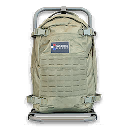
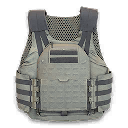
Also known as PreperationPrint a Medium Backpack and a 2-Plate Armor Vest.
- Page shown
- 4
- Order
- 2
- Order set
- Printing and Dynamic Ops
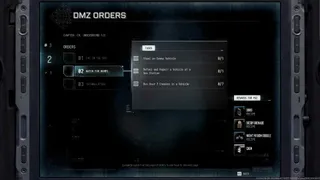
DMZ Orders
Browse orders →Your objectives
- 1Print a Medium Backpack
- 2Print a 2-Plate Armor Vest
Walkthrough
- 01Open the 3D Printer at the FOB and select the Medium Backpack recipe. Track the recipe if you need to collect materials.
- 02Print a Medium Backpack, then select and print a 2-Plate Armor Vest.
- 03Check that both printing objectives register. Owning or equipping previously looted gear does not perform the listed printing actions.
Reported page rewards
- Reported page rewards: one Medium Backpack, one Ammo Box and 20,000 DMZ Cash after completing Operation Rewards, Preparation and Work Quietly. This bundle is not independently confirmed.
Related
Useful for this Order
Guides that cover this

More dmz orders
See all 26 →
Also in Missions
Something wrong or missing? Send a correction.