
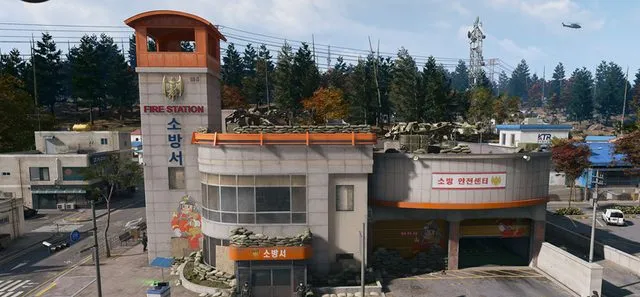
Radiation Station
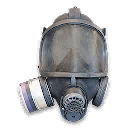
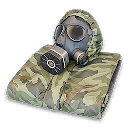
Locate a Fire Station, loot three Gas Masks or Radiation Pill Bottles, and search five containers while in radiation.
- Order
- 2
- Page shown
- 7
- Order set
- Radiation and medical tasks
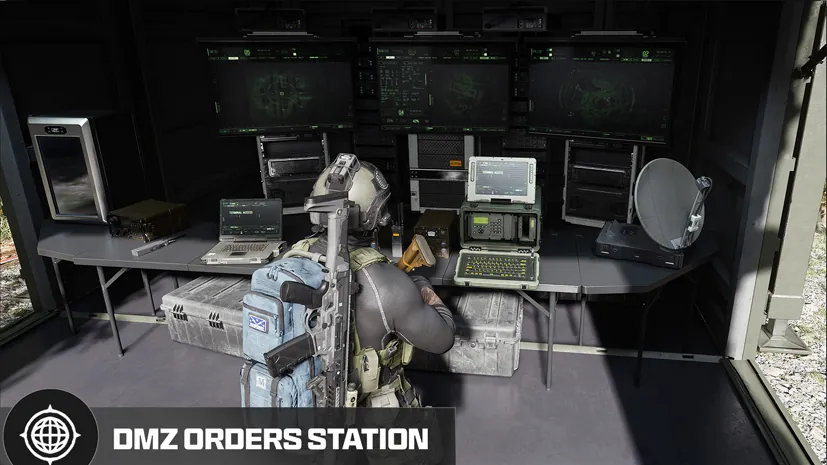
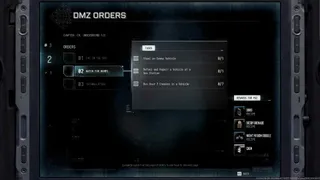
DMZ Orders
Browse orders →Your objectives
- 1Locate a Fire Station
- 2Loot 3 Gas Masks or Radiation Pill Bottles
- 3Search 5 Containers While in Radiation
Places & items in these objectives
Walkthrough
- 01Locate a Fire Station and check the first objective. Search for Gas Masks or Radiation Pill Bottles until the combined loot counter reaches three.
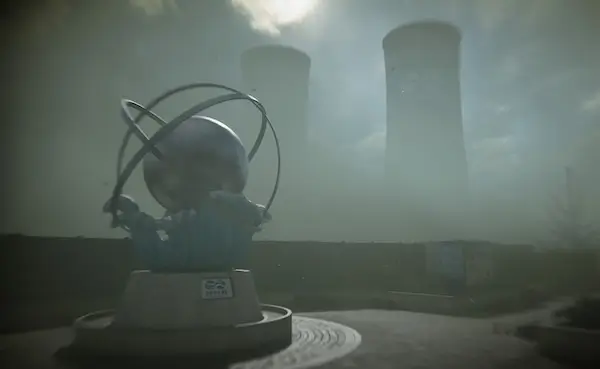
- 02Prepare radiation protection before entering a radiation area. Use the linked equipment and reactor pages to plan the trip; looting a Fire Station does not itself complete the radiation search objective.
- 03While inside radiation, open five containers and watch the search counter. Leave before your protection or health runs out. The objective requires searching in radiation, not only collecting radiation equipment.
Related
Useful for this Order
Guides that cover this

More dmz orders
See all 26 →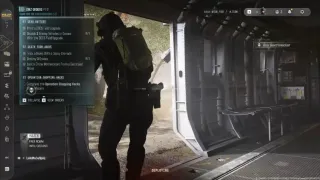
Also in Missions
Something wrong or missing? Send a correction.