
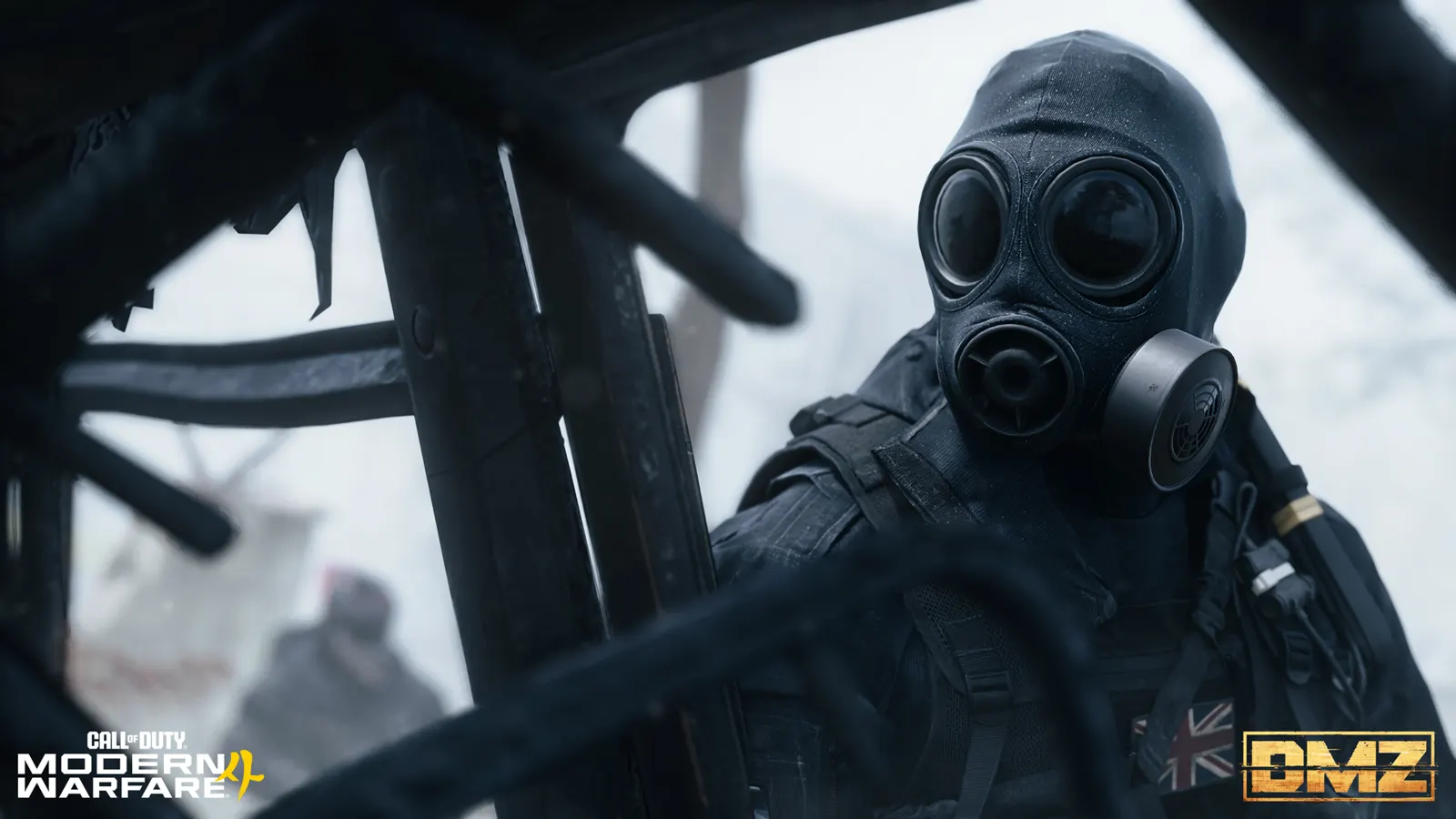
MW4 DMZ stealth guide: read the AI detection meter
Learn the Stealth Meter warnings, react with cover or prone movement, and separate AI detection from location threat and rival players.
Jump to a section
The Stealth Meter gives an audio warning and changes from white to yellow to orange as AI approaches detection. Going prone or returning to cover can prevent the observing enemy from being alerted. It is not a radar for rival players.
- Audio cue plus white, yellow and orange indicator
- Cover or going prone can prevent an alert
- AI detection and area threat are different
When the Stealth Meter warns you, stop committing to the crossing. The official DMZ overview describes an audio cue and a HUD indicator that moves white → yellow → orange as an AI enemy comes close to spotting you. Use that warning while you still have a chance to get back into cover.
What the meter tells you
The Stealth Meter concerns AI detection. The published response is to go prone or return to cover before the observing hostile is alerted.
It does not provide a published detection radius, a guaranteed number of safe seconds, or a promise that other players cannot see you. Avoid treating a quiet indicator as permission to run across open ground.
A simple response to a warning
- Stop the exposed move. Identify the cover you just left or the nearest useful obstacle.
- Break the observation. Return behind cover or go prone where the terrain makes that useful.
- Reassess the approach. Look for a route that avoids repeating the same exposed crossing.
- Keep the squad together in its decision. Tell teammates whether you are avoiding contact or committing to it.
The first two actions follow the published mechanic. The route and communication steps are planning advice: they do not guarantee that the AI will forget you or that an encounter will reset.
Detection is not the area’s threat rating
| Information | What it helps you decide |
|---|---|
| Stealth Meter | Whether your current movement risks alerting AI |
| Location and subarea threat | What sort of destination you are preparing to enter |
| Other Operators | Whether there is a separate player threat to negotiate or avoid |
A lower-threat area can still expose you to detection. Conversely, staying unseen for a moment does not make a dangerous destination safe. Read the subareas on the location pages before choosing an approach; broad POI labels can hide a more dangerous bunker or interior.
Plan equipment around the route
Choose your destination first, then review its hazards. The unlit underground spaces at NuriGO Mall pose a different preparation problem from the heavily defended Chang-san Air Base.

Use the trait trees to inspect descriptions before spending points. A stealth-sounding trait name is not enough to infer a detection reduction, and this guide does not assign unverified percentages to traits or suppressors.
Know when the plan has changed
If you are already in a sustained fight, do not keep acting as though you are on an untouched stealth approach. Reassess health, supplies and the objective. The healing guide explains the medical items; the solo guide helps with preparation for a run without teammates.
Keep the Hajin map available for orientation, but read the live in-game situation before committing to a route.
Quick questions
Does the Stealth Meter detect enemy players?
The published description concerns AI spotting you. Do not use it as a rival-player detector.
What should I do when the meter warns me?
Go prone or return to cover before the observing AI is alerted, then reassess your route.
Mentioned in this guide
Spotted something wrong? Send a correction.
Keep reading
 Guide · Getting startedMW4 DMZ health and healing: wounds, the Tourniquet and every heal
  Guide · Getting startedMW4 DMZ solo guide: how to play alone and survive Guide · SurvivalMW4 DMZ truce and assimilation: how squad cooperation works
  Guide · Gear & craftingMW4 DMZ 3D Printer guide: resources, ingredients and recipes