MW4 DMZ truce and assimilation: how squad cooperation works
Use the Ping Wheel to request a truce or join another squad, understand the distinction, and plan safer encounters with rival Operators.
Jump to a section
The Ping Wheel offers a Truce request and assimilation with another squad. A truce request and joining a squad are different actions. Ordinary squads have three players; the current companion reference records an assimilation limit of four.
- Truce and assimilation are separate Ping Wheel actions
- Check the roster after joining
- A request is not proof of acceptance
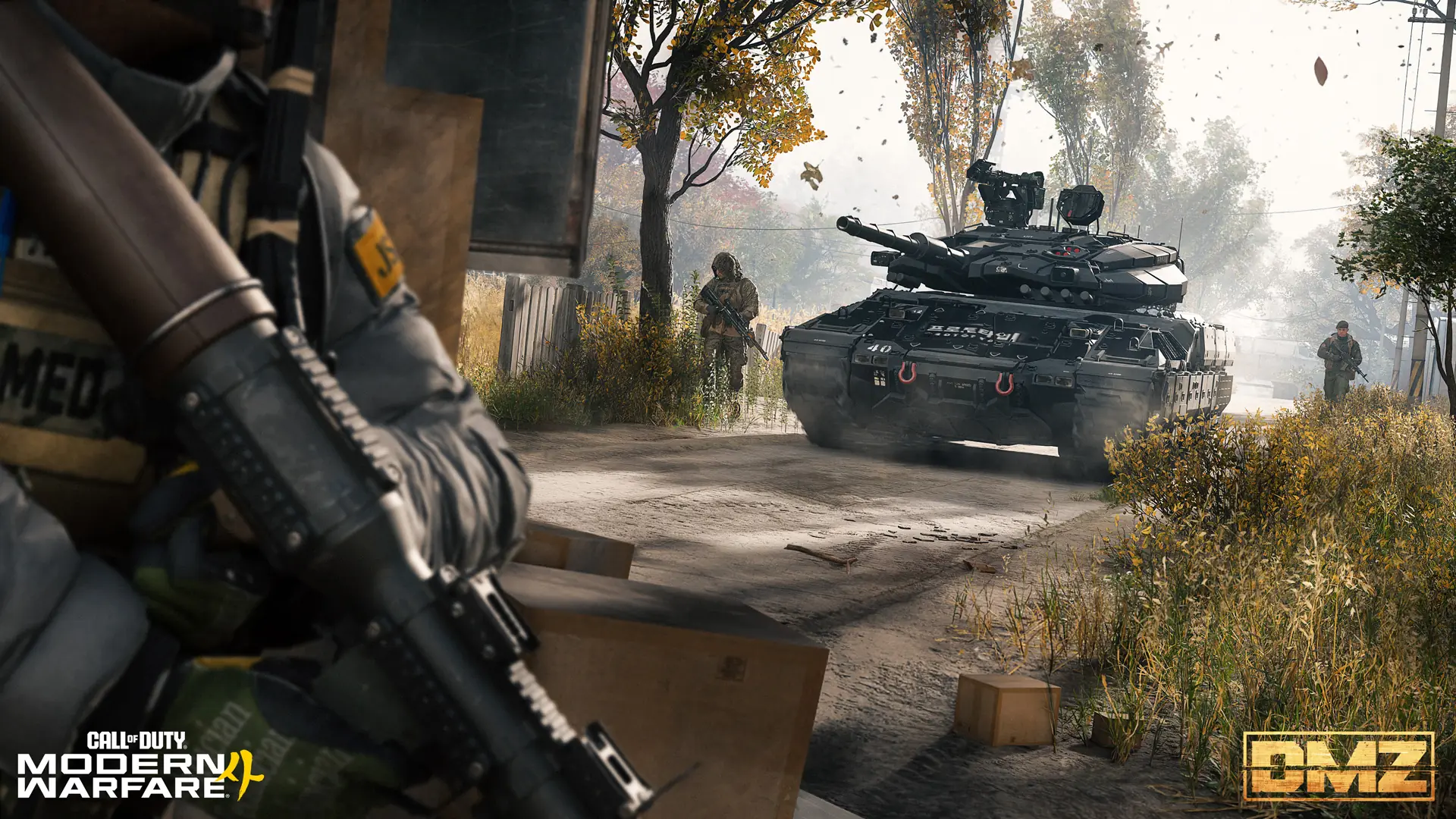
Meeting another squad does not have to end in a fight. Open the Ping Wheel during a deployment to find the Truce and assimilation actions. Decide whether you want to pass each other safely or actually join forces before sending a request.
Truce versus joining a squad
| Your intention | Action to look for | What to check next |
|---|---|---|
| Avoid a fight with the other group | Truce | Their response and whether both groups understand the plan |
| Become part of the same group | Assimilation | The squad roster and available space |
| Coordinate without speaking | Ping Wheel commands | Whether your teammates received the intended signal |
The official Hajin guide identifies both actions on the Ping Wheel and describes proximity chat as a way to communicate with nearby Operators. The truce and assimilation reference records three-player squads and an expanded limit of four through assimilation. Do not plan around merging two full squads into six players.
Keep cover while you communicate
This is practical encounter advice, not a promise that other players will cooperate:
- Send a clear request while you still have cover and room to withdraw.
- Agree on something concrete: passing through, recovering someone, or joining the squad.
- Keep your own teammates informed so one person does not mistake the encounter for a fight.
- Check the roster before treating an assimilation attempt as complete.
A request is not proof of acceptance. Do not step into the open on the assumption that selecting Truce makes you invulnerable or disables weapons. Our current evidence does not establish those protections.
Solo players: keep the objective simple
A short agreement to move past another group can be useful even when you do not want to change squads. Decide what you are trying to preserve: a mission item, your equipment, or the time already spent on the run.
If cooperation fails, return to your original plan rather than chasing an argument across Hajin. Use the solo guide for preparation and the exfil guide to compare your ways out.
Prepare before the encounter
Find the Ping Wheel binding in your control settings before you need it. Input prompts vary, so use the binding displayed for your setup. This guide does not prescribe one universal controller button or keyboard key.
If your main problem is being spotted by AI before reaching other players, read the stealth and detection guide. A player agreement and AI detection are different problems.
Quick questions
Does requesting a truce guarantee safety?
Do not assume so. Sending a request does not establish acceptance or protection from damage.
Can two full three-player squads become a six-player team?
The current companion reference records an assimilation cap of four, not six.
Mentioned in this guide
Spotted something wrong? Send a correction.